
When people search for Flick ratings, they are usually trying to answer a much simpler question: is this tool actually worth paying for, or does it just look polished on the sales page. That is a fair question, because social media tools get expensive fast once you start stacking schedulers, AI writing tools, analytics apps, and hashtag helpers.
Flick makes a strong first impression. The scores are good, the product has clearly moved beyond being just a hashtag tool, and the main promise is appealing if you want scheduling, content help, and Instagram-focused insights in one place.
That still does not make it an automatic buy. A high rating helps, but it only matters if the product fits the way you actually work, so this review is built to help you decide whether Flick is the right move now, later, or not at all.
Article outline
Use these jumps if you want to skip straight to the part that matters most.
- What the ratings say before you start the trial
- Who Flick already looks best for
- What you get in the free trial
- The good stuff
- Pricing and where it starts to make sense
- Why waiting can cost you time
- Flick vs other options
- Final verdict
- FAQ
What the ratings say before you start the trial
Flick looks stronger than a random niche app with a nice homepage and no real user signal behind it. The review pattern says plenty of users like the product, but it also says you need to look at where those ratings come from before you treat them as proof.
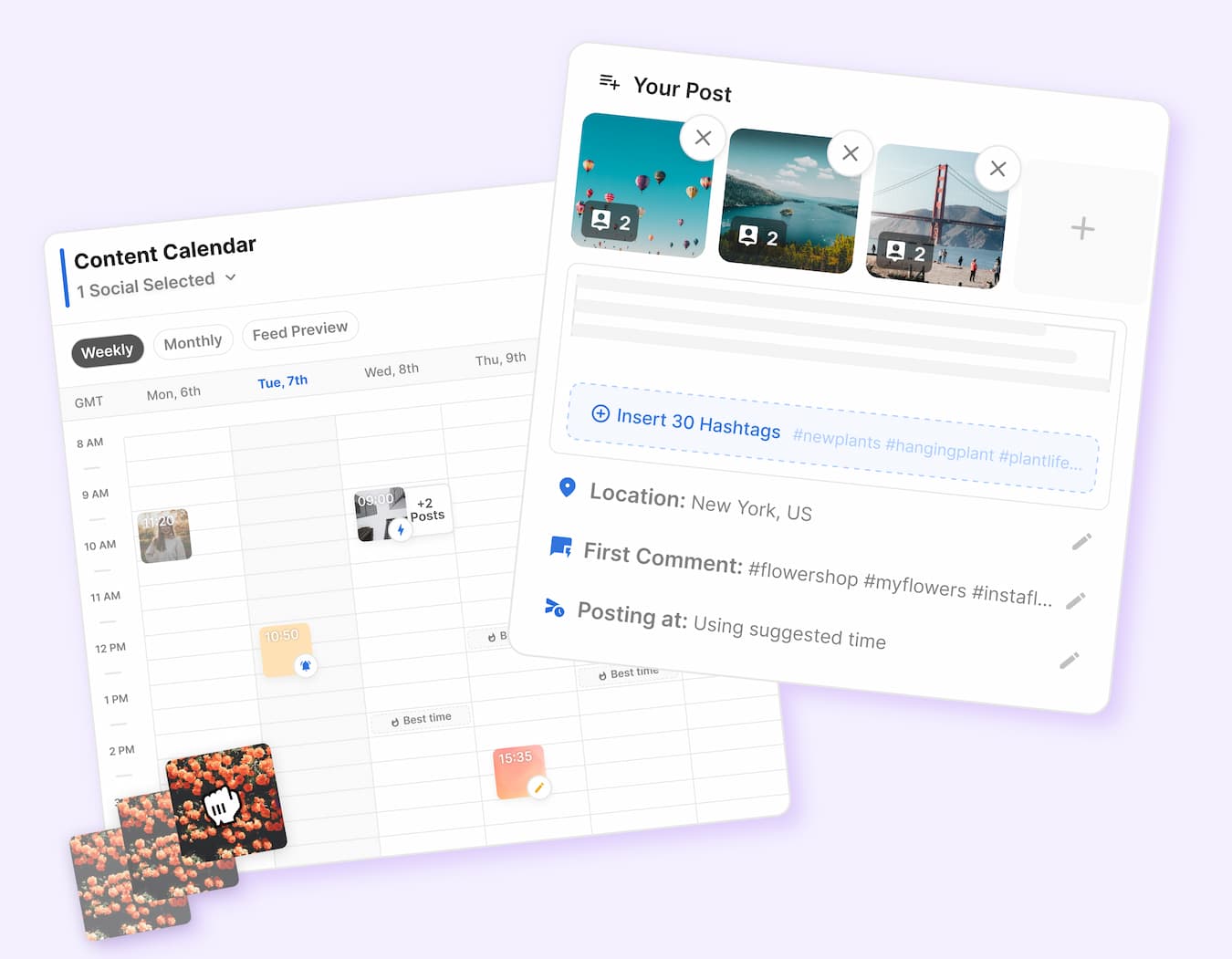
Image source: Flick official site
The strongest signals right now come from G2 and the iPhone App Store. G2 shows Flick at 4.7 out of 5 from 137 reviews, while the App Store shows 4.6 out of 5 from 715 ratings, which gives you a better mix of professional software buyers and everyday users.
Trustpilot is much weaker at 3.2 out of 5, but that page only has 1 review. I would not let a one-review profile outweigh a much larger body of feedback unless you already saw other warning signs that matched it.
That is the quick read. Flick has enough real user approval to take seriously, but the ratings do not automatically mean it is the best tool for every type of social media team.
The product looks most convincing if you want a focused social workflow instead of a bloated platform. It looks less convincing if you need enterprise-level reporting, large-team collaboration, or a broader business stack that reaches far beyond content planning and Instagram-heavy work.
Who Flick already looks best for
The ratings line up with a very specific kind of buyer. Flick makes the most sense for creators, marketers, consultants, and smaller teams that want to plan content, get hashtag help, schedule posts, and keep an eye on performance without paying for a giant all-in-one social suite.
Strong fit if this sounds like you
- You publish regularly and want one place for scheduling, hashtag research, AI help, and Instagram-focused analytics.
- You care more about moving faster every week than building a heavy enterprise workflow.
- You are tired of bouncing between spreadsheets, notes, caption docs, and separate posting tools.
Wait or skip if you need more than this
- You need deep multi-user collaboration across a large team from day one.
- You want broad cross-channel reporting that goes well beyond Flick’s Instagram-centered analytics strength.
- You are barely posting yet and would not use enough of the platform to justify paying for it.
That last point matters more than most reviews admit. If you do not already have content going out each week, any paid social tool can feel unnecessary because the software is not the bottleneck yet.
If you are already active, the story changes fast. A tool like Flick can start paying for itself by cutting the mess out of planning, posting, and hashtag work, which is why the official trial is worth a real look for the right buyer.
You can explore Flick here if you already know you want a cleaner content workflow instead of more manual patchwork.
Check the official free trialWhat you get in the free trial
Flick gives you a 7-day trial, and that is enough time to make a real decision if you actually use it. The official pricing page says all plans include the trial, and the trial guide makes it clear you can test scheduling, analytics, hashtag search, hashtag collections, AI hashtags, and the AI assistant inside that window.
That matters because a short trial only works when the product lets you touch the parts people actually pay for. Flick does not make much sense as a “maybe later” signup, because the value shows up when you connect your accounts, build a few posts, and see whether the workflow feels faster than what you are doing now.
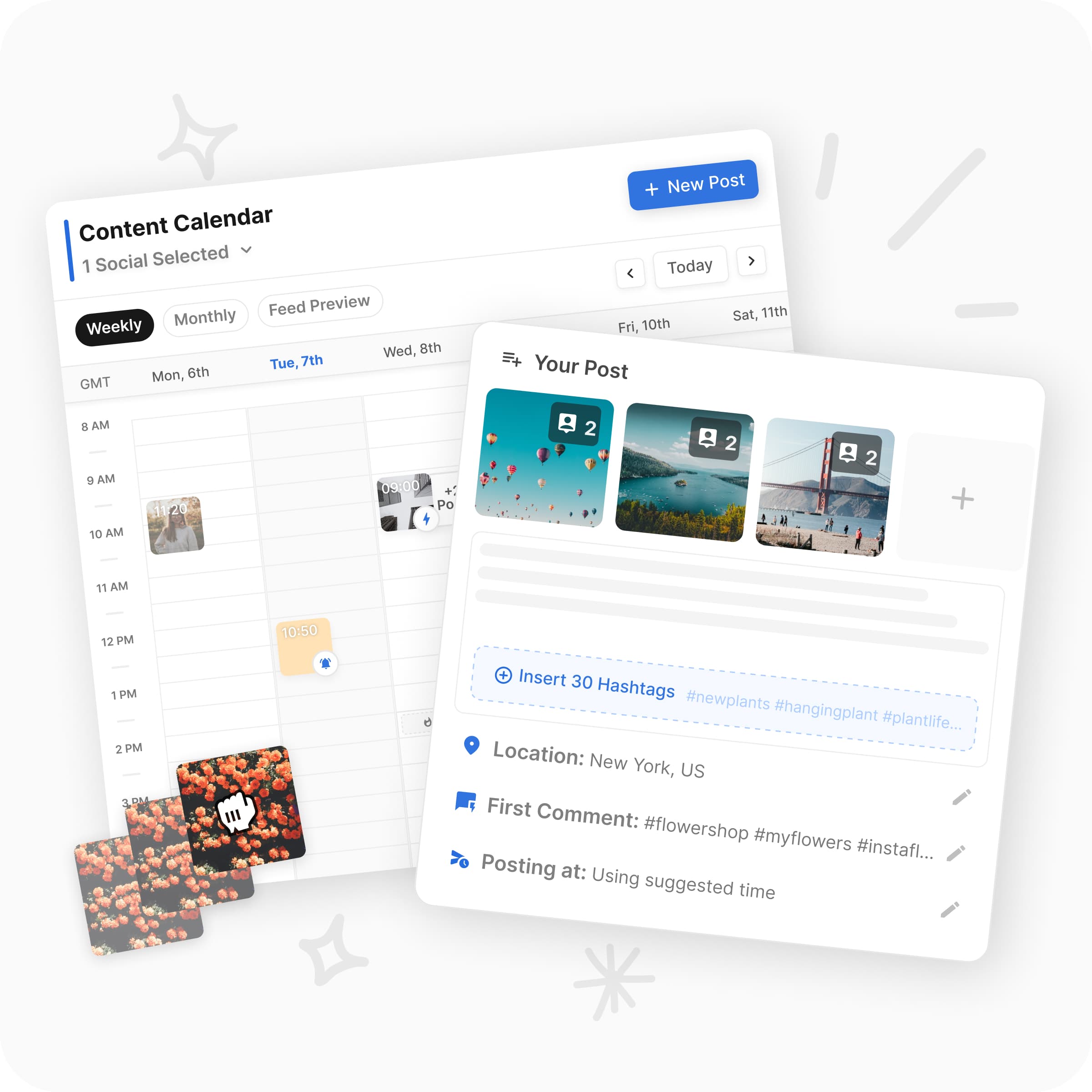
Image source: Flick official site
What you can realistically test in a week
You can link social accounts, build a content calendar, generate captions and hashtags, and schedule real posts. You can also check whether Flick’s analytics and best-time suggestions feel useful enough to change how you plan content.
That is a solid test if you are already posting every week. If you are not creating content yet, the trial can feel underwhelming because the software is ready before you are.
Where the trial feels limited
Seven days is not a lot if you want to judge long-term analytics or build a full month of content from scratch. You need to go in with a plan, otherwise you burn half the trial clicking around and never get to the part that justifies paying.
That is not a deal-breaker. It just means Flick rewards buyers who already have offers, ideas, or client accounts ready to plug in.
If that sounds like you, it makes sense to check the official free trial while you actually have content to test.
The good stuff
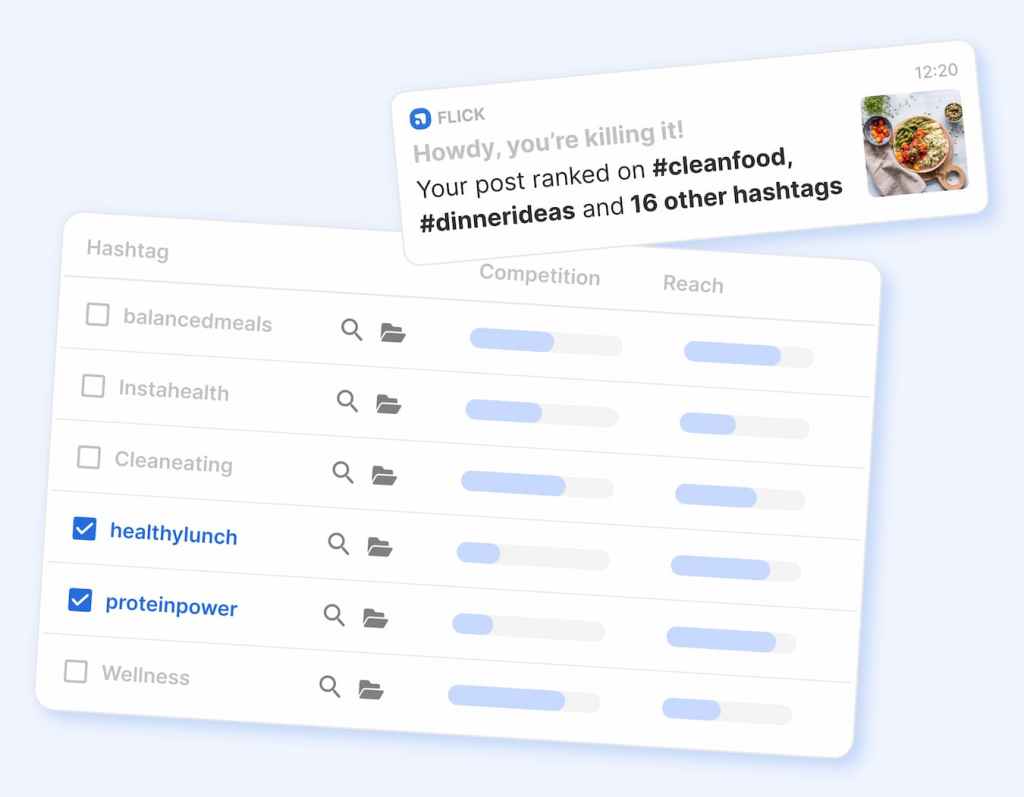
Flick gets more interesting once you stop thinking of it as just another scheduler. The stronger pitch is that it pulls planning, caption help, hashtag work, and Instagram-focused analytics into one workflow that feels lighter than stitching together separate tools.
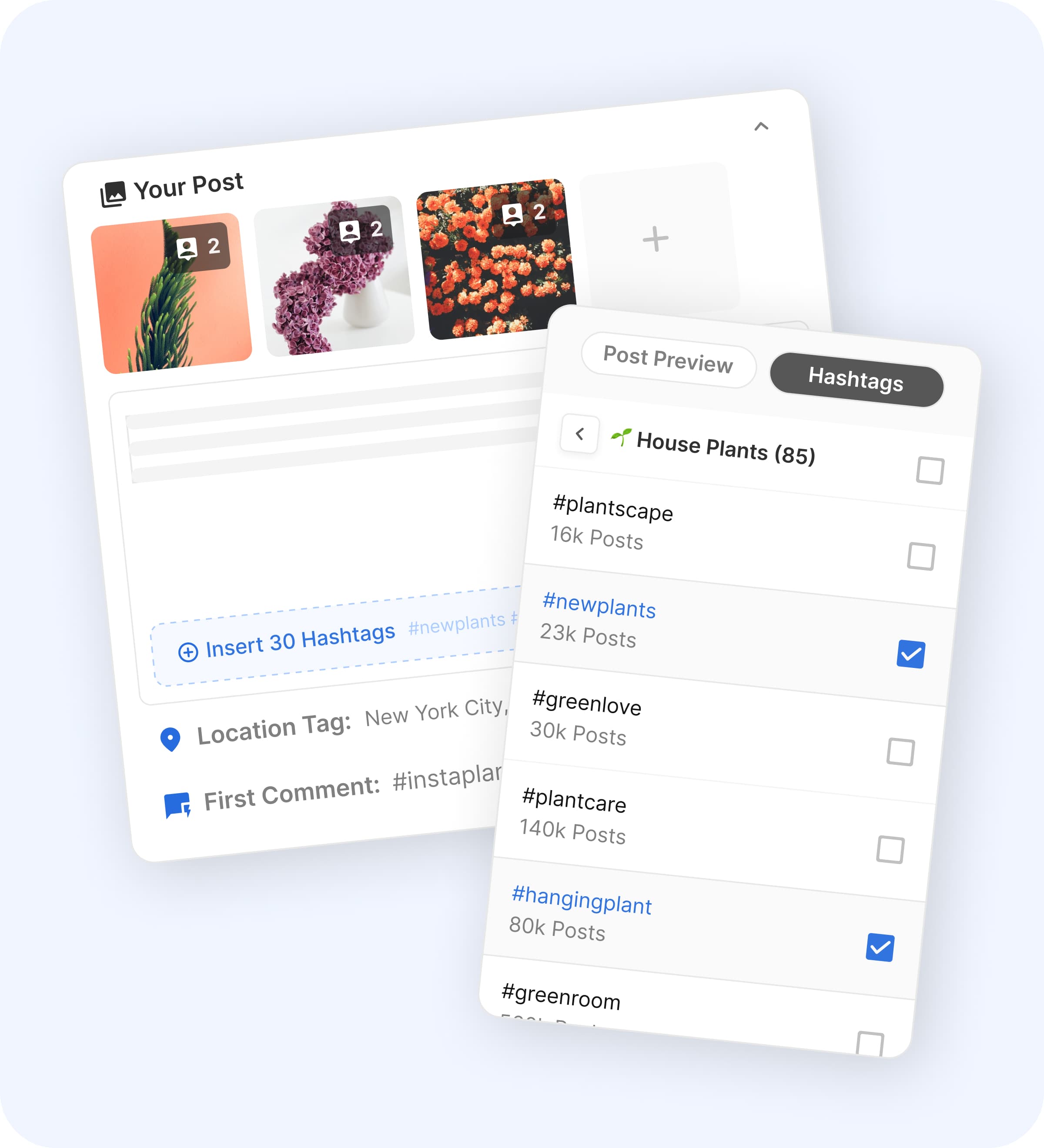
Image source: Flick official site
Why people stick with it
The clearest upside is convenience without feeling stripped down. You can plan posts, work on captions, add hashtags, preview content, and keep an eye on what is performing without jumping between tabs and tools all day.
That saves more time than it sounds. Manual social workflows are annoying because the friction piles up in tiny steps, and Flick seems built to remove exactly those steps.
Where it starts to earn its price
Flick earns more of its keep if Instagram is a serious channel for you. The built-in hashtag tools, best-times suggestions, and post analytics are a bigger deal for Instagram-heavy users than they are for someone who only wants a basic cross-platform queue.
That is also why the Flick ratings stay relevant. People are usually happiest with this product when they want help with planning and performance, not just a place to click “schedule.”
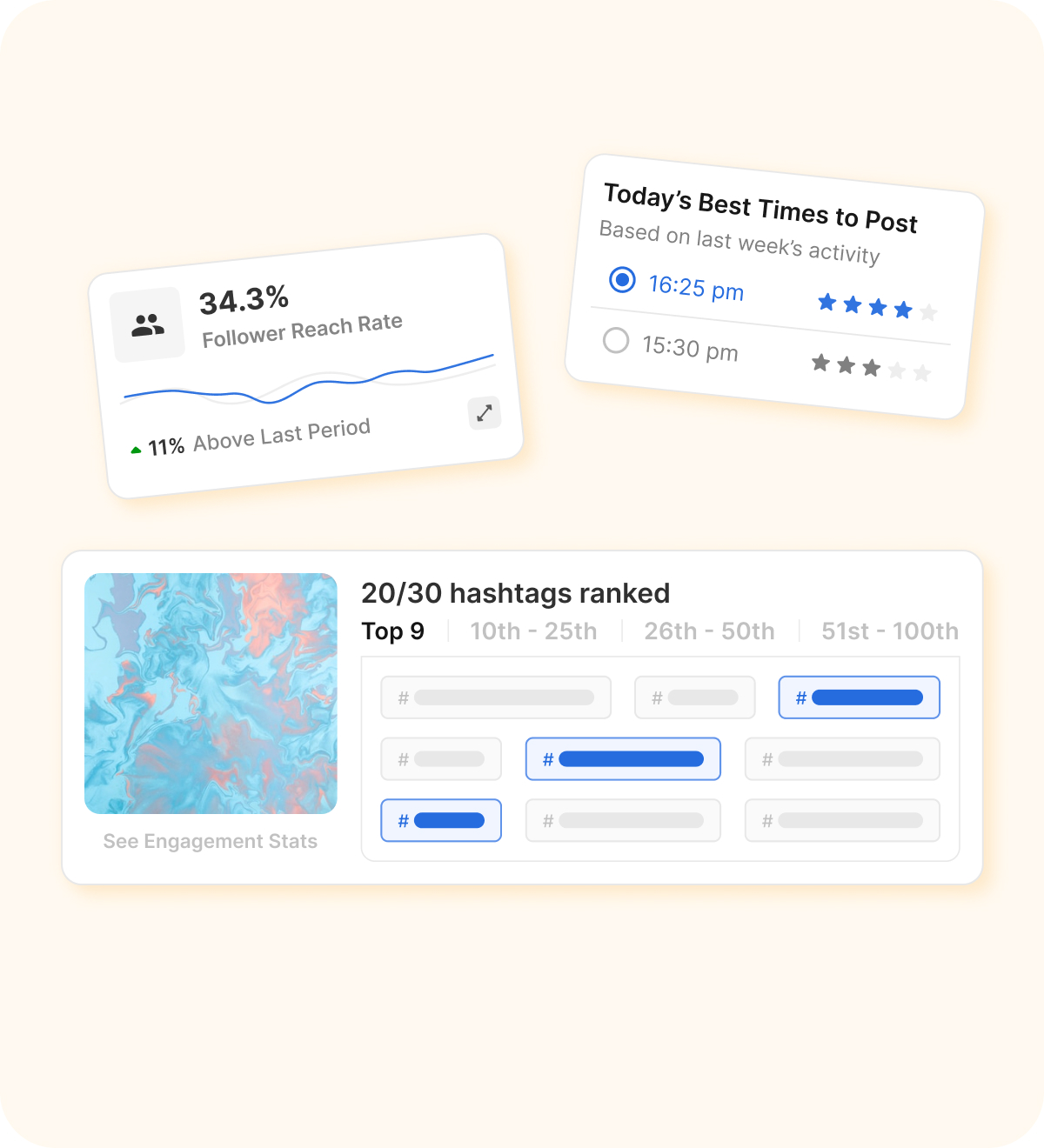
Image source: Flick official site
The catch
Flick is not the cheapest way to schedule posts. It also will not replace a full CRM, funnel builder, or heavier client-management stack if that is what your business needs.
That makes it great for some buyers and overkill for others. If you only want the cheapest possible scheduler, a simpler tool can win on price alone.
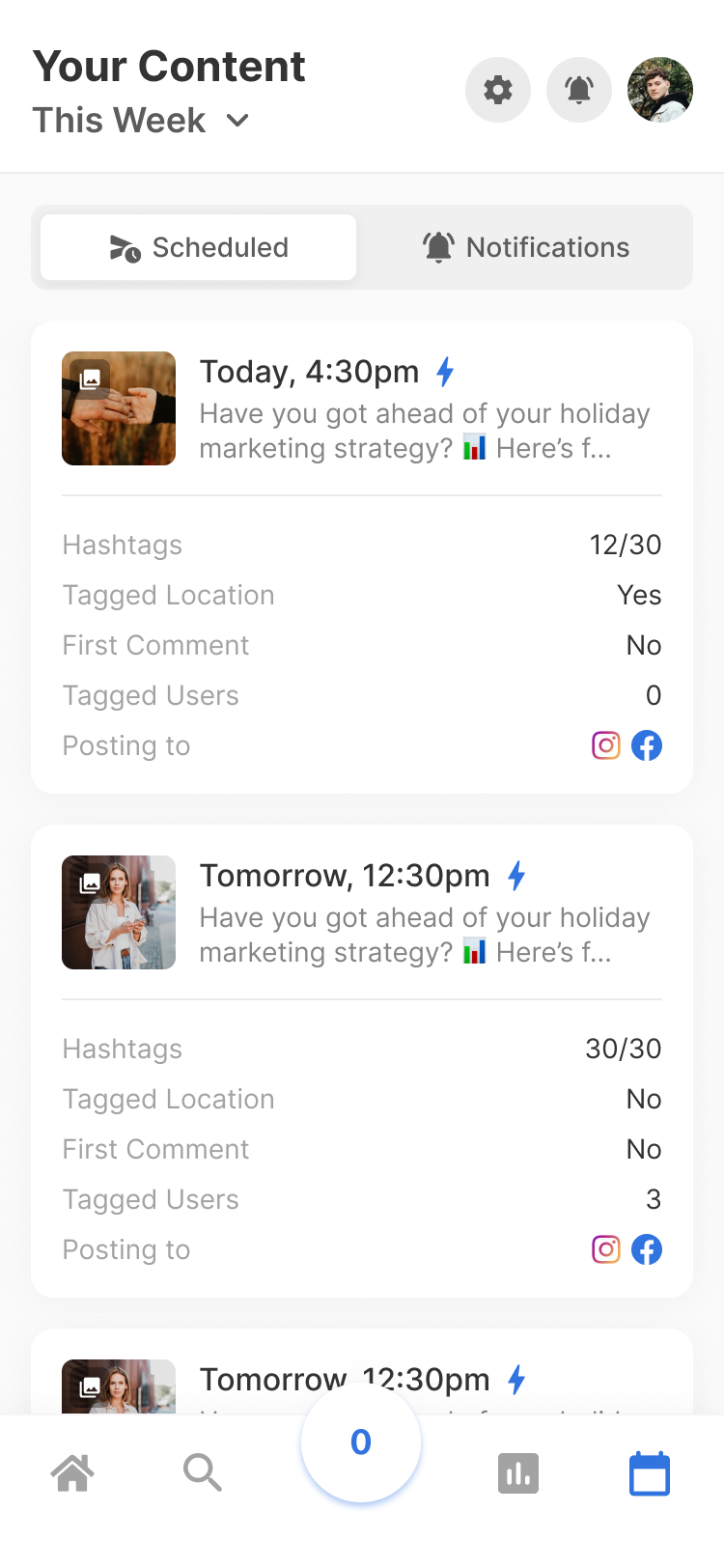
Image source: Flick official site
Pricing and where it starts to make sense
Flick’s official pricing starts at £11 per month billed yearly for Solo, then £24 for Pro, and £55 for Agency on yearly billing. The big split is simple: Solo gives you a lighter version with limits, while Pro is where unlimited scheduled posts, unlimited tracked Instagram posts, and full feature access show up.
That is the real decision point. If you are serious enough to need Flick, Pro is usually the tier that makes the review feel positive, because that is where the platform stops feeling restricted.
Here is the fastest way to think about the price next to a couple of affiliate tools people are likely to compare it with.
See current pricingFlick wins that comparison when you want a cleaner content workflow, especially around Instagram. Buffer is easier to justify if you mostly want cheap scheduling, while GoHighLevel only makes more sense if social is just one piece of a much bigger sales and automation setup.
Why you might want to get it now
Waiting sounds smart until you notice you are still doing the same clunky content process a month from now. If your current setup is notes, spreadsheets, separate caption docs, and last-minute posting, Flick can clean that up fast enough to justify taking the trial seriously now.
That does not mean everyone should buy today. It means the right buyer usually knows they are already wasting time, and software like this starts looking expensive only when you ignore how much manual effort you keep paying for every week.
If you already have content to publish, a business to promote, or client accounts to manage, this is a smart moment to explore Flick. If you are still figuring out what to post at all, save your money for now and come back when the workflow problem is real.
Get started with FlickFlick vs the main alternatives
Flick looks best when you want more than a basic scheduler but do not want a giant all-in-one system either. That middle ground is exactly why the alternatives matter, because plenty of people searching Flick ratings are really deciding between a cheaper tool and a broader business platform.
The cleanest comparison is Flick vs Buffer vs GoHighLevel. Buffer is the simpler budget-friendly option, while GoHighLevel goes much further into CRM, funnels, and automation than most content-focused buyers actually need.

Image source: Flick official site
Check the official free trialChoose Flick if your real problem is messy content planning, weak hashtag workflow, and not knowing what is working. Choose Buffer if you mostly need cheaper scheduling, and choose GoHighLevel if social is only one small piece of a bigger client, funnel, and automation setup.
My honest take
Flick is worth trying for the right buyer. It is not the cheapest option, but it makes more sense than cheap schedulers when your weekly process includes planning content, writing captions, picking hashtags, scheduling posts, and checking performance.
That is where Flick ratings start to feel useful instead of just flattering. The product seems to earn better feedback because it solves a full content workflow problem, not just one small scheduling task.
Image source: Flick official site
Buy now if you already post regularly and your current setup feels scattered. The trial is easier to justify when you already have content ready, because you can judge the payoff fast instead of guessing.
Wait if you are still figuring out what to post at all. Software does not fix an empty strategy, and paying for Flick too early can make it feel more expensive than it really is.
Skip it if all you want is the cheapest queueing tool. In that case Buffer is the easier call, and I would not pretend otherwise just to force a recommendation.
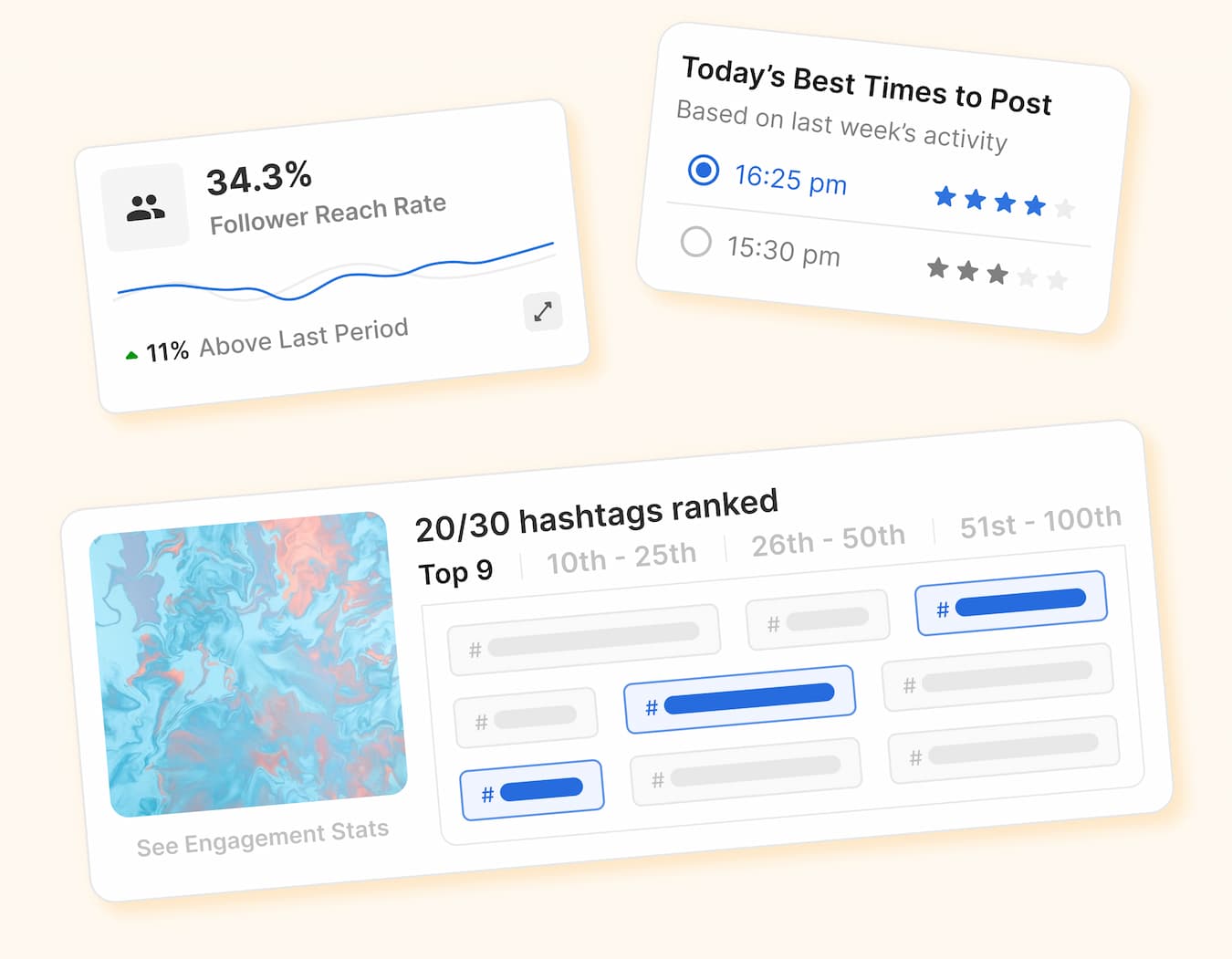
Image source: Flick official site
Flick becomes the smart choice when Instagram-led execution actually matters to revenue, leads, or client retention. If you are serious about publishing consistently and you want one cleaner place to do the work, this is absolutely worth a real look.
Get started with FlickFAQ
Is Flick worth it if I only need scheduling?
Probably not. If your only job is putting posts in a queue, Buffer is easier to justify on price alone.
Is Flick good for agencies?
Yes, but mainly for agencies that care about content workflow more than CRM depth. If your agency also needs pipelines, automations, and sales follow-up, GoHighLevel is the broader option.
Can beginners use Flick?
Yes, the setup looks approachable, but beginners still need content to make the trial useful. If you are not posting yet, waiting a little can be smarter than paying too early.
Does Flick replace every other marketing tool?
No, and that is fine. It is a stronger buy when you want to improve planning, hashtags, caption creation, scheduling, and analytics without jumping to a huge all-in-one system.
Should you try Flick now, later, or skip it?
Try it now if your content workflow already exists and feels messy. Wait if you are still building the habit, and skip it if cheap scheduling is all you need.
That is the cleanest conclusion from this Flick ratings review. For the right buyer, Flick is not just another nice-looking social tool; it is a practical upgrade that can save time fast once you actually use the workflow it is built for.
Explore Flick Filip Konecny Enterprises