
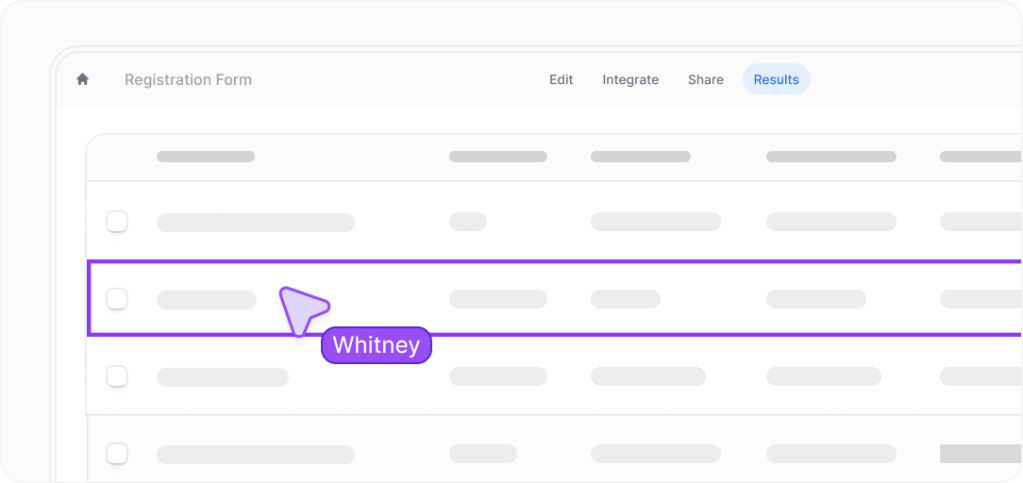
Most people searching for the Fillout free trial are not just asking whether a trial exists. They want to know whether Fillout lets them test the product properly before paying, or whether the useful stuff is locked away too early.
Fillout makes a strong first impression because the official pricing page already gives free users unlimited forms, unlimited seats, and 1,000 responses per month. That means the free plan behaves more like a real working test than a tiny teaser.
That does not automatically make it the right choice for everyone. Fillout becomes much more attractive once you care about branding, payment forms, routing logic, better share links, custom domains, and workflows that replace manual admin instead of just collecting a few answers.
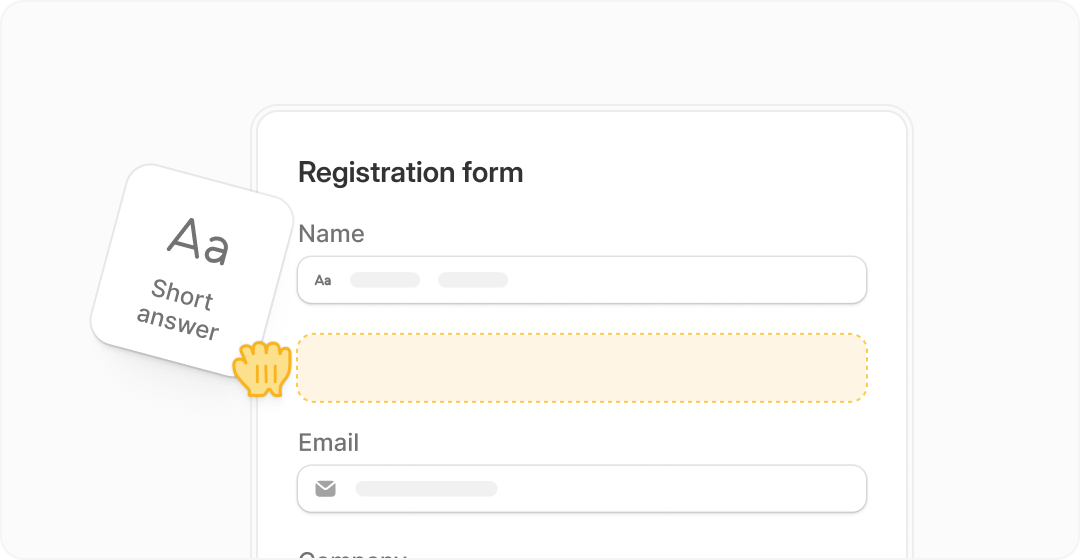
Image source: Fillout homepage
My quick take
Fillout is worth trying if you already need more than a basic form builder. It stands out when you want one tool to handle lead capture, client intake, surveys, scheduling, payments, and logic without stitching together a messy stack.
The biggest reason to try it now is simple: you can test a lot before you pay. The free tier is strong enough to build something real, send traffic to it, and see whether the form experience actually saves time or lifts conversion.
The main limitation is that the polished business-facing features sit higher up the ladder. If your brand needs white-label links, custom domains, custom code, or analytics, the free version will tell you whether Fillout fits your workflow, but not whether it fully replaces every tool in your setup.
I would not tell a total beginner to upgrade immediately. If you only need a plain contact form or a simple internal survey, a free tool like Google Forms may still be enough, and paying for Fillout too early would be overkill.
I would tell a freelancer, agency, startup, coach, consultant, or SaaS team to take it seriously. Once you have an offer, a booking flow, a payment form, or a lead funnel that needs to look better and do more, Fillout starts earning its price fast.
Check the official free trialThe decision is pretty straightforward at this stage. Start with the free tier if you want to see how Fillout feels in real use, and only pay once the limits are blocking something that already matters to your business.
One small billing detail is worth knowing early. The billing help page says that if you add a credit card during a paid trial, the account auto-upgrades at the end unless you opt out first, so this is not the kind of trial you start and then forget about.
Article outline
You do not need to read this review from top to bottom. Jump to the section that matches how close you are to making a decision.
Start here
- My quick take for the fast answer on whether Fillout is even worth your time.
- What you get in the free trial if you want to know whether you can test the tool properly before paying.
Before you pay
- The good stuff if you care more about practical upside than feature lists.
- Pricing and value if your biggest hesitation is whether the paid plans justify themselves.
- Why you might want it now if you are tempted to wait but already have forms slowing down your work.
Compare before you commit
- Alternatives worth considering if you want to see where cheaper or broader tools may fit better.
- Final verdict for the clearest buy, wait, or skip answer.
- FAQ for the small questions that usually come up right before someone starts a trial.
If you already have a real use case, Fillout has enough on the free tier to make this an easy test. The next section gets into what you actually receive before you hand over money, which is the part that usually decides whether this feels smart or unnecessary.
What you get in the free trial
The first thing to know is that Fillout does not force you into the usual rushed, countdown-style trial. The pricing page makes it clear that the entry plan is free forever, which is a much better setup if you actually want to build something real before paying.
That free tier is generous enough to matter. Fillout includes unlimited forms, unlimited seats, 1,000 responses a month, multi-page forms, form embedding, payments, scheduling forms, PDF generation, conditional logic, unlimited file uploads, workflows, resume links, calculations, and hidden fields.
That is why the Fillout free trial is worth more than most “try it for 14 days” offers. You can build a lead form, intake form, booking flow, or payment form and see whether it actually helps your business before you spend a dollar.
Image source: Fillout homepage
Starter is where the paid version starts feeling more complete. The plan breakdown says Starter adds 2,000 responses a month, all question types, custom endings, login forms, and redirect on completion.
Pro is where branding starts to feel properly business-ready. You get 5,000 responses a month, custom emails, no branding, custom share links, custom fonts and favicon, plus custom CSS.
Business is the jump for teams using forms as a serious operating tool. That plan adds unlimited responses, form analytics, custom code, partial submissions, pre-fetch data, and priority support.
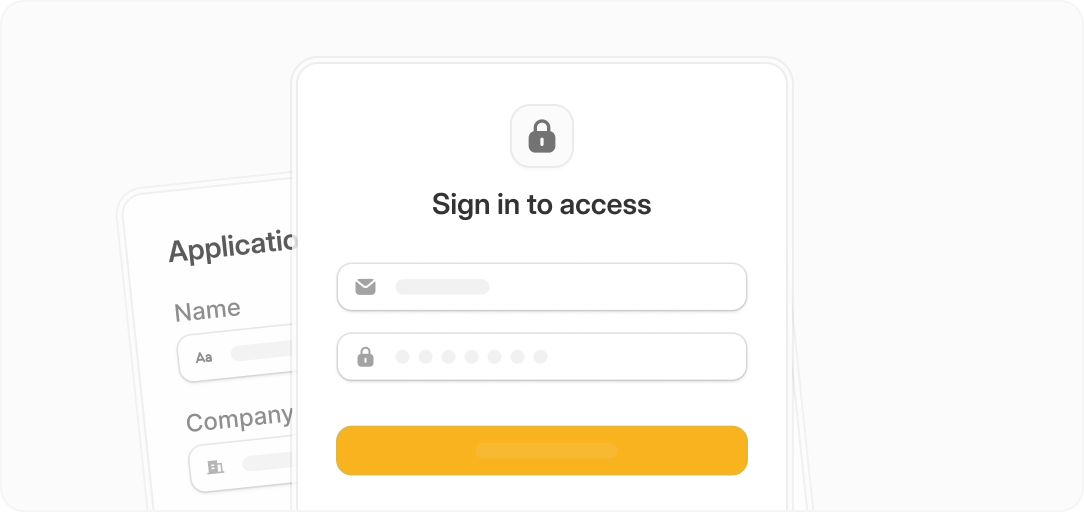
Image source: Fillout homepage
The catch is simple. If you only need a plain contact form, the free tier may already be enough forever, and paying early would be unnecessary.
Another small catch matters if you start testing paid access. The billing help page says that if you add a card during a trial, the account can auto-upgrade at the end unless you opt out first.
The good stuff
Fillout is easy to like because it stays focused. It is trying to help you collect information, book people, take payments, route leads, and move data where it needs to go without dragging you into a bloated all-in-one tool on day one.
That focus helps beginners. You can usually understand Fillout faster than something like GoHighLevel or ClickFunnels because you are not learning a whole sales and CRM system just to improve one form.
The strongest benefit is how many small jobs it can absorb. A decent Fillout setup can replace a basic form builder, a scheduling link for simple use cases, some PDF admin work, a payment collection page, and part of the manual back-and-forth you would otherwise handle by email.
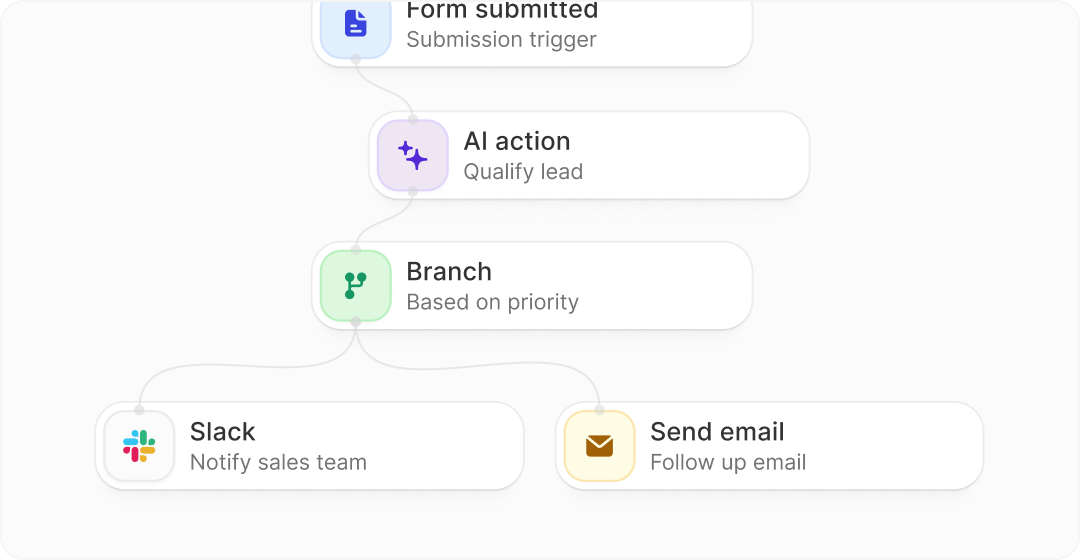
Image source: Fillout homepage
Payments are another reason this tool is more serious than it first looks. The payments page says Fillout supports credit card, ACH, Affirm, and Stripe Link, and it positions itself as an official Stripe partner with 0% added fees.
That matters if you sell services, take deposits, run paid applications, or want cleaner order flows. It is much better than collecting info in one tool and then chasing payment somewhere else.
Branding is another real strength once you move beyond free. The styling docs show that Fillout gives you themes, fonts, logos, layouts, images, progress bars, and more control over the finished experience than the average “good enough” form app.
Fillout also gets more compelling when you care about internal efficiency, not just lead capture. A cleaner intake flow, login form, scheduling step, and automated response path can save hours of admin over a month, especially for agencies, consultants, coaches, recruiters, and service teams.
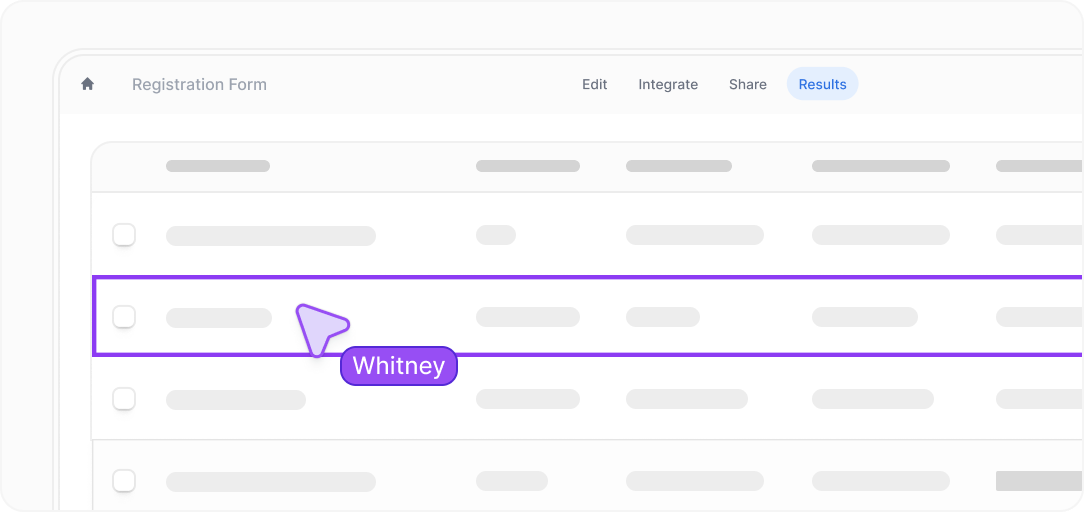
Image source: Fillout analytics docs
It is not perfect. If you need deep CRM management, full email marketing, sales pipelines, course delivery, and broad campaign automation in one place, Fillout is not trying to be that product.
That is also why it stays attractive. You are paying for a much tighter job, and for the right buyer that is exactly the appeal.
Pricing and value
Fillout is cheap if forms are your bottleneck. It starts free, then moves to $15 a month billed annually for Starter, $40 for Pro, and $75 for Business on the official pricing page.
That pricing looks even better when you compare it to broader tools that happen to include forms. Systeme.io starts free and then $17 a month, while ClickFunnels and GoHighLevel both start at $97 a month.
That does not mean Fillout is always the best deal. It means Fillout is the best deal when the main thing you need fixed is the form experience, not your entire marketing stack.
Check the official free trialWhy you might want it now
Fillout is worth starting now if you already have a real form problem. Ugly lead forms, clunky client intake, scattered payment steps, and manual follow-up do not fix themselves while you wait.
The free plan removes most of the risk. You can rebuild one high-value form, send traffic to it, and decide based on actual use instead of guessing.
That makes this a smart trial for the right buyer. You are not being asked to commit to a huge stack before you know whether the front-end experience is better.
I would wait if you have no offer, no traffic, and no real use case yet. I would start now if you already collect leads, book calls, take payments, or onboard clients and your current form flow feels messy.
That is the whole decision in plain English. Buy broader software later if you need a broader stack, but use Fillout now if forms are the thing slowing you down.
Alternatives worth considering
Fillout is not the automatic winner for everyone. It is the strongest pick when forms are the problem you need to solve, not when you want a giant all-in-one system with funnels, CRM, email marketing, and client management bolted together.
That is why the best comparison is not “which tool has the most features.” The better question is whether you need better forms now, a cheaper all-in-one later, or a much broader business stack that also happens to include forms.
Image source: Fillout homepage
Check the official free trialChoose Fillout if your forms sit close to money, leads, bookings, or client onboarding and you want them to look better and do more. Choose Google Forms if you want the cheapest possible answer, choose Systeme.io if you want a cheaper all-in-one path, and choose GoHighLevel if you need a broader agency-style operating system.
My honest take
Fillout is worth trying for the right buyer. The reason is simple: the free plan is useful enough to test real workflows, and the paid plans stay cheap compared with tools that try to sell you an entire business stack from day one.
This is not the tool I would push on everyone. If you are still figuring out your offer or you only need a basic internal form, the free option may be enough or a simpler tool may do the job.
I would push harder if you already collect leads, book calls, take deposits, run applications, or onboard clients. Fillout starts making a lot more sense when your current form flow feels cheap, awkward, or manual and that friction is slowing down real business.
The biggest strength is focus. Fillout helps you build better forms, route people more cleanly, collect payments, use logic, protect access, and keep branding tighter without forcing you into a giant platform you may not be ready for.
The biggest limitation is also obvious. Fillout will not magically replace a full CRM, email platform, funnel builder, and client management system, so buyers who want that much breadth will outgrow it or need another tool beside it.
Image source: Fillout homepage
That is why the Fillout free trial works so well as a buying decision. You can build something real, judge whether the experience feels better, and only move up once branding, limits, analytics, or advanced control actually matter.
I would start now if forms are already blocking results. I would wait if you are still too early to know what your intake, booking, or payment flow even needs to do.
That is the cleanest verdict I can give you. For the right buyer, this is absolutely worth trying, and waiting usually just means you keep living with a form setup that looks worse and does less than it should.
Get started with FilloutFAQ
Is Fillout actually free, or is it just a short trial?
Fillout has a real free plan, not just a countdown trial. The official plan page lists unlimited forms, unlimited seats, and 1,000 responses per month on the free tier, which is enough to test a serious use case.
Can you take payments on Fillout?
Yes, and that is one reason the tool is more useful than a plain form builder. The payments page says Fillout supports credit card, ACH, Affirm, and Stripe Link, and it says Fillout adds 0% extra fees on top.
When should you upgrade from the free plan?
Upgrade when the free plan proves the workflow and you hit a real limit that affects the business. The pricing breakdown shows the main upgrade reasons clearly: more responses, no branding, custom emails, custom domains, analytics, custom code, and stronger business control.
Is Fillout hard for beginners?
No, not compared with bigger all-in-one tools. Fillout looks easier to justify for beginners because you can stay focused on building a smarter form first instead of learning a whole system like GoHighLevel or a funnel-heavy tool like ClickFunnels.
Who should skip Fillout?
Skip it if you need nothing more than a plain internal form or if you want a full business operating system more than a form tool. That buyer will usually be happier with something simpler and free, or with a broader platform such as Systeme.io or GoHighLevel.
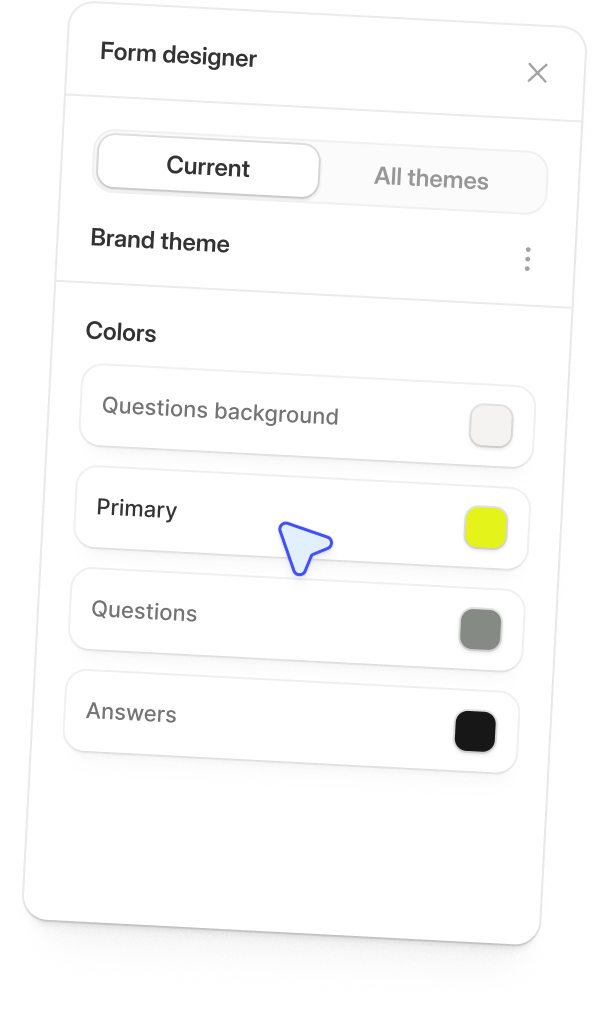
Image source: Fillout homepage
If you already know your forms need to look better, convert better, and do more than your current setup, this is an easy one to test. Fillout gives you enough on the free tier to make a real decision without taking a big financial swing first.
See current pricing Filip Konecny Enterprises