
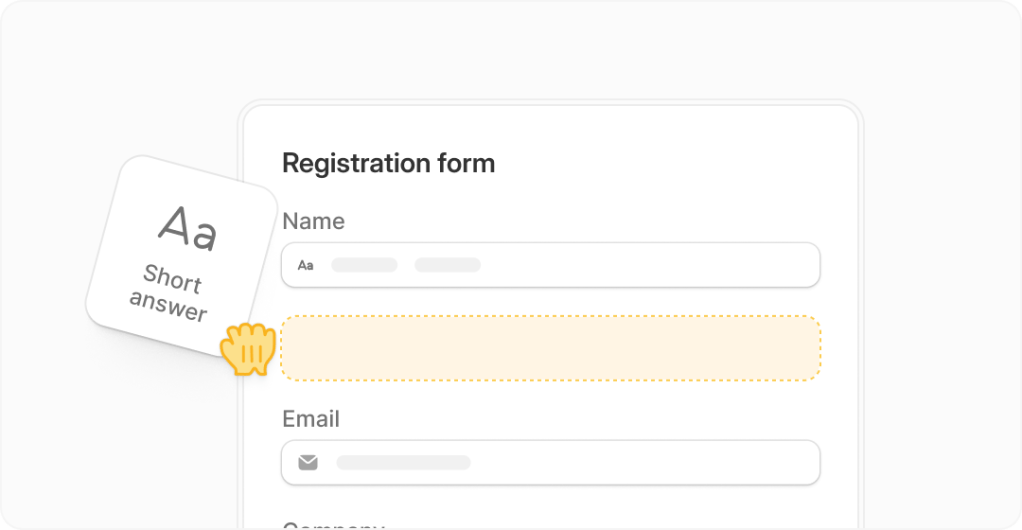
Most people looking for a Fillout demo are not just curious about the interface. They want to know whether this thing will actually save time, look good on the front end, and replace enough manual work to justify using it instead of sticking with Google Forms, Typeform, Jotform, or a messy stack of add-ons.
Fillout makes a strong first impression because it does more than basic forms. The platform combines forms, payments, scheduling, PDFs, conditional logic, and app connections in one place, and if that is what your workflow needs, trying Fillout is easier to justify than waiting around and patching together more tools.
It is not the right pick for everyone though. If you only need a dead-simple contact form and never plan to brand it, automate it, or connect it to the rest of your stack, Fillout can be more than you need, even if the free plan gives you a lot to work with.
My quick take
Fillout looks best for people who already know forms are part of the business, not an afterthought. If you care about cleaner design, database-friendly workflows, built-in payments, and unlimited seats without per-user pricing, this starts looking like a serious upgrade instead of just another form builder.
The reason it gets attention fast is simple. On its current pricing page, Fillout lists a free plan, then paid plans at $15, $40, and $75 per month, while keeping unlimited seats across those plans, which is a big deal if more than one person touches forms, responses, or workflows.
What makes it more than a pretty form builder is the product spread. The official product and help pages show support for 50+ field types, 50+ native integrations, payments, scheduling, PDFs, logic, and security features including SOC 2 Type 2 compliance, so the pitch is not just “make a form,” it is “make the form do real work.”
That table is the short version. Fillout starts to make the most sense when forms are tied to revenue, onboarding, scheduling, lead capture, applications, or internal operations, because that is where better logic and better integrations pay for themselves quickly.
The catch is that some buyers will not need that depth yet. If you are still in the phase where a free bare-bones form does the job and nobody cares about branding, workflows, or response routing, upgrading too early can feel unnecessary.
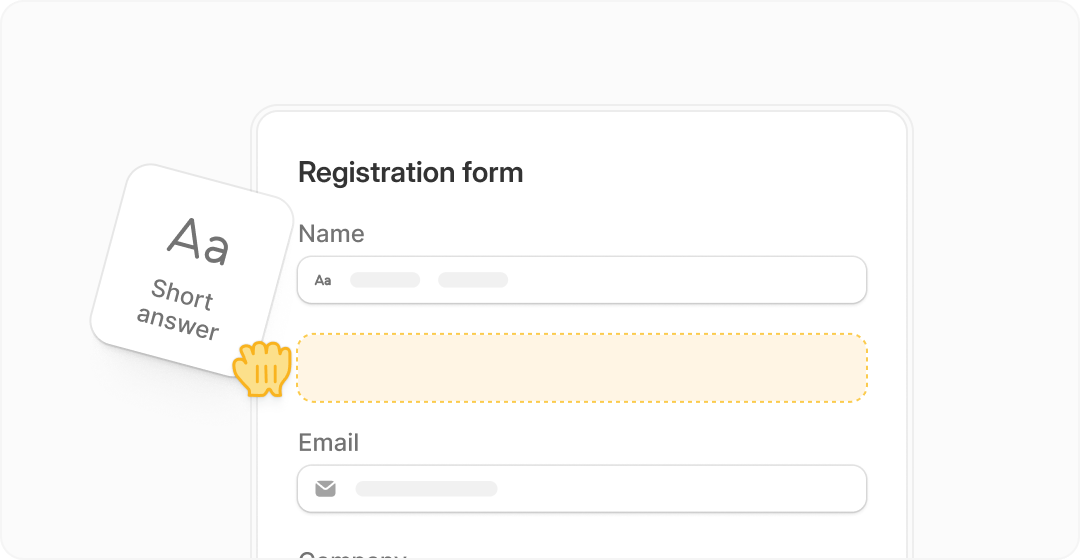
Image source: Fillout homepage
That screenshot is a good example of why Fillout gets interest in the first place. The builder looks clean, but the bigger selling point is that the product is built around turning a form into a workflow instead of stopping at “someone submitted an answer.”
Article outline
This review is built to answer one thing: should you use Fillout now, wait until you need more, or pick something cheaper. I am keeping the flow focused on the buying decision, not generic form-builder theory.
- Start here
- What it costs and why you might pay
- Before you decide
The next section is where Fillout either starts to look smart or starts to look like overkill. If the free plan gives you enough room to test the real workflow, not just the editor, you will know pretty fast whether this is a tool worth building around.
What you get on the free plan
If you came here looking for a Fillout demo, the free plan is basically the demo. The current Fillout pricing page lists a free forever plan, so you can test the builder in a real workflow instead of racing through a short trial.
Free already looks more serious than most “starter” plans. Fillout says you get unlimited seats, unlimited forms, and 1,000 responses per month before you pay anything, which is enough to figure out whether this tool will actually replace what you are doing now.
- Unlimited seats and unlimited forms on Free
- 1,000 responses per month before you need to upgrade
- Most integrations included, plus CSV export and API access
- A real builder you can publish, not a watered-down preview mode
That matters because a fake demo tells you nothing. A real free plan lets you build the form, connect the app, send the link, and see whether the workflow holds up once real people start using it.
Starter is where Fillout opens up more of its value. The same plan breakdown says $15 per month gets you 2,000 responses, all question types, custom endings, login forms, and redirect on completion, which is the point where a lot of basic lead-gen and intake use cases stop feeling limited.
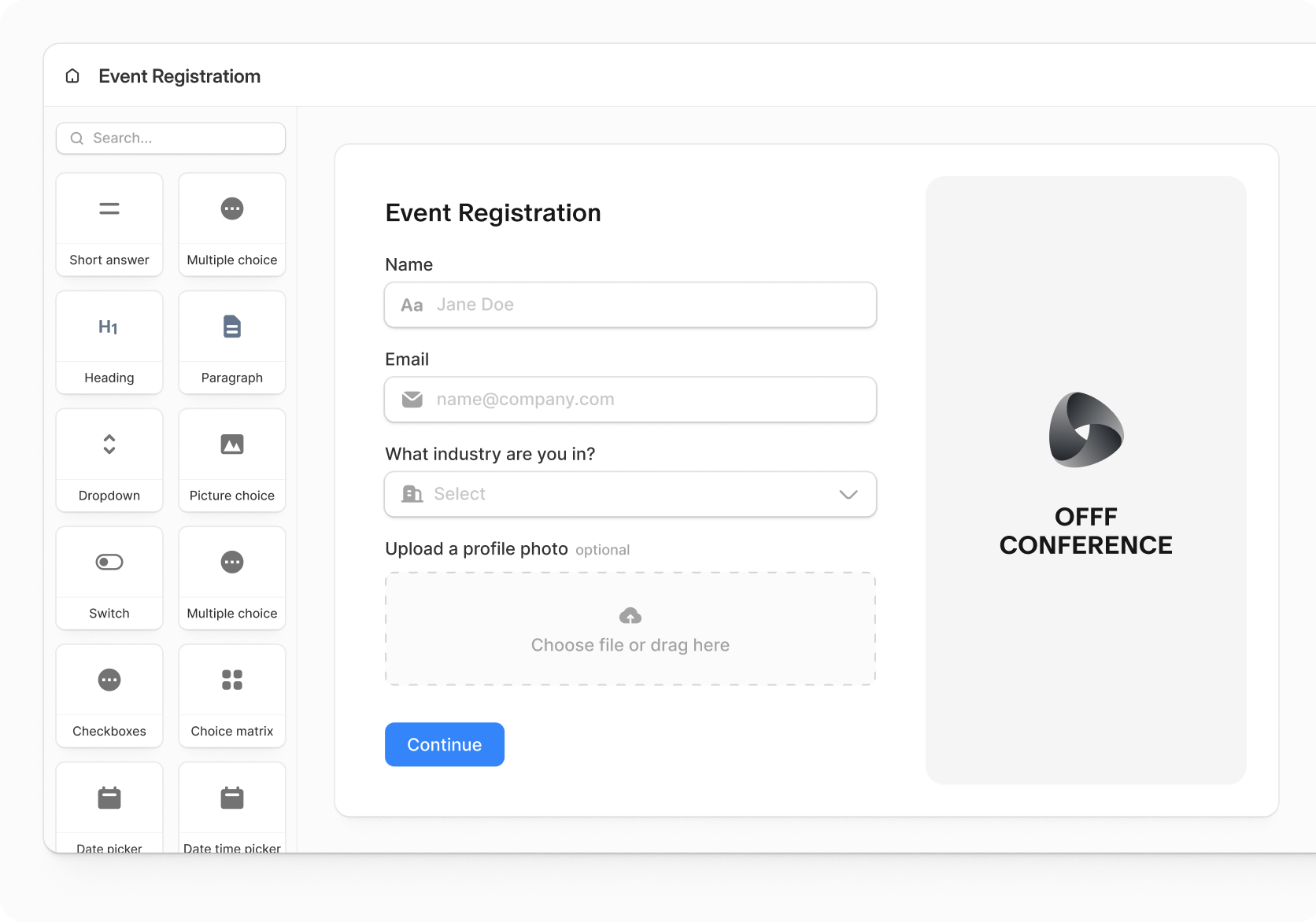
Image source: Fillout homepage
The builder screenshot shows why this works as a practical demo. You can see the drag-and-drop layout, branded form surface, and richer field setup that push Fillout beyond “just collect a name and email.”
The good stuff
Fillout gets more interesting once you stop judging it like a basic form app. The official product page and integrations page position it as forms plus scheduling, PDFs, payments, workflows, signatures, and 50+ native integrations, which is exactly why the price can make sense for the right buyer.
Scheduling inside the same tool is a big deal
Fillout Scheduling is one of the strongest reasons to take the platform seriously. Fillout says it syncs with Google Calendar or Outlook, supports Zoom and Teams, handles rescheduling, reminders, round robin, collective meetings, and even gives teams 1,000 meetings per month for free.
That is not a small add-on. If you are paying for a form tool and a separate booking tool, Fillout starts replacing software instead of adding one more monthly charge.
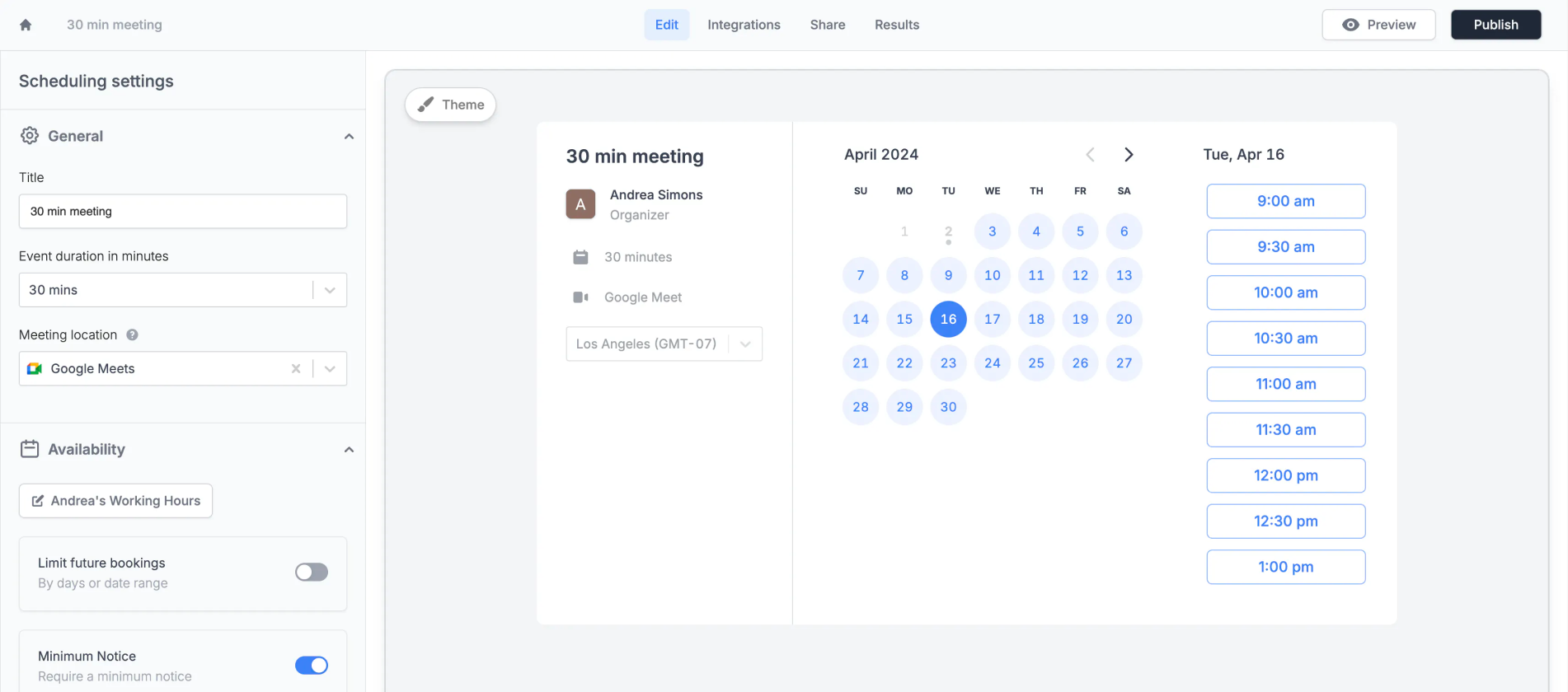
Image source: Fillout scheduling page
Payments make the tool easier to justify fast
Fillout Payments turns forms into checkout flows, not just lead boxes. The current payments pages show Stripe support, 0% added fees from Fillout, discount codes, subscriptions, memberships, ACH, Affirm, and payment forms that can be used for orders, registrations, and donations.
That changes the math. If a form can collect the lead, take the payment, and push the data where it needs to go, you stop wasting time gluing together a form builder, a checkout page, and extra automation.
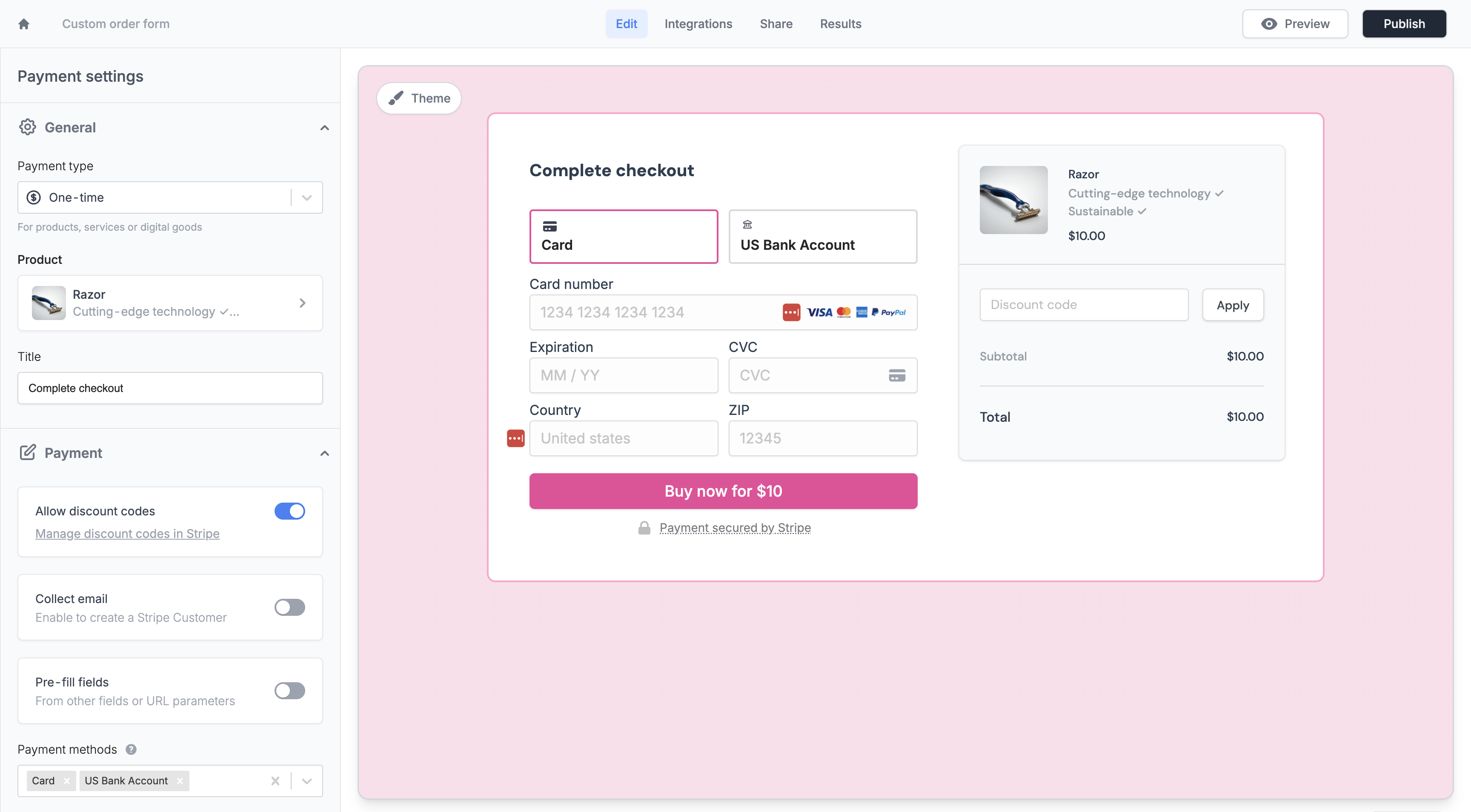
Image source: Fillout payments page
Built-in workflows keep it from feeling like another form tool
Fillout Workflows adds approvals, follow-ups, email or Slack notifications, reminders, and AI-powered actions. That is where the product starts earning its place in a real business, because the form no longer stops at submission.
This is great for teams with intake, approvals, onboarding, applications, and bookings. It is overkill if you only need a one-page contact form and nothing happens after someone clicks submit.
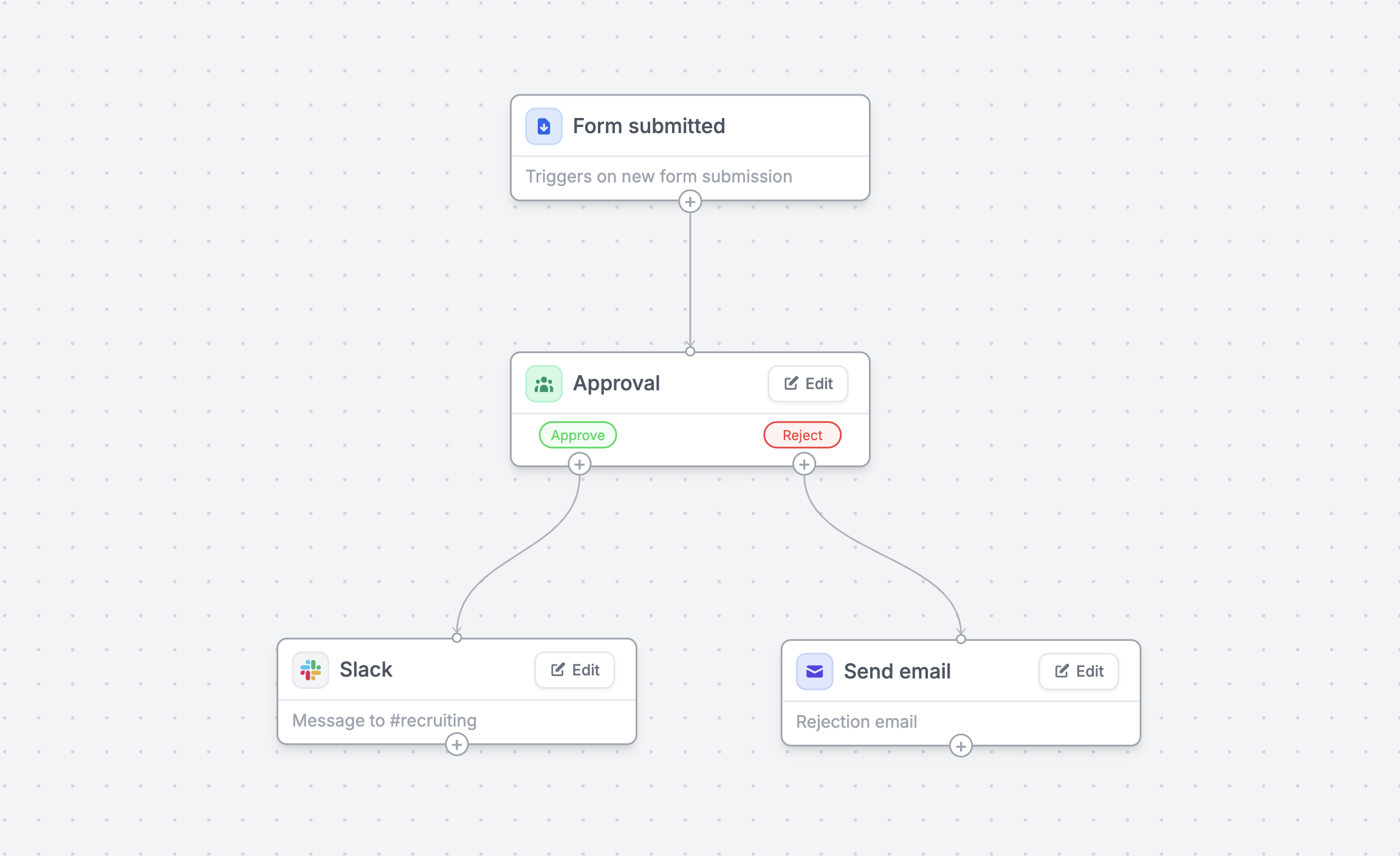
Image source: Fillout workflows page
The biggest strength here is overlap. Forms, scheduling, payments, PDFs, signatures, and workflows all live under one roof, so the value is not just better forms, it is fewer handoffs and fewer tools to babysit.
Pricing and value
Current pricing is where the decision gets clearer. Fillout starts free, then moves to $15 for Starter, $40 for Pro, and $75 for Business, with unlimited seats across those plans on the current pricing page.
Pro is where brand control gets noticeably better. Fillout lists branding removal, custom emails, custom share links, custom fonts, favicon support, and custom CSS there, while Business adds analytics, partial submissions, custom code, pre-fetch data, and priority support.
That makes Fillout easy to like if you want a serious form stack without jumping straight into a full CRM platform. It also keeps the price conversation honest, because there are broader affiliate-backed tools that do more overall, but they cost more and ask you to buy into a much bigger system.
Check the official free planThat table is the practical pricing story. Fillout is not trying to beat broader funnel or CRM platforms on “does everything,” but it is much easier to justify when forms, bookings, approvals, payments, and documents sit close to the center of your business.
Why starting now can make sense
Waiting makes sense if you barely use forms today. Waiting does not make much sense if forms already touch leads, onboarding, scheduling, approvals, or payments, because manual handoffs usually cost more than the software once volume starts picking up.
Fillout looks strongest when your current setup feels patched together. If you are using one tool for forms, another for booking, another for payments, and extra automation to hold everything together, trying Fillout is a low-friction way to see whether one cleaner system can replace that mess.
Skip it for now if you only need a plain contact form or a one-off survey. Start now if you are serious about building a real intake or conversion flow, because Fillout already gives you enough on Free and Starter to prove whether the upgrade is worth it.
Alternatives worth considering
Fillout is not the automatic winner for every buyer. It looks strongest when forms sit close to revenue, onboarding, scheduling, approvals, or document workflows, and it looks less necessary when you just want the cheapest possible way to collect answers.
Three alternatives keep coming up for different reasons. Tally is the cheap and simple pick, Jotform is the bigger established form builder, and GoHighLevel is the broader all-in-one option if you are really shopping for CRM, messaging, and marketing automation with forms included.
Check the official free planChoose Fillout if forms are doing real work inside the business and you want that work to stay clean. Choose Tally if you mainly want a cheaper, lighter tool, choose Jotform if you want a larger classic form ecosystem, and choose GoHighLevel if the real goal is a full CRM and automation engine.
Front-end polish is one reason Fillout keeps its edge for a lot of buyers. The visual designer and branding controls make it easier to build forms that look like part of your business instead of an obvious third-party form pasted on top.
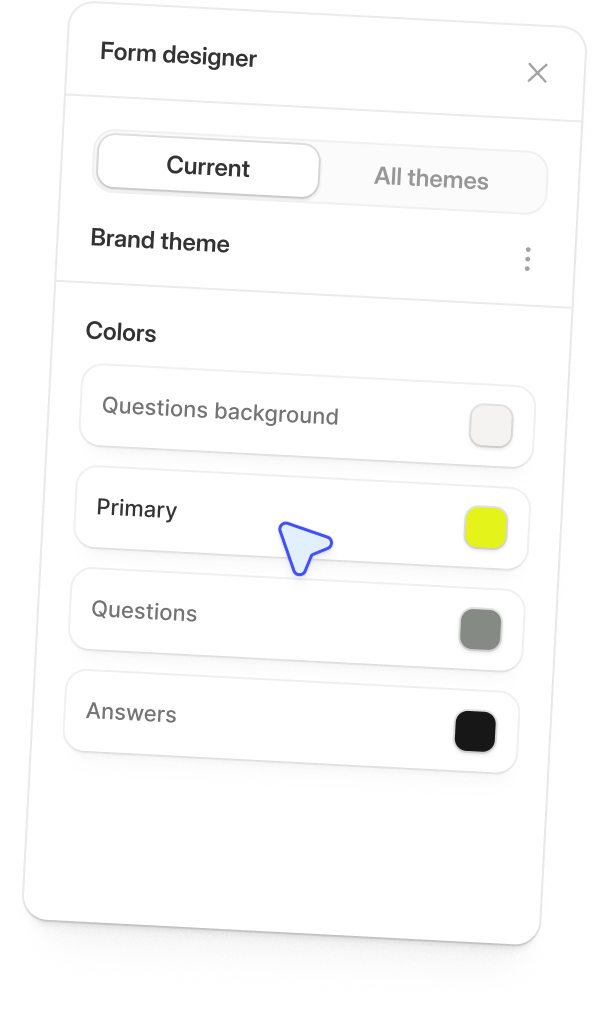
Image source: Fillout homepage
My honest take
Fillout is worth trying if forms are already part of how you sell, schedule, onboard, qualify, approve, or collect payments. The appeal is not just that the forms look good, it is that the same tool can also book meetings, generate PDFs, run follow-ups, and hand data off without you stitching together extra software.
That is also where the price starts to feel fair. A free plan with unlimited seats and 1,000 responses per month gives you enough room to test a real workflow, and the jump to paid is easier to justify once one form starts replacing manual admin or another monthly tool.
I would not push this on everyone. If you only need a plain contact form, a lightweight survey, or a one-off intake page, a simpler option is fine and paying more just because the feature list looks impressive is a bad reason to buy.
I would push it for the right buyer though. If your current setup feels patched together and forms are doing more than one job, Fillout is absolutely worth trying because it can clean up the workflow fast without forcing a full CRM migration.
Team use is another reason it stands out. Unlimited seats across the main plans and the built-in collaboration layer make more sense than paying user by user just to let operations, marketing, support, or sales touch the same form process.
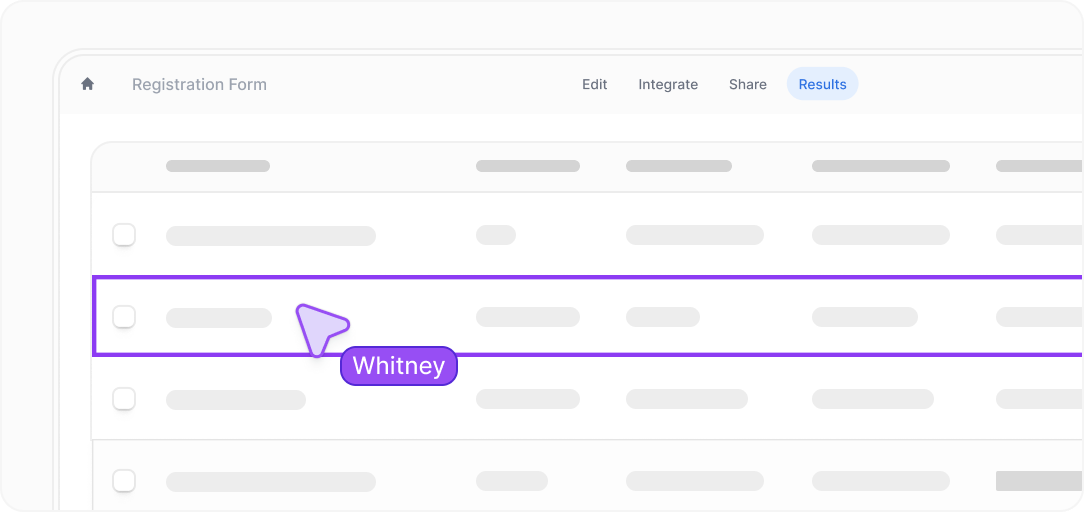
Image source: Fillout homepage
My bottom line is simple. Start with the free plan if you are serious enough to build one real form flow this week, wait if you are still figuring out whether forms matter in your business, and skip it only if you know a cheaper tool already covers everything you need.
FAQ
Is Fillout hard to set up?
No, not in the sense that it asks you to install a whole system before you can see value. The free plan is broad enough that you can build one actual form, connect the destination, publish it, and decide pretty quickly whether the platform fits how you work.
Can Fillout replace other tools?
Sometimes, yes. If you are currently juggling a form builder, a scheduler, a PDF fill tool, and a few basic follow-up steps, Fillout can collapse a surprising amount of that into one place, which is exactly why it becomes more attractive once your workflow gets messy.
Is Fillout safe enough for business use?
For a lot of businesses, yes. Fillout lists SOC 2 Type 2 compliance, encrypted forms, 2FA, login forms, and access controls across its security and account features, which is a much better starting point than using a bare-bones form tool for sensitive internal processes.
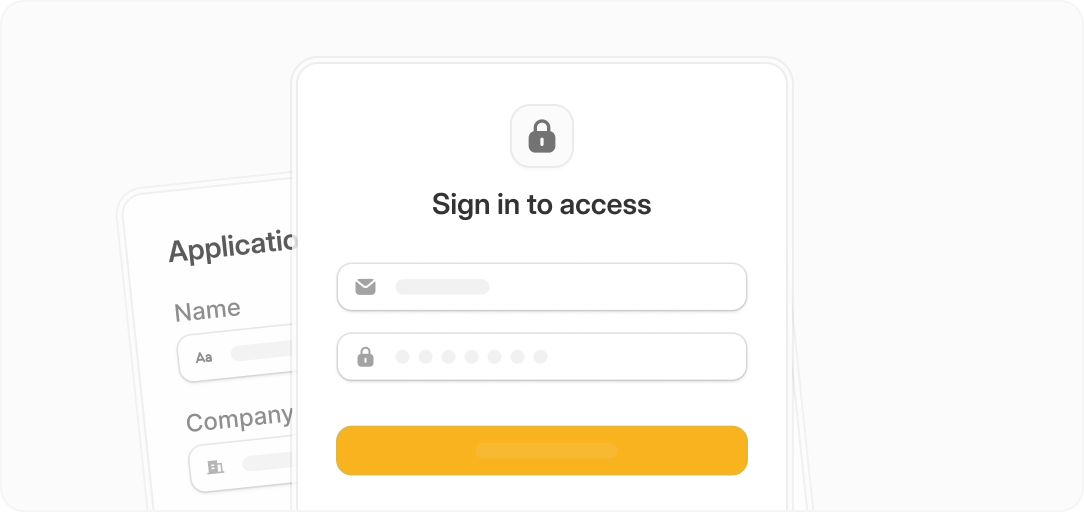
Image source: Fillout homepage
Should beginners start with Fillout or something cheaper?
Beginners should start with Fillout only if they already have a real use case in mind. If you are just exploring ideas, Tally or another lighter option can be enough, but if you already know you need branded forms, logic, scheduling, payments, or approvals, starting with Fillout can save you from rebuilding everything later.
That is the real decision here. Buy it when the extra depth will actually get used, not because the demo looks nice.
Get started with Fillout Filip Konecny Enterprises