
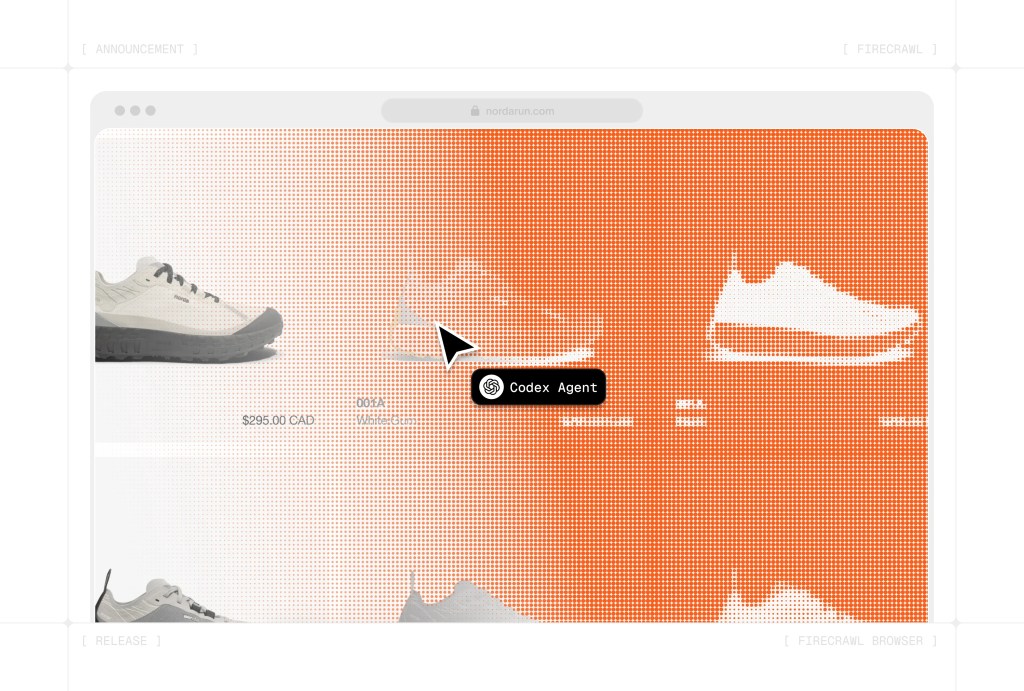
Firecrawl stands out because it is trying to solve a very specific headache: turning messy websites into data your AI apps can use without making you babysit proxies, browser scripts, and cleanup code. The official docs now put scrape, crawl, map, search, agent, and browser workflows under one roof, which is exactly why so many developers keep circling back to it.
That does not automatically make it a smart buy for everyone. If you only need a one-off scrape, hate usage limits, or want a cheap pay-as-you-go tool, the current pricing model will probably feel less friendly than the headline makes it sound.
My early take is simple: Firecrawl looks strongest for people who already know why clean, AI-ready web data matters and want to move faster now, not later. If that sounds like you, explore Firecrawl while you read, because this is the kind of tool that makes more sense once you compare the time it saves against the stack you would otherwise patch together yourself.
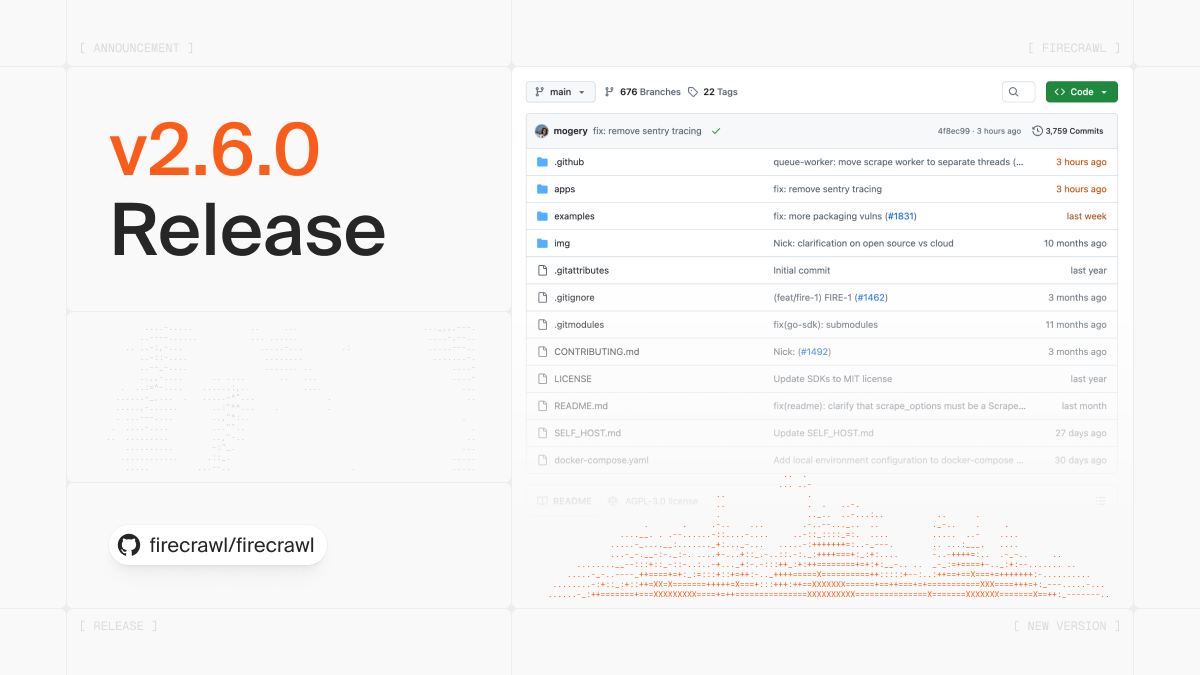
Image source: Firecrawl changelog
My early take
Firecrawl looks like a serious product, not a thin wrapper around a basic scraper. The product pages and docs show a tool that now reaches from single-page scraping all the way to search that can also pull full result content, recursive site crawling, and an agent workflow built for more complex web research and extraction.
That breadth is the main reason this review matters. Firecrawl is not just selling “scraping” anymore; it is selling speed, cleaner output, and fewer moving parts for AI teams that are tired of duct-taping multiple tools together.
That table explains why Firecrawl keeps getting attention. The upside is real because it can replace a messy workflow, but the catch is just as real: this starts to make financial sense when you are actively building, testing, shipping, or monitoring something.
If you are still in idea mode, you can probably wait. If you already have an agent, enrichment flow, monitoring task, or research workflow that keeps breaking because the web layer is unreliable, delaying the switch usually just means more time spent maintaining work you did not actually want to own.
Article outline
I broke this review into three simple stages so you can jump straight to the section that helps you decide. The goal is not to admire the product from a distance; it is to figure out whether you should try it now, wait, or pick something else.
Start here
- My early take if you want the fast answer before reading the rest.
- What you get in the free trial if you want to know whether the free credits are enough to test a real use case.
Then check the features and the money
- The good stuff for the features that actually justify paying.
- Pricing and value for the part that usually makes or breaks the decision.
- Why you might want to buy now if your current setup already feels slow, fragile, or overcomplicated.
Finish with the decision
- Alternatives if Firecrawl feels too expensive, too technical, or too much for what you need.
- Final verdict for the blunt recommendation.
- FAQ if you want quick answers before making the call.
That is the path through the rest of the review. Next, I would focus on the free plan first, because Firecrawl becomes much easier to judge once you see what the starting tier actually gives you and where the paid plans begin to earn their keep.
What you get in the free trial
Firecrawl does not really give you a classic trial. It gives you a free tier with 500 one-time credits, no card required, 2 concurrent requests, and lower rate limits, which is enough to test whether the product solves a real problem for you or just looks interesting on paper.
That matters because most Firecrawl reviews skip the part that actually decides the purchase. The free tier is good for validating a small workflow, but it is not generous enough to fake production usage for long, so you need to go in with a clear test in mind.
Image source: Firecrawl
The cleanest way to judge the free tier is to test one workflow that already wastes your time. Scrape a set of product pages, crawl a docs site, pull structured data from a messy page, or see whether browser actions save you from writing brittle automation by hand.
Check the official free trialFirecrawl also prices usage in a way that is easy to understand once you stop guessing. Scrape and crawl usually cost 1 credit per page, map is 1 credit per page, search is 2 credits per 10 results, and browser usage is billed by the minute, so you can estimate value pretty fast if you already know how much web data you plan to touch.
The catch is simple. There is no pay-as-you-go option on the normal plans, and credits usually do not roll over, so the free tier feels great for testing but the paid plans make the most sense when you already have real usage waiting.
The good stuff
Firecrawl gets more interesting once you look past the word scrape. It covers scrape, crawl, map, search, agent-style extraction, and browser interaction in one product, which is exactly why it can justify a subscription when a basic scraper cannot.
That breadth matters because the expensive part of web data work is rarely the first successful request. The expensive part is all the ugly stuff around it: JavaScript rendering, retries, blocked pages, browser actions, document parsing, and getting the output into something your app can actually use.

Image source: Firecrawl
Document handling is a real plus here. Firecrawl is not limited to plain HTML pages, and the product pages make it clear that PDFs and other web-hosted documents are part of the job, which makes the tool a lot more useful for research, knowledge ingestion, and messy real-world sites.
Browser support is another reason the platform feels more complete than many cheaper tools. If a page needs clicks, typing, waiting, or navigation before extraction, Firecrawl gives you that layer too, which is much better than bolting a separate browser stack onto a scraper and pretending the maintenance cost is free.

Image source: Firecrawl
Open-source roots help too. Firecrawl’s hosted version still adds the proprietary scraper, managed infrastructure, actions, and dashboard layer, but the open-source side makes the product feel less like a black box and more like something serious builders can trust.
None of that means it is easy money for everyone. If you only need to pull a few static pages once in a while, Firecrawl will feel like overkill and a simpler script will probably win on cost.
Pricing and value
The Hobby plan is the real starting point for most buyers. The free tier proves the concept, but Hobby is where you find out whether Firecrawl replaces enough manual work to earn the recurring cost.
That answer depends on what you are replacing. If you were about to manage proxies, browser rendering, crawling, search, document parsing, and output cleanup yourself, Firecrawl looks a lot cheaper than its sticker price because it shrinks both build time and maintenance.
If your actual problem sits higher in the stack, the better buy is different. Chatbase makes more sense if you already have the knowledge and need a customer-facing AI agent, Fillout is the cleaner choice if forms and response capture are the real bottleneck, and Guideless fits better if you need narrated walkthroughs instead of web extraction.
That is why Firecrawl reviews can feel split. People who want clean web data for AI apps usually see the value fast, while people shopping for a chatbot, CRM, or broader business operating system may be better served by something like GoHighLevel because they are solving a different problem entirely.
The pricing model still has one real downside. No pay-as-you-go and no normal credit rollover means you should buy this because you are ready to use it, not because you might maybe need it later.
Why you might want to buy now
Firecrawl is easiest to justify when your current setup is already slowing you down. Waiting usually means another week of custom scripts, brittle selectors, broken browser automation, or one more internal tool that nobody wants to maintain.

Image source: Firecrawl
The best buyer is already building something real. If you have an agent, enrichment flow, internal research tool, lead pipeline, or content ingestion job that depends on web data, Firecrawl starts looking less like “another subscription” and more like the missing layer that keeps the rest of the project moving.
The wrong buyer is still browsing with no immediate use case. In that situation, even a good product can feel expensive, and you are better off waiting until the pain is obvious enough that the time savings actually matter.
For the right buyer, though, this is absolutely worth trying. If your current process feels messy and manual, explore Firecrawl now instead of endlessly patching the workflow you already know you are going to replace.
Alternatives
Firecrawl is not the best pick for everyone. A lot of Firecrawl reviews get messy here because they compare it to anything with AI in the headline, even when the buyer is really trying to solve a different problem.
The better question is simple: do you need live web data and browser-level extraction, or do you need a chatbot, a form builder, or a bigger all-in-one business stack? Once you answer that honestly, the decision gets much easier.
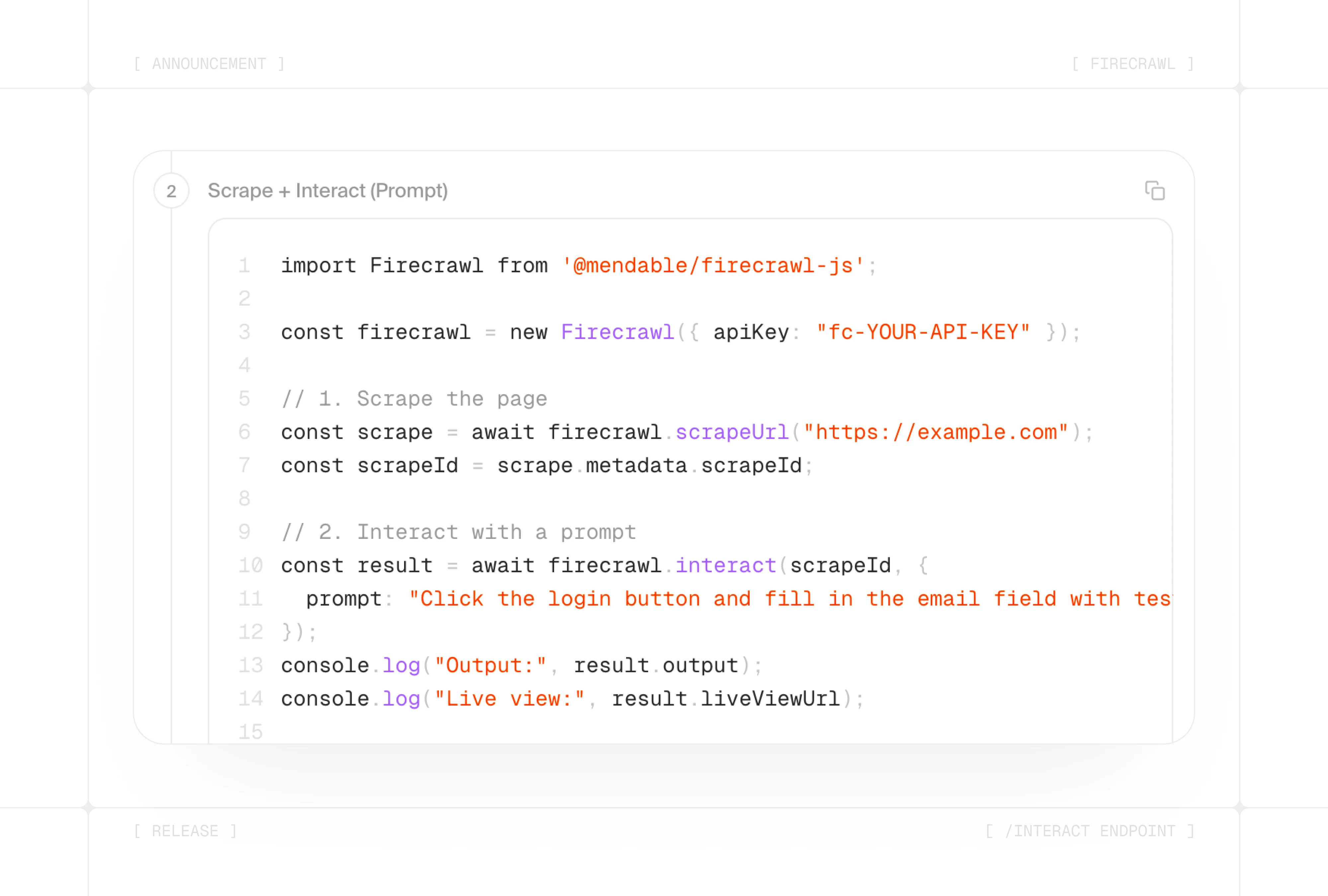
Image source: Firecrawl
Firecrawl separates itself when you need one tool to search, scrape, crawl, and then keep going with browser actions. That is very different from tools that start after the data is already collected, or tools that solve customer support, forms, or CRM instead of extraction.
Explore FirecrawlChoose Firecrawl if your problem starts with the web and you need clean data, crawling, or browser interaction. Choose Fillout if your bottleneck is form collection, choose Chatbase if your bottleneck is support automation, and choose GoHighLevel if you need a much broader system for sales and client operations.
My honest take
Firecrawl looks worth buying for the right person. That person is usually already building something that depends on web data and is tired of wasting time on brittle scripts, scraping edge cases, and one more patchwork browser setup.
The newer browser and interaction features make the product more attractive than a basic scraper. Going from scrape to interact inside one workflow is a real advantage when your agent or app needs to click, type, navigate, and then extract instead of just grabbing static HTML.
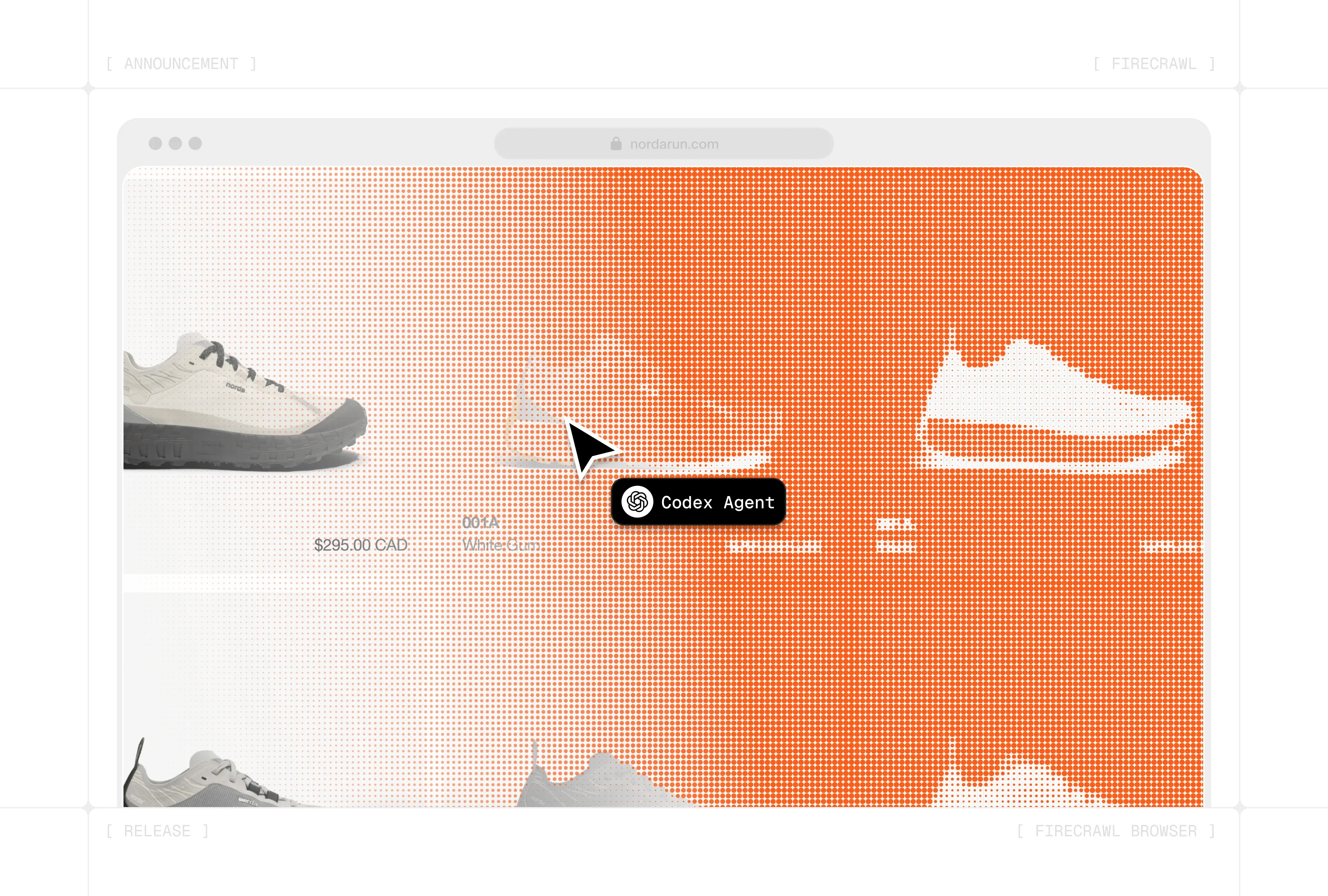
Image source: Firecrawl
Price is still the main objection, and it is a fair one. A monthly plan with non-rolling credits feels great when you use it often and annoying when you do not, so this is a tool I would buy for an active project, not for vague future plans.
Beginners can use it, but not every beginner should. If you are just curious about scraping and have no clear use case, the free tier is enough to play around and stop there; if you already know what you need to pull from the web, Firecrawl becomes much easier to justify.
That is why my recommendation leans positive without pretending it is universal. If you already have an AI workflow, enrichment job, research process, or browser-heavy extraction task waiting, Firecrawl is one of the smarter “buy now” tools because waiting usually means more manual work and more glue code.
FAQ
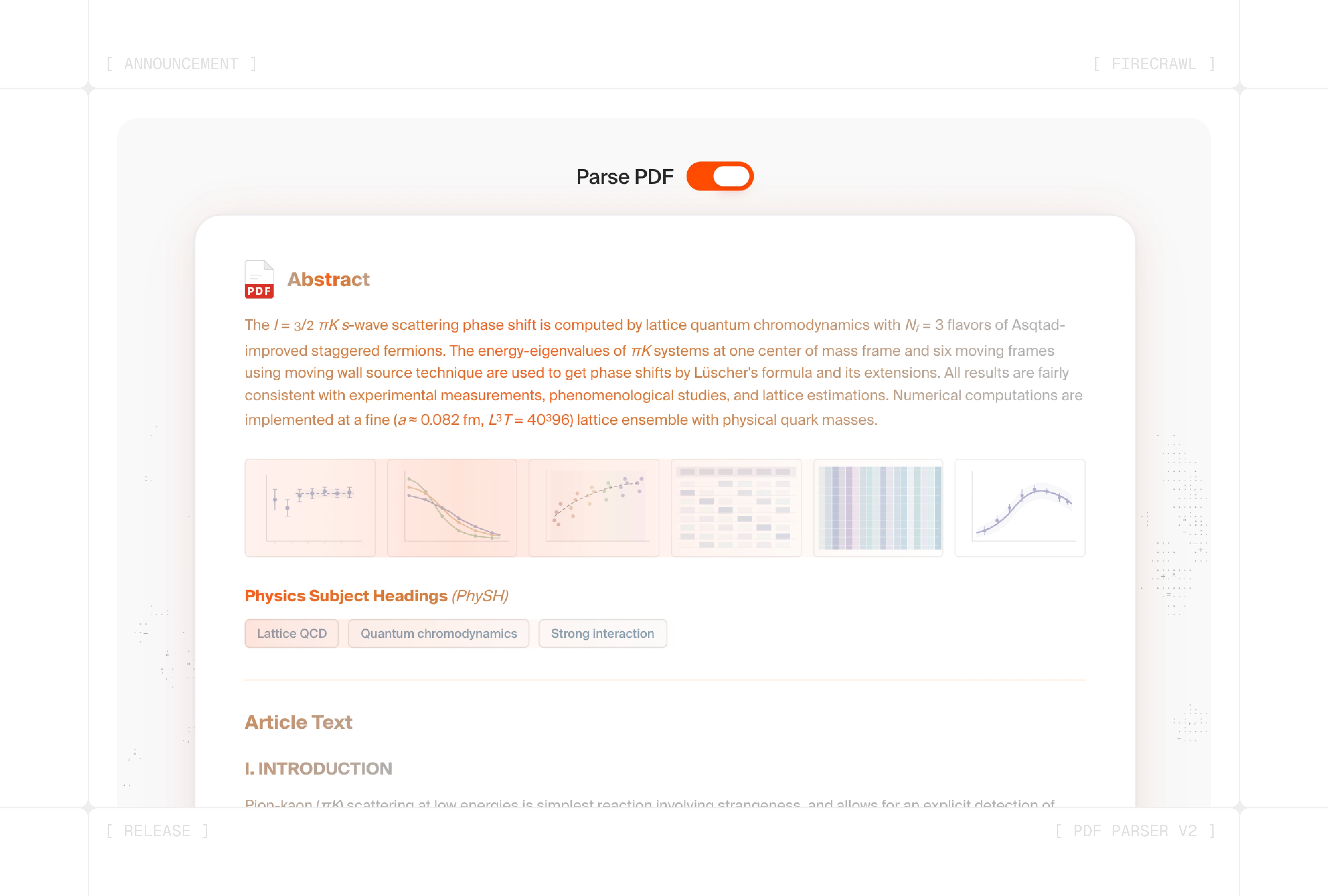
Image source: Firecrawl
Is Firecrawl beginner-friendly?
It is beginner-friendly enough to test, not beginner-friendly in the “anyone should subscribe immediately” sense. The product makes more sense once you already understand the job you need it to do.
Does the free plan actually help?
Yes, if you use it to test one real workflow instead of poking around randomly. The 500 one-time credits are enough to prove whether Firecrawl saves you time, but not enough to replace a serious paid setup for long.
Can it handle more than basic pages?
That is one of the stronger reasons to consider it. Firecrawl has kept adding browser automation, interaction, and better document parsing, which makes it more useful for dynamic sites and messy inputs than a bare-bones scraper.
Is it cheaper to build this yourself?
It is cheaper on paper if your own time is free and the workflow stays simple. Once you add rendering, retries, browser actions, crawling depth, parsing, and maintenance, doing it yourself often stops being the bargain people imagine.
Should you buy now or wait?
Buy now if you already have a project that needs web data regularly and your current setup feels fragile or slow. Wait if you are still browsing ideas, because the subscription feels best when it replaces work you are already doing.
Should you start with Firecrawl?
For the right buyer, yes. Firecrawl is easy to recommend when you need live web data, cleaner extraction, and browser-level workflows without building the whole stack yourself.
For the wrong buyer, no amount of hype fixes the mismatch. If your real need is support chat, forms, or a full CRM and marketing system, pick the tool that solves that job directly instead of forcing Firecrawl into it.
If your current workflow is already messy and manual, this is worth a real look now. If that sounds like you, start here.
Get started with Firecrawl Filip Konecny Enterprises