
Copper keeps showing up with strong scores on the big software review sites, and that usually means buyers are getting a product that feels easier to live with than a lot of heavier CRMs. If your team already works inside Gmail and Google Calendar all day, that is a big reason the ratings stay high.
The score alone does not tell you whether Copper is the smart buy for you. A CRM can be well liked and still be the wrong choice if you want the cheapest option, broader enterprise depth, or something built around Microsoft instead of Google Workspace.
This review is built to answer the real buying question fast. You will see where Copper earns its reputation, where buyers still complain, and whether you should try it now, wait until you are more ready, or skip it and choose another tool.
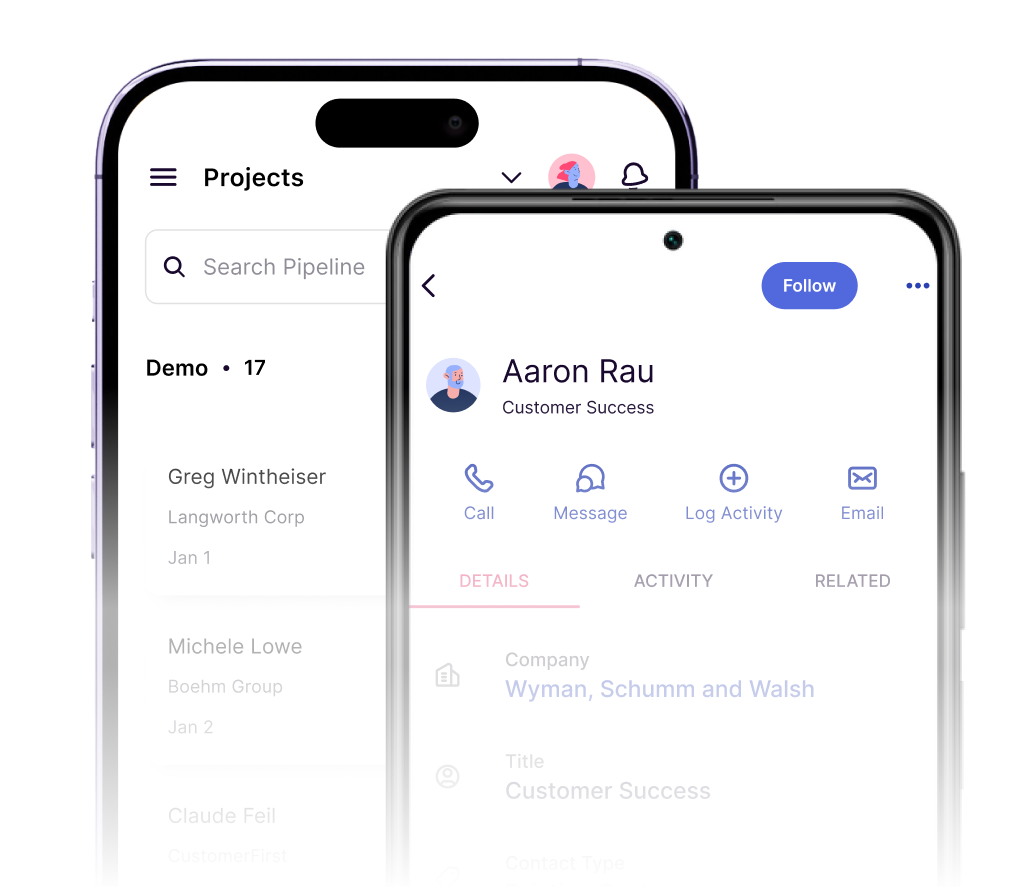
Image source: Copper mobile CRM page
Copper ratings at a glance
Copper sits in a strong range across the main software review platforms. The headline pattern is pretty simple: people like the clean interface, the Gmail-first workflow, and the lower-friction setup, while the pushback usually lands on price, limits on lower plans, and the fact that Copper makes the most sense when your business already runs on Google.
That is a strong overall picture, not a random fluke. When a CRM stays in the mid-4s across multiple review platforms, there is usually something real behind it, and for Copper that “something” is speed, familiarity, and a setup that feels much less painful for Google-centric teams.
Copper also lowers the barrier to testing because it offers a 14-day free trial with no credit card required, and paid plans start at $9 per seat per month on annual billing or $12 on monthly billing. The filter is obvious, though: Copper says the product is built around Gmail and Google Workspace, so anyone living in Microsoft 365 should read the good ratings with more caution than excitement.
That is why the ratings help, but they are not the whole decision. If your current problem is scattered contacts, messy follow-up, and too much time spent jumping between inbox, calendar, notes, and pipeline tracking, Copper already looks promising, and you can check the official free trial while you read the rest.
Article outline
This review moves in a simple order so you can jump straight to the part that decides the purchase for you. It starts with the fit check, moves into the trial, features, and pricing, then ends with alternatives and a clear verdict.
- Copper ratings at a glance — the fast read on the review scores and what they actually mean before you give the trial any of your attention.
- What you get in the free trial — whether 14 days is enough to test the parts that really matter and what you should check first.
- The good stuff — the features and day-to-day benefits that make Copper more appealing than doing this manually or stitching tools together.
- Who Copper is best for — the buyer profile that usually gets the most value, and who is likely to feel underwhelmed.
- Pricing and value — what the plans cost, where the price starts to make sense, and where it can feel expensive.
- Why you might start now — when delaying the switch keeps your workflow messy longer than it needs to be.
- Alternatives to Copper — cheaper, broader, or different-fit options if Copper is close but not quite right.
- Final verdict — the blunt answer on whether to buy, wait, or skip.
- FAQ — quick answers to the objections people usually have right before they make the decision.
The goal here is not to sell Copper to everyone. The goal is to help the right buyer feel confident saying yes, help the wrong buyer avoid an annoying mistake, and make the ratings make sense in the real world instead of just looking nice on a review page.
What you get in the free trial
Copper gives you a 14-day free trial with no credit card required, which already removes a lot of the usual friction. You can get in, connect your Google tools, and see whether the product actually fits your workflow before money becomes the issue.
The useful part is that Copper says the trial runs on the Business plan, not a stripped-down sandbox. That means you are not testing a fake version of the product and then getting surprised after checkout.
That matters because Copper gets much easier to judge once you can test the higher-end pieces in a real setup. If you only had a tiny demo, the ratings would not mean much.
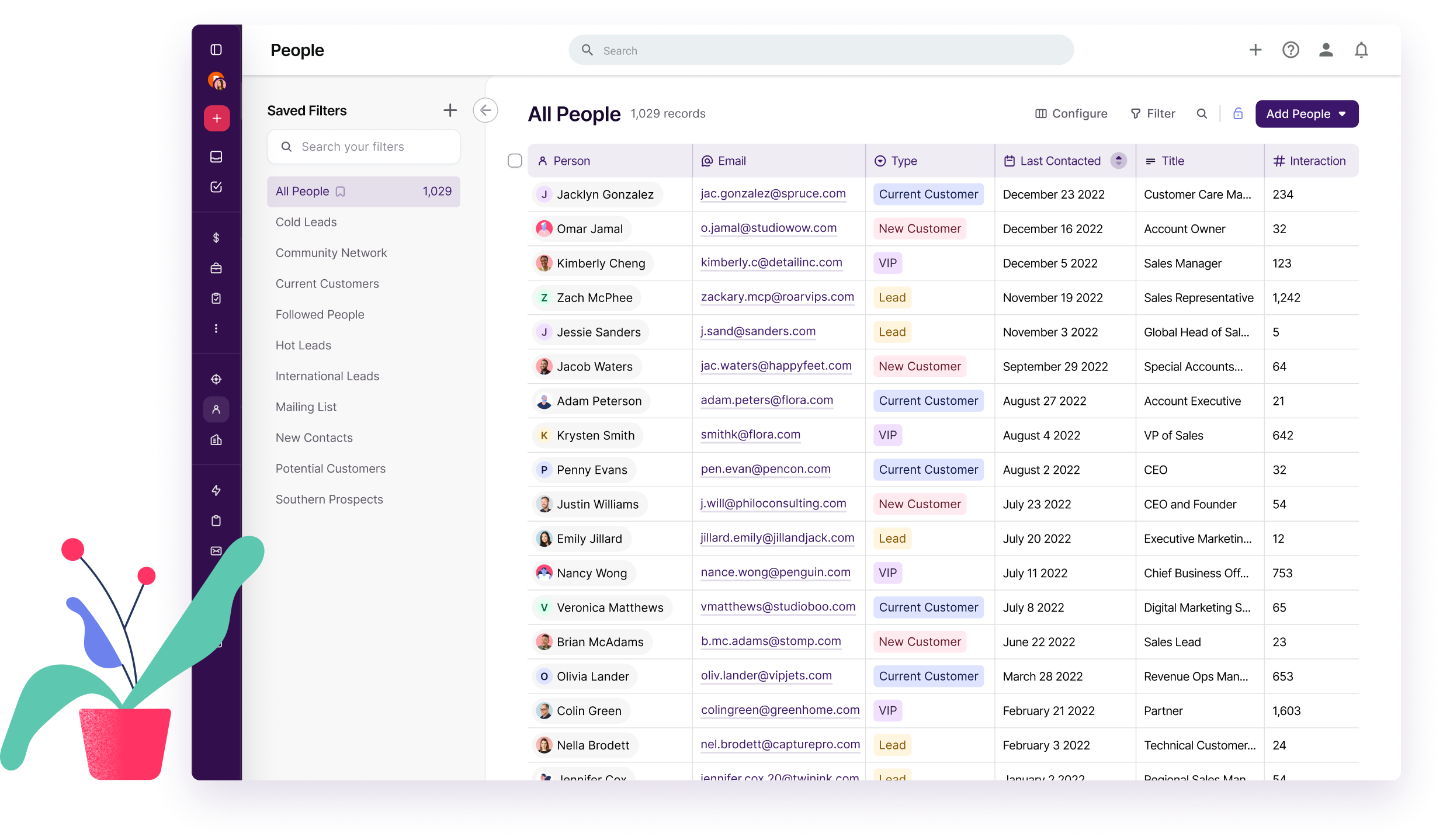
Image source: Copper manage contacts page
Copper also keeps the Google basics available across all plans, which is a big deal for fit. Gmail, Google Calendar, Google Contacts, and Google Drive integrations are not locked behind the expensive tiers, so you can judge the core experience without playing guessing games.
Most of the broader CRM integrations open on Professional and above, with some reserved for Business. That makes the trial more valuable because you can test the bigger setup before deciding whether the ongoing price still makes sense.
A smart way to use the trial is simple. Import a real slice of contacts, connect Gmail and Calendar, build one live pipeline, and run your daily follow-up from Copper instead of bouncing between inbox, notes, and spreadsheets.
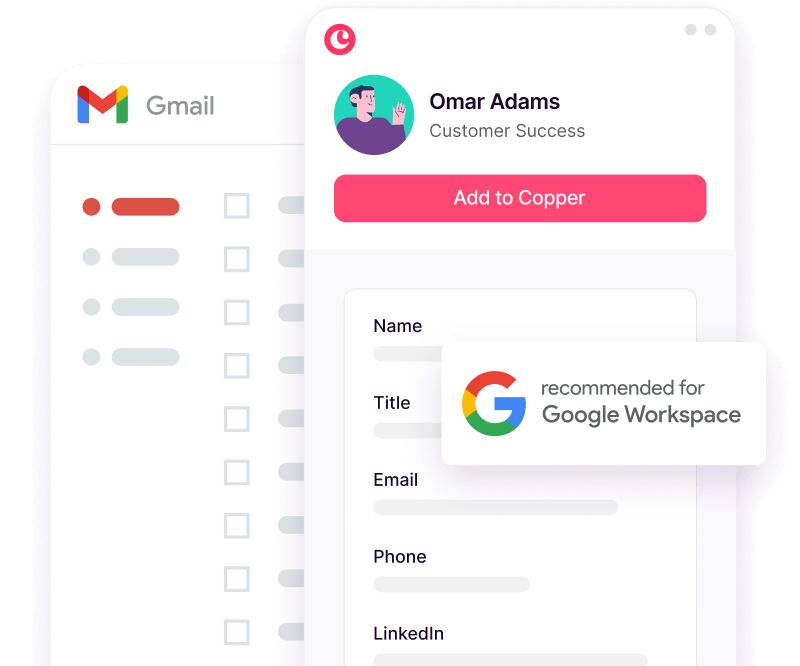
Image source: Copper contact workflow page
The good stuff
Copper earns its strong ratings because it feels lighter than a lot of CRMs people quit after a month. If your team lives in Gmail, Copper lets you add contacts from email, see relationship history fast, surface files tied to records, and keep tasks close to the inbox instead of hidden in another tab.
That sounds small until you compare it with doing everything manually. Manual tracking usually means someone forgets to log a detail, forgets a follow-up, or loses the file that mattered when the deal or client handoff starts moving fast.
Copper also does a better job than many “sales-only” tools once the relationship moves past the first deal. Basic adds project management, Professional adds workflow automation, bulk email, reporting, and integrations, and Business adds email series, custom reports, and unlimited contacts.
That mix makes Copper more appealing for agencies, consultants, and service businesses that do not want one system for sales and another for delivery. A CRM becomes more valuable when it keeps working after the contract is signed.
Image source: Copper mobile CRM page
The mobile side is stronger than a lot of people expect. Copper’s app lets you stay on top of records away from your desk, and the product pages highlight call logging, SMS logging, activity capture, and business card scanning so the CRM can stay current without waiting for someone to do cleanup later.
That is where the payoff becomes obvious. The faster data gets into the CRM, the less your team depends on memory and the fewer follow-ups fall through the cracks.
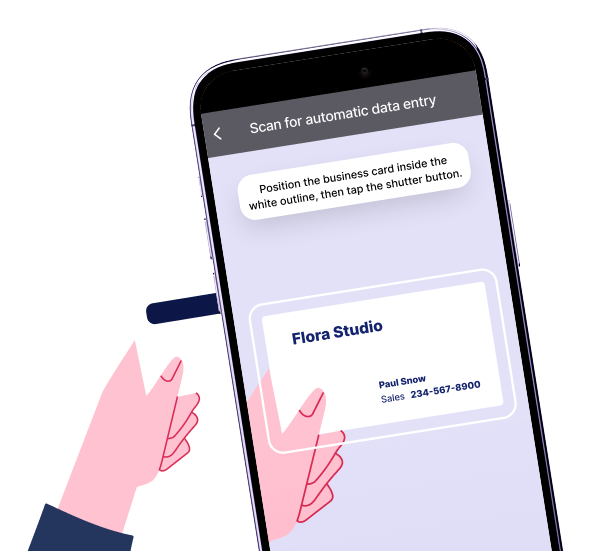
Image source: Copper mobile card scanner page
Copper is not trying to be everything for everybody, and that is part of the appeal. The catch is that the product feels best when your company already works in Google Workspace, because that is the context where the interface stops feeling like “another CRM” and starts feeling like a natural extension of daily work.
Who Copper is best for
Copper makes the most sense for small and mid-sized teams that already rely on Gmail, Google Calendar, Drive, and Chrome every day. Agencies, consulting firms, service businesses, and founder-led sales teams are usually the clearest fit because they need relationship tracking without a huge admin burden.
Beginners can handle Copper, but the right beginner is someone who already has active leads or clients and needs structure now. If you barely have any contacts, no repeatable process, and no real follow-up volume yet, you may not need a paid CRM this early.
Copper is also not the strongest pick for buyers who want the broadest all-in-one marketing stack. If your real goal is websites, funnels, deep campaign automation, and client account management in one package, a broader tool can replace more software even if it feels heavier.
Pricing and value
Copper is not the cheapest CRM. The price becomes reasonable when the Google Workspace fit saves your team enough time to justify paying for something cleaner than spreadsheets, lighter than enterprise CRM, and easier to adopt than a bigger all-in-one.
See current pricingProfessional is where Copper starts to feel fully worth the money for most serious teams. That is the point where automation, reporting, bulk email, and wider integrations stop it from being “just a cleaner contact manager” and turn it into something that can actually run part of your revenue process.
Price objections are fair, though. Systeme.io is dramatically cheaper if your bigger need is funnels, email, and a simple built-in CRM, while GoHighLevel makes more sense when you want a broader agency-style all-in-one with sub-accounts and heavier automation.
Copper wins that comparison when your team does not want more software than it needs. If the goal is managing relationships, deals, projects, tasks, and Google Workspace activity in one clean place, paying for Copper can be smarter than paying less for a tool that fits your business worse.
Why you might start now
Waiting usually means you keep running the same messy system longer. That means contacts stay scattered, follow-up lives in someone’s memory, and every handoff depends too much on inbox digging and private notes.
Copper is easiest to justify when you already have active leads, client work, or repeatable follow-up happening inside Google Workspace. In that situation, the 14-day trial is enough to tell you whether the ratings match your real workflow, and you can check the official free trial without taking on much risk.
You should wait if your business is still too early for CRM discipline to matter. You should skip Copper if you want the cheapest possible all-in-one or a CRM built around a non-Google stack, but for the right buyer this is absolutely worth a real look now instead of six months from now.
Alternatives to Copper
Copper is not the automatic winner just because the ratings are strong. The better question is whether you want a Google-first CRM that your team will actually use, or whether you need a cheaper tool, a broader marketing stack, or something more traditional.
That is where most buying mistakes happen. People see good Copper ratings, assume it is the safest choice, and then realize later they either needed less software or a much bigger all-in-one.
Check the official free trialChoose Copper if your business already runs inside Gmail and you want something your team will adopt fast. Choose Systeme.io if budget is the real issue, and choose GoHighLevel if you want a broader all-in-one that can replace more tools than Copper does.
Copper sits in the middle in a very useful way. It is easier and cleaner than the bigger all-in-ones, but still serious enough to beat a basic funnel tool if relationships, follow-up, and project visibility actually matter to your business.
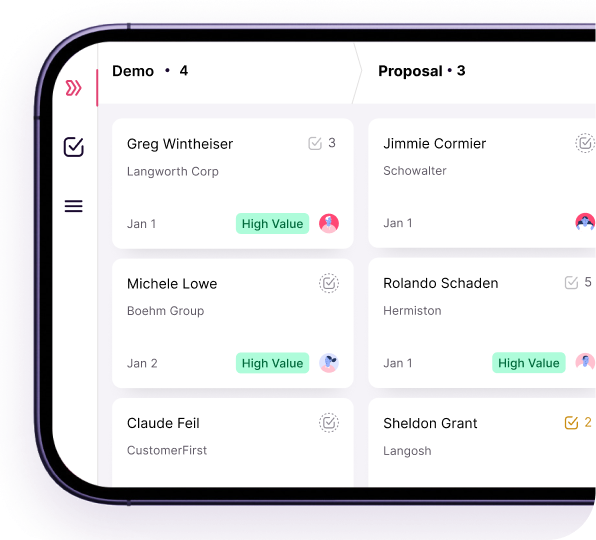
Image source: Copper mobile CRM page
My honest take
Copper ratings are strong for a reason. This is one of the better picks for small and mid-sized teams that already work in Google Workspace and are tired of scattered contacts, missed follow-up, and CRMs that feel like admin homework.
Copper is absolutely worth trying if you already have real lead flow, client work, or ongoing relationship management happening in Gmail. The product starts to earn its price when it saves your team from living across inbox threads, spreadsheets, calendar notes, and random reminders.
Here is the catch. Copper is not the best buy for everyone, and pretending otherwise would make this review less useful.
Skip it if you want the cheapest all-in-one, if you need huge agency-style automation, or if your business is still so early that a spreadsheet is honestly enough. Wait if you do not yet have enough sales or client activity for CRM discipline to matter.
Buy now, or at least start the trial now, if your current setup already feels messy and you are losing time every week to manual tracking. Waiting usually just means the mess gets bigger while your team keeps working around it instead of fixing it.
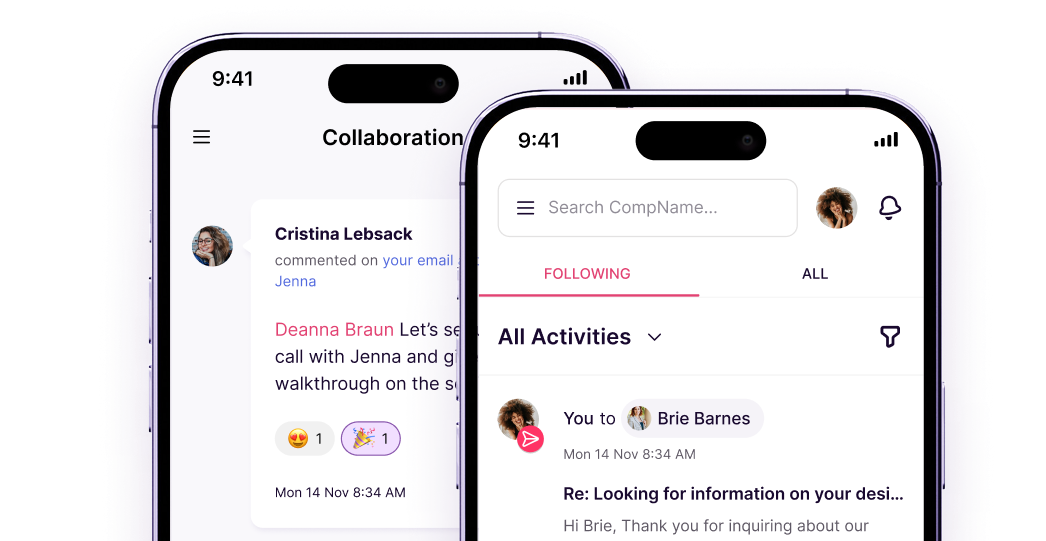
Image source: Copper mobile collaboration page
The simplest way to think about it is this. Copper is a strong buy for the right person, and the right person is usually someone who wants a CRM that feels close to Gmail instead of a giant system that needs constant babysitting.
Explore CopperFAQ
Is Copper actually worth the money?
Yes, for the right buyer. Copper is easiest to justify when your team already lives in Gmail and the cost of missed follow-up, messy handoffs, or scattered client history is higher than the subscription.
Is Copper too limited compared with bigger all-in-one tools?
Sometimes, yes. If you need deep funnel building, white-label sub-accounts, and heavy marketing automation, GoHighLevel will usually look more complete, while Copper wins when you mainly want a CRM that stays clean and easy to use.
Can beginners use Copper?
Most beginners can use it without much pain. The better question is whether you need it yet, because very early-stage businesses may be better off keeping costs low with Systeme.io or even a simpler manual setup until lead volume becomes real.
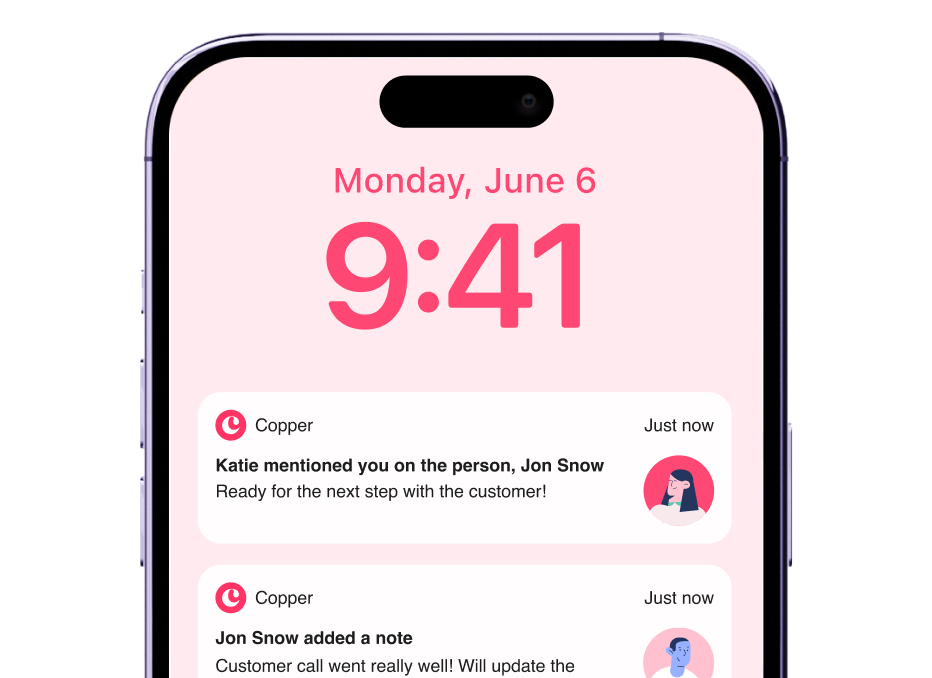
Image source: Copper mobile notifications page
Does Copper work well for teams that are away from their desks a lot?
Yes, that is one of the more practical reasons to like it. Copper highlights mobile access, activity logging, notifications, calls, SMS logging, and project or pipeline visibility from the app, which makes it easier to keep records current while work is still happening.
Can Copper help if I collect contacts in person?
Yes, it can. Copper’s mobile app includes business card scanning, which is useful if you meet leads offline and want those contacts inside the CRM quickly instead of dumping them into your phone and forgetting about them.
Image source: Copper business card scanner page
Copper is not a perfect fit for every buyer, but it is a very good fit for the one it was clearly built for. If that sounds like you, the next logical step is simple.
Get started with Copper Filip Konecny Enterprises