
If you are searching for a Copper alternative to Salesforce, you are probably not looking for more features just for the sake of it. You are usually trying to get rid of extra setup, extra tabs, extra admin work, and the feeling that your CRM is heavier than the way your team actually sells.
Copper gets attention because it goes in the opposite direction. It is built around Google Workspace, it gives you a 14-day free trial, and it is clearly trying to be the CRM you can start using fast instead of the one you need to “roll out” like a whole internal project.
That does not automatically make it better than Salesforce. It makes it better for a specific kind of buyer, and this review is here to help you figure out whether that buyer is you.
Article outline
This review is built in three clear stages so you can jump straight to the part that matches where you are in the decision.
- Start here: is Copper actually a better fit than Salesforce?
- A quick buyer-focused snapshot before you spend more time reading.
- Then move to the trial, the best parts, pricing, and whether it makes sense to buy now
- Finish with alternatives, the final verdict, and the best next step
Is Copper actually a better fit than Salesforce?
For some teams, yes. If your company already runs on Gmail, Google Calendar, and Google Drive, Copper makes a very strong first impression because it is built around that workflow instead of asking your team to adapt to a bigger CRM universe.
That is the real reason people compare it to Salesforce in the first place. Salesforce is broader, more customizable, and more expandable, but plenty of small and mid-sized teams do not need broader, they need faster and easier.
Copper looks especially attractive when Salesforce feels like a system you have to maintain instead of a tool you want your team to open every day. If adoption has been the problem, a simpler CRM can be worth more than a more powerful one.
Check the official free trialThe pricing gap is not massive at the bottom end, so this is not one of those comparisons where Copper wins just because it is dramatically cheaper. The better reason to consider Copper is that the day-to-day experience should feel more natural if your team already lives inside Google apps and wants CRM data close to the inbox instead of buried in a bigger system.
There is a catch, and it is important. If you need deep customization, a wider app ecosystem, or you already know your CRM is going to become a more complex operational hub across multiple departments, Salesforce still has the bigger ceiling.
Copper is not trying to beat Salesforce at being Salesforce. It is trying to beat it for the buyer who is tired of complexity, wants quicker adoption, and would rather have a CRM people actually use than a giant platform full of options they may never touch.
That is why this review matters for the right buyer. If your team has been delaying a switch because it sounds annoying, Copper’s pricing and trial setup make it realistic to test without turning the whole thing into a long procurement project.
The next section gets into the practical stuff that decides whether Copper is worth your time: what the trial actually gives you, what stands out once you start clicking around, and where the platform earns its price versus where a cheaper or broader alternative might still make more sense.
What you get in the trial
Copper gives you a 14-day free trial and does not ask for a credit card upfront. That matters because you can judge the day-to-day fit fast instead of getting trapped in a long setup before you know whether you even like the product.
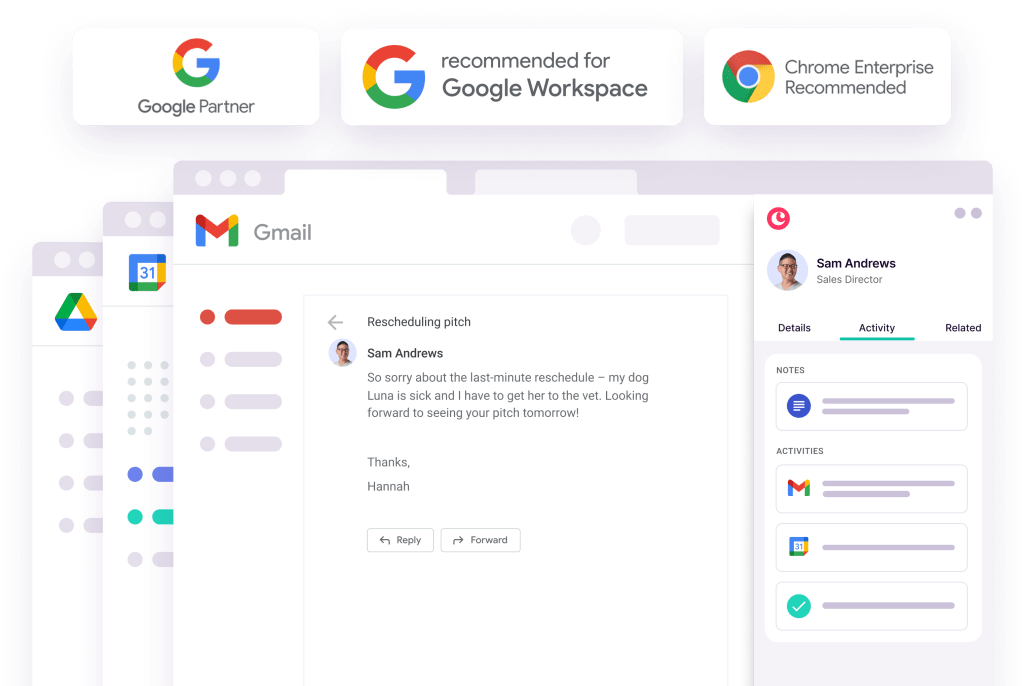
The biggest thing to understand is that Copper is built around Gmail and Google Workspace. If your team already works in Gmail, Calendar, Drive, and Chrome all day, the trial gives you a real shot at seeing whether a lighter CRM feels better than Salesforce almost immediately.
If your company is not centered on Google tools, you will spot the mismatch quickly. Copper even makes that limitation pretty obvious in the signup flow, so this is not the kind of CRM that tries to be everything for everyone.
What makes the trial useful is not “trying every feature.” It is seeing whether adding contacts, tracking conversations, moving deals, assigning tasks, and keeping work close to the inbox feels natural enough that your team would actually use it.
Two weeks is long enough to test real workflow. It is not long enough to run a giant CRM migration, so this makes the most sense when you already have a live sales or client process and want to run a clean side-by-side test now.
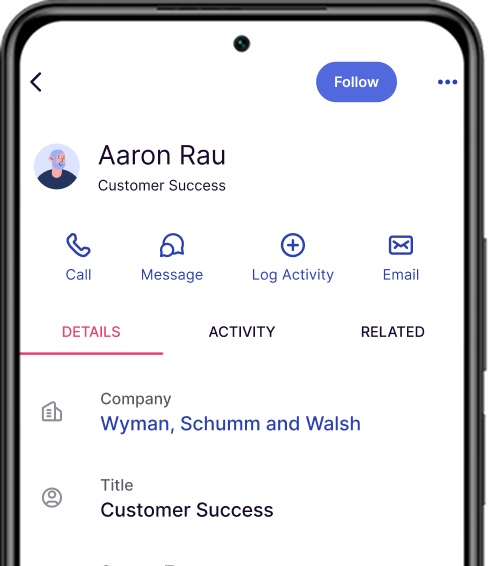
Image source: Copper
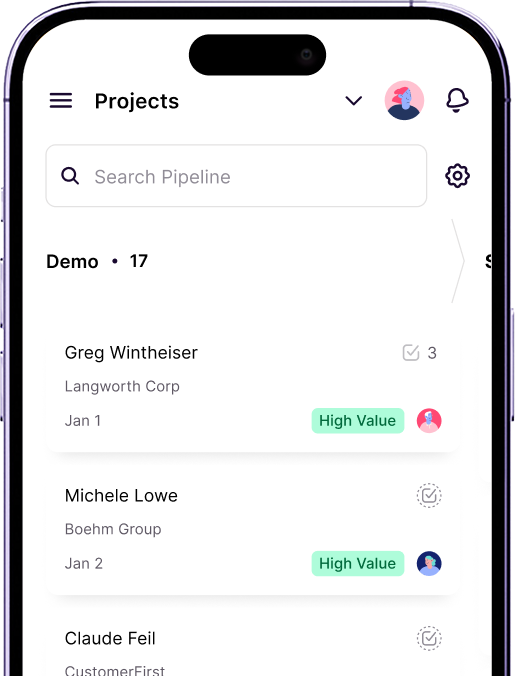
Image source: Copper
That is why the trial is easy to recommend for the right buyer. If Salesforce has been feeling heavy and your current fallback is a messy mix of Gmail, spreadsheets, and memory, trying Copper is a very low-friction way to see whether simpler is actually better for your team.
The good stuff
Copper’s best feature is not some flashy AI trick. It is the fact that the CRM is built around the way Google Workspace teams already work, which makes it much easier to keep customer data updated without feeling like you are doing extra admin all day.
That sounds small until you compare it with a bigger CRM rollout. When contacts, conversations, files, calendar context, and tasks stay close to Gmail and Google Calendar, the software has a better chance of being used consistently instead of becoming another tab people ignore.
Copper also does more than basic contact storage. On the paid plans, you move from simple relationship tracking into pipelines, project management, task automation, workflow automation, reporting, integrations, bulk email, and customer nurture features depending on the tier you choose.
That is the real payoff. You are not just buying a prettier address book, you are buying a cleaner way to keep leads moving, hand work off after the sale, and stop relying on scattered notes or spreadsheets to remember what happens next.
Customization is another plus because it helps smaller teams shape the CRM around their process without turning setup into a consulting project. That is usually where a Copper alternative to Salesforce starts to make sense for teams that want control, but not enterprise-level complexity.
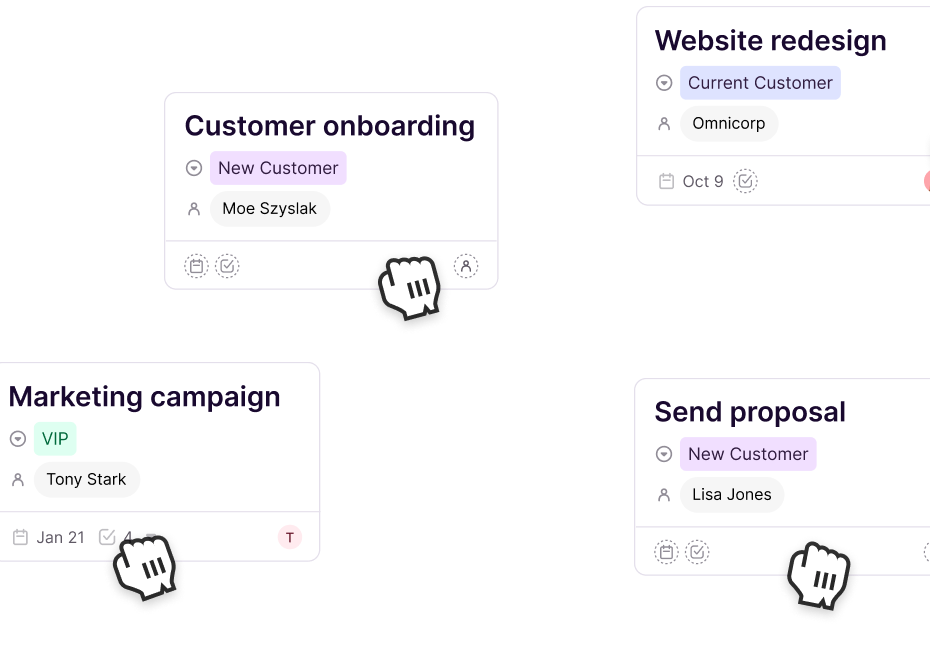
Image source: Copper
Image source: Copper
Here is the catch. Copper is strong because it stays focused, and that same focus is also the limitation.
If you want deep enterprise customization, a giant admin layer, or a huge all-in-one operating system for marketing, sales, websites, SMS, and automation, Copper will feel narrower. For some people that is a downside, but for a lot of small and mid-sized Google Workspace teams it is exactly why the platform looks appealing in the first place.
Pricing and value
Copper starts at $9 per seat per month when billed annually, or $12 on monthly billing. Basic moves to $23 annually or $29 monthly, Professional to $59 or $69, and Business to $99 or $134.
Starter is cheap, but it is really the lightest version of the product. Basic is where Copper starts feeling like a practical team CRM because that is where you get pipelines, project management, and contact enrichment instead of just the bare essentials.
Professional is the tier that will matter most for a lot of growing teams. That is where workflow automation, reporting, integrations, and bulk email start to justify the spend if you already have active deals and want the CRM to do more than just store information.
Business is for teams that are further along and want email series, custom reports, unlimited contacts, and premium support. If you are early, you probably do not need that yet, and it is better to say that clearly than pretend every buyer should jump to the top plan.
See current pricingThat table is the simplest way to think about the value. Copper is the better buy if your real problem is CRM adoption, Gmail overload, and pipeline visibility.
GoHighLevel is the better buy if you want a much broader machine that handles websites, funnels, calendars, and automations on top of CRM. It can absolutely be worth the higher price, but it solves a different problem and asks you to take on more setup in return.
That is why Copper does not need to beat every alternative at everything. It just needs to be the easier, cleaner choice for the buyer who wants a strong CRM without dragging in a much bigger system.
Why buying now can make sense
If your team is still running sales or client relationships through Gmail, notes, spreadsheets, and memory, waiting usually does not save money. It usually means slower follow-up, weaker handoffs, and more small mistakes that keep repeating because no one has one clean place to work from.
Copper is easier to justify when your offer is already live and your team already talks to leads or clients every week. In that situation, the trial is not some vague experiment, it is a quick way to see whether you can replace a messy manual setup with something people will actually keep updated.
That is also the strongest reason to choose a Copper alternative to Salesforce right now instead of “someday.” If Salesforce has already taught your team that CRM equals friction, using a lighter tool can be the difference between finally adopting a system and staying stuck in half-manual chaos.
You should wait if you are not on Google Workspace, if your process is still undefined, or if you really need a bigger all-in-one platform from day one. You should probably look at GoHighLevel instead if your main goal is combining CRM with funnels, lead capture, SMS, calendars, and automation in one heavier stack.
For the right buyer, though, this is absolutely worth trying now. If your team lives in Google and you want a CRM that feels easier to adopt than Salesforce, Copper is the next logical step.
Alternatives worth looking at before you decide
Copper is not the only way to escape Salesforce. It is just the one that makes the most sense when your team lives in Google Workspace and wants a CRM that feels lighter, easier to adopt, and less annoying to keep updated.
You should still look at a few real alternatives before you buy. That makes the decision cleaner, and it also shows where Copper wins for the right buyer and where another tool honestly makes more sense.
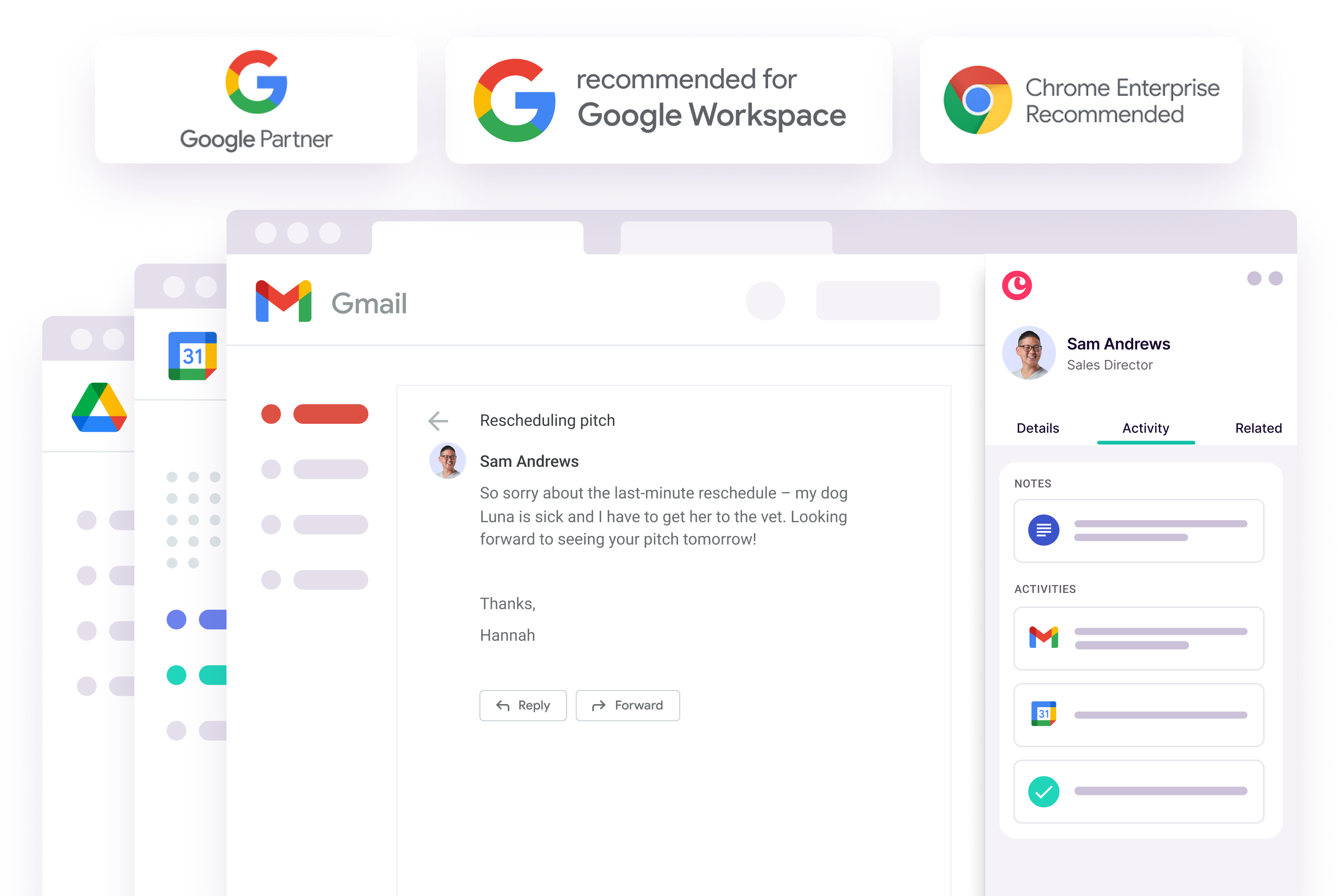
Image source: Copper
Check the official free trialChoose Copper if your main goal is getting a team out of spreadsheets, inbox clutter, and half-manual follow-up without dragging them into a bigger system. Choose HubSpot if price matters most and you are happy starting with a lighter free setup, and choose GoHighLevel if you want a broader all-in-one machine instead of a cleaner CRM.
Salesforce still belongs on the shortlist when you want more complexity, not less. That is why Copper works best as a Salesforce alternative for teams that are tired of overhead, not for teams that actively want a giant admin playground.
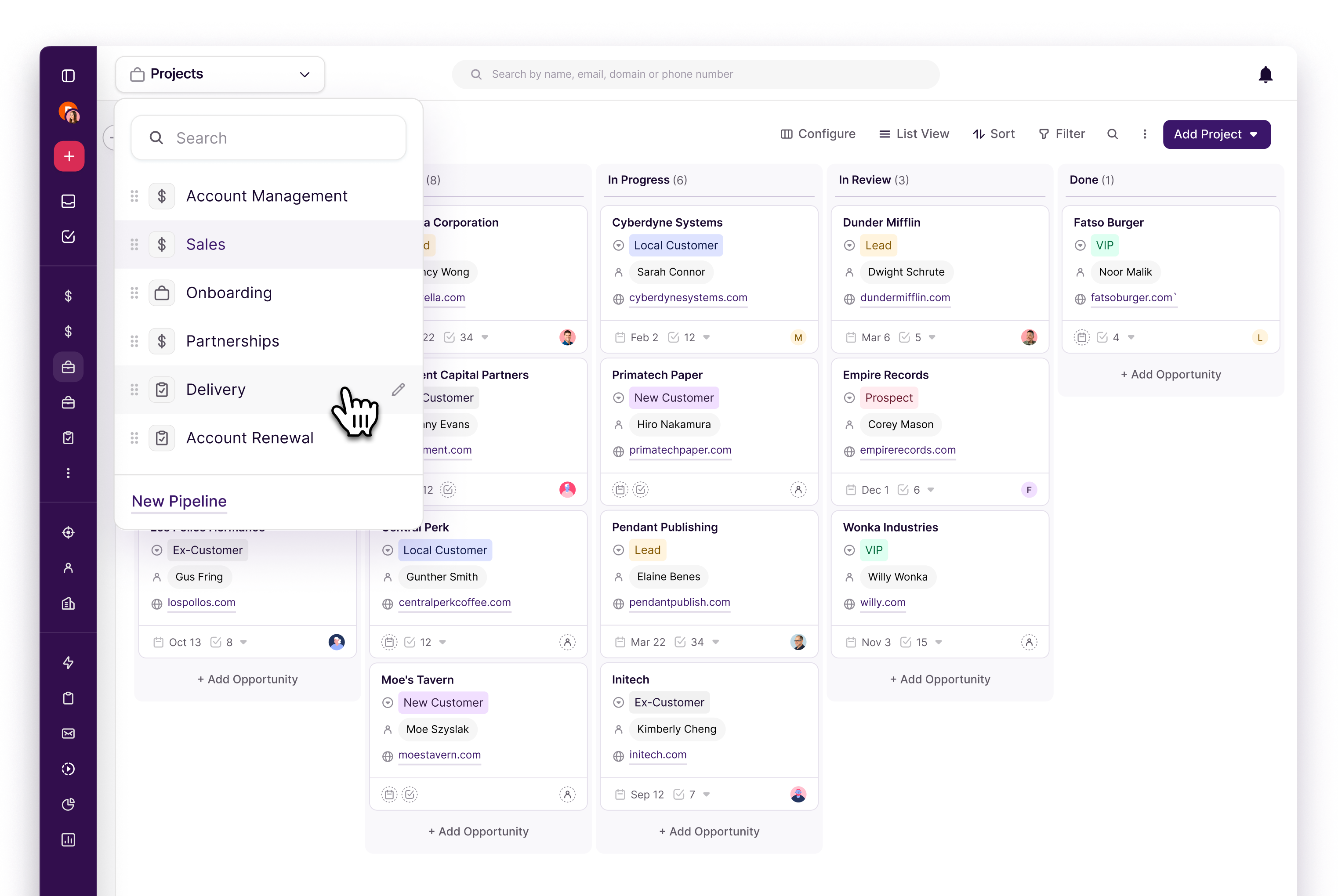
Image source: Copper
My honest take
Copper is not the best CRM for everyone. It is one of the best fits for a very specific buyer, and that is exactly why it is worth taking seriously.
If your team already works in Gmail and Google Calendar all day, Copper solves a real problem. It gives you a proper CRM structure without making the whole company feel like it just signed up for extra admin.
That is where Copper earns its price. The win is not just features on a checklist, it is getting a CRM that people actually keep open, actually update, and actually use to move work forward.
Here is the catch. If you want deep enterprise customization, huge reporting layers, or a full all-in-one operating system with funnels, SMS, and advanced automation, Copper will feel narrower than Salesforce or GoHighLevel.
That does not make Copper weak. It makes it focused, and for the right buyer that focus is exactly the reason to buy it instead of waiting.
If your current setup feels messy, manual, and too dependent on people remembering what to do next, Copper is a smart next step. If you keep putting that decision off, you usually do not save money, you just keep paying in slower follow-up and messier handoffs.
Image source: Copper
FAQ
Is Copper really a good alternative to Salesforce?
Yes, for the right team. Copper makes the most sense when Salesforce feels heavier than what your team actually needs and you want something that fits naturally with Google Workspace.
Is Copper cheaper than Salesforce?
Copper starts lower on annual billing, but price is only part of the story. The bigger difference is that Copper usually asks for less setup and less ongoing admin, which matters a lot for small teams.
Should beginners start with Copper or wait?
Start now if you already have leads, clients, or deals moving every week. Wait if your process is still undefined or if your team is not built around Google tools.
When should I skip Copper?
Skip it if you need heavy customization, a Microsoft-first workflow, or a broader stack with funnels, SMS, websites, and deep automation. In that case, Salesforce or GoHighLevel will probably fit better.
Should you start Copper?
Start the trial if you want a Copper alternative to Salesforce that feels easier to adopt, easier to manage, and much more natural for a Google Workspace team. That is the buyer this tool is built for, and for that buyer it is absolutely worth a real look.
Hold off if you need a bigger system than Copper is trying to be. Go cheaper with HubSpot if budget is the main issue, or go broader with GoHighLevel if you want a heavier all-in-one setup.
Most people reading this already know the real pain point is not “finding a CRM.” It is finally picking one that your team will use without complaints, and that is where Copper looks like the smartest move.
Get started with Copper Filip Konecny Enterprises