
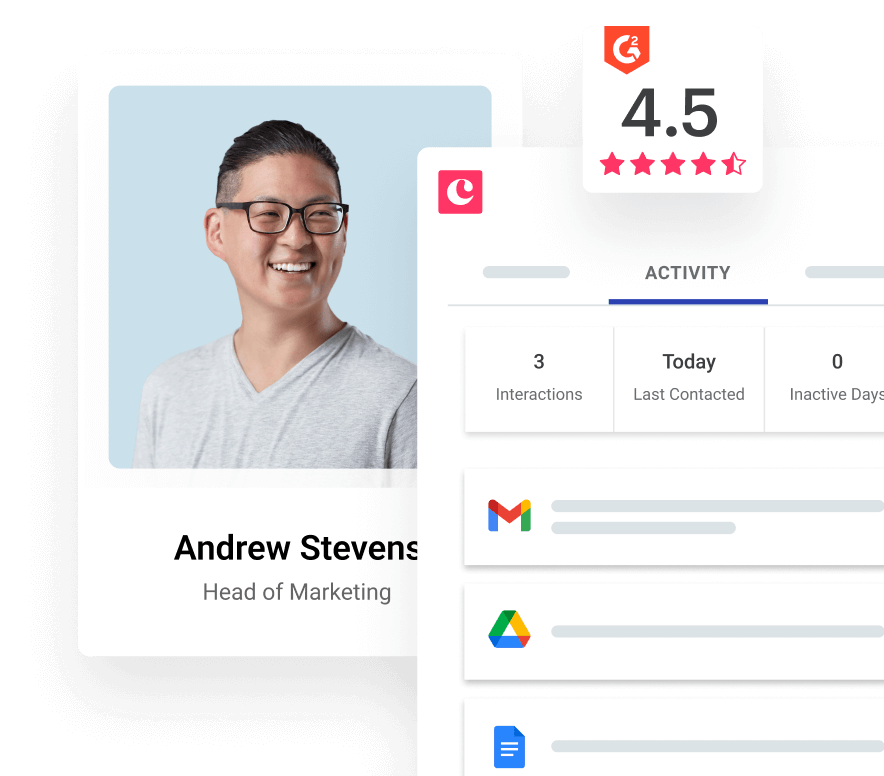
If HubSpot feels bigger, pricier, or more complicated than your team actually needs, Copper is one of the few alternatives that deserves a real look. It is not trying to beat HubSpot at everything. It is trying to give Google Workspace teams a CRM that feels lighter, faster, and easier to keep up with.
That difference is the whole story. HubSpot makes more sense when you want a wider platform that can stretch across sales, marketing, service, and operations. Copper looks better when your real goal is simpler: keep contacts, deals, tasks, and follow-ups close to Gmail instead of burying them in another system people forget to update.
This review is here to help you decide without wasting time. You will see where Copper is the smarter buy, where HubSpot still wins, and whether starting Copper now is the right move for your business or something to hold off on.
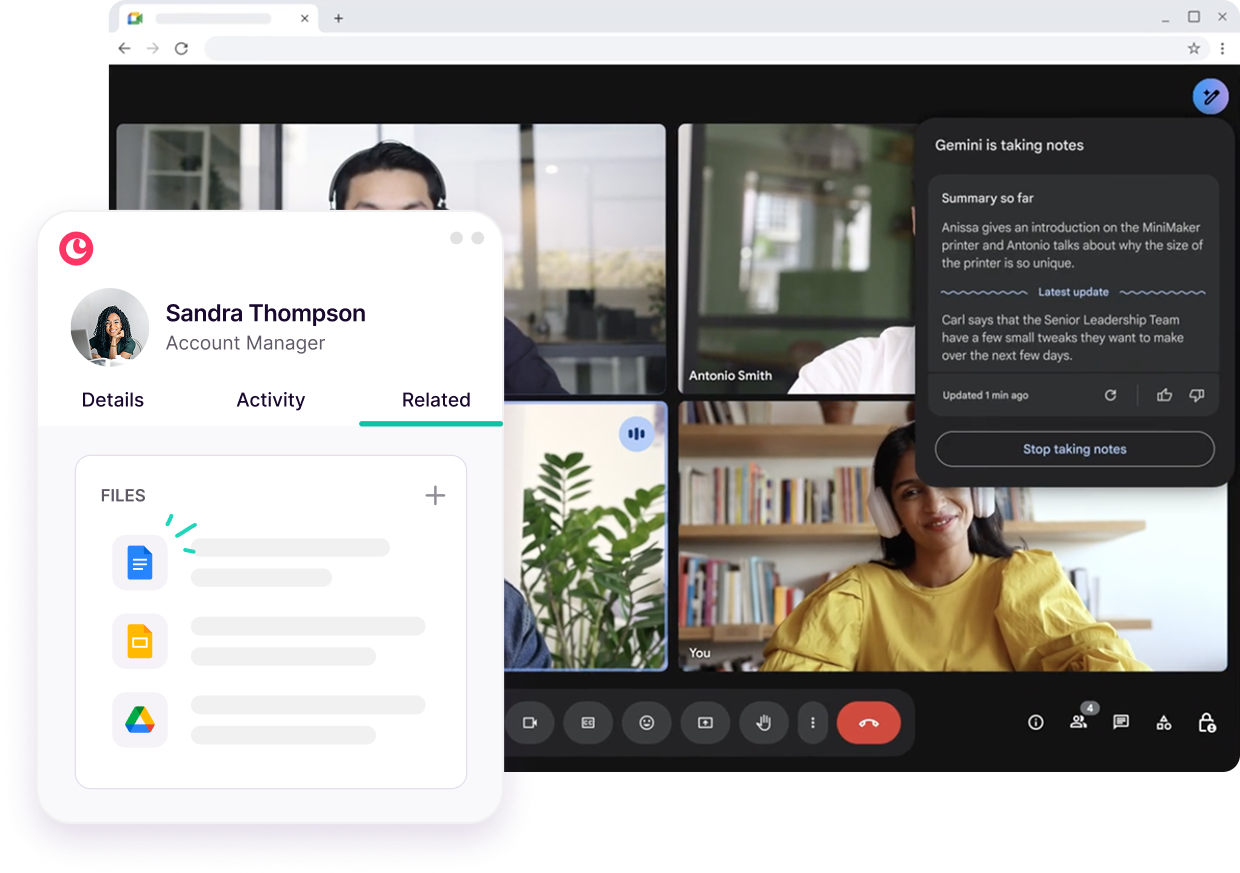
Image source: Copper Google Workspace CRM
Copper vs HubSpot in one minute
Copper is easier to justify when your team already lives in Gmail, Google Calendar, and Google Drive. Its entry price is lower than HubSpot’s paid sales tiers, and the big payoff is simple: less tab switching, less manual CRM work, and less resistance from people who hate updating CRM fields.
HubSpot still has a real edge if you want a free starting point and a much broader stack around it. That includes the kind of expansion path that can grow into heavier sales, marketing, and service workflows. Copper is narrower on purpose, which is good if you want focus and not so good if you want one giant platform from day one.
That is why this is not a generic feature-count comparison. The real question is whether you want a Google-first CRM that stays close to daily work, or a broader system that gives you more room but usually costs more once the free tools stop being enough.
Check the official free trialArticle outline
Here is how the rest of this review is laid out. Use the page jumps below if you already know what you want answered.
- Is Copper actually worth switching to? and what you get with Copper
- The good stuff, Copper pricing, and why buying now can make sense
- Alternatives to Copper, final verdict, and FAQ
The next section goes straight into the part most buyers care about first: whether Copper is actually worth leaving HubSpot for. After that, I will break down what you get in the trial, where the value is real, and where a cheaper or broader alternative may be the better call.
Who should keep reading
This review will be most useful if your team already runs on Google Workspace and HubSpot feels like more CRM than you need. It is also a good fit if your sales process is relationship-driven, your team is small to mid-sized, and you care more about adoption than having the longest feature list on paper.
If you need a deeper marketing engine, a big support stack, or a platform you plan to expand across several departments, you may end up staying with HubSpot or choosing a broader alternative later in the article. Copper works best when simplicity is the point, not a compromise.
Is Copper actually worth switching to?
Copper is worth a serious look if HubSpot feels wider and heavier than your team really needs. The best reason to buy it is not a giant feature list. It is that contacts, tasks, deals, and follow-ups stay close to Gmail instead of turning into one more app people avoid.
Copper gets a lot more interesting when your company already runs on Google Workspace. If your team lives in Gmail, Google Calendar, and Google Drive all day, Copper fits that routine much better than a CRM that expects everyone to live in its own world.
The limitation is just as clear. Copper only really makes sense for Google-centric teams, and it is not the right pick if you want a huge all-in-one setup for sales, marketing, service, and ops all under one roof.
Copper also does not win on “free.” HubSpot still has the easier free entry point, while Copper gives you a trial and then paid plans only. If you already know you need a CRM that people will actually use, that trade-off can still be worth it.
What you get in the free trial
Copper gives you a 14-day free trial and does not ask for a credit card up front. That is a better setup than a fake trial that pushes billing before you have even tested the workflow.
The trial is more generous than it looks because Copper lets you use the Business plan during the free trial. That matters because you are not stuck testing a watered-down version and guessing what the better automation, reporting, and nurture tools feel like later.
Image source: Copper pricing
The trial is long enough to answer the questions that actually matter. You can see whether Gmail integration saves time, whether your team likes the activity feed and task flow, and whether Copper feels simpler than the system you are using now.
You will also find out fast if Copper is the wrong fit. Copper is built around Gmail and Google Workspace, so if your company is deeply tied to Outlook or Microsoft 365, the trial will probably tell you “no” pretty quickly.
That fast answer is useful. A short, honest trial is better than spending weeks migrating halfway into the wrong CRM just because the price looked good at first.
The good stuff
Copper earns its price by cutting down the busywork that makes CRM adoption fall apart. It can pull together emails, calendar activity, notes, files, and tasks around a contact, which means your team spends less time logging obvious things by hand.
That sounds small until you compare it to the usual mess. When reps and account managers have to jump between inboxes, spreadsheets, calendars, and CRM records, updates slip, follow-ups get late, and nobody trusts the pipeline view anymore.
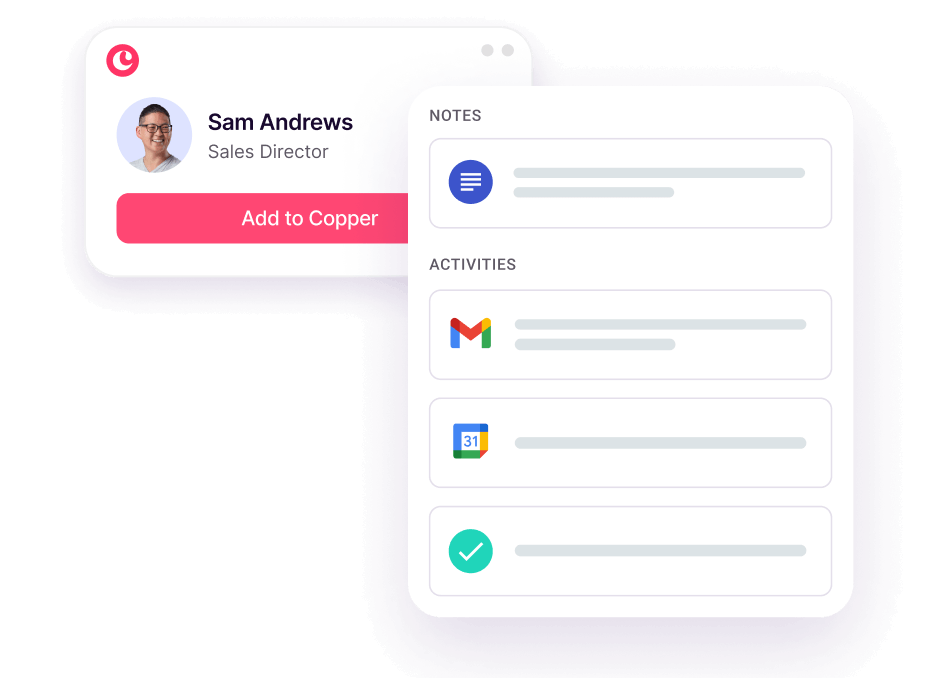
Image source: Copper manage contacts
Basic is where Copper starts feeling like a real HubSpot alternative for smaller teams. That plan adds pipelines, task automation, project management, and contact enrichment, which is usually the minimum set people want when they are leaving spreadsheets or outgrowing a lighter CRM setup.
Professional is where Copper starts feeling complete. That is the plan that adds workflow automation, bulk email, reporting, and broader integrations, so it is the more realistic choice if you want Copper to replace more of the manual glue work your team is doing now.
Starter looks cheap, but many teams comparing Copper vs HubSpot will outgrow it fast. It is fine for basic relationship tracking, but it leaves out customizable sales pipelines and deal management, so it is usually too thin for a serious sales process.
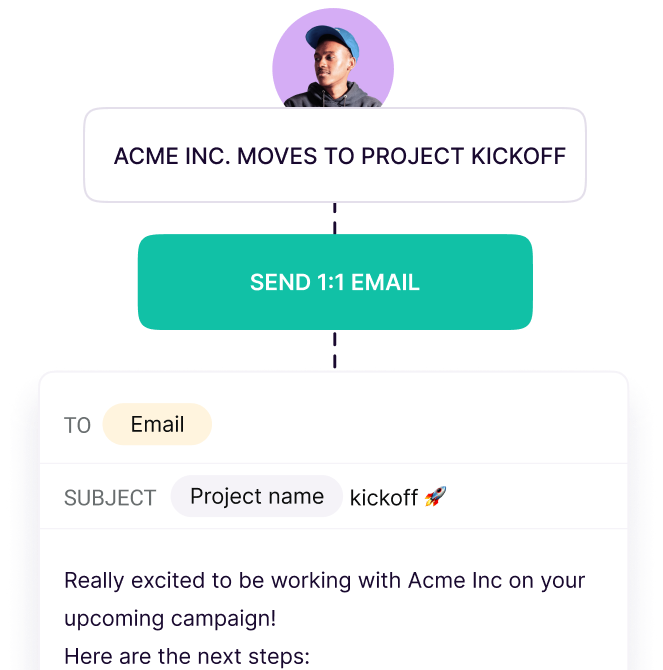
Image source: Copper track leads
Automation is another place where Copper makes sense for the right buyer. You can set up tasks and workflow actions around pipeline movement, which is a lot better than trusting people to remember every next step after every call, meeting, or stage change.
The strongest thing here is still usability. Copper is not trying to wow you with the most dramatic dashboard on the market. It is trying to keep your team inside the tools they already use, and that is usually what makes a CRM stick.
HubSpot still wins if you want more breadth. Copper wins when your real problem is not a lack of software, but too much scattered work happening around Gmail without a clean place to track it.
Copper pricing
Copper’s pricing is easier to swallow than a broad all-in-one CRM stack, but plan choice matters more than the headline price. Most teams shopping for a Copper alternative to HubSpot CRM will end up on Basic or Professional, not Starter.
See current pricingCopper looks especially good when you compare it to broader all-in-one tools you might also be considering. GoHighLevel starts at $97 per month and gives you a lot more across funnels, messaging, and automation, but it is a much bigger system and usually makes more sense for agencies or businesses that want a heavier all-in-one setup.
ClickFunnels starts at $97 per month on monthly billing, while Systeme.io has a free plan and paid plans starting at $17 per month. Both can be smarter buys if your real goal is building pages, checkout flows, and email funnels, not running a Gmail-first CRM for relationship sales.
That is where Copper stays honest. It is not the cheapest tool in the whole internet-marketing stack, but it is one of the cleaner choices if your actual problem is managing contacts, deals, projects, and follow-ups without making the team live in a bloated system.
Why buying Copper now can make sense
Copper makes the most sense when you already have leads, referrals, or client work moving and your current setup feels messy. Waiting usually means you keep relying on inbox memory, spreadsheets, and scattered reminders, which is exactly how follow-ups get missed and deal visibility stays weak.
The payoff is easier to understand than most CRM pitches. Copper helps you see the relationship history, assign the next step, and keep the pipeline moving without asking the team to change everything about how they work.
You probably should wait if you are still very early, barely have any contacts, or are not on Google Workspace. In that case, a lighter setup or a cheaper tool like Systeme.io can be enough until your process becomes real.
You should move now if your team already works inside Gmail, hates manual CRM admin, and needs a system that feels easier to keep updated than HubSpot. For that buyer, Copper is not just “good enough.” It is one of the smarter switches you can make.
Get started with CopperAlternatives to Copper
Copper is not the only answer here, and pretending otherwise would make this review less useful. The right choice depends on whether you want a Google-first CRM, a broader business stack, or the cheapest path that still gets the job done.
Copper wins when Gmail is already where your work happens. It loses some of its appeal when you want a free plan, deeper all-in-one marketing tools, or a setup that is not tied so closely to Google Workspace.
Check the official free trialChoose Copper if your team lives in Gmail and the main goal is getting a CRM people will actually use. Choose Systeme.io if budget is your biggest concern and you do not need a true Google-first CRM. Choose GoHighLevel if you want a broader all-in-one machine and are ready for a heavier setup.
Copper also sits in a different lane than ClickFunnels. If your real priority is building offers, funnels, checkout flows, and selling online, ClickFunnels can be the smarter buy. If your bigger issue is keeping client relationships, tasks, and deals organized inside Gmail, Copper makes more sense.
My honest take
Copper is a strong buy for the right person. That person is not everyone. It is the team using Google Workspace every day, wanting less CRM admin, and caring more about adoption and speed than owning the biggest software stack on paper.
Copper looks especially good against HubSpot when HubSpot feels too wide for the job. A lot of teams do not need a giant system with endless paths to expand. They need a CRM that keeps contacts, deals, meetings, and follow-ups close to the inbox where work is already happening.
Here is the catch. Copper gets less convincing if you are very early, barely managing any real pipeline, or not committed to Google Workspace. In those cases, the free side of HubSpot or the lower-cost path with Systeme.io can be the smarter move for now.
Copper also is not the best pick if you want a huge all-in-one setup with funnels, messaging, calendars, and heavier automation wrapped together. That is where GoHighLevel starts to look better, even though it is a much bigger system to manage.
Buy now if your current process is already costing you follow-ups, visibility, or consistency. Waiting usually means you keep running client relationships from memory, inbox search, and scattered notes. That gets expensive long before the software does.
Wait if you do not have a repeatable sales or client process yet. Copper helps organized teams move faster. It will not magically create a process for a business that still does not know how it wants to sell or onboard.
Skip Copper if your business is built around Microsoft tools or you want a broader stack more than a better Gmail workflow. Copper is not trying to win those buyers, and that focus is part of what makes it good for the people it actually serves.
For a Google-first business that is tired of bloated CRM setups, Copper is absolutely worth trying. It is easier to understand, easier to start, and easier to see value from than a lot of bigger-name CRM options.
Get started with CopperFAQ
Is Copper better than HubSpot?
Copper is better for teams that want a lighter CRM built around Gmail and Google Calendar. HubSpot is better if you want a broader system with more room to expand into marketing, service, and bigger paid layers later.
Does Copper have a free plan?
Copper does not offer a permanent free plan. It offers a 14-day free trial, which is enough for most buyers to see whether the Google Workspace workflow is a genuine improvement or not.
Is Copper hard to set up?
Copper is easier to justify when your team already uses Google Workspace because the setup feels closer to your normal workflow. It is still software, so you need to define pipelines, owners, and next steps, but it is not the kind of CRM that only makes sense after a giant onboarding project.
Should I pick GoHighLevel or Systeme.io instead?
Pick GoHighLevel if you want a bigger all-in-one system and can handle more setup. Pick Systeme.io if price matters most and you mainly need funnels, email, and simple contact management. Pick Copper if Gmail-first CRM usability is the main thing you care about.
Should you start the trial?
Start the trial if your team already works from Gmail, your follow-up process feels messy, and HubSpot feels like more system than you need. That is the buyer Copper is built for, and the trial is the fastest way to see whether the lighter workflow is enough to make switching worth it.
Hold off if you are still too early, still guessing at your process, or need a broader stack than Copper wants to be. For everyone else in the Google Workspace camp, this is one of the easier CRM trials to justify.
Explore Copper Filip Konecny Enterprises