
Paperform and Fillout solve a very similar problem, but they do not feel the same once you get past the homepage. One leans harder into polished, flexible, almost landing-page-style forms, while the other makes a very strong case for teams that care about logic, data routing, scheduling, and getting more done without adding another pile of tools.
That difference matters because this is not just a design choice. It affects how quickly you can launch, how much manual work you still have after someone submits a form, and whether you end up paying for extra tools that your form builder should have handled in the first place.
If you are stuck choosing between them, the real question is simple: do you want the better-looking document-style experience, or the stronger all-around workflow engine for modern forms? This review is built to help you answer that before you waste time switching twice.
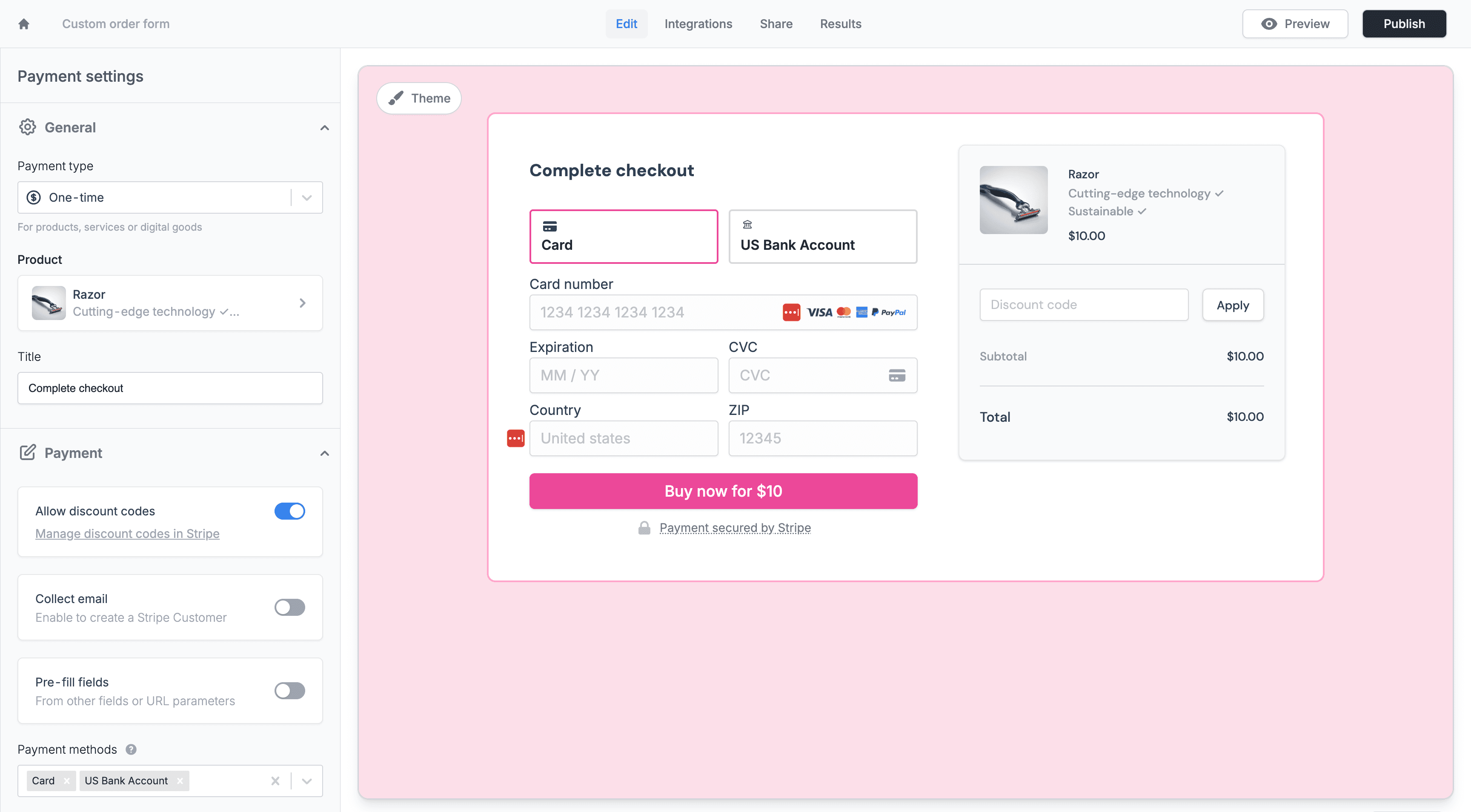
Image source: Fillout payments page
Article outline
Use these page jumps if you already know what you care about most.
- Is either one actually worth paying for?
- What you get with Fillout
- What you get with Paperform
- The good stuff
- Pricing and value
- Why buying now could make sense
- Alternatives worth considering
- Final verdict
- FAQ
Is either one actually worth paying for?
Yes, if forms are tied to revenue, lead qualification, onboarding, bookings, payments, or internal workflows. No, if you only need a basic contact form once in a while and would never touch logic, branding, payments, scheduling, or automations.
Paperform earns attention because it makes forms feel less like cold database boxes and more like branded pages that people actually want to complete. Fillout earns attention for a different reason: it packs in more workflow-friendly features than most people expect from a form builder, especially if you care about conditional logic, integrations, scheduling, signatures, and sending data where it needs to go fast.
That is why this comparison matters for real buyers. If your current setup is messy, manual, or spread across too many tools, both of these can be worth paying for because the real cost is not just the monthly subscription; it is the time you keep burning every week doing work the platform should already automate.
What you get with Fillout
Fillout looks strongest for buyers who want a form builder that behaves more like an operational tool than a simple survey app. It is especially appealing when your form needs to connect with spreadsheets, databases, CRMs, payment flows, calendars, or logic-heavy intake processes without forcing you into a giant enterprise system.
The big draw is not just that it can collect responses. It can also handle scheduling, payments, signatures, conditional paths, custom endings, prefill, analytics on higher plans, and a generous collaboration model that does not punish teams for adding more users.
That makes Fillout easier to justify when your form is part of the actual customer journey. If your form is supposed to qualify a lead, book a meeting, take payment, or push data into the tools you already use, Fillout starts sounding much less like “just another form builder” and much more like a tool that can replace annoying manual steps.
What you get with Paperform
Paperform wins people over with flexibility and presentation. Its forms feel closer to interactive documents or lightweight landing pages, which is a big deal if design and brand feel matter just as much as the raw form logic.
That makes Paperform attractive for businesses that do not want their forms to look like obvious templates. It is a strong fit for polished order forms, branded applications, service inquiries, and workflows where the experience needs to feel more custom and less utilitarian.
Paperform also goes beyond simple data collection, so this is not a case of “pretty but shallow.” It supports payments, scheduling, calculations, automation, and more advanced workflows, which is why the real debate is not whether it is capable enough. The debate is whether its style-first approach is a better fit for you than Fillout’s stronger workflow-first feel.
The good stuff
Both tools are good enough to save serious time for the right buyer. Fillout stands out when efficiency matters most, while Paperform stands out when presentation and customization are doing more of the selling.
That usually leads to a simple split. Fillout looks better for operations-heavy teams, agencies, startups, and businesses that want forms to push work forward automatically, while Paperform looks better for brands that care a lot about visual control and want forms that feel closer to a designed experience.
The rest of this review gets into the part that actually affects the buying decision: what you get, what the catch is, where the pricing feels fair or not, and which tool is smarter for your exact situation.
Alternatives worth considering before you choose
Paperform vs Fillout is a real decision, but it is not the only one. Some buyers want the best dedicated form tool, some want the most polished form experience, and some would honestly be better off with a broader all-in-one tool that does much more than forms.
That matters because the wrong buy usually happens when you solve the wrong problem. If your main issue is intake forms, workflows, payments, and scheduling, Fillout stays very compelling. If your bigger issue is running your whole business stack cheaply or managing CRM-heavy client work, another tool can be the smarter move.
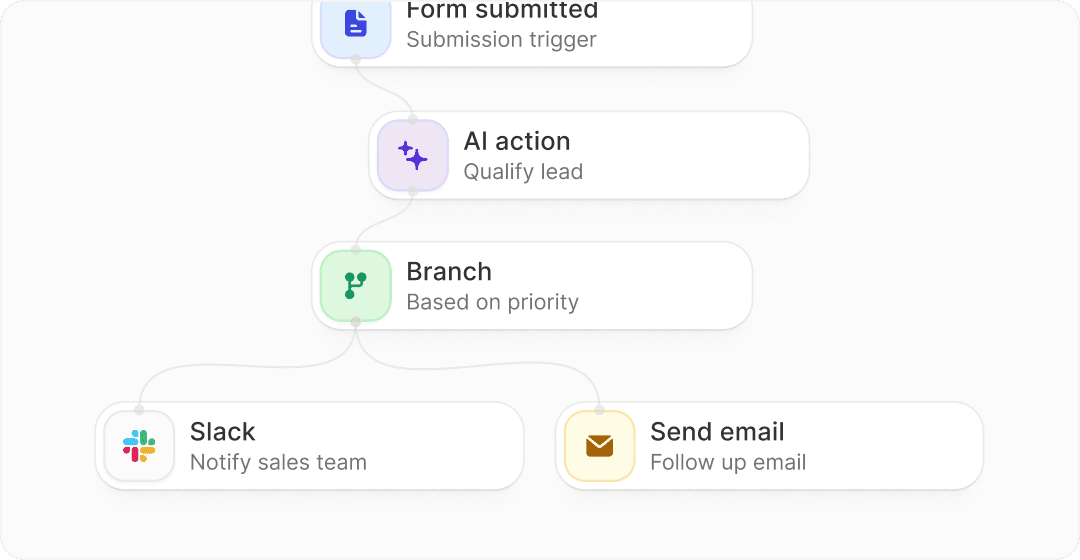
Image source: Fillout
See current pricingChoose Fillout if forms are a serious part of how you collect leads, book calls, take payments, or move people through a workflow. Choose Paperform if the look and feel of the form matters more than squeezing maximum utility out of the price. Choose Systeme.io if budget is the real issue, and choose GoHighLevel if forms are only one piece of a much bigger sales and CRM setup.

Image source: Fillout
My honest take
Fillout is the better choice for most people comparing Paperform vs Fillout. It gives you more room to test, more functionality early, a lower paid starting point, and a better shot at replacing manual steps without pushing you into a much more expensive stack.
Paperform is not a bad buy. It is a narrower buy. It makes more sense when the visual feel of the form is doing real work for your brand and you are willing to pay more for that presentation.
That is why I would lean Fillout for the average buyer here. If you need forms that do more than collect answers, Fillout feels like the more practical decision and the easier one to justify now instead of six months from now.
Beginners can handle Fillout because the free plan is generous enough to learn on without committing too early. Bigger teams can justify it because unlimited seats, payments, scheduling, PDFs, signatures, and workflow tools start stacking up into real time savings.
I would wait only if you do not know what you are building yet. I would skip both if all you need is a tiny contact form and nothing more. I would start with Fillout if you already know the form needs to help you sell, qualify, onboard, schedule, or automate something important.
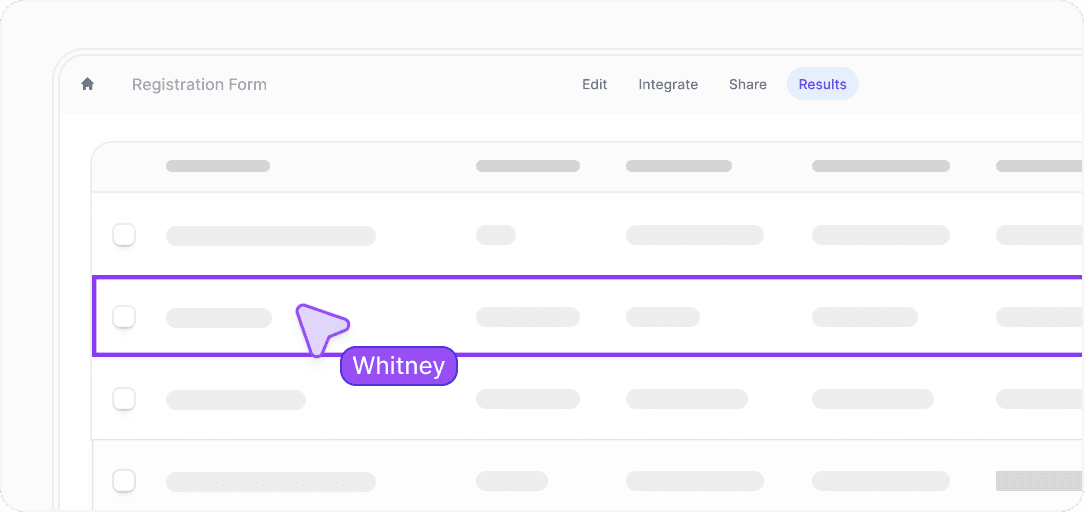
Image source: Fillout
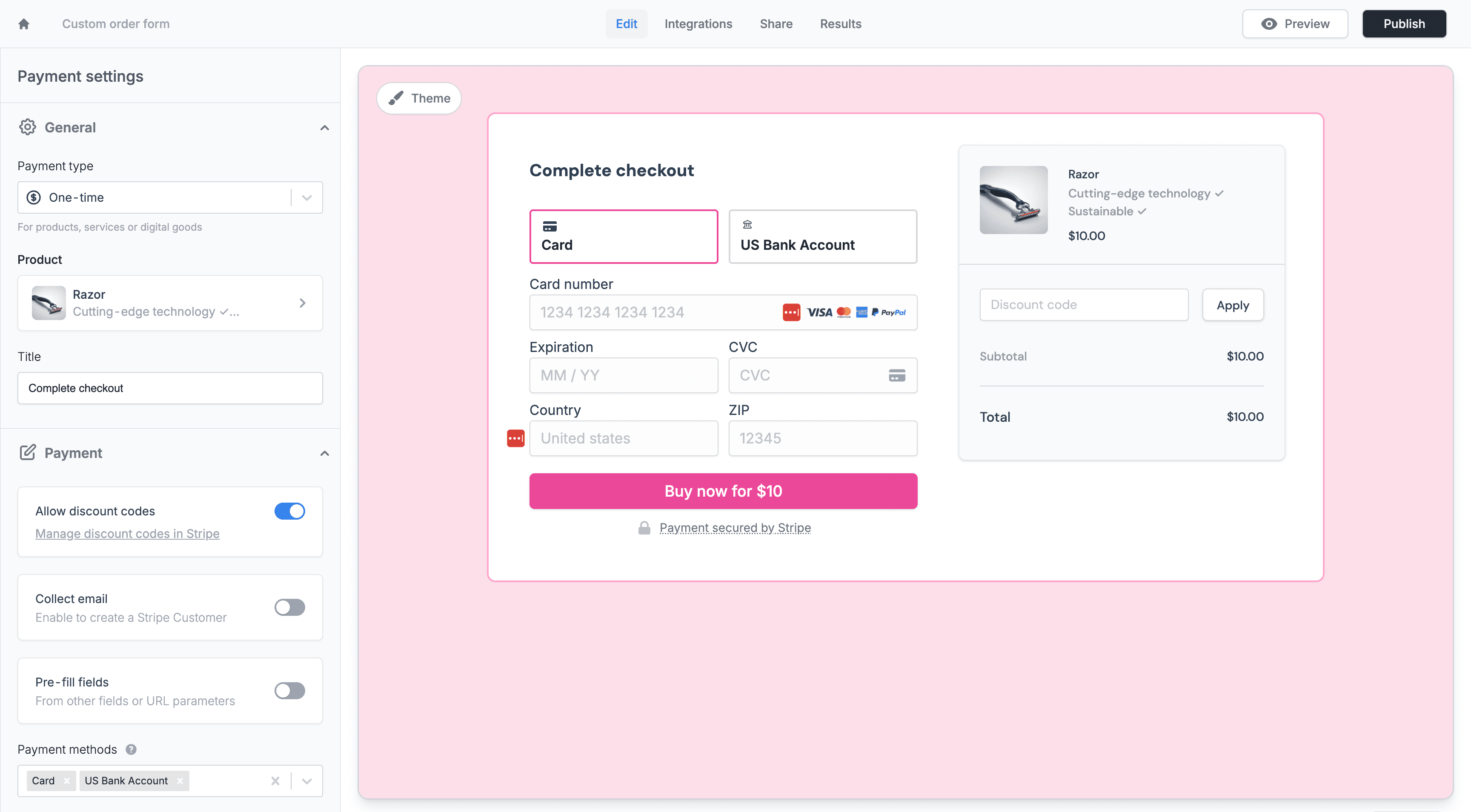
Image source: Fillout
FAQ
Is Fillout cheaper than Paperform?
Yes. Fillout starts with a free plan and its first paid plan starts at $15 per month on annual billing, while Paperform’s first paid plan starts at $29 per month on annual billing.
Is Paperform better for design?
Usually, yes. Paperform has the more document-style, presentation-first feel, so it can be the better pick when the form itself needs to look especially polished and brand-forward.
Is Fillout overkill for beginners?
Not really. It can do a lot, but the free plan is usable enough that beginners can start simple and grow into the more advanced features later.
Should you switch from Paperform to Fillout?
Switch if you care more about value, logic, workflow features, scheduling, and team use than about the document-style editing experience. Stay with Paperform if the branded presentation is the main reason you chose it in the first place.
Should you start now or wait?
Start now if your form is tied to leads, bookings, applications, onboarding, or payments and the current process feels clunky. Wait if you are still figuring out the offer, workflow, or basic business setup and would not use the extra features yet.
If that sounds like you, Fillout is the one I would try first. It is easier to justify, easier to test seriously, and more likely to save you time without making the buying decision feel bigger than it needs to be.
Get started with Fillout Filip Konecny Enterprises