
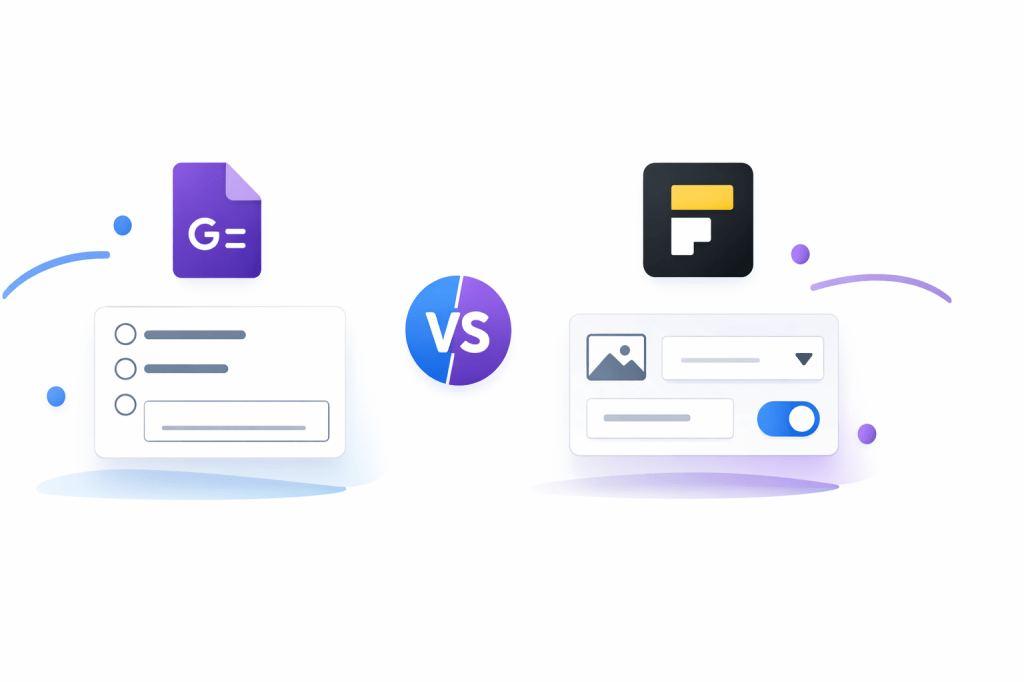
Most people do not need a complicated form builder. They need something that is fast, easy, and good enough to collect responses without turning into another project.
That is why this comparison matters. Google Forms is still the default pick when you want something free and simple, but Fillout gets a lot more interesting the moment you care about branding, payments, scheduling, PDFs, or workflows that save real time.
If you are trying to decide whether to stay with Google Forms or move to Fillout, this review is built to help you make that call without wasting another week patching together workarounds.
Article outline
- Quick verdict and who each tool makes sense for
- What you actually get with Google Forms and Fillout
- Pricing, value, and when paying for Fillout is justified
- Why Fillout can save more time than a free tool
- Alternatives worth looking at before you decide
- My honest final verdict
- FAQ
Quick verdict
Google Forms is still the better pick if your goal is simple data collection, internal requests, basic surveys, or quizzes with almost no setup. It is hard to argue with free when the job is small and you already live inside Google Workspace.
Fillout is the stronger choice when the form is part of the customer experience, not just a box for answers. It gives you a lot more control over branding, payments, scheduling, conditional logic, PDFs, integrations, and follow-up workflows, so it starts replacing other tools instead of sitting beside them.
That is the real split. Google Forms is better when you want the easiest free option, while Fillout is better when the form needs to help you sell, qualify, book, route, or automate something important.
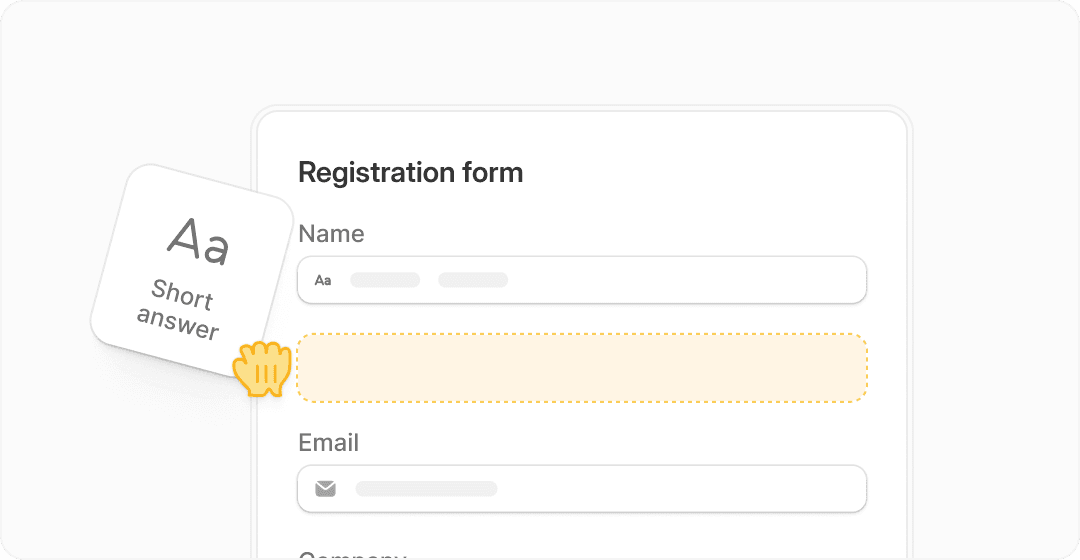
Image source: Fillout
Explore FilloutIf you already know your form needs to look polished and do more than collect answers, Fillout has the edge. If you are still in the “I just need a basic form today” stage, Google Forms is probably enough for now.
Who this comparison is for
This is for people choosing between a free default tool and a form builder that can grow into part of the business. That usually means freelancers, agencies, consultants, coaches, SaaS teams, operations people, and anyone tired of stitching together forms, payment links, schedulers, and spreadsheets by hand.
It is also for anyone wondering if switching is even worth the hassle. Sometimes it is not, and I want to be clear about that before the article gets deeper into features and pricing.
Google Forms is not bad. It is just limited once your form has to feel branded, guide people through a more polished flow, or trigger something useful after submission.
What usually makes the decision easy
Pick Google Forms if cost is the main concern and the form is mostly functional. Team surveys, school use, internal requests, event RSVPs, simple lead capture, and quick quizzes are all good fits.
Pick Fillout if you want the form to help close sales, book calls, collect payments, generate documents, or feed clean data into the rest of your stack. That is where paying stops feeling annoying and starts feeling practical.
Waiting too long to upgrade can cost more than the software when your current setup keeps creating manual work. If every form submission needs extra cleanup, extra follow-up, or another tool to finish the job, the free option stops being the cheap option.
The next section breaks down what you actually get with each tool, because that is where this comparison gets much clearer. Features alone do not matter much until you can see which ones save time, improve conversion, or remove another subscription from your stack.
What you actually get with each tool
Google Forms gives you exactly what you expect. You create questions, collect responses, and send everything straight into Google Sheets with almost zero effort.
Fillout goes further. It turns your form into something that can guide users, trigger actions, collect payments, generate documents, and plug directly into tools you already use.
That difference sounds small until you actually need it. Then it becomes the reason people switch.

Image source: Fillout
Conditional logic is the first big upgrade. Instead of showing every question to everyone, Fillout lets you build paths based on answers, which makes the form feel shorter and more relevant.
Google Forms has basic logic, but it is limited. You can skip sections, but you cannot build deeper flows that feel like a guided experience.

Image source: Fillout
Payments are another clear difference. Fillout supports collecting payments directly inside the form, which removes the need for a separate checkout tool.
Google Forms cannot do this natively. You end up sending users somewhere else, which adds friction and lowers completion rates.

Image source: Fillout
PDF generation is one of those features that sounds niche until you need it. Contracts, summaries, onboarding docs, or reports can be created automatically after submission.
Google Forms cannot handle that without external tools. That usually means Zapier or manual work.
The good stuff (and where each tool wins)
Google Forms wins on speed and simplicity. You can create a working form in minutes, share it, and never think about it again.
Fillout wins when the form becomes part of a real workflow. Booking calls, qualifying leads, onboarding clients, or collecting structured data becomes much easier because everything connects.
Here is the trade-off. Google Forms is easier on day one, but Fillout saves more time after day ten.
Branding is another big difference. Fillout lets you control design, layout, and experience so the form actually matches your business.
Google Forms looks like Google Forms. That is fine internally, but it does not feel premium when customers are involved.
Pricing and when Fillout starts to make sense
Google Forms is free. That is its biggest advantage and also the reason people stay longer than they should.
Fillout has a free plan too, but the real value shows up on paid plans once you need higher limits, branding control, and advanced features.
The question is not “is Fillout cheaper?” It is “does it replace enough tools to justify the price?”
See Fillout pricing and featuresIf you are only using forms occasionally, Google Forms is still the smarter choice. Paying for Fillout would feel unnecessary.
If forms are part of how you make money, Fillout starts to justify itself quickly. It replaces tools like payment pages, schedulers, document generators, and sometimes even simple CRMs.
Why upgrading can actually save you time
Manual workflows are the hidden cost of free tools. Every time you export data, send follow-ups, create documents, or move information between tools, you are paying with time instead of money.
Fillout reduces that by handling more steps inside one flow. A user submits a form, pays, books a call, gets a document, and the data lands where it needs to go without extra work.
That is the real payoff. Not the features, but the number of steps you no longer have to think about.
If your current setup already feels smooth, you probably do not need to switch yet. If it feels messy, slow, or full of manual fixes, that is usually the point where Fillout becomes worth trying.
Try FilloutAlternatives worth considering before you decide
Google Forms and Fillout are not the only options. Some tools sit in the middle, while others go much further and replace entire marketing or CRM setups.
This matters because Fillout is not always the best next step. Sometimes a cheaper tool is enough, and sometimes a bigger platform makes more sense if you are already scaling.

Image source: Fillout

Image source: Fillout

Image source: Fillout
Try FilloutFillout makes the most sense if you want your forms to actually do work for you. It sits in a sweet spot between simple tools and full marketing platforms.
Google Forms is still the right pick if you want free and fast. Systeme.io is better if your goal is funnels and selling, and GoHighLevel makes sense when you are running a full agency setup.
My honest final verdict
Google Forms is still worth using if your needs are basic. It is fast, free, and reliable, and for many people that is enough.
Fillout becomes worth it the moment your form is tied to revenue or operations. Payments, scheduling, automation, and better user experience all start to compound into real time savings.
If your current workflow feels messy, switching is usually a smart move. If everything already works smoothly, you can wait.
For the right buyer, Fillout is not just “a nicer form builder.” It is a step toward fewer tools and fewer manual steps.
Get started with FilloutFAQ
Is Fillout better than Google Forms?
It depends on what you need. Fillout is better for advanced workflows, payments, and branded forms, while Google Forms is better for simple and free data collection.
Can beginners use Fillout?
Yes, but it has more features, so it takes longer to learn than Google Forms. If you only need basic forms, it may feel like too much at first.
Is it worth switching from Google Forms?
It is worth switching if your forms are tied to sales, onboarding, or automation. If they are just for collecting responses, staying with Google Forms is usually fine.
Does Fillout replace other tools?
In many cases, yes. It can replace payment tools, scheduling tools, and some automation workflows, which is where the real value comes from.
Should you try Fillout now or wait?
If you already have a use case that involves clients, leads, or workflows, it is worth trying now. If you are still experimenting with basic forms, you can wait until the need is clearer.
 Filip Konecny Enterprises