
If you searched for a Firecrawl discount, you probably want a simple answer: can you save money on it, and is the tool good enough to justify paying at all. That is the only question that matters here, because a coupon is not helpful if the platform is wrong for you.
Firecrawl looks attractive for AI builders because it turns messy websites into cleaner, LLM-ready data without forcing you to babysit proxies, rendering, or scraping logic. The catch is that it is still a developer-first product, so the real buying decision is less about “is there a discount” and more about “will this save me enough time to make the price feel small.”
Right now, the most reliable savings angle is not some mystery promo code. It is the free 500-credit entry point, lower yearly pricing on paid plans, and the student credit program if you qualify, all visible on Firecrawl’s pricing page and the student program page.
Article outline
- Is Firecrawl actually worth trying?
- What you get, what the free access looks like, and what the paid plans really cost
- Alternatives, who should skip it, and the final verdict
Is Firecrawl actually worth trying?
For the right buyer, yes. Firecrawl is worth trying when you already know you need web data for AI apps, agent workflows, lead enrichment, competitive monitoring, or structured extraction and you do not want to keep patching together scraping infrastructure by hand.
It becomes a weaker buy when you are still in the “I might build something one day” phase. The free credits help, but a developer tool only pays for itself when it removes real work from a real workflow.
That matters more than the discount itself. A cheaper tool that still leaves you debugging JavaScript rendering, blocked pages, PDFs, and structured extraction usually ends up costing more in time than a cleaner paid setup.
Firecrawl’s strongest angle is that it is built around outputs AI teams actually want. The official docs show support for scrape, crawl, map, search, extract, markdown output, structured JSON extraction, screenshots, PDF handling, browser actions, and plan-based concurrency instead of a barebones “fetch HTML and good luck” workflow.
That also explains why the discount conversation is a little different here. You are not buying a casual no-code app; you are paying for fewer scraping headaches, faster iteration, and fewer moving parts in your stack.
Image source: Firecrawl blog
The product also looks like it is moving fast, which matters if you hate paying for stale software. Firecrawl’s site and docs currently show active work around the CLI, browser tooling, scrape options, extraction modes, automation guides, rate-limit docs, and newer developer workflows instead of a product that feels abandoned after signup.
Here is the catch. Firecrawl is not the best fit for a total beginner who just wants a point-and-click scraping toy with no technical setup, and it is not a social-media scraping solution either, since the official FAQ says it is best suited to business websites, docs, and help centers and does not currently support social platforms.
The easiest ways to save right now
Check the official free trialThat table tells you almost everything you need for the first decision. If you only want to test reliability and output quality, the free plan is enough to answer that quickly without forcing a paid commitment.
If you already have a use case and the tool works for you, yearly billing is the cleaner way to save. Firecrawl does not offer a pure pay-as-you-go model, and unused plan credits do not roll over, so waiting too long on the wrong plan does not create extra value.
The student deal is the best verified discount on the board if you qualify. For everyone else, the “discount” is really about avoiding wasted engineering time and choosing a plan only after the free credits prove the product fits your workflow.
The next part is where the buying decision gets more practical. I will break down what you actually get in Firecrawl, how the plans compare, where the price starts to make sense, and when a different tool is the smarter move.
What you get, what the free access looks like, and what the paid plans really cost
The next section covers the free credits, the paid tiers, the strong parts of the platform, and whether the price is justified once you move past testing.
Alternatives, who should skip it, and the final verdict
The final section compares Firecrawl with relevant alternatives, shows who should buy now versus wait, and wraps the review with a clear verdict.
What you get before you pay
Firecrawl gives you 500 one-time free credits, and that is enough to answer the only question that matters at this stage: does it actually work for your use case. You can test scraping, crawling, search, and the general output quality without pulling out a card first.
That free access is useful, but it is not a long runway for a real production workflow. Firecrawl’s own pricing and billing pages make it clear that the free tier is a test drive, paid plans are monthly subscriptions, and there is no pure pay-as-you-go option if you want to keep using it seriously.
That matters if you are hunting for a Firecrawl discount because the real savings decision is not “can I find a coupon.” It is “can I prove this saves me enough time during the free credits that moving to a paid plan feels obvious instead of annoying.”
The platform is also easy to understand once you stop looking at it like a generic scraper. Firecrawl is built around a few core jobs: scrape a page, crawl a site, search the web and pull back content, extract structured data, and use browser actions when simple scraping is not enough.
That is why it can replace a lot of messy manual work. You are not just paying for page fetches; you are paying to avoid stitching together rendering, parsing, structured extraction, screenshots, PDF handling, and browser automation yourself.
Firecrawl’s docs also spell out how credits are consumed, which helps a lot with buyer confidence. A basic scrape costs 1 credit per page, PDF parsing costs 1 extra credit per PDF page, and JSON mode or enhanced proxy usage adds more credits, so you can estimate usage before you get surprised.
The good stuff
The biggest win is speed to working output. Firecrawl returns markdown, HTML, structured JSON, links, screenshots, and other formats that are much closer to what AI builders, RAG teams, and automation workflows actually need than raw page source.
That sounds small until you compare it with doing this manually. Raw HTML is cheap to collect, but cleaning it, handling JavaScript-heavy pages, working around blockers, and turning the result into something an LLM can use is where the time sink really starts.
Firecrawl also looks strong when the target site is not simple. The official scrape docs and advanced scraping guide show support for JavaScript rendering, waits, clicks, typing, scrolling, screenshots, PDF generation, and extraction workflows that go beyond a basic “grab this URL” API call.
The other strong point is predictability. Firecrawl’s own comparison with Apify keeps coming back to the same argument: one page usually equals one credit, which is easier to budget than compute-based pricing that changes with actors, runtime, memory, and proxy costs.
Apify’s own comparison post more or less confirms the product split. Firecrawl is presented as the faster path to LLM-ready markdown and JSON, while Apify is framed as the broader ecosystem with thousands of tools and deeper customization for people who want more moving parts.
That makes Firecrawl easier to recommend to someone who wants results fast. If your current setup feels like too many scripts, too many brittle selectors, and too much cleanup after the scrape, this tool starts to make sense very quickly.
There is also a practical upside for people doing research, lead enrichment, or competitor monitoring. Firecrawl’s newer docs and feature pages show that search can return full page content, crawl can handle site-wide discovery, and extract can turn prompts or schemas into structured data without forcing you to custom-build every step.
That saves time fast when the work repeats every week. A tool like this earns its price when you stop rebuilding the same scraping logic over and over just because the target site changed one layout block.
Students get the best verified deal by far. Firecrawl’s student program offers 20,000 free credits with a valid academic email and the STUDENTEDU code, which is a much bigger break than the standard free tier.
Pricing and where the value starts to make sense
The cheapest paid plan starts at a level that is reasonable if you already have a real workflow, but unnecessary if you are still guessing. Hobby is listed at $16 monthly when billed yearly for 3,000 credits, Standard at $83 monthly billed yearly for 100,000 credits, and Growth at $333 monthly billed yearly for 500,000 credits.
The catch is simple. Credits do not roll over on normal plans, and Firecrawl does not offer a pure pay-as-you-go model, so buying too early is dumb if you still do not know your monthly usage.
That is why the free credits matter more than the phrase “Firecrawl discount.” The smartest path is to use the free access to estimate how many pages, PDFs, or structured extraction runs you will actually need, then step into the smallest plan that fits.
See current pricingHobby is the entry point if you already have something to build. Standard is where the pricing starts to look better for teams because the credit jump is huge compared with the price jump, and Growth only makes sense when you already know the volume is there.
If you are comparing Firecrawl with cheaper ways to do this, the honest answer is that free or open-source routes can absolutely be cheaper on paper. They stop being cheaper when your time is the expensive part.
If your real goal is not web extraction but putting website content into a chatbot fast, Chatbase may be the simpler buy. If your real problem is broader client operations, automations, and CRM, GoHighLevel is the broader system, but neither replaces Firecrawl when the job is getting fresh, structured web data into AI workflows.
Why buying now can make sense
Buy now if you already have a use case and the free credits confirm the output is good enough. Waiting longer usually means you keep delaying the build, keep patching your own scraping setup, or keep collecting data in a way that does not scale.
Skip the paid plan for now if you are still exploring ideas. Firecrawl is a strong tool, but it is still a tool for people who need web data often enough that speed, reliability, and cleaner output beat the cost of the subscription.
For the right buyer, this is an easy recommendation. If you are serious about AI agents, RAG pipelines, research workflows, or structured extraction from real websites, the free credits are enough to prove the point and the paid plans are much easier to justify once the manual alternative starts wasting your time.
The last section is where the decision gets even easier. I’ll compare Firecrawl with relevant alternatives, show who should buy it, who should go cheaper, and who should pick a broader tool instead.
Alternatives and the final verdict
Firecrawl is not the only way to solve this problem. It is just one of the cleaner options if your end goal is getting live web data into AI workflows without wasting days on brittle scraping logic.
That is why the Firecrawl discount question matters less in this last section. A small discount helps, but the bigger decision is whether this tool matches the job you actually need done.
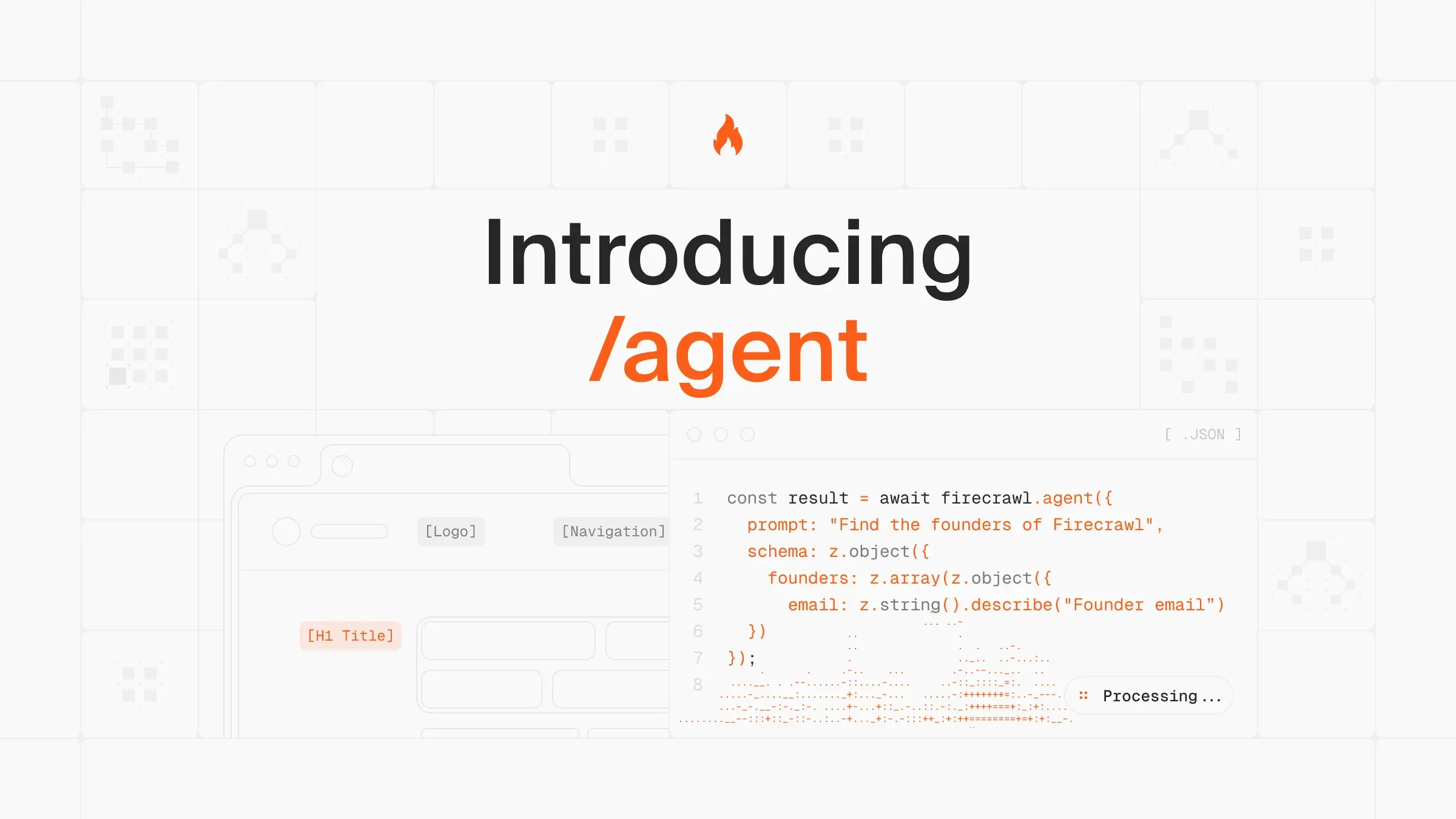
Image source: Firecrawl
Which option makes the most sense?
Firecrawl wins when the hard part is extraction itself. You want clean markdown, JSON, crawling, search, screenshots, browser actions, and less maintenance work after the first build.
Apify makes more sense when you want a much bigger scraping ecosystem and do not mind a more usage-heavy billing model. Browse AI is better if you want point-and-click scraping and monitoring without feeling like you need to think like a developer.
Chatbase is the smarter pick when your real goal is a website-trained AI agent for support or lead capture, not a web data API. That is not a knock on Firecrawl; it is just a different job.
 Filip Konecny Enterprises