

If you are choosing between Fillout and Tally, the real question is not which one has the longer feature list. You want to know which one will help you build forms faster, collect better data, and avoid paying for stuff you do not need.
These two tools overlap a lot, but they do not feel the same once you look at pricing, free-plan limits, customization, workflows, and how serious your setup needs to be. One is easier to recommend for people who want a generous free plan and a lightweight experience, while the other starts to make more sense when forms are tied to operations, automation, and branded customer flows.
I am going to keep this simple. By the end, you should know whether Fillout is the better buy for you, whether Tally is the smarter cheaper move, or whether you should wait until your use case is more demanding.
Article outline
- Quick take: the short version before you dig in
- What you get, what it costs, and who each tool fits best
- Alternatives, final verdict, and the best next step
Quick take: the short version before you dig in
Tally is easier to love on day one because the free plan is unusually generous. You get unlimited forms and unlimited submissions under its fair-use policy, plus core features like conditional logic, payments, signatures, file uploads, answer piping, and key integrations without paying upfront.
Fillout takes a different angle. Its free plan is more limited on responses, but it pushes harder into advanced business use cases with native scheduling, PDF generation, deeper workflow options, branded experiences, stronger analytics on higher plans, and more control over how forms plug into the rest of your stack.
That means the better tool depends on what happens after someone submits the form. If you mostly want a clean, flexible builder with a very forgiving free tier, Tally has a strong case. If the form is part of a bigger system and you want the tool to handle more of the heavy lifting, Fillout is worth a closer look.

Image source: Fillout official site
The image above shows why Fillout often feels more ambitious than a typical form builder. It is not just about
Alternatives, final verdict, and the best next step
The alternatives that make this decision easier
Fillout vs Tally gets a lot easier once you stop thinking about features in isolation and look at the job you need the tool to do. Tally is still the strongest pick for people who want a generous free plan and a simple builder, while Fillout becomes the better buy when forms are tied to real workflows, scheduling, branded experiences, and follow-up actions.
Two other tools matter here because they pull the decision in different directions. Systeme.io is the cheaper all-in-one option if you mainly care about funnels, email, and selling, while GoHighLevel is the broader business stack if you need CRM, pipelines, messaging, booking, and client accounts.
Check the official Fillout trialChoose Fillout if your form is part of a process that needs to feel clean on the front end and organized on the back end. Choose Tally if you want the best free value, choose Systeme.io if funnels and email matter more than form depth, and choose GoHighLevel if you want a bigger all-in-one stack and can handle the extra cost.

Image source: Fillout official site
That image sums up a big part of Fillout’s appeal. It gives you more control over how the form feels to the person filling it out, which matters more than people think when the form is tied to sales, onboarding, applications, or customer intake.
My honest verdict
Tally is the easier free recommendation. Fillout is the stronger recommendation for a buyer who already knows the form needs to do more than collect a few answers.
That is the real split in Fillout vs Tally. Tally is better when low cost and simplicity are the whole point, but Fillout is better when you are tired of patching together forms, scheduling tools, document steps, and manual follow-up.
Fillout is not for everyone. If you are just starting, still validating an idea, or only need a lightweight contact or lead form, Tally is probably enough and paying sooner will not magically improve your results.
Fillout becomes worth it once the messy parts start costing you time. If you already have leads, clients, applicants, or internal processes moving through forms, the extra workflow depth is a lot easier to justify.
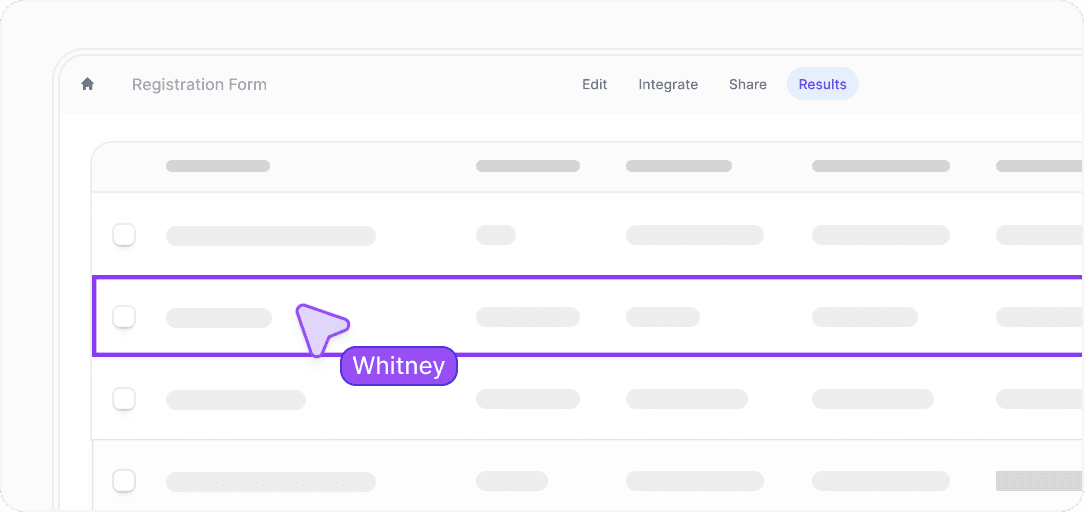
Image source: Fillout official site
That is where Fillout starts earning the price. Collecting responses is easy in a lot of tools, but reviewing them, routing them, and turning them into something usable is where better software starts saving real time.
A few questions people usually have
Is Fillout better than Tally for beginners? Not automatically. Tally is the gentler entry point if you want a free, low-pressure builder, while Fillout makes more sense when you already know you need scheduling, PDFs, login forms, or deeper workflows.
Is Tally still the best free option here? For most people, yes. Unlimited submissions and a very capable free plan make it hard to beat if budget is the main factor.
Can Fillout replace other tools? It can replace more of the form-related stack than Tally can. That is especially true if you are currently juggling separate tools for scheduling, branded intake, PDFs, and submission routing.
Should you switch right now? Switch now if your current setup feels messy and your forms sit inside a real process. Wait if you are still in the stage where a basic free form already does the job.

Image source: Fillout official site
Login-based forms are one of those features that look small until you need them. If people need to come back, update a submission, or access a record later, Fillout starts to feel a lot more serious than a typical form builder.
Should you try Fillout now?
Try Fillout now if your forms already affect how you sell, onboard, qualify, schedule, or manage work. Wait if you just need a simple free form and Tally is already covering that without friction.
For the right buyer, Fillout is absolutely worth a real look. Get started with Fillout here if you want the form itself to do more of the work instead of creating more work after submission.
Explore Fillout Filip Konecny Enterprises