If you are stuck between Fillout and Jotform, you probably do not need another fluffy feature dump. You need to know which one will get your form live faster, look better out of the box, and stop turning simple data collection into a messy stack of workarounds.
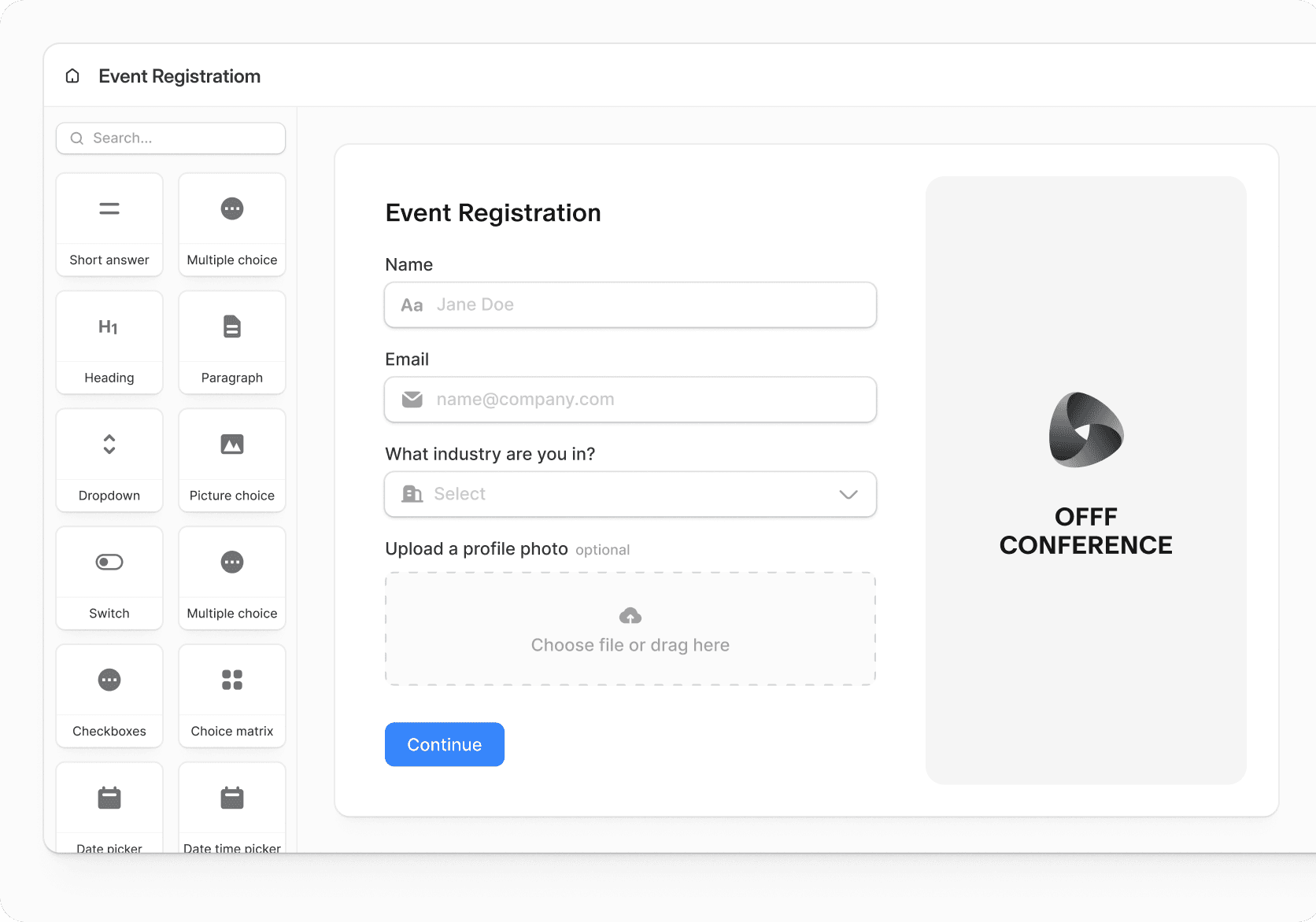
My quick take is simple: Fillout looks more appealing if you care about design, smoother logic, and a pricing ladder that feels easier to justify early on. Jotform still makes sense when you want a bigger ecosystem around forms, especially if you like the idea of extra products like tables, apps, sign, workflows, or even store builder living under one brand.
That also means this is not a one-size-fits-all decision. If you mainly want a modern form builder that feels lighter and cleaner, Fillout is the one worth paying closer attention to, but Jotform is still a serious option if breadth matters more than polish.
Fillout feels like the better choice for buyers who are tired of ugly forms, clunky setup, and paying more just to get basic polish. Its official pricing starts with a free plan, then a Starter plan at $15 per month billed annually, while the same pricing page also highlights unlimited seats across plans and 1,000 monthly responses on free, which is a generous place to start for many small teams.
Jotform is broader and more established. Its pricing page says it has over 35 million users, includes a free Starter plan, paid Bronze, Silver, Gold, and Enterprise tiers, and positions its paid plans around higher limits, branding removal, and extras like optional HIPAA features on Gold, so it still has a strong case if you want a bigger all-in-one suite around forms.
Here is the catch. Bigger is not always better, and cheaper is not always cheaper once you outgrow a free tier and start paying for the version you actually need.
Tool
Best first impression
Free plan snapshot
What stands out early
<tbody style="color
Alternatives that make sense if Fillout is not the one
Fillout is not the automatic winner for every buyer. It wins when you care most about form design, logic, scheduling, workflows, and getting a cleaner experience without jumping straight into a bulky all-in-one system.
Jotform still deserves a real look if you want a more established form brand with a wider product family around it. Systeme.io makes more sense when your budget is tight and you want funnels, email, and courses bundled in, while GoHighLevel is the stronger play when you want a heavier agency-style stack with CRM and automation at the center.
Choose Fillout if your form experience affects conversion, trust, or team efficiency and you do not want to keep patching extra tools on top. Choose Systeme.io if you need a cheaper all-in-one option, and choose GoHighLevel if you need a broader agency-style machine that goes far beyond forms.
My honest take
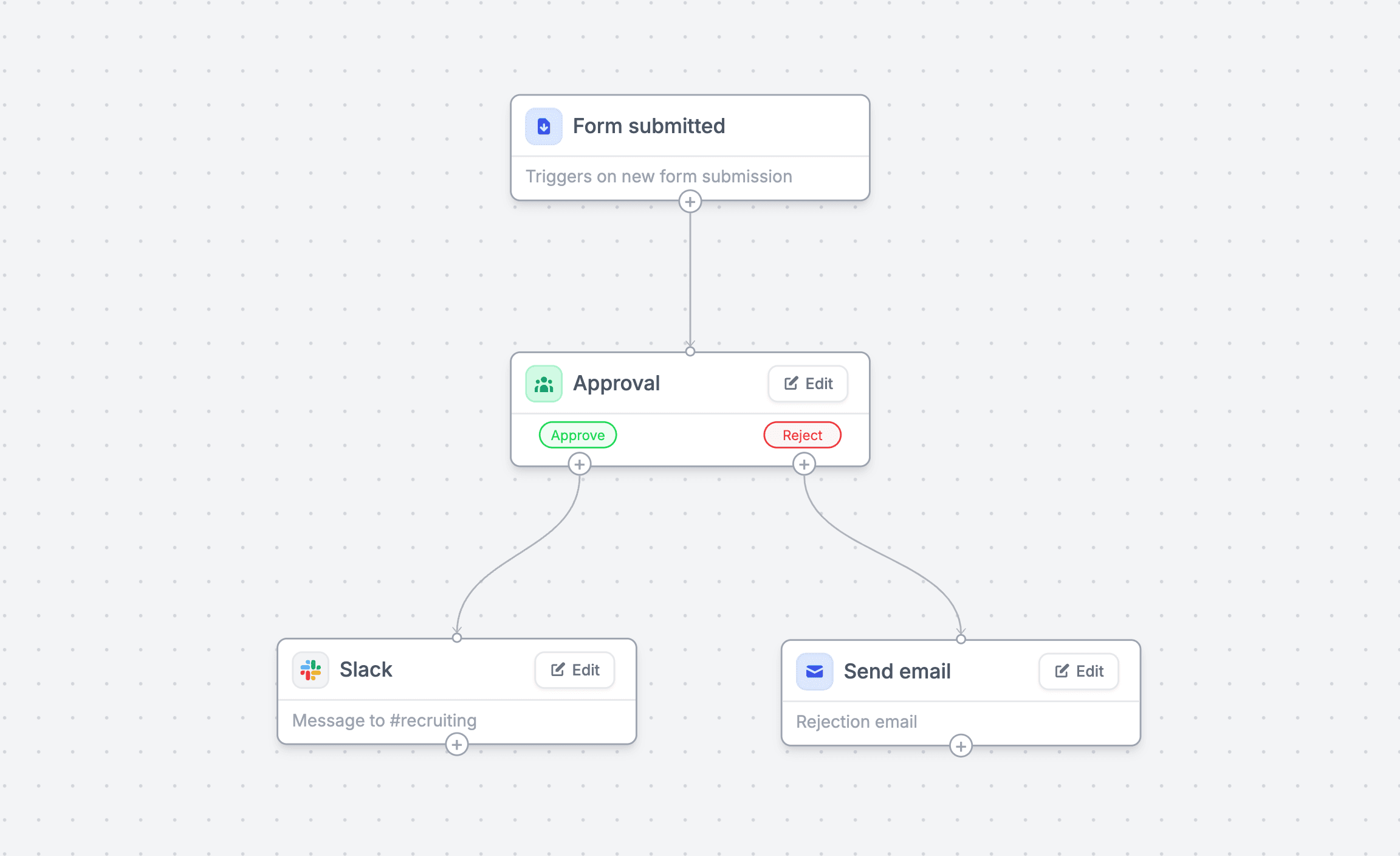
Fillout is the better pick for most people comparing Fillout vs Jotform. It gives you a more modern form experience, stronger visual polish, unlimited seats on every plan, and useful extras like scheduling and workflows without making the whole thing feel bloated.
Jotform is still a valid buy. It earns its place if you want the comfort of a bigger brand, a wider product family, and you are fine with the fact that its standard plans stay single-user and the free plan keeps Jotform branding on your forms.
That is the real split. Fillout feels better when you want a smarter form tool, while Jotform feels better when you want a wider form-centered brand.
I would not push Fillout on someone who only needs the most basic free form possible. I also would not push it on an agency owner who really needs CRM, texting, funnels, pipeline tracking, and client accounts under one roof, because GoHighLevel is built for that kind of job.
I would push Fillout on someone who already knows forms matter in their business. If your forms drive leads, bookings, intake, approvals, payments, or routing, Fillout is easier to justify now than later because every extra month with a clunky setup keeps costing you time.
For the right buyer, this is absolutely worth trying. Fillout does enough to feel like a smart upgrade, but not so much that it turns into another complicated system you have to babysit.
FAQ
Is Fillout easier to use than Jotform?
For many buyers, yes. Fillout feels cleaner and more modern, which usually makes setup less annoying when you care about layout, branding, logic, and the overall look of the form.
Does Jotform have anything Fillout buyers may still want?
Yes. Jotform has a bigger surrounding product family and a very established name, which can matter if you want more than the core form builder over time.
Should beginners start with Fillout or a cheaper option?
Beginners who mainly need forms can start with Fillout’s free plan without much risk. Beginners who also want funnels, email, and course tools for the lowest possible price may get more value from Systeme.io.
Should you switch from Jotform to Fillout?
Switching makes sense when you are frustrated by how your forms look, how your stack fits together, or how collaboration works on standard plans. It makes less sense if you are already deep into Jotform’s broader product set and that setup is working fine.
Start now if your current forms are slowing you down, look weak, or force you to glue too many other tools together. Wait if forms are not an important part of your workflow yet, or choose another tool if you really need a cheaper all-in-one or a much broader agency stack.
That is why Fillout stands out in this comparison. It is not trying to be everything, but it does enough of the high-value work that it feels like the smartest choice for a lot of serious form-heavy businesses.



 Filip Konecny Enterprises