

If you searched for a Fillout promo code, you probably want the same thing most people want: a better deal before you commit. Fair enough. The catch is that Fillout already keeps its pricing pretty simple, so the smarter question is not just “Is there a coupon?” but “Is this good enough to justify paying for it at all?”
Right now, the official pricing page shows a free plan, paid plans starting at $15 per month when billed annually, 20% annual savings, and separate discount programs for nonprofits, students, startups, and educational institutions. I did not find a big public coupon code sitting on the main pricing page, so this review is really about whether Fillout is worth buying even without some magical hidden deal.
For the right buyer, it probably is. If you need forms that look better than Google Forms, do more than basic surveys, and connect cleanly with tools like Airtable, Notion, Google Sheets, HubSpot, and Stripe, Fillout starts to look less like “just another form builder” and more like a tool that can replace a messy stack.
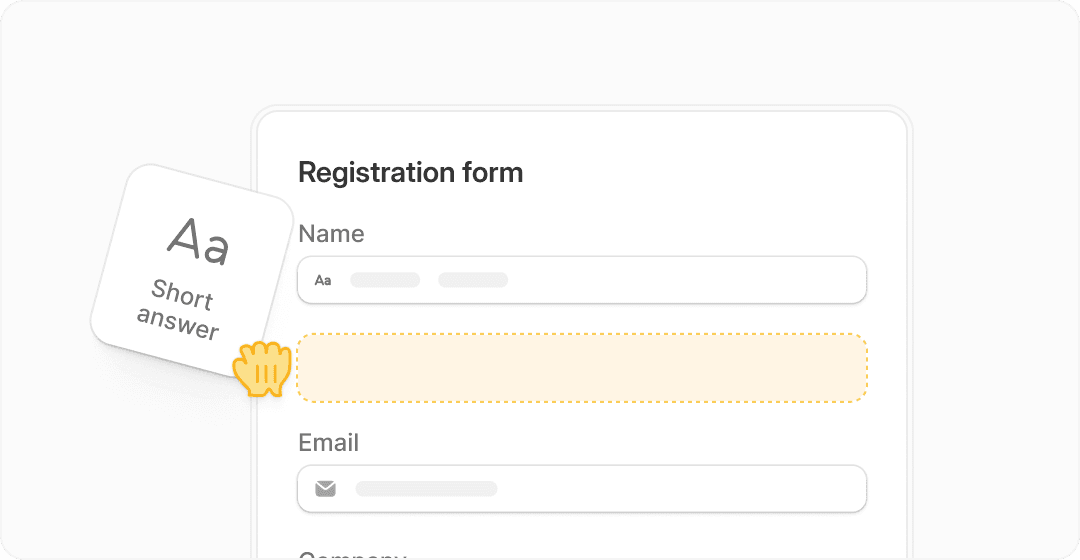
Image source: Fillout official site
Article outline
Here’s the fastest way to jump to the part you care about.
- Is Fillout actually worth trying?
- What you get in the free plan and paid entry point
- The good stuff
- Pricing and value
- Why this can be worth buying now
- Alternatives worth comparing
- My final verdict
- FAQ
Is Fillout actually worth trying?
Yes, for a specific kind of buyer. Fillout makes the most sense when basic forms are no longer enough, but you still do not want to pay enterprise-style money just to collect leads, bookings, files, payments, or intake data.
The appeal is simple: you can build polished forms fast, add logic, collect payments, use scheduling, connect your data source, and keep the whole thing looking on-brand. That saves time immediately if your current setup involves a form tool, a scheduler, a payment page, a spreadsheet sync, and too much manual cleanup afterward.
It is not perfect, though. If all you need is a dead-simple internal form and you do not care how it looks, Google Forms may still be enough. If you want the cheapest possible way to make attractive forms with a lighter feature set, there are simpler options too.
My early take is pretty straightforward. If you are only hunting for a Fillout promo code, you may be thinking too small. The bigger win is deciding whether the platform saves you enough time, looks polished enough for customer-facing use, and replaces enough manual work to make the monthly cost feel easy.
That is exactly what the rest of this review will sort out. I’ll walk through what you actually get, where Fillout earns its price, where it feels unnecessary, and when a cheaper alternative makes more sense.
Check the official Fillout offerWhat you get in the free plan and paid entry point
If you came here looking for a Fillout promo code, start with the obvious win first: Fillout already has a free plan. The official pricing page lists unlimited forms, unlimited seats, and 1,000 responses per month on free, which is enough to test the builder properly before you spend anything.
That matters because you do not need to gamble on a coupon just to see whether the product fits your workflow. You can build a real form, embed it, connect it to your stack, and decide whether Fillout actually replaces enough busywork to justify moving up to paid.
Image source: Fillout official site
Paid plans start at $15 per month billed annually on Starter. Starter adds things most serious customer-facing forms eventually need, including premium field types, login forms, custom endings, redirect on completion, CAPTCHA, signatures, and scheduling tools on Starter and above.
You also get a cleaner buyer path. A basic free form is fine for casual use, but the second you care about lead quality, branded follow-up, scheduling, or smoother payment flows, the free plan starts to feel like a test drive instead of the long-term answer.
The discount angle is pretty simple. I did not find a big public Fillout promo code advertised on the main pricing page, but Fillout does show 20% savings on annual billing and separate discount programs for nonprofits, students, startups, and educational institutions.
That means waiting around for a coupon may not be the best move. If you already know you need better forms now, the official annual discount is the clearest, verified deal sitting right in front of you.
The good stuff
Fillout gets interesting once you stop thinking of it as a survey tool and start treating it like a form workflow tool. The official site and help docs show support for payments, scheduling, conditional logic, PDF generation, login forms, signatures, integrations, and data syncing without forcing you into a clunky enterprise setup.
That combo is why Fillout stands out. You can collect a lead, qualify them with logic, let them pick a time, take a payment, and send the result into Airtable, Notion, HubSpot, Google Sheets, or another connected tool without stitching five random apps together.
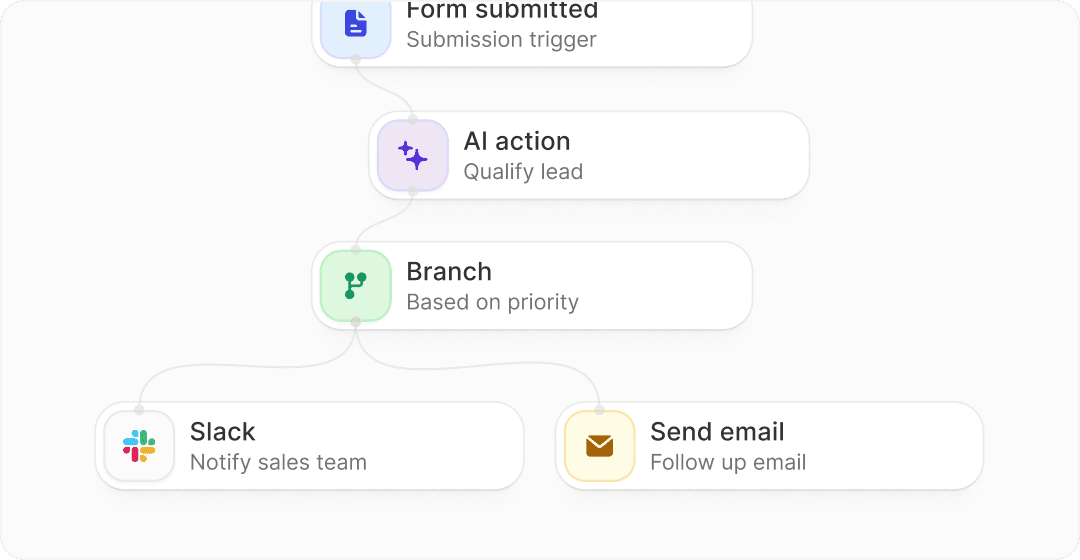
Image source: Fillout official site
Payments are stronger than many people expect from a form builder. Fillout’s payment docs show Stripe-powered payment pages, dynamic pricing, discount code support, receipts, disclaimers, testimonials, and test purchases without getting charged, which makes it more useful for paid bookings, applications, lightweight checkout flows, and intake forms tied to purchases.
Scheduling is another strong point. Fillout supports its own native scheduler for Google and Outlook calendars, and the scheduling help docs also show support for adding Cal.com or Calendly events inside a Fillout form on Starter and above, which is useful if you want one cleaner form experience instead of sending people through separate booking pages.
Branding is another reason people pay. Free form tools are easy to spot, and that can hurt trust when someone is about to hand over personal details, files, or payment info. Fillout’s paid plans add things like reduced or removed branding, custom share links, custom fonts, custom emails, custom CSS, and custom domains on Business, which makes the whole experience feel much more like your business and less like rented software.
The big limitation is that Fillout is still a form-first product. If you want a huge all-in-one marketing engine with funnels, full CRM depth, email campaigns, websites, course delivery, and agency-style client management in one dashboard, Fillout is not trying to be that.
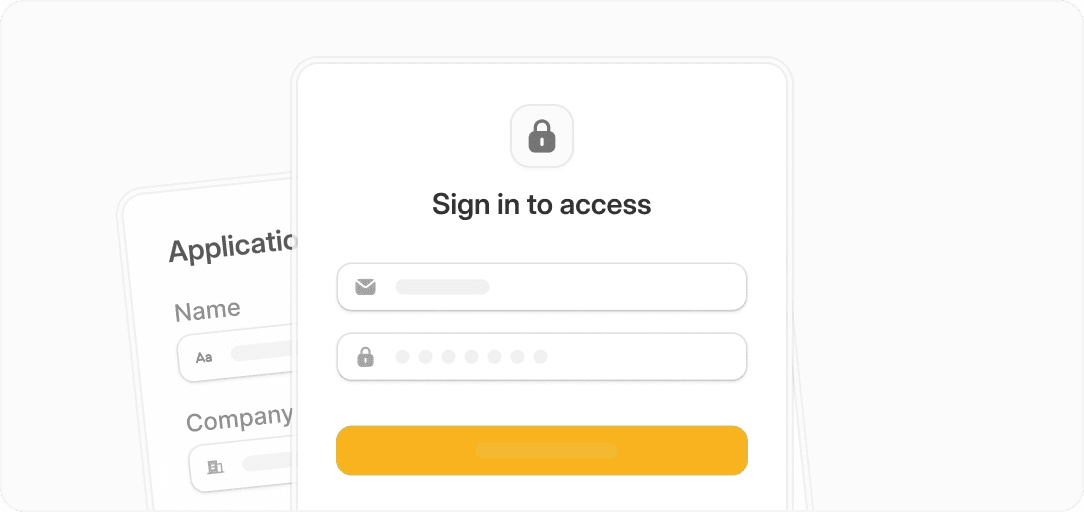
Image source: Fillout official site
That is not a flaw if your main job is collecting better data and acting on it faster. It just means Fillout is best when forms are the core problem you need to solve, not when you are shopping for your entire business stack in one subscription.
Pricing and value compared to other tools
Fillout is priced well for people who mainly care about forms, data collection, scheduling, and payment intake. The value looks even better when you compare it with broader all-in-one tools that do more overall but cost a lot more if forms are the main thing you need.
See current Fillout pricingThat table tells the story pretty well. Fillout is not the cheapest thing on the internet, but it is a much more focused buy if your pain point is forms, intake, scheduling, and lightweight payment collection rather than full funnel software or agency operations.
That is also why chasing a Fillout promo code is only part of the decision. Saving a few dollars matters, but picking the wrong type of tool costs more because you waste time learning features you never needed or patching together tools that still do not fit.
Why this is worth getting for the right buyer
Fillout is worth buying when a form is no longer just a form in your business. If that form needs logic, branding, scheduling, payments, login access, integrations, or cleaner data handoff, the platform starts earning its price quickly.
The right buyer is usually already feeling the pain. Maybe your current form looks cheap, maybe your intake process breaks once leads get serious, or maybe you are still copying answers into spreadsheets and sending follow-up emails manually. That is when Fillout stops feeling optional.
Beginners can use it, but not every beginner should pay right away. If you are still validating an idea and only need a simple contact or waitlist form, stay on free first. If people are already booking, applying, buying, or submitting important information, waiting too long usually means you keep delaying a cleaner system that you already need.
That is why I would not obsess over finding a secret Fillout promo code before doing anything else. Start with the free plan, see whether the workflow clicks, and upgrade when the form becomes part of your sales or operations engine instead of just a basic questionnaire.
For that buyer, Fillout looks like a smart next step. It gives you the form quality and workflow depth most cheap tools do not, without forcing you into the price and complexity of a much bigger platform.
Get started with FilloutAlternatives worth looking at before you buy
Fillout is the better pick when forms are the main job. If you need polished intake forms, scheduling, payments, logic, login forms, and clean integrations without paying for a giant marketing stack, Fillout stays very easy to justify.
A cheaper or broader tool can still win for the right buyer. Systeme.io makes more sense if you want funnels, email, courses, and a cheap all-in-one setup, while GoHighLevel is built for agencies and service businesses that need CRM depth, automation, and client account management.
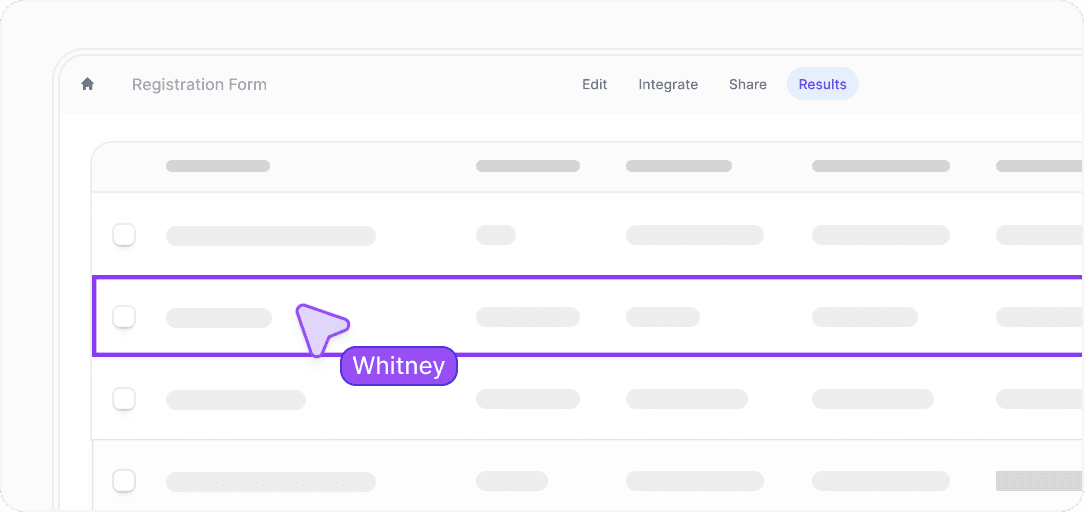
Image source: Fillout official site
Check the official Fillout offerChoose Fillout if forms are close to the money in your business. Choose Systeme.io if you want the cheaper all-in-one route, and choose GoHighLevel if you need a broader agency-style system and are willing to pay for it.
My honest take
Fillout is worth trying for the right buyer. If your current form setup feels cheap, limited, or annoying to manage, this is the kind of tool that can clean things up fast without dragging you into enterprise pricing or a bloated dashboard.
The biggest reason to buy is not a Fillout promo code. The bigger reason is that Fillout covers the things many businesses actually need now: better-looking forms, conditional logic, scheduling, payments, login access, PDF output, and useful integrations on a pricing ladder that still feels reasonable.
The main reason to wait is simple. If you only need a basic contact form or a casual internal form, the free plan is enough and a paid upgrade can wait.
The main reason to skip it is also simple. If you are really shopping for funnels, full CRM, email campaigns, courses, and broader marketing automation, Systeme.io or GoHighLevel probably match your goals better.
Image source: Fillout official site
That leaves a pretty clear conclusion. If your forms already matter to revenue, onboarding, intake, or operations, waiting too long usually means you keep patching together a workflow that should already be cleaner.
For that buyer, I would not spend weeks hunting for a secret Fillout promo code. Start with the free plan, confirm the workflow, and upgrade when the time saved and polish gained are obvious.
FAQ
Is there a Fillout promo code right now?
I did not find a big public coupon code on the main Fillout pricing page. The clearest official discount is annual billing, which cuts the price by 20%, and Fillout also lists special discount programs for nonprofits, students, startups, and educational institutions.
Is Fillout free to try?
Yes. Fillout has a free plan with unlimited forms, unlimited seats, and 1,000 responses per month, so you can test the builder without paying first.
Who should actually pay for Fillout?
Pay for it when the form is doing real work for your business. That usually means lead qualification, client intake, scheduling, payments, branded workflows, or internal processes where better logic and better data handoff save time every week.
Who should not pay yet?
Do not rush into paid if you only need a simple contact form or a small internal form. The free plan is enough for early testing, and a broader all-in-one tool may be smarter if forms are not the main problem you need to solve.
Is Fillout better than Systeme.io or GoHighLevel?
It is better if forms are the center of the problem. It is not better if you mainly want a full all-in-one business stack, because that is where Systeme.io and GoHighLevel have the broader offer.
Image source: Fillout official site
That is the real decision. Buy Fillout when you want better forms now, wait when the free plan already covers you, and pick a different tool when you need much more than forms.
Get started with Fillout Filip Konecny Enterprises