

Fillout gets interesting fast because it does not nickel-and-dime you on seats, and that matters more than most pricing pages admit. If you are building forms for a team, collecting payments, routing leads, or syncing responses into Airtable, Notion, Google Sheets, or a CRM, the pricing can look very reasonable compared with tools that get expensive the second you add people.
That does not automatically make every Fillout plan a smart buy. Some people should stay on the free plan, some should jump straight to Pro or Business, and some should skip Fillout entirely if they only need a basic contact form and nothing else.
This review is here to help you make that call without wasting time. I will show you where the pricing makes sense, where the limits start to matter, and which buyer is most likely to get real value from Fillout.
Article outline
- Quick verdict on Fillout plans
- Quick plan snapshot
- What you get in each plan
- The good stuff
- Pricing and comparisons
- Why buying sooner can make sense
- Alternatives worth comparing
- Final verdict
- FAQ
Quick verdict on Fillout plans
Fillout looks strongest when you need more than a plain form builder. The free plan already gives you unlimited forms, unlimited seats, payments, scheduling, conditional logic, PDF generation, and 1,000 responses per month, which is a generous starting point for a product in this category.
Starter makes sense when you need better respondent flow, premium field types, login forms, and a bit more volume without spending much. Pro is the point where Fillout starts feeling properly branded because that is where you remove branding, unlock custom emails, get custom fonts, and add custom CSS.
Business is the plan serious teams will care about most. Unlimited responses, form analytics, custom domain, custom code, partial submissions, pre-fetch data, and priority support make it the first plan that feels built for real lead generation, client intake, and operational workflows instead of light usage.
The catch is simple. If you only need a low-stakes form for a solo project, Fillout can be more tool than you need, and a simpler option may be cheaper or easier.
Quick plan snapshot
See current Fillout pricingWhat you get in each plan
Free is not a fake teaser plan. You still get unlimited forms, unlimited seats, payments, answer piping, scheduling forms, PDF generation, conditional logic, workflows, resume-in-progress, and hidden fields, so it is enough to build something real before spending money.
Starter is the first paid tier that fixes some common friction points. You get all question types, CAPTCHA, login forms, multiple endings, custom endings, redirect on completion, and a higher response cap, which is usually enough for smaller client intake or lead capture setups.
Pro is where Fillout starts to justify itself for businesses that care about presentation. Removing branding matters if you do not want your forms looking rented, and custom emails, white-label emails, custom share links, custom fonts, favicon support, and custom CSS make the experience feel more in-house.
Business is the tier that makes Fillout feel less like a nice form tool and more like a serious workflow product. Custom domain, form analytics, Meta Pixel support, drop-off rates, partial submissions, pre-fetch data, custom code, and unlimited responses are the features that can save time fast once forms are tied to revenue or operations.
The good stuff
Unlimited seats on every plan is a big deal. A lot of software looks cheap until you realize you are paying again for each teammate, and Fillout avoids that trap.
The free plan is unusually capable. Payments, scheduling, workflows, integrations, and logic are already there, so you can learn the tool properly before deciding whether an upgrade is justified.
The upgrade path also makes sense. Starter improves usability, Pro improves branding, and Business improves scale and tracking, which feels cleaner than pricing pages that scatter random features across tiers just to force an upsell.
Part 2 will get into the exact features, the stronger paid-plan perks, and the pricing comparisons that matter if you are close to buying. That is where you will see whether Fillout is simply good value or actually the smartest next move for your setup.
What you get before you pay
Fillout does not force you into a tiny throwaway trial. The free plan already gives you unlimited forms, unlimited seats, 1,000 responses per month, payments, scheduling forms, PDF generation, conditional logic, workflows, resume-in-progress, and pre-fill fields, so you can build something real before you spend a dollar.
That matters because you can answer the only question that counts: does this actually fit your workflow. If your team needs branded forms, higher response limits, custom emails, analytics, or a custom domain, the paid plans make sense fast, but the free plan is generous enough to prove that first.
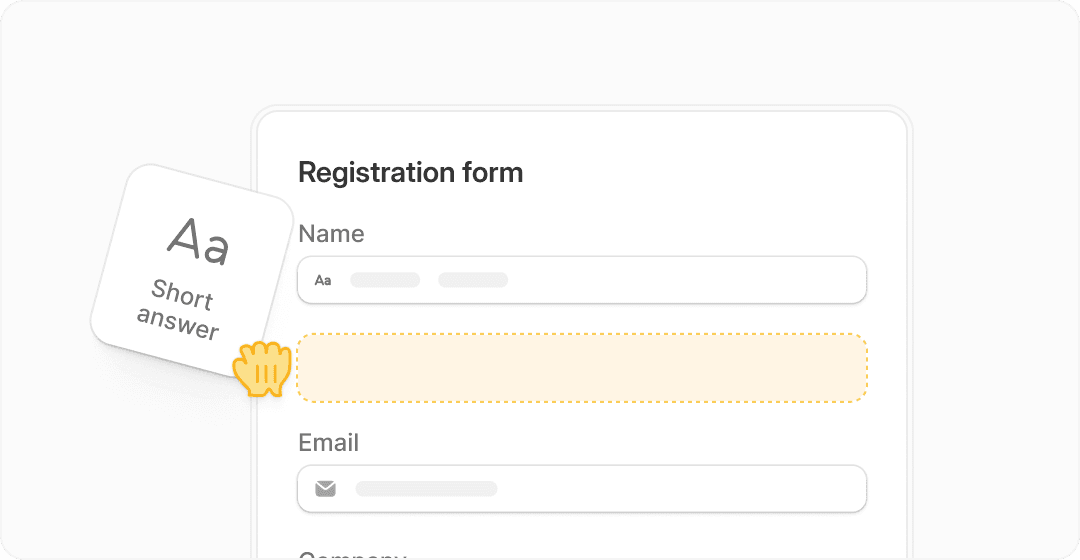
Image source: Fillout forms page
Starter is where the paid plans begin to feel useful for smaller teams. You get 2,000 responses per month, all question types, custom endings, login forms, and redirects on completion, which is enough for client intake, lead qualification, and internal workflows that need more control than a basic form.
Pro is the first plan that feels properly business-ready if presentation matters. Removing branding, adding custom emails, using your own share links, and adding custom fonts, favicon, and custom CSS can make a plain form look like part of your actual brand instead of a rented tool.
Business is the serious tier. Unlimited responses, analytics, drop-off tracking, partial submissions, custom domain, custom code, pre-fetch data, and priority support are the features that make Fillout easier to justify when forms are tied to revenue, onboarding, lead routing, or operations.
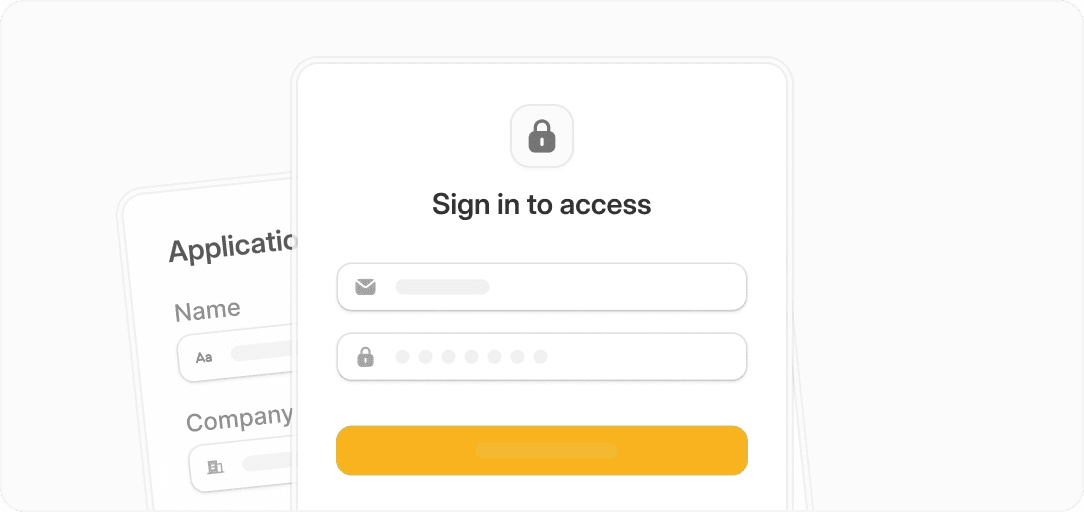
Image source: Fillout feature overview
Pricing and comparisons that actually matter
Fillout starts at $0, then moves to $19, $49, and $89 per month on monthly billing. Annual billing drops those to $15, $40, and $75 per month, and the main reason that pricing works is that Fillout is still focused on doing forms really well instead of trying to be your entire business stack.
That makes Fillout easier to recommend when forms are the bottleneck. If you mainly need branded forms, logic, payments, scheduling, analytics, and integrations, paying for a dedicated form tool can be smarter than buying a broader platform full of features you will barely touch.
Check the official Fillout plansFillout wins when you care more about the quality of the form experience than the size of the software bundle. Systeme.io, GoHighLevel, and ClickFunnels can make more sense if you want funnels, CRM, email, or client management wrapped into one platform, but they are broader bets.
If forms are the operational core of what you do, Fillout usually feels like the cleaner buy. You are paying for better form depth, better branding control, and fewer compromises in the actual submission experience.
Why buying sooner can make sense
Waiting is fine if you are still guessing what you need. Waiting starts to cost you when you already know forms are part of your sales, onboarding, intake, or internal process and you are still patching things together manually.
Business tools earn their price when they save time and reduce mistakes. Fillout gets closer to that point once you need branded forms, better completion tracking, partial submissions, or custom domain support, because those are the things that usually break first on lighter setups.
This is great for some people and overkill for others. If you are a solo beginner with one simple form, stay free or choose a cheaper all-in-one tool, but if you already have traffic, leads, or clients coming through forms, Fillout is worth a real look now instead of later.
The smart move is simple. Use the free plan if you are still testing, move to Starter or Pro if branding and flow matter, and move to Business when forms are directly tied to conversions or team operations.
Alternatives worth comparing before you decide
Fillout is not the automatic winner for everyone. It looks strongest when forms are doing real work for your business and you care more about form quality, branding, logic, and response flow than buying a huge all-in-one stack.
If you mainly want funnels, CRM, or broader marketing tools, another platform may fit better. That does not make Fillout weaker. It just means the right buy depends on whether forms are the center of the job or only one small piece of it.
Image source: Fillout
Get started with FilloutChoose Fillout if forms are close to revenue, onboarding, lead qualification, or team operations. Choose Systeme.io if money is tight and you want a cheaper all-in-one path, and choose GoHighLevel or ClickFunnels if your bigger need is funnels, CRM, or sales infrastructure rather than form depth.
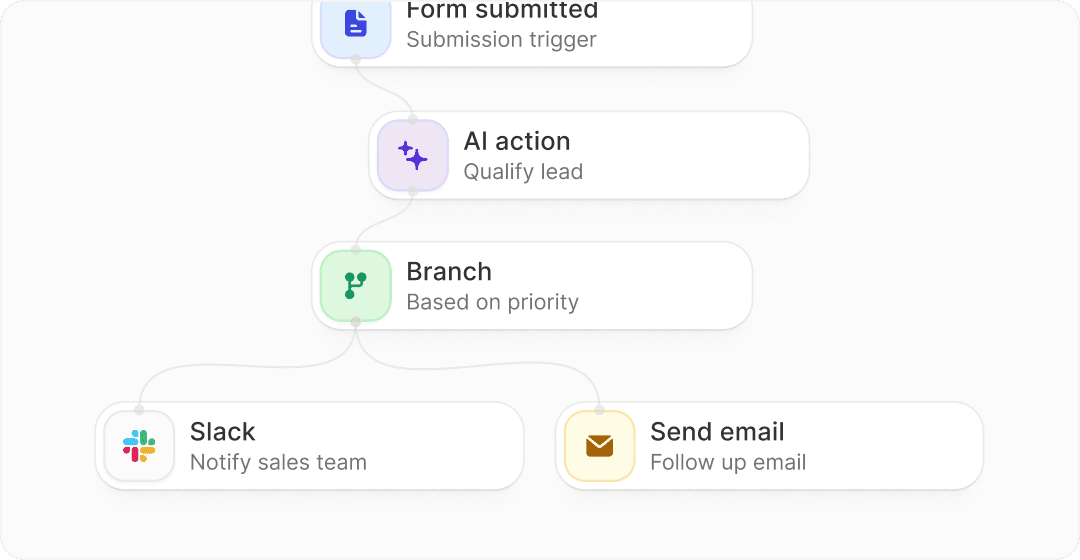
Image source: Fillout
My honest take on Fillout plans
Fillout is easy to like because the pricing does not feel sneaky. Unlimited seats on every plan, a free plan that is actually usable, and a clear jump from Starter to Pro to Business make it easier to understand where your money is going.
The best plan depends on how serious your forms are. Free is enough for testing and smaller live use, Starter is fine for small teams that need better field control, Pro is the first plan that feels brand-ready, and Business is the real choice once forms affect conversions, lead handoff, or team workflows.
Here is the catch. If you only need a simple contact form, the paid plans will feel unnecessary, and a cheaper all-in-one or basic website form setup may be enough.
For the right buyer, though, this is absolutely worth trying. If your current setup feels patched together, or your forms need to look better, convert better, and do more after submission, Fillout is a smart next step.
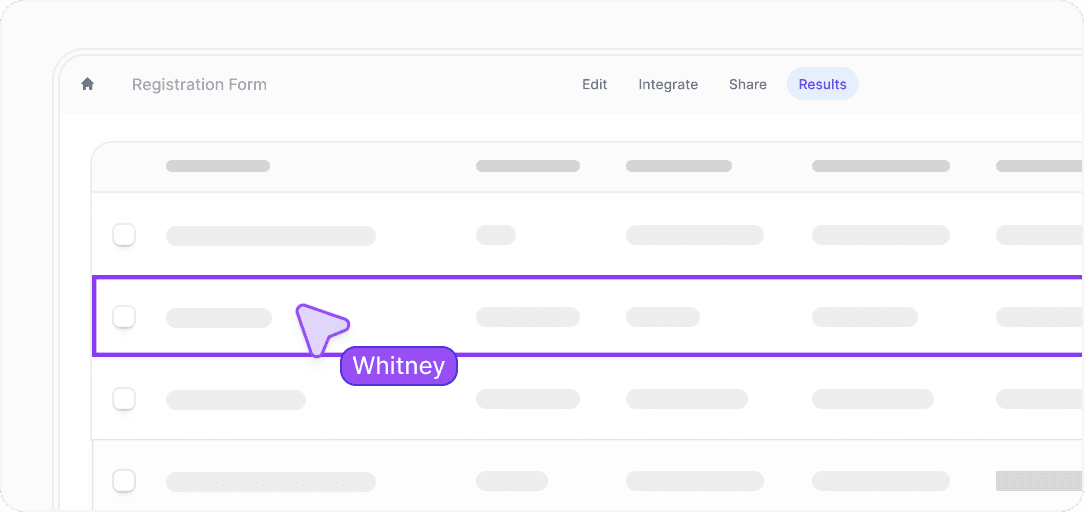
Image source: Fillout
Buying now makes the most sense when forms are already part of your daily process and you are losing time with weaker tools. Waiting makes sense only if you are still unsure whether you need branded forms, higher response limits, analytics, or workflow features at all.
Image source: Fillout
FAQ
Which Fillout plan is best for most people?
Pro is the sweet spot for many businesses because that is where branding stops feeling limited. If you care about removing Fillout branding, using custom emails, and making forms look like part of your own brand, Pro is usually the first plan that feels complete.
Is the free plan enough to use seriously?
Yes, for a lot of smaller use cases it is. Unlimited forms, unlimited seats, payments, scheduling, conditional logic, workflows, and 1,000 monthly responses make the free plan far more usable than the usual fake-free tier.
When does Business become worth it?
Business starts making sense when forms affect revenue or operations directly. Unlimited responses, analytics, custom domain, custom code, partial submissions, and pre-fetch data are easier to justify once your team is using forms for real lead flow, onboarding, or client work.
Is Fillout better than an all-in-one tool?
It is better if forms are the main job. If you need CRM, funnels, email marketing, and broader business infrastructure in one place, GoHighLevel, ClickFunnels, or Systeme.io may be the better buy.
Should you start with Fillout now or wait?
Start now if you already know forms are important to how you get leads, onboard clients, or run internal workflows. Wait if you are still so early that a single simple form is enough and you do not yet need branding, analytics, or higher-volume response handling.
See current Fillout plans Filip Konecny Enterprises