
If you are searching for Fillout enterprise pricing, you have probably already hit the main friction point: Fillout does not publish a flat enterprise price on the public page. Instead, it pushes you toward a custom quote, which usually means one thing: this plan is meant for teams with stricter security, more stakeholders, and a buying process that cares about admin control as much as form design.
That does not automatically make it overpriced. Fillout says its enterprise plan is priced as a flat monthly or annual fee and not by seats or submission volume, which can be a very big deal if your team is growing fast and you are tired of watching per-user software costs creep up every quarter.
It also does not mean you should jump on it blindly. If your team mainly needs branded forms, logic, payments, and integrations, the public Starter, Pro, Business, or Team pricing may already cover you, and the enterprise conversation could be more software than you actually need right now.
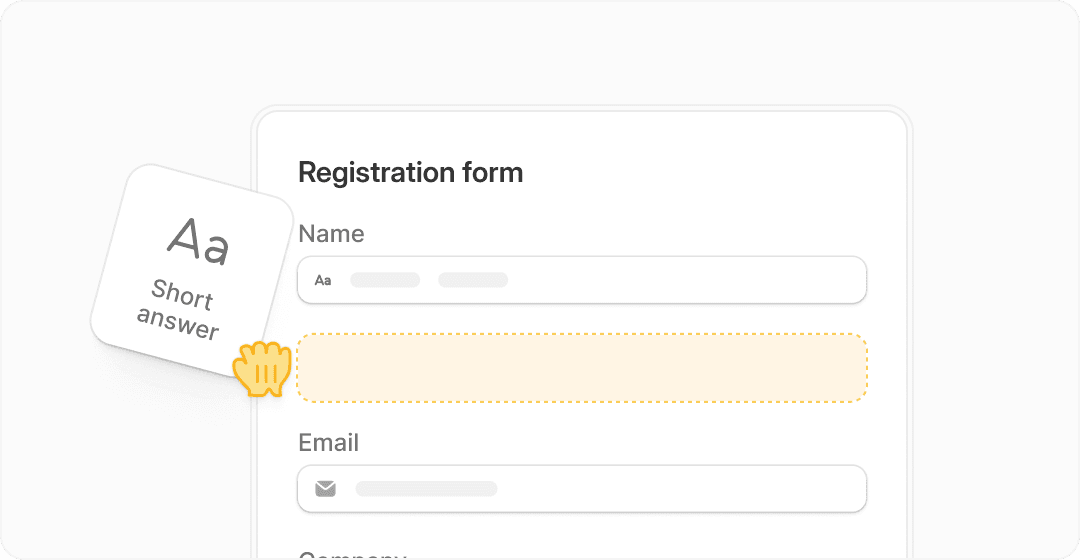
Image source: Fillout homepage
Article outline
This review is built to answer one question: should you move forward with Fillout enterprise pricing, wait until your team is more mature, or choose something simpler?
Part one: what you need to know first
- Article outline
- My quick take on Fillout enterprise pricing
- What is publicly confirmed before you talk to sales
Part two: what you actually get and whether the value is there
- What you get in Fillout enterprise
- The good stuff
- Pricing and value compared with other tools
- Why buying now can make sense
Part three: the final decision
My quick take on Fillout enterprise pricing
Fillout enterprise pricing looks strongest for teams that already know forms are business-critical, not just a side tool. If your forms feed internal ops, customer onboarding, partner intake, approvals, or regulated workflows, the pitch starts to make more sense because the enterprise plan adds SSO, audit logs, dedicated support, custom agreements, and an external-storage-only option.
The biggest upside is predictability. Publicly, Fillout says enterprise is not priced by seats or submission count, and that alone can make the plan more appealing than platforms that start cheap and get painful once more departments pile in.
The catch is simple: no public quote means you cannot decide on price alone from the website. You have to judge it by fit first, and for smaller teams that only need good forms plus integrations, Fillout’s standard paid plans will probably be the smarter buy.
I also would not treat enterprise as the default upgrade path just because you want something “serious.” Fillout already includes unlimited seats on all public plans, so enterprise is less about adding basic collaboration and more about adding governance, security, and procurement-friendly controls.
What is publicly confirmed before you talk to sales
Check Fillout pricingThat table is the practical starting point. You already know the plan is custom, you already know what kind of extras are tied to enterprise, and you already know the main tradeoff: Fillout gives you a cleaner pricing model for larger rollouts, but you lose the instant clarity that comes with a self-serve plan.
So the first decision is not “what does enterprise cost?” The real first decision is whether your team actually needs SSO, external-only data storage, granular permissions, and procurement-friendly billing enough to justify a sales-led purchase.
If the answer is yes, Fillout enterpri
What you get in Fillout enterprise
Fillout enterprise pricing is not really about getting “more forms.” You already get unlimited seats on the public plans, and the Business plan already gives you unlimited responses, analytics, custom domains, partial submissions, pre-fetch data, and priority support.
Enterprise starts to matter when security, internal controls, and procurement are the real blockers. Fillout positions enterprise around SSO, audit logs, custom agreements, dedicated support, unlimited revision history, external-storage-only setups, and 1,000,000+ database records, which is a very different conversation from “I just need a nice form builder.”
That matters because teams often waste months trying to force a cheaper form tool into a stricter environment. If legal, IT, or compliance already want better access control and data-handling options, going straight to the enterprise conversation can save you more time than trying to squeeze one more quarter out of a plan that is clearly too small for the job.

Image source: Fillout help center
The branding side is stronger than many people expect. Fillout’s public plans already let you move pretty far on design, and enterprise adds the organizational layer that helps bigger teams keep forms consistent instead of letting every department create its own random look and workflow.
The storage and access controls are where the enterprise pitch gets more serious. Fillout’s enterprise page and help docs push hard on SSO, hosted regions, external storage, and granular permissions, which tells you exactly who this plan is really for: teams handling more sensitive intake, more internal reviewers, and more approval friction.

Image source: Fillout help center
The good stuff
The biggest strength here is that Fillout does not make enterprise sound like a seat-tax trap. The public enterprise description says pricing is a flat monthly or annual fee rather than being tied to seats or submission volume, and that is a big selling point for teams that expect adoption to spread across multiple departments.
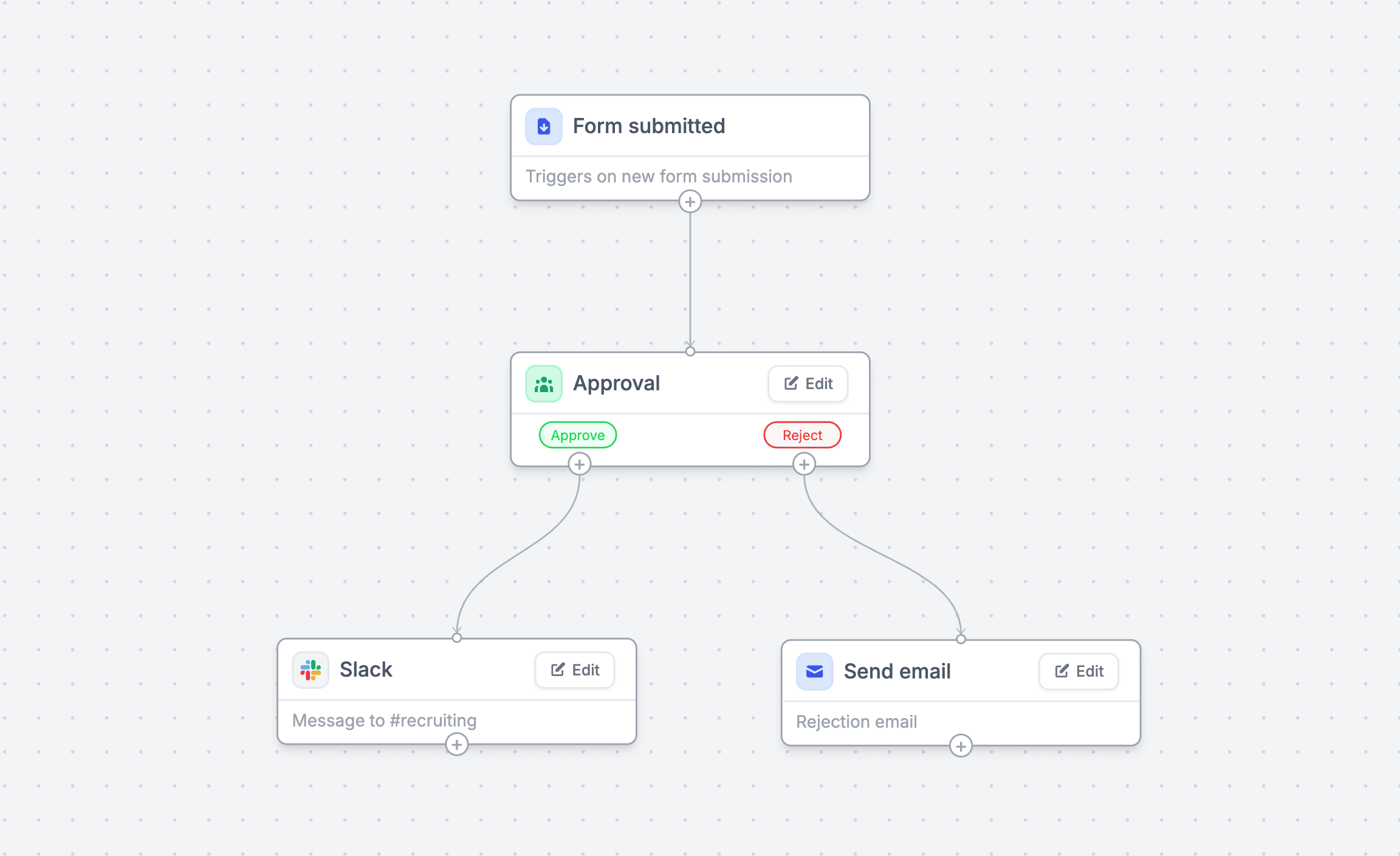
The second win is that Fillout still looks like a product people can actually use. A lot of enterprise tools become clunky as soon as they start talking about governance, but Fillout still leads with design, workflows, payments, pre-fill logic, integrations, and branded experiences instead of making the whole product feel like an admin console.
That balance matters. You are not just buying controls for IT; you are buying a form experience that people on the front end will still complete without feeling like they stepped into a dusty internal portal from 2013.
Payments are another quiet advantage. Fillout’s payment features support one-time payments, subscriptions, discount codes, and dynamic pricing fields through Stripe, which means some teams can use the same stack for intake and checkout instead of splitting those jobs across separate tools.

Image source: Fillout help center
The catch is that enterprise still will not be the right fit for everyone. If your team just wants better-looking lead forms, branded embeds, and a few automations, Fillout Business is probably enough, and paying for enterprise too early would be overkill.
That is the honest split. Fillout enterprise pricing looks good when governance is the reason you are upgrading, not when you are just hoping a custom plan will magically make your forms more effective.

Image source: Fillout help center
Pricing and value
Here is the simplest way to think about the money. Fillout Business is the last self-serve plan before you enter the custom quote world, and it already covers a lot of what growing teams want.
Enterprise becomes easier to justify when you need SSO, audit logs, dedicated support, stronger access control, or external-storage-only handling. If those features are already on your checklist, the question stops being “Is enterprise more expensive?” and becomes “How much time are we wasting trying to avoid a plan we clearly need?”
See current Fillout pricingThat table tells the story pretty clearly. Fillout wins when you want the cleanest path to powerful forms, while GoHighLevel makes more sense when forms are just one piece of a bigger CRM and funnel stack.
That also answers the price objection. Fillout enterprise pricing can absolutely be worth it if it replaces messy workarounds, approval delays, and admin headaches around access and storage. If you do not have those headaches yet, the custom quote will feel harder to justify.
Why buying now can make sense
Waiting usually sounds cheaper than it really is. If your team already knows forms are tied to onboarding, applications, approvals, payments, or internal data intake, delaying the upgrade usually means one more quarter of patching forms together with manual reviews and awkward permission workarounds.
That gets expensive in a sneaky way. You are not just delaying software spend; you are delaying cleaner workflows, better control over who sees what, and a more consistent experience for people filling the forms out.
For the right buyer, this is absolutely worth moving on now. If security and admin controls are already slowing down adoption, Fillout looks like a smart next step because it keeps the front-end experience polished while adding the enterprise features bigger teams usually need to get a tool approved.
If you are not there yet, do not force it. Start with the self-serve Fillout plan that matches your current volume, and only push into enterprise once governance becomes the actual bottleneck.
Alternatives worth checking before you buy
Fillout enterprise pricing is easiest to justify when forms are already tied to real operations. If your team needs stronger access control, cleaner approvals, internal workflows, and a product people will actually enjoy using, Fillout stays very appealing.
You still should compare it against a few other paths. Some teams do not need enterprise form software at all and would be better off with a cheaper all-in-one stack or a simpler paid plan that covers the basics.

Image source: Fillout homepage
Security is the first reason many teams look at enterprise in the first place. The login and internal-access flow on Fillout’s product pages makes it pretty clear that this tool is built for more than casual lead forms.
Explore FilloutChoose Fillout if forms are a real part of your operation and you want them to look good without giving up admin control. Choose Systeme.io if price matters most, and choose GoHighLevel if you want a broader CRM and automation stack that happens to include forms.
 Filip Konecny Enterprises