
If you are searching for a Fillout discount, you probably do not need another generic form-builder explainer. You want to know whether there is a real way to save money, whether the paid plans are actually worth paying for, and whether you should start now or wait.
That is the right question because Fillout is not one of those tools where the cheapest move is always the smartest move. The free plan is generous enough to test properly, the annual billing already cuts the price, and there are a few official discount paths for specific groups, so the better decision is less about finding a mystery coupon and more about matching the plan to how serious you are.
My take up front: for the right buyer, Fillout is worth a real look now, not later. If you already need branded forms, better logic, payments, scheduling, or cleaner workflows than a basic free form tool can give you, waiting for some huge public promo usually just delays the work you already need to do.
Check the official free trial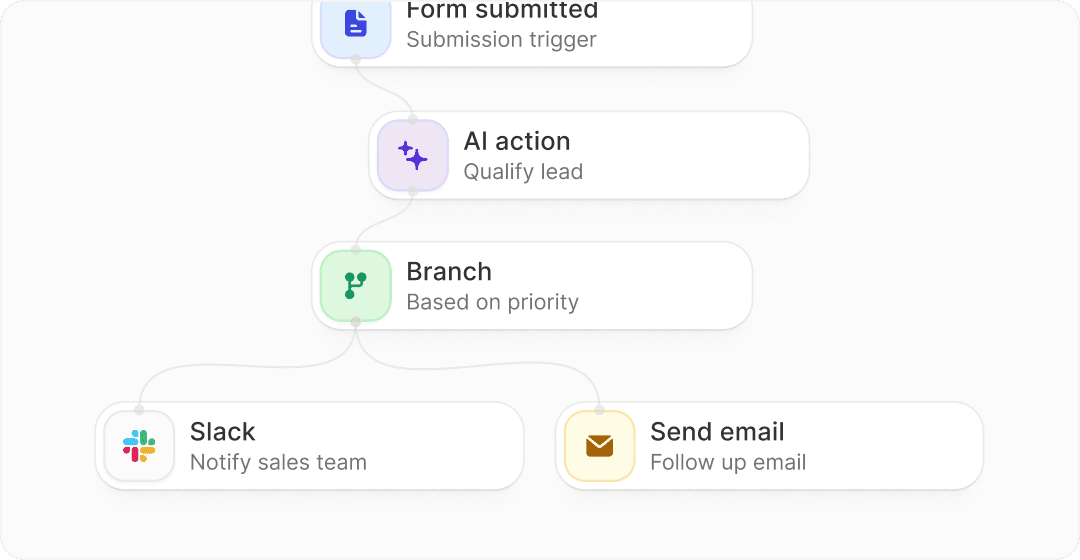
Image source: Fillout homepage
Article outline
- Is the Fillout discount actually worth chasing?
- What you get in the free plan
- The good stuff
- Pricing and how it compares
- Why buying now can make sense
- Alternatives worth considering
- My honest final verdict
- FAQ
Is the Fillout discount actually worth chasing?
Yes, but probably not in the way most people expect. Fillout does show a real annual discount on its pricing, and that is the savings path most buyers should care about because it is simple, official, and available without hunting for random coupon sites.
That matters because the usual problem with “discount” searches is that people burn time looking for a code that either does not work or only applies to a tiny edge case. Fillout already gives you a cleaner decision path: test the free plan, move to paid when your forms actually need more capacity or branding control, and switch to annual billing if you know you will keep using it.
There are also official discounts for certain buyers, which makes this more interesting than a standard SaaS price page. Eligible startups can apply for 50% off any paid plan for one year, while nonprofits, students, and educational institutions can apply for discounted pricing too, so the best deal depends a lot on who you are rather than whether you found a flashy promo banner.
That is also why Fillout feels easier to recommend than a lot of form tools. The free plan is not a fake teaser, the paid plans step up in a pretty logical way, and the annual savings are big enough to matter if you already know forms are part of your stack.
My quick take before you keep reading
Fillout looks strongest when you are already outgrowing basic forms but do not want a bloated enterprise setup yet. You get enough on free to validate the product, and once you need better branding, more responses, custom emails, or business-level analytics, the upgrade path makes sense without feeling chaotic.
Here is the catch: if you are only making a couple of simple internal forms and you do not care about design, logic, or integrations, you may not need to pay at all yet. A discount does not magically make software worth buying if the free tier already covers your use case.
For everyone else, the smarter move is usually to start with Fillout here, test one real workflow, and then decide whether the annual savings or an eligibility-based discount makes the upgrade a no-brainer.
What you get in the free plan
Fillout gives you more room on free than a lot of form tools do. You get unlimited seats, unlimited forms, and up to 1,000 responses per month, which is enough to build something real instead of poking around a crippled demo.
That matters because you can test the parts people actually care about before paying. Fillout includes payments, scheduling forms, conditional logic, PDF generation, answer piping, file uploads, and 50+ field types on the free plan, so you can see whether it fits your workflow before spending anything.
The limits show up when branding and scale start to matter. Free keeps a Fillout badge, caps responses, and leaves out things like login forms, premium field types, and CAPTCHA, so the free plan is strong for testing but not always where serious client-facing use should stay.
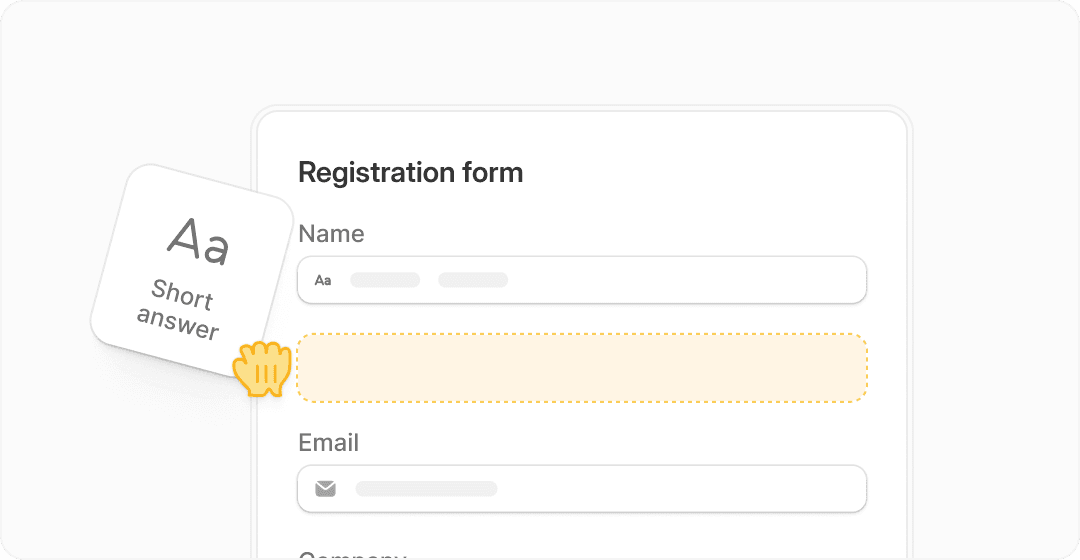
Image source: Fillout
That makes the Fillout discount question easier to answer. You do not need a coupon first because the free plan already tells you whether the builder feels good, whether your form logic works, and whether the platform saves enough manual work to justify upgrading later.
If you only need a handful of simple forms, free may be enough for longer than you expect. If you need white-label presentation, better follow-up emails, more responses, or cleaner control over customer-facing flows, you will hit the paid plans pretty quickly.
The good stuff
Fillout gets interesting because it is not just a pretty form builder. It handles forms, payments, scheduling, PDFs, signatures, workflows, and integrations in one place, which is exactly why it can replace a mess of half-connected tools for the right buyer.
The design side is better than what most people expect from a form tool. You can customize colors, fonts, logos, favicon, share previews, custom CSS, and even use your own domain on higher plans, which makes it much easier to keep the experience on-brand instead of looking like you glued on a random form.
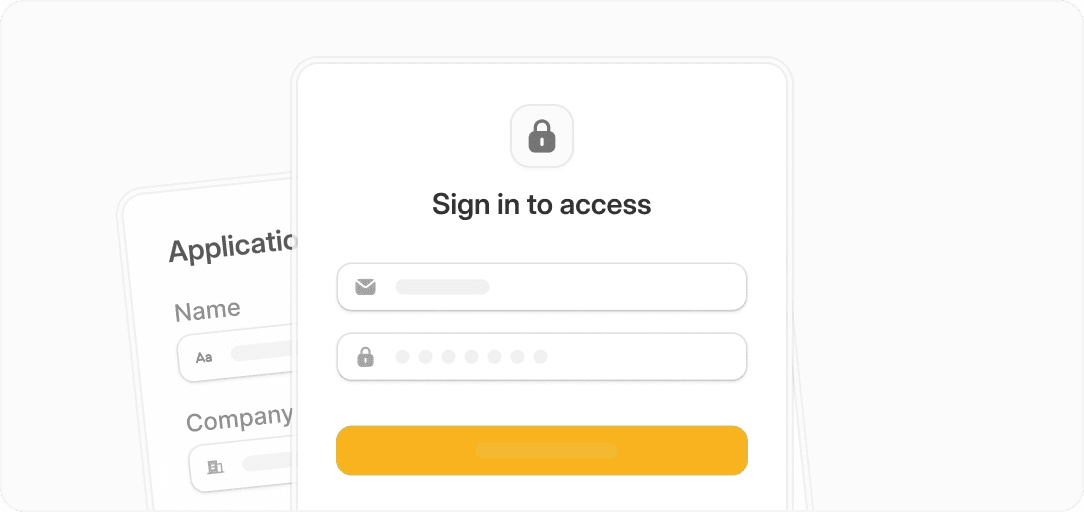
Image source: Fillout
The logic is a big reason to take it seriously. Fillout supports calculations, scoring, pre-fill and hidden fields, multiple endings, dynamic payment pages, and pre-fetch data on higher plans, so it can do more than basic lead capture.
That turns into real time savings once your forms stop being simple. Instead of collecting data in one place, sending people to another scheduler, hacking together emails somewhere else, and manually fixing bad submissions later, you can keep more of that flow inside one tool.
The security and collaboration side also helps justify paid plans. Fillout includes 2FA on all plans, login forms from Starter, partial submissions and deeper analytics on Business, plus unlimited seats across plans, which is unusually friendly if more than one person needs access.
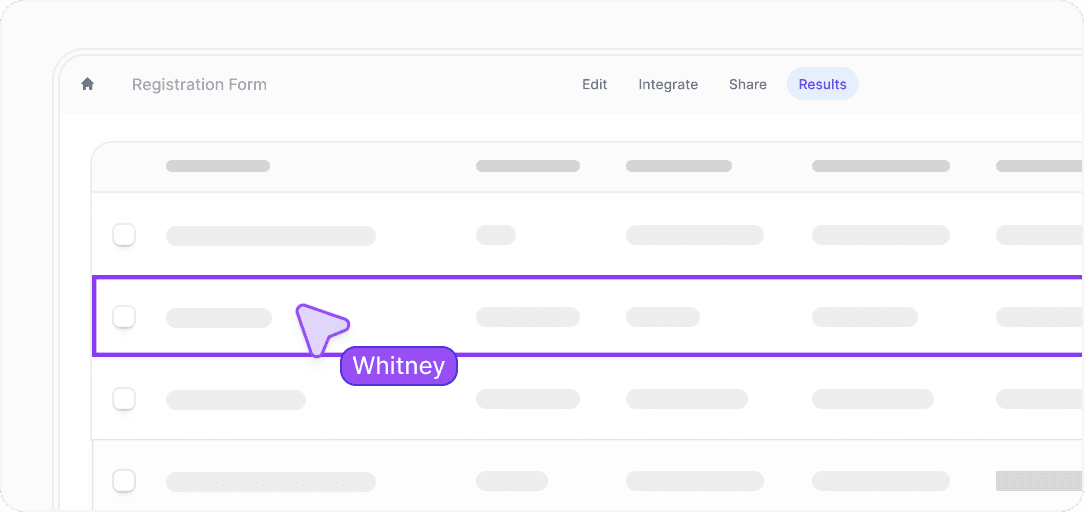
Image source: Fillout
Here is the catch. Fillout is still a forms-first product, not a full business operating system, so if you want your CRM, funnel builder, email marketing, automation, and client management all in one dashboard, a broader tool may fit better even if the forms themselves are not as specialized.
Pricing and how it compares
Fillout is fairly easy to price out. The paid plans start at $15 per month billed annually for Starter, then $40 for Pro and $75 for Business on annual billing, and the annual option saves 20% compared with monthly pricing.
That makes Fillout look strong if forms are the main thing you care about. It gets less obvious if you are also shopping for funnels, CRM, automations, calendar booking, and email marketing in one subscription, because broader tools can make a higher price feel more reasonable if they replace enough other software.
See current pricingThat table gives you the fast answer. Fillout wins when better forms are the priority and you do not want to overpay for a huge system you will barely use, while Systeme.io makes more sense when budget matters most and GoHighLevel makes more sense when you want an all-in-one business engine.
Image source: Fillout
Why buying now can make sense
Fillout is worth buying now if your current form setup already feels sloppy. Once you are patching together branding fixes, manual follow-up, scheduling links, payment workarounds, and spreadsheet cleanup, the software usually starts costing less than the mess it replaces.
That does not mean everyone should upgrade today. If you are still validating an idea, still getting tiny response volume, or only need basic internal intake, stay on free and use the generous limits before you commit.
The right buyer is easier to spot than people think. If you already have traffic, clients, appointments, applications, onboarding forms, or payment collection happening right now, Fillout can pay for itself fast by making the process look better and break less often.
The annual Fillout discount is the cleanest move once you know you are sticking with it. You save 20%, avoid coupon-hunting nonsense, and get on with building the forms you needed in the first place.
I would not call it the best choice for someone trying to run their entire business from one tool. I would call it a very smart buy for someone who wants forms to stop being the weak link in the customer journey.
Get started with FilloutAlternatives worth considering
Fillout is strong, but it is not the only option. The right choice depends on whether forms are your main priority or just one piece of a bigger system.
If you are mainly comparing a Fillout discount to other tools, this is the part that actually helps you decide. Some tools are cheaper, some are broader, and some are better if you want everything in one place.
Image source: Fillout
Try FilloutChoose Fillout if forms are slowing you down or hurting conversions. Choose Systeme.io if you want the cheapest way to get funnels and email running, and choose GoHighLevel if you are ready to centralize everything.
Image source: Fillout
My honest final verdict
Fillout is worth it if forms actually matter in your business. That sounds obvious, but it is the difference between this being a great buy and a waste of money.
If you are already collecting leads, onboarding clients, booking calls, or processing payments through forms, Fillout is one of those upgrades that cleans everything up fast. It replaces manual fixes, reduces errors, and makes the experience look more professional without needing five different tools.
If you are still experimenting or barely using forms, you can stay on free longer. The platform does not force you into a rushed decision, and that is a good thing.
The Fillout discount angle is simple. There is no need to hunt for a secret code because the real savings come from annual billing or eligibility-based discounts, and both are straightforward once you decide to use the tool seriously.
For the right buyer, this is an easy yes. For the wrong buyer, even a discount will not make it necessary.
Image source: Fillout
FAQ
Is there a real Fillout discount code?
Not in the typical coupon-code sense. The main savings come from annual billing (around 20% off) and specific programs like startup or nonprofit discounts.
Is the free plan enough?
Yes for testing and small use cases. No if you need white-label forms, higher response limits, or more advanced features for client-facing workflows.
Is Fillout better than Google Forms?
For anything customer-facing, yes. It looks better, supports payments, logic, and branding, and reduces the need for manual fixes.
Should beginners use Fillout?
Yes, but only if they actually need it. If you are just collecting a few responses, free tools are fine, but once things grow, Fillout becomes a smarter option.
Is it worth upgrading?
If your forms are tied to revenue, clients, or conversions, upgrading usually pays for itself quickly.
Check the official free trial Filip Konecny Enterprises