
Most form builders look cheap, get annoying fast, or force you into workarounds the second you need anything beyond a basic contact form. A Fillout demo is useful because this tool clearly aims higher than that. It is trying to be the form builder you keep using once you need payments, scheduling, logic, branded design, and real integrations instead of just a box that collects answers.
That also means you should not sign up just because the homepage looks polished. The real question is whether Fillout gives you enough in the free plan and enough upside on paid plans to justify learning one more tool. For some people, the answer is yes almost immediately. For others, it is smarter to stay with a simpler option until the extra features actually matter.
This review is built to help you decide that before you waste time. I will show you where Fillout looks strong, where it gets less attractive, who should try it now, and who should probably wait or pick something cheaper instead.
Quick verdict
Fillout looks like a strong buy for people who already know they need more than a basic form. The platform offers unlimited forms and unlimited seats even on the free plan, supports payments and scheduling, connects with a long list of tools, and gives you much more control over branding than the bare-bones builders many teams start with.
The catch is simple. If you only need a few ugly internal forms and do not care about logic, conversion, or brand presentation, Fillout may be more tool than you need right now. If you are collecting leads, bookings, applications, or paid submissions, it becomes much easier to justify trying Fillout here.
Article outline
Use these page jumps if you want to skip straight to the part that matters most to your decision.
- Quick verdict
- What you get in the free plan and the good stuff
- Pricing, value, and why people upgrade
- Alternatives, final verdict, and whether you should start now
The next section gets into the part most people care about first: what you can actually do before paying. That matters more than the marketing copy because a form builder usually wins or loses on how much real testing you can do before you hit the limits.
Fillout looks appealing early because the free tier is not a toy plan. Unlimited forms and unlimited seats make it easier to test real workflows with your team instead of playing around in a sandbox and discovering later that collaboration, response limits, or branding controls ruin the setup.
That does not automatically make it the best option for everyone. Price still matters, switching tools is annoying, and some users will be better off with a cheaper form builder if they do not need branded experiences or more advanced workflows. I will get into that next so you can decide whether to check the official Fillout free plan here now, wait until your use case is bigger, or skip it entirely.
What you get before paying
Fillout makes a strong first impression because the free plan is not some useless teaser. You can start with unlimited forms, unlimited seats, and 1,000 responses a month, which is a lot more generous than what many people expect from a form builder.
That matters because you can test a real workflow instead of poking around a crippled demo. You can build lead forms, intake forms, quizzes, payment forms, scheduling forms, and multi-step forms without paying right away, which makes the Fillout demo feel like an actual evaluation path instead of a bait-and-switch.
The free plan also includes features people usually expect to unlock later. Payments, scheduling forms, PDF generation, conditional logic, answer piping, file uploads, workflows, API access, and most integrations are already there, so you can learn pretty quickly whether this tool fits your business or not.
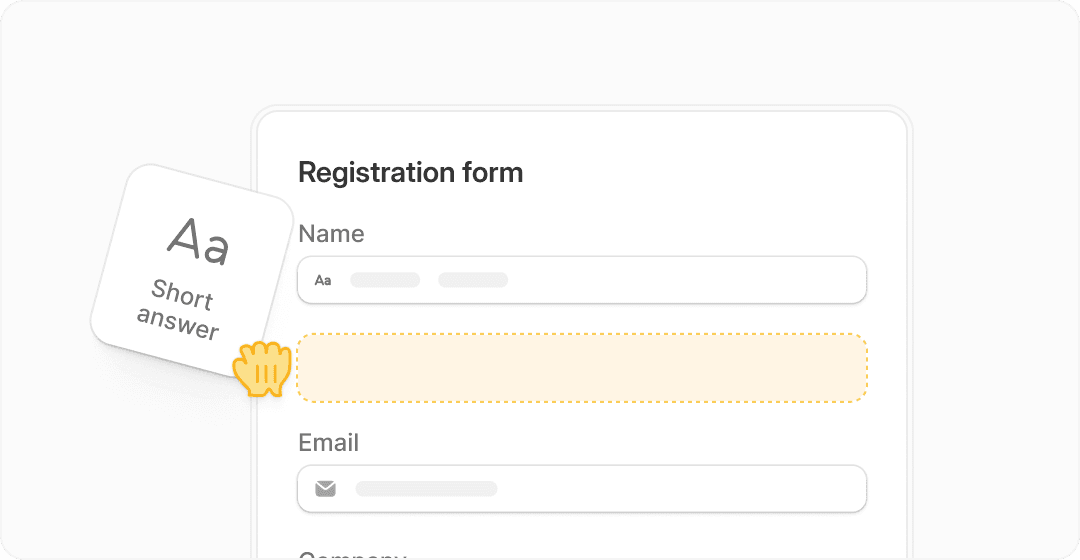
Image source: Fillout homepage
The good stuff
Fillout looks best when you care about how the form feels to the person filling it out. The builder supports multi-page flows, conditional logic, review pages, branded themes, custom endings, and stronger design control than the cheap form tools people usually outgrow first.
That is the payoff. A better-looking form usually gets taken more seriously, especially when you are collecting leads, applications, bookings, or payments instead of anonymous internal responses.
The logic side is another reason this tool stands out. Fillout lets you show or hide questions, route people through different paths, and use calculations, which means you can keep forms shorter and more relevant instead of forcing every visitor through the same bloated experience.
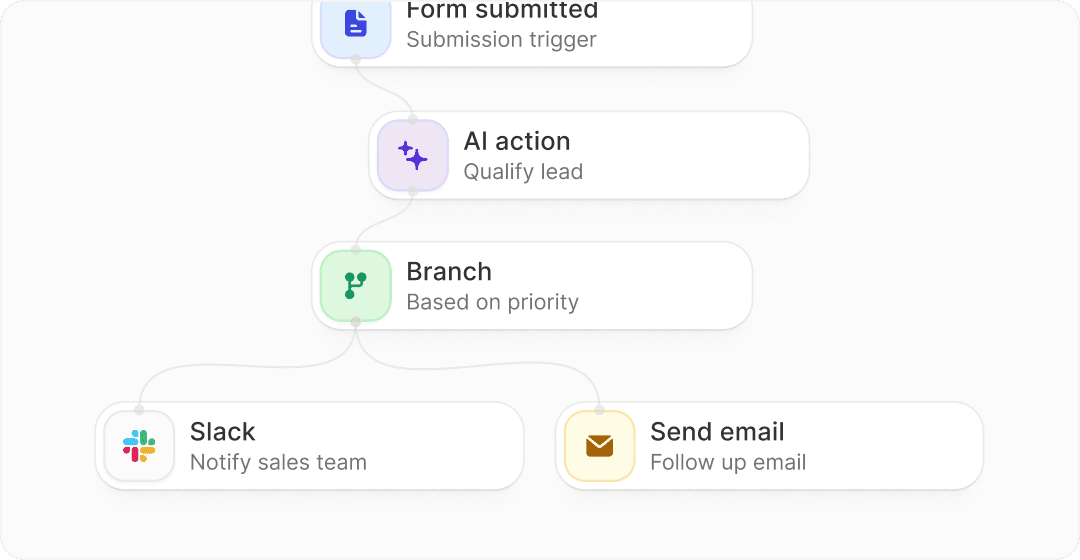
Image source: Fillout homepage
Payments are a bigger deal here than they first appear. Fillout says you can accept one-time payments, subscriptions, discount codes, ACH, Affirm, and Stripe Link, which means a simple form can start acting like a lightweight checkout flow instead of sending people through a mess of extra tools.
Scheduling is also more useful than a plain booking link. Fillout says its free plans include unlimited scheduling forms and up to 1,000 bookings a month, so you can combine qualification questions, routing, and booking in one place instead of duct-taping forms and calendar tools together.
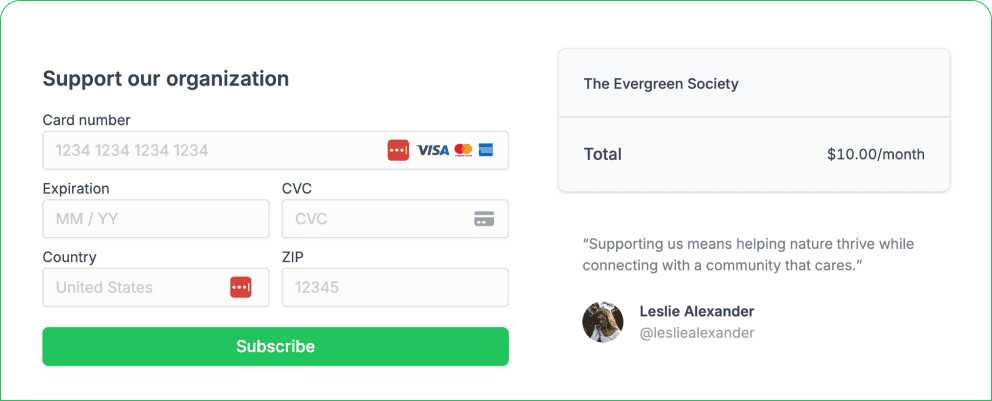
Image source: Fillout payments page
Integrations help seal the deal for teams that hate manual data entry. Fillout says it connects with 50+ native integrations and also supports REST API connections, so the form does not have to become another dead end that someone exports from every Friday.
There are still limits. Starter adds custom endings, login forms, and redirects, but full branding control is not immediate. Custom CSS starts on Pro, and custom domains do not show up until Business, so if white-label presentation is the main reason you are shopping, you need to look closely at the plan ladder before you jump in.
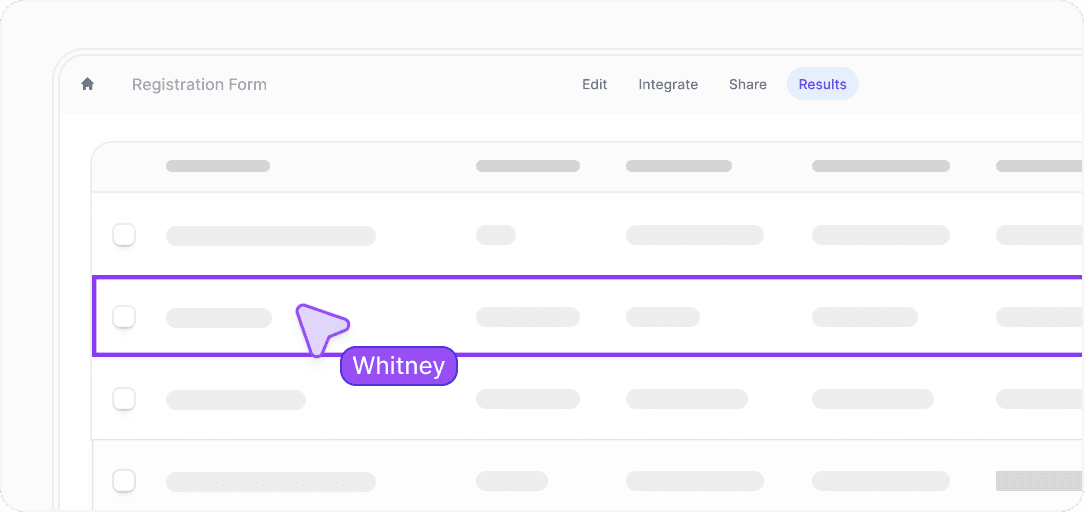
Image source: Fillout homepage
Pricing, comparison, and why people upgrade
Fillout keeps the entry price reasonable. The official pricing page lists Free at $0, Starter at $15 a month billed annually, Pro at $40, and Business at $75, and the step-ups make sense if your forms are already tied to real revenue or real operations.
Starter is the easiest paid plan to justify for small teams that need more polish and control. Pro makes more sense when branding matters more, and Business is where Fillout starts looking like a serious intake system instead of just a nice form builder because that is where analytics, custom domains, custom code, partial submissions, and unlimited responses kick in.
Check the official Fillout free planFillout wins this comparison if forms are the actual thing you are buying. Systeme.io is cheaper if you want a general business builder around funnels and email, and GoHighLevel makes more sense if you run an agency and want CRM, pipeline, and client management wrapped around the form builder.
You should probably get Fillout now if your current setup is slowing down lead collection, bookings, onboarding, or paid submissions. Waiting only makes sense if you still have no real use case, because once the form touches revenue or operations, keeping everything manual usually costs more than the software does.
The smartest move for the right buyer is simple. Build one real form, connect it to the tools you already use, and see whether it replaces enough friction in your current setup to justify upgrading. For a lot of teams, that answer will come fast once they get started with Fillout here.
Alternatives and final verdict
Fillout is not the automatic winner for everyone. It wins when forms are a real part of how you collect leads, onboard clients, book calls, take payments, or keep branded workflows from turning into a mess.
You should look elsewhere if you barely use forms or if you mainly want a bigger all-in-one business stack around email, funnels, CRM, and automation. In that case, a broader tool can make more sense than buying a form builder first and adding everything else later.
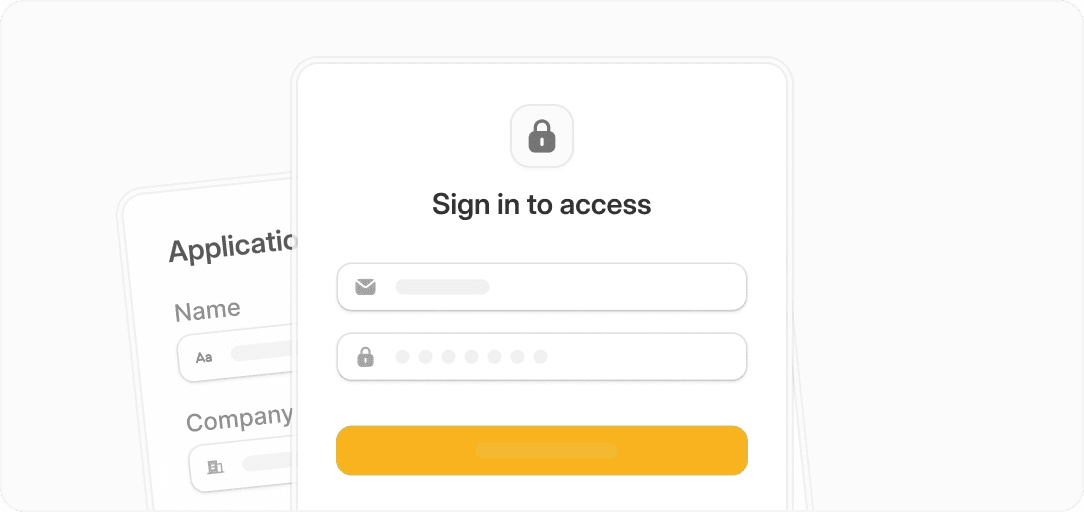
Image source: Fillout
Security and controlled access are part of why Fillout feels more serious than a cheap form tool. If you need respondents to update submissions, verify identity, or keep forms internal, this starts looking like a business tool instead of a basic survey app.
Which alternative makes more sense?
Most people choosing between Fillout and another tool are really deciding what problem they are solving. Are you trying to build better forms, or are you trying to buy a bigger operating system for the business?
That distinction matters because Fillout is strongest when the form itself is central. If you mostly want funnels, email campaigns, CRM pipelines, and broader automation, a different product may fit better even if the form experience is not as polished.
Image source: Fillout
Check the official Fillout free planChoose Fillout if you care most about better forms, better branding, and smoother workflows inside the form itself. Choose a cheaper alternative like Systeme.io if the form is only one small piece of what you need, and choose a broader option like GoHighLevel if you want CRM, automation, and client management wrapped around everything.
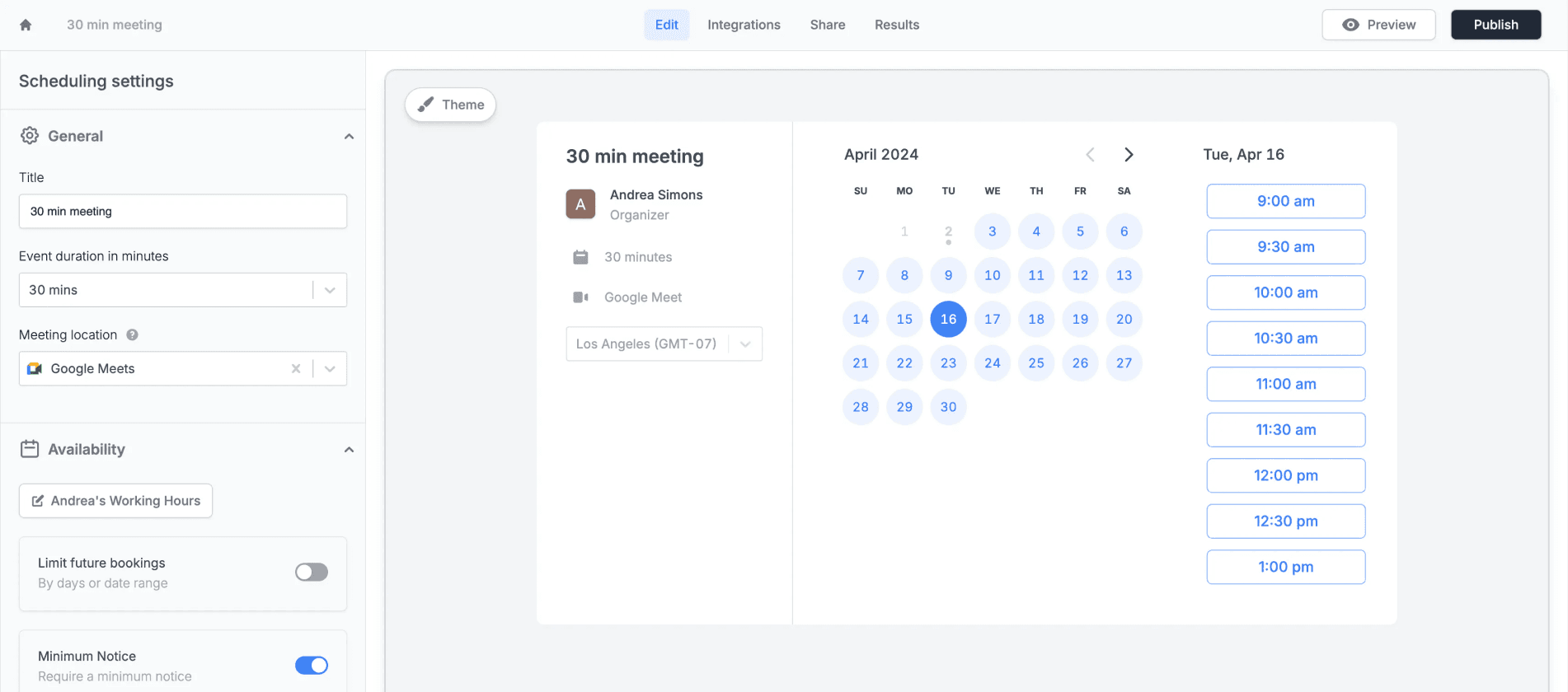
Image source: Fillout
My honest take
Fillout is easiest to recommend when you already have a real use case. A client intake form, a lead funnel, a booking flow, a payment form, or a branded application process is enough to make the value click fast.
The free plan lowers the risk a lot. You can build something real before paying, which removes one of the biggest objections people usually have with SaaS tools like this.
The weak spot is not quality. It is fit. If you do not need advanced logic, polished design, booking, payments, or workflow automation, Fillout can feel like more tool than you need, and staying simple may be the smarter move.
For the right buyer, though, this is absolutely worth trying. If your current form setup looks clunky, creates manual work, or makes the business feel less professional than it should, Fillout is a smart next step.
Should you start now, wait, or skip it?
Start now if you already know your forms matter. That includes lead capture, customer onboarding, internal requests, bookings, payments, hiring flows, or anything where a cleaner experience can improve completion rates or save your team time.
Wait if you are still guessing what you want the form to do. Fillout gets easier to justify once there is an actual workflow to replace, not just curiosity about another tool.
Skip it if you only need a bare-bones form once in a while and do not care how it looks. In that case, a simpler free option is probably enough and paying for polish will not change much.
Most people reading a Fillout demo review are not in that last group. They are already feeling the pain of ugly forms, broken workflows, or too much manual follow-up. If that sounds like you, there is a good chance this tool earns its place quickly.
FAQ
Is Fillout free to try?
Yes. Fillout has a free plan, and it is generous enough to build and test real forms instead of a fake stripped-down demo.
Is Fillout good for beginners?
Yes, if your use case is clear. Beginners with a real project can get value fast, but beginners who only need a simple contact form may not need this much power yet.
Can Fillout replace other tools?
Sometimes. It can replace basic form builders and reduce the need to patch together separate tools for logic, scheduling, payments, and certain intake workflows.
Is Fillout better than an all-in-one tool?
Not always. Fillout is better when the form experience matters most. An all-in-one tool is better when you need CRM, email, funnels, and automation more than you need the strongest standalone form builder.
Ready to see if it fits?
You do not need to overthink this one. Build one real form, connect it to your workflow, and you will know pretty quickly whether Fillout is saving you time or just adding another login.
If your forms already touch leads, revenue, onboarding, or bookings, waiting usually just means you keep dealing with a setup that is slower than it needs to be. That is why the smartest next move for the right buyer is to explore Fillout here and test it on something real.
Get started with Fillout Filip Konecny Enterprises