
If you are searching for a Fillout coupon, the main question is not whether some random code exists. The real question is whether Fillout already gives you enough value on the free plan, and whether the paid plans save enough time to justify paying instead of patching together forms, logic, payments, and follow-ups by hand.
Fillout looks attractive because it gives you unlimited forms and unlimited seats even on the free tier, which is unusual for this category. The catch is that most people searching for a coupon are really trying to answer something simpler: do I need a discount, or is this already priced fairly for what it replaces?
My take is pretty simple. If you qualify for one of Fillout’s official discounts or you want to lock in the annual savings, great, take it, but the bigger decision is whether the platform fits the way you collect leads, payments, bookings, or internal requests in the first place.
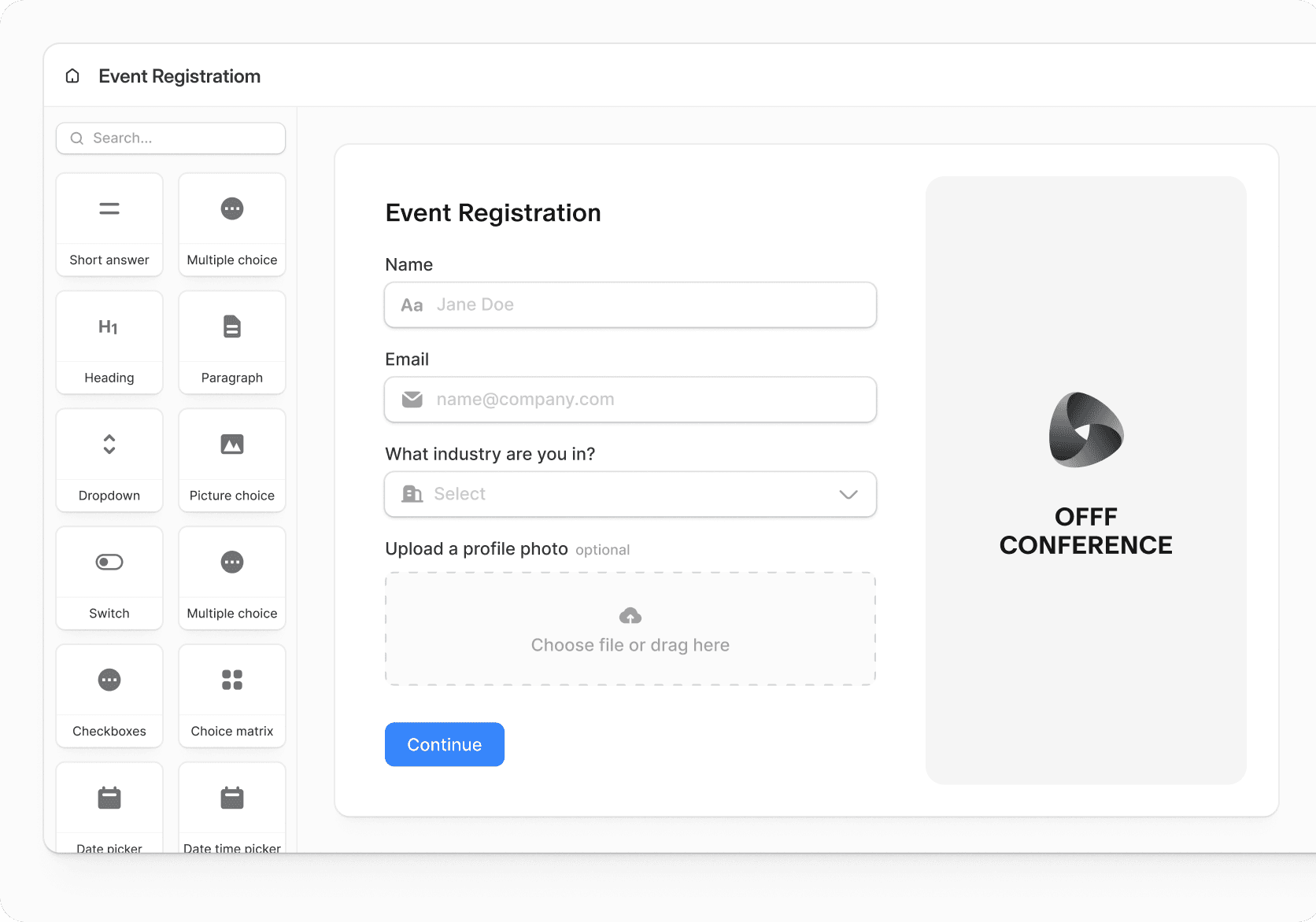
Image source: Fillout homepage
Article outline
- Start here: is a Fillout coupon even worth looking for
- What decides the value: what you get in the free plan, the good stuff, pricing and value, and why buying sooner can make sense
- Before you decide: alternatives, my final verdict, and FAQ
Is a Fillout coupon even worth looking for?
Usually, yes, but not in the way most people expect. Fillout does have an official path for discounts and promo code redemption, but it is not built around the kind of endless public coupon hunting you see with some software brands.
The better savings angle is more practical. Fillout openly offers discounts for non-profits, students, and educational institutions, it has a startup discount page, and its annual billing cuts the listed monthly cost by 20%, which is often the easiest saving route if you already know you will use it beyond a quick test.
That matters because Fillout is not trying to win on cheap-looking promo tactics. It is trying to win by giving a surprisingly capable free tier, then charging more only when branding control, higher response volume, analytics, custom domain, advanced conversion tools, and business-grade extras start to matter.
That is a much cleaner buying decision than chasing sketchy coupon sites. If you are a solo creator, consultant, agency, or ops team that already knows forms are tied to revenue or internal workflows, the bigger money question is whether Fillout replaces enough manual work and enough extra tools to pay for itself fast.
Check the official Fillout offerThat snapshot already tells you a lot. Fillout is a better fit for buyers who want to test a real workflow inside the product instead of buying first and hoping the platform eventually makes sense.
It also tells you something important about who should probably wait. If you only need a dead-simple contact form and you do not care about logic, payments, branding, integrations, analytics, or nicer workflows, the free plan may be enough forever and the coupon hunt becomes pointless.
The opposite is also true. If your current setup is scattered across a form tool, a spreadsheet, a scheduling tool, a payment page, and a few automations taped together in the background, waiting too long to switch usually costs more in time than the software itself.
That is where Fillout starts to look appealing. You can build the form, collect the response, push data into the tools you already use, take payments, generate documents, and manage a more polished user experience without turning your workflow into a maintenance project.
You still need to be honest about the downside. Fillout is not the cheapest possible route once you need higher limits and more serious branding control, and if you are only shopping because you want the absolute lowest monthly bill, a coupon will not magically change that.
For the right buyer, though, the coupon question is almost secondary. The smarter move is to see whether the free plan already proves the product is a fit, then use an official discount or annual savings if you are ready to commit.
What you get in the Fillout free plan
Fillout does not play the usual game where the free plan is basically a demo. You get unlimited forms, unlimited seats, and 1,000 responses per month, which is enough for a lot of solo businesses, internal teams, and early-stage workflows before you spend a dollar.
The free plan also includes features people usually expect to unlock later. Fillout lists multi-page forms, conditional logic, payments, scheduling forms, PDF generation, workflows, unlimited file uploads, calculations, pre-fill fields, and integrations on the free tier, which makes the whole Fillout coupon hunt feel less urgent if you are still testing.
That matters because you can answer the real buying question fast. You can build a live workflow, send it to real people, and see whether the platform actually fits before you start caring about discounts.
Image source: Fillout
The free tier is not unlimited in every way. You still get Fillout branding, you do not get premium field types, login forms, CAPTCHA, or custom endings, and you will hit the 1,000 response cap if your forms are doing real volume.
That is the line Fillout draws pretty well. It gives you enough to prove the product is useful, then charges when branding, more advanced control, and higher usage start affecting trust and conversion.
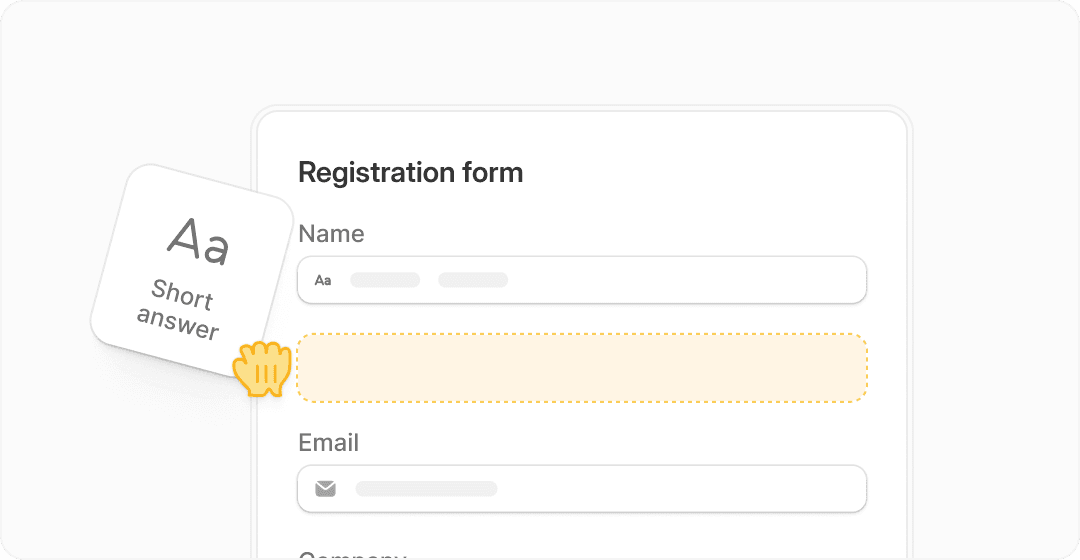
Image source: Fillout
If you are a beginner, that is a good deal. You can learn the builder without paying upfront, which makes Fillout easier to recommend than tools that push you into a paid trial before you even know whether your workflow makes sense.
If you already have traffic or a working offer, the free plan is still useful, but probably temporary. Once branding, better completion flows, and higher response limits start touching revenue, you will probably outgrow it quickly.
The good stuff
Unlimited seats is one of the strongest reasons Fillout stands out. A lot of software gets expensive the minute a second teammate needs access, and Fillout avoids that problem on every plan.
That makes the platform easier to justify for agencies, operations teams, and growing businesses. You are not forced into weird permission workarounds just to avoid paying for more users.
Payments are another big plus. Fillout supports payment workflows inside forms, and the setup is much more appealing than sending someone through a clunky stack of separate pages when all you really want is a clean form plus checkout flow.
The builder also seems to cover the practical stuff that usually makes form tools annoying when they are missing. Conditional logic, answer piping, scheduling, PDF generation, signatures, custom share links, and workflow automation push Fillout closer to “serious business tool” than “just another form app.”
Branding control gets much better on the paid tiers. Pro removes branding and adds custom emails, custom fonts, favicon support, and custom CSS, while Business adds custom domains, form analytics, partial submissions, and conversion tracking tools that matter if forms are tied to leads or sales.
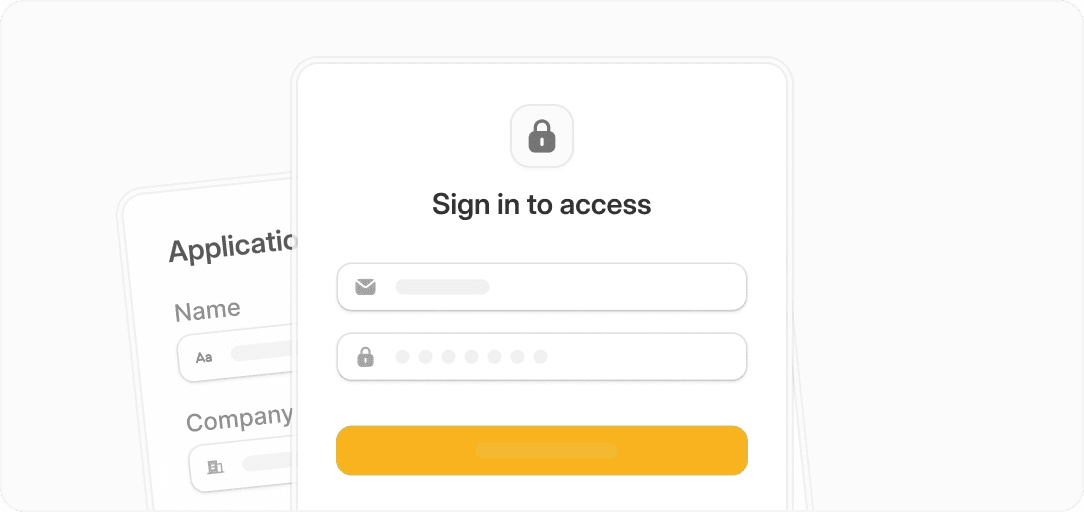
Image source: Fillout
Here is the catch. Fillout is still a form-first tool, not a giant all-in-one business suite, so if you want a full CRM, sales funnels, email marketing engine, appointment system, and client management stack in one place, you may be shopping in the wrong aisle.
That is not a weakness if forms are the center of your workflow. It just means Fillout is best when you want a strong form builder with serious business features, not a full replacement for your entire marketing stack.
Another limitation is where some of the best conversion-focused features sit. Form analytics, custom domain, partial submissions, drop-off rates, Meta Pixel, and other business-grade extras are not on the lower plans, so the price jump only feels worth it if your form performance actually matters.
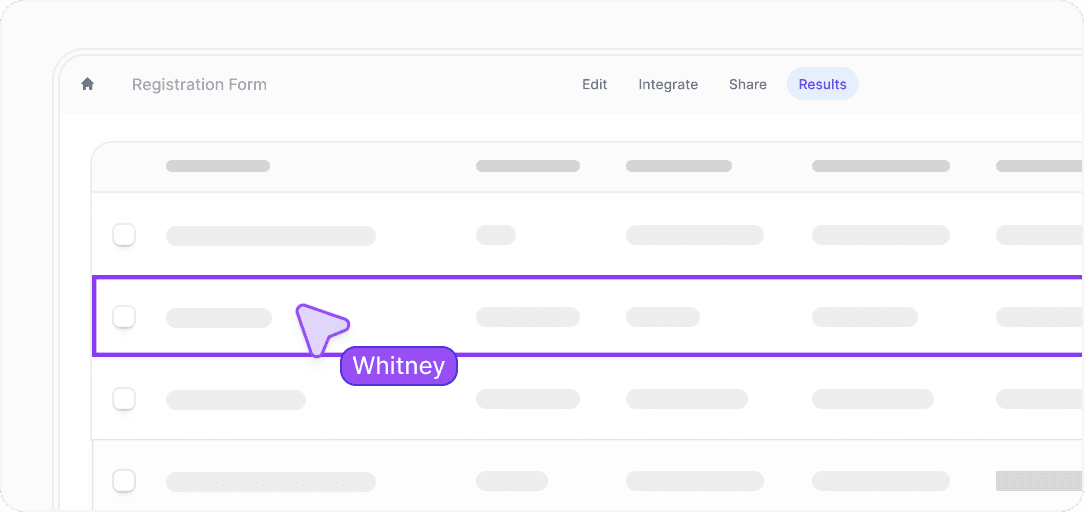
Image source: Fillout
Pricing and value compared to other tools
Fillout starts free, then moves to Starter at $15 per month, Pro at $40 per month, and Business at $75 per month before enterprise pricing. Annual billing saves 20%, which is probably the closest thing to a dependable Fillout coupon if you already know the product fits.
That pricing looks pretty fair when you compare it to broader platforms. Fillout is much cheaper if your main need is forms, logic, payments, branded intake, and workflow handling without dragging in a massive all-in-one tool you may not use fully.
See current Fillout pricingFillout wins this comparison when forms are the center of the job. It loses when you want a broader sales or CRM machine and would rather pay more for a tool that does far more than forms.
That is why a coupon is not the whole decision. A cheaper sticker price on the wrong tool still costs more if it forces you to bolt on extra software later.
Why buying now can make sense
Waiting is smart if you do not have a real use case yet. If your form is still an idea in your head, the free plan is enough, and there is no reason to rush into a paid tier just because you found a Fillout coupon page somewhere.
Buying sooner makes more sense when your current setup is slowing you down already. If leads, applications, payments, or client intake are still being stitched together manually, delay usually means more admin work, more messy handoffs, and more lost submissions.
Paid Fillout starts to earn its keep once brand trust and workflow quality matter. Removing branding, using custom emails, adding your own domain, tracking analytics, and tightening the handoff after submission are the kinds of upgrades that can justify the price fast if forms sit close to revenue.
For the right buyer, this is absolutely worth trying now. If your business already depends on forms doing more than basic data capture, Fillout looks like a smart next step instead of another tool you will regret adding later.
If you want the short version, here it is. Use the free plan if you are still testing, upgrade if branding and higher-value workflows matter, and stop obsessing over coupon hunting unless you qualify for one of Fillout’s official discounts or want the annual savings.
Check the official Fillout free trialFillout alternatives (and when they make more sense)
Fillout is strong, but it is not the best choice for everyone. If your needs go beyond forms or you want something cheaper or broader, a few alternatives can make more sense depending on how you work.
Image source: Fillout
The key difference is simple. Fillout focuses on forms done properly, while tools like funnel builders or CRM platforms try to handle everything, even if their form features are not as flexible.
Try Fillout freeChoose Fillout if forms are tied to your revenue or operations and you want them to feel polished and reliable. Choose Systeme.io if you need a cheap all-in-one setup, and go with ClickFunnels or GoHighLevel if your focus is selling through funnels or running a full CRM system.
If you are stuck deciding, the easiest move is to test Fillout first. The free plan lets you see very quickly whether it replaces your current setup or not.
Image source: Fillout
My honest take
Fillout is easy to recommend for the right buyer. If forms are part of how you make money or run your operations, this tool does a lot more than the typical form builder without forcing you into a huge expensive system.
The free plan removes most of the risk. You can build something real, test it with actual users, and only upgrade when the limitations start affecting your results.
The downside is simple. If you are expecting a full business platform with CRM, funnels, and marketing automation all baked in, you will outgrow Fillout or need to combine it with other tools.
For the right use case, though, this is absolutely worth trying. It is one of the few tools where the free plan is actually usable, and the paid upgrades feel tied to real business needs instead of artificial limits.
Image source: Fillout
Quick answers before you decide
Is there actually a working Fillout coupon?
Yes, but not in the typical coupon-code sense. Fillout mainly offers official discounts for specific groups and saves you money through annual billing rather than constant public promo codes.
Is the free plan enough?
For testing and small workflows, yes. If your forms start handling real traffic or revenue, you will likely need the paid plans for branding, analytics, and higher limits.
Is Fillout hard to use?
No. The builder is drag-and-drop and straightforward, but advanced features like logic and workflows still require some thinking, which is normal for any serious tool.
Should beginners use Fillout?
Yes, especially because of the free plan. You can learn the platform without paying, which makes it much easier to justify compared to tools that require upfront commitment.
When should I skip Fillout?
Skip it if you want a full marketing system with funnels, email, CRM, and automation in one place. In that case, something like GoHighLevel will fit better.
Get started with Fillout Filip Konecny Enterprises