

Most people looking for a Fillout alternative to Typeform are really asking a simpler question: can I get the same polished form experience without paying Typeform prices or running into its limits too fast. For a lot of buyers, Fillout is the first tool worth checking because it gives you a much more generous free plan, more flexibility in how forms are built, and a pricing ladder that feels easier to justify once you start collecting real volume.
That does not mean Fillout wins for everybody. Typeform still has a strong brand, a familiar one-question-at-a-time experience, and a style some teams already love, but Fillout starts looking better the minute you care about value, more control, or replacing extra tools you would otherwise bolt on later.
This review is here to help you decide whether Fillout is the right move now, whether you should wait, or whether another option would make more sense for your setup. If you already know Typeform feels too restrictive or too expensive, explore Fillout here because it is one of the few options that feels like an actual upgrade instead of a downgrade.
Fillout vs Typeform at a glance
Check the official Fillout trial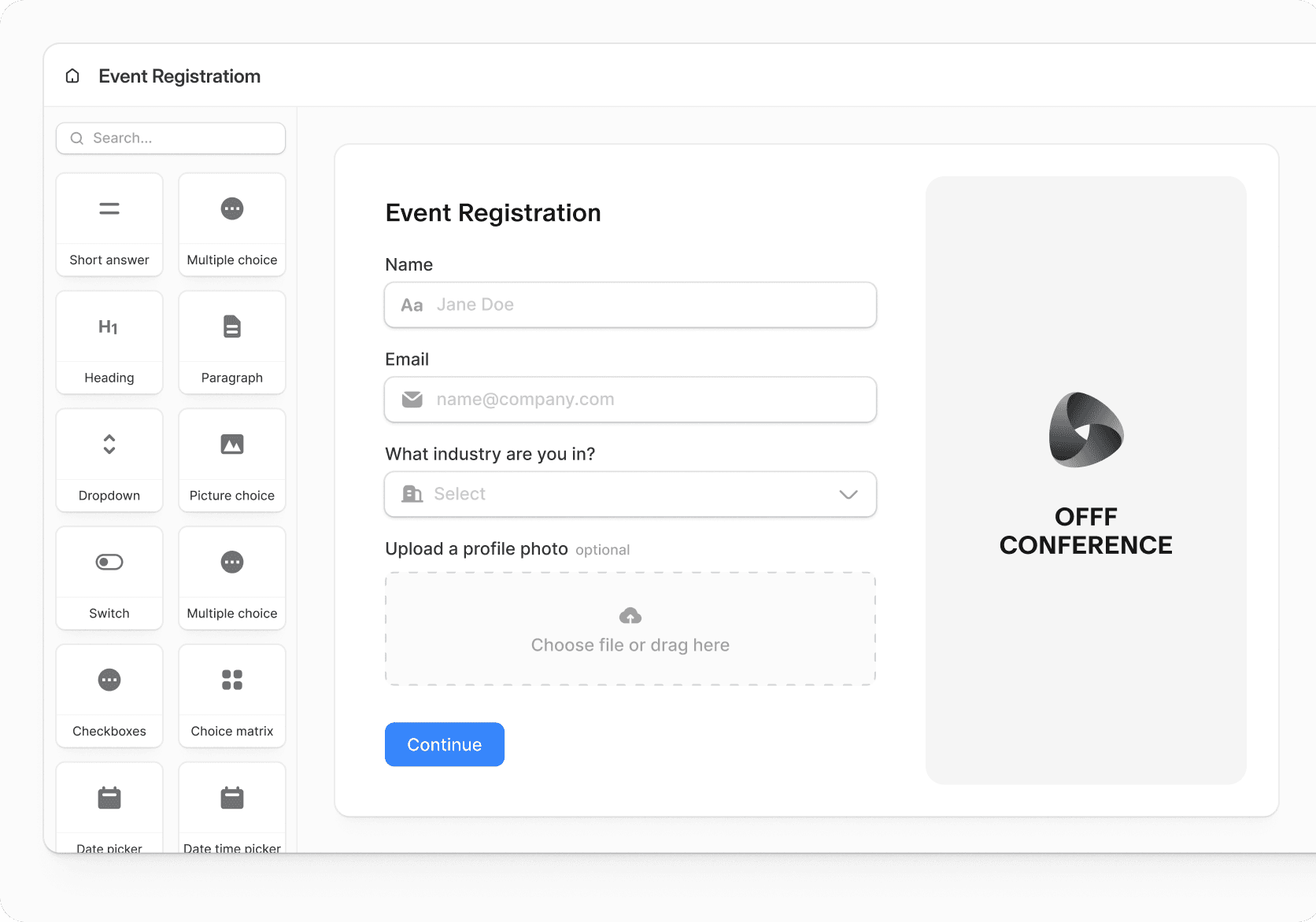
Image source: Fillout official website
Article outline
I split this review into three simple sections so you can jump straight to the part that matters most to your decision.
- Start here: Fillout vs Typeform at a glance, is Fillout worth a look, and who this review is for
- Next: what you get with Fillout, the good stuff, pricing and value, and why starting now can make sense
- Last: the best alternatives, the final verdict, and FAQ
Is Fillout worth a look if Typeform feels too expensive?
Yes, and that is the main reason this comparison matters. Fillout’s pricing starts lower, its free plan is far more usable for a real business, and the official comparison page leans hard into the exact problems that usually push people away from Typeform in the first place: cost, flexibility, and the need for stronger integrations.
The biggest practical difference is that Fillout does not make you feel boxed into a single way of building forms. Typeform is still tied much more closely to its opinionated one-question-at-a-time style, while Fillout gives you more freedom to build multi-page flows, place multiple questions on a page, add login forms, collect payments, generate PDFs, and connect your data into tools like Airtable, Notion, HubSpot, Google Sheets, and webhooks without making the whole stack feel complicated.
That matters because form software is rarely just about forms. Once your form becomes part of lead capture, onboarding, client intake, bookings, approvals, or internal workflows, the cheaper-looking option can become the more expensive one if it forces you into workarounds, missing features, or earlier upgrades than you expected.
Fillout looks strongest for people who are already using forms as part of a business process. If your current Typeform setup is mostly about simple brand-friendly surveys and you love how it looks, switching may not feel urgent, but if you keep bumping into pricing limits or feature gaps, Fillout deserves serious attention.
Who this review is for
This review is for you if Typeform feels a little too pricey for what you actually need. It is also for you if you want a form builder that can handle more than pretty surveys and start pulling its weight in your workflow.
Fillout makes the most sense for agencies, service businesses, SaaS teams, operations people, and anyone building lead forms, onboarding forms, intake forms, payment forms, or internal workflows. It is also easier to justify if you want unlimited seats, because team access can get annoying fast in tools that feel fine for one person but much worse once other people need in.
You probably should not rush into Fillout if all you want is a very simple branded survey and you already know Typeform does the job well enough. In that case, the switch only makes sense if you want lower starting cost, more generous usage, or better long-term flexibility.
The short version is simple. If you want a Fillout alternative to Typeform that feels like better value instead of just a cheaper compromise, Fillout is one of the strongest places to start, and trying Fillout now makes more sense than spending another month patching around limits you already know are slowing you down.
What you actually get with Fillout
Fillout is not just a form builder. It sits somewhere between a form tool and a lightweight workflow system, which is why it often replaces more than just Typeform once you start using it properly.
You can build multi-step forms, classic forms with multiple questions per page, or conditional flows that change based on answers. That flexibility alone solves one of the biggest frustrations people have with Typeform’s more rigid structure.
Beyond forms, Fillout includes features like payment collection, file uploads, scheduling, PDF generation, and deep integrations with tools like Airtable, Notion, Google Sheets, and webhooks. That matters because it cuts down the number of extra tools you need to connect just to make a simple process work.

Image source: Fillout official site
The good stuff (and where it actually helps)
The biggest advantage is flexibility. You are not locked into one style of form, so you can build lead capture pages, onboarding flows, application forms, or internal tools without fighting the editor.
The second advantage is pricing structure. Fillout’s free plan includes unlimited forms and seats with a high response limit, which makes it usable for real projects instead of just testing.
The third is integration depth. Connecting forms directly to Airtable, Notion, or Google Sheets without complex setup saves hours, especially if you are trying to automate workflows instead of manually moving data.

Image source: Fillout integrations page
There are downsides. The interface is slightly less “polished” visually compared to Typeform, and if you only care about design-first surveys, Typeform still has an edge there.
Also, the flexibility can feel like overkill if you just need a simple contact form. In that case, you may not use half of what Fillout offers, and the switch might not feel necessary yet.
Pricing and value compared to other tools
Pricing is where Fillout usually wins the argument. It starts cheaper than Typeform and gives you more usable capacity before you need to upgrade.
This matters because form tools tend to get expensive once responses increase, especially if they are tied to your lead generation or onboarding flow. Fillout delays that pain point compared to most alternatives.
See current Fillout pricing
Image source: Fillout payments page
Why starting now actually makes sense
Waiting usually means you keep patching together forms, spreadsheets, and manual processes that slow everything down. That cost is not obvious at first, but it adds up fast once you start dealing with real volume.
Fillout becomes a smart move the moment your forms are tied to revenue, onboarding, or operations. It saves time, reduces errors, and removes the need to duct-tape multiple tools together.
If you already feel friction with Typeform or your current setup, you are not early anymore. You are already at the point where switching makes sense, and starting with Fillout now is usually faster than trying to optimize something that is not built for what you need long term.

Image source: Fillout booking feature
The alternatives that make the most sense
If you want a Fillout alternative to Typeform, you do not need a giant shortlist. Most buyers are really choosing between four paths: go with Fillout for the best balance, pick Tally for the cheapest route, choose Systeme.io if you want a budget all-in-one, or step up to GoHighLevel if you want a broader business stack.
Fillout still sits in the sweet spot for most people coming from Typeform. The official comparison page makes that pretty obvious because Fillout keeps the polished form experience while giving you more flexibility, more generous usage, and advanced features that start showing up on much pricier Typeform tiers.

Image source: Fillout official website
Check the official free trialChoose Fillout if you want the strongest dedicated alternative to Typeform and you care about forms, workflows, and integrations more than brand recognition. Choose Tally if cost is your main concern, and choose a broader tool like GoHighLevel or Systeme.io only if you actually want funnels, CRM, and marketing tools bundled in.
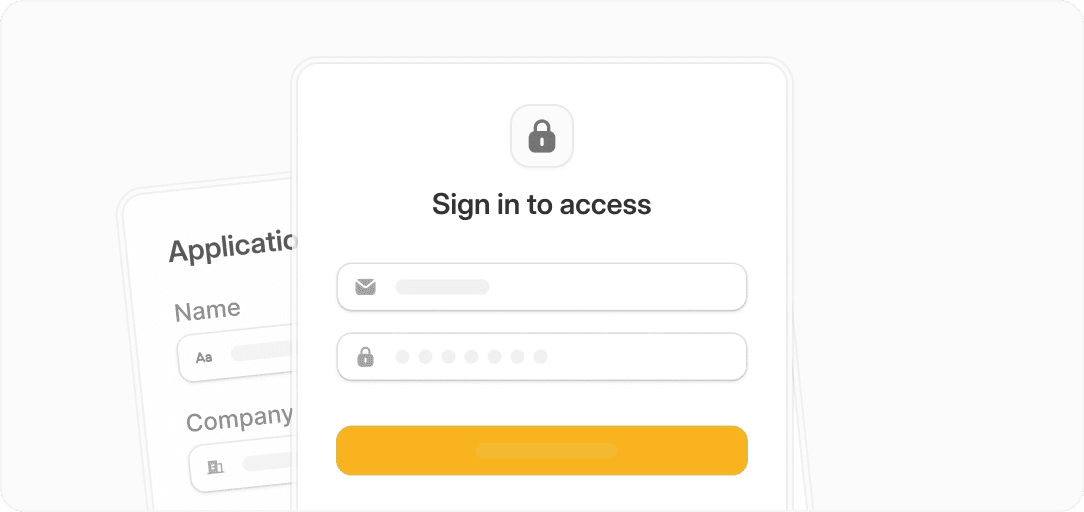
Image source: Fillout official website
My honest take
Fillout is the one I would point most Typeform shoppers toward first. It gives you the closest thing to an upgrade instead of a sideways move.
The value argument is hard to ignore. Fillout starts at $15 per month billed annually, Typeform’s core paid plans start at $29 per month, and Fillout’s free tier is much more usable if you want to build seriously before upgrading.
The bigger reason to choose it is not just price. Fillout feels better suited to people who want forms to do real work, whether that means login forms, scheduling, payments, signatures, PDF generation, integrations, or workflows that save manual admin later.
There is a catch. If you only want a very simple, design-led survey and you already like Typeform, you may not feel enough pain to switch today.
For the right buyer, though, this is absolutely worth trying now. If your current setup feels limited, overpriced, or too dependent on manual follow-up, Fillout is a smart next step because it solves the actual problems that usually push people away from Typeform in the first place.
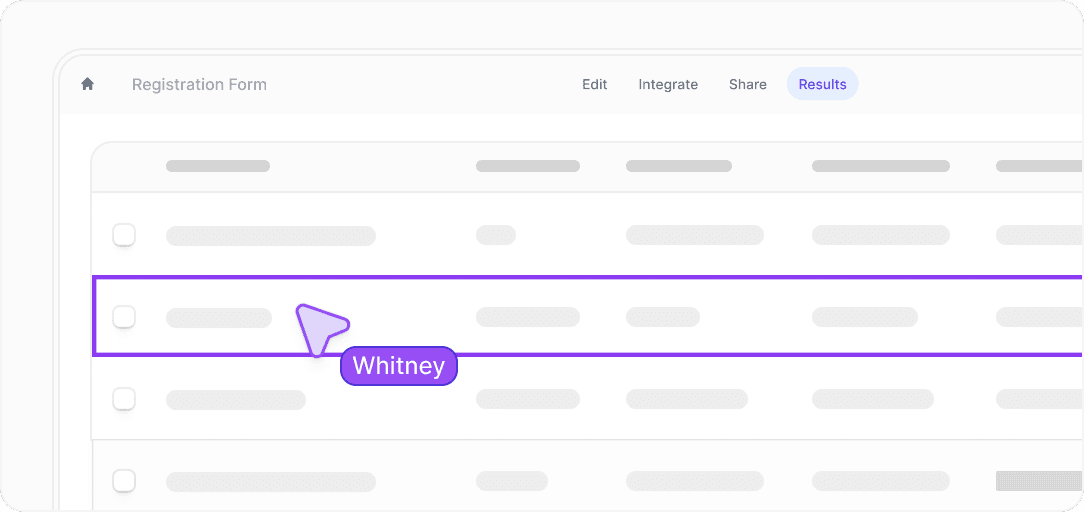
Image source: Fillout official website
FAQ
Is Fillout better than Typeform?
For a lot of buyers, yes. Fillout usually wins on value, flexibility, and business-friendly features, while Typeform still appeals more to people who mainly want the familiar Typeform style and brand.
Is Fillout good for beginners?
Yes, as long as you already know what kind of form you want to build. It is easier to justify for beginners who are building something real, not just experimenting with a simple contact form.
Should you switch from Typeform now or wait?
Switch now if Typeform already feels expensive, limiting, or too narrow for your workflow. Wait if your current forms are simple, working fine, and not tied to bigger operational problems yet.
Is Fillout overkill for basic forms?
Sometimes, yes. If all you need is a very simple form and price matters more than polish or workflow depth, a cheaper tool can be enough.
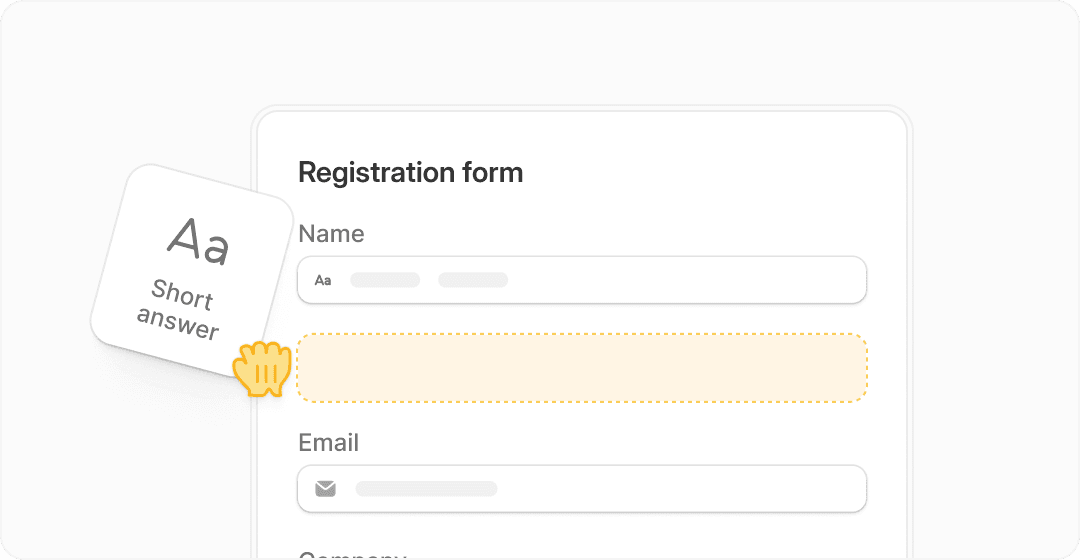
Image source: Fillout official website
If you want the cleanest answer, here it is. Fillout is one of the best answers to the Typeform pricing problem because it gives you more room to build, more room to grow, and fewer reasons to upgrade too early.
That makes it easy to recommend to the right buyer. If you are serious about using forms for leads, onboarding, applications, internal workflows, or client intake, you should not overthink this much longer.
Get started with Fillout Filip Konecny Enterprises