
If you want the blunt answer fast, Wispr Flow is the easier tool to recommend to most people right now. It is easier to try, easier to understand, and a lot more appealing if your real goal is simple: speak naturally in the apps you already use and spend less time cleaning up the result.
Dragon still matters, though. If you need deep customization, heavy Windows-first dictation, industry-specific vocabulary, and a more old-school professional setup, Dragon is not outdated so much as specialized.
That is why this comparison matters. A bad pick here does not just waste money. It usually means you keep typing everything manually for another few months, or you buy a tool that is far more complicated than your actual workflow needs.
Image source: Wispr Flow features
Quick snapshot
Most people searching for Dragon NaturallySpeaking vs Wispr Flow are not really deciding between two equal products. They are choosing between a specialist dictation ecosystem and a newer AI dictation app that feels much lighter to start using.
Wispr Flow already has a strong edge for everyday work because it runs on Mac, Windows, iPhone, and Android, supports 100+ languages, and gives you a 14-day Flow Pro trial plus a free entry point. That lowers the risk fast, which matters when you are trying to decide whether voice dictation will actually become part of your day.
Dragon makes more sense when you already know you need more than convenience. If your work depends on custom vocabularies, repeatable voice commands, and a setup you are willing to tune over time, Dragon still has a real argument in its favor.
The catch is simple. Dragon is easier to admire than to casually adopt, while Wispr Flow is easier to install, test, and keep using if you just want to write emails, docs, chats, notes, prompts, and drafts faster.
That difference matters more than feature lists. A tool you actually use every day is worth more than a “more powerful” tool that feels heavy enough to delay the switch.
| Tool | Best fit | Official platform fit | How easy it is to try | Biggest catch |
|---|---|---|---|---|
| Wispr Flow | People who want faster writing across everyday apps without a heavy setup | Mac, Windows, iPhone, and Android | Very easy: free Basic plan plus 14-day Pro trial | Less compelling if your work depends on deep specialist vocabulary and advanced custom commands |
| Dragon NaturallySpeaking | Professionals who need heavier customization and more structured dictation workflows | Windows-first for the main desktop versions, with separate products for other use cases | Harder to test casually and easier to overbuy | More setup, more version confusion, and more tool than many everyday users actually need |
My early take is straightforward. If you are a normal productivity buyer and not a niche dictation power user, Wispr Flow looks like the smarter first click.
If you already know you need serious command building, specialized terminology, and a Windows-centered setup, hold your attention for the Dragon side of this review. That is where the comparison gets more interesting, because Dragon can still be the better choice for the right person even if it is not the easier one.
Article Outline
Here is the fastest way to use this review. Jump to the section that matches the question you are trying to answer right now, instead of reading the whole thing top to bottom.
- Start here if you want the fast filter on who should lean toward Wispr Flow and who should stay open to Dragon.
- Then go to the trial and first impression, the good stuff, pricing and value, and why you might switch to Wispr Flow if you are close to making a decision.
- Finish with the alternatives, the final verdict, and the FAQ if you want the cleanest buy-now, wait, or skip answer.
The rest of the article is built around one simple question: which tool actually gets you to finished writing faster with less friction. That is the real decision here, not which product sounds more powerful on a feature page.
What you get in the trial
Wispr Flow makes a much stronger first impression than Dragon because you can actually test the paid experience before you commit. New accounts start with a 14-day Flow Pro trial, there is no credit card required, and setup is built to take minutes instead of feeling like a project.
That matters more than it sounds. A lot of dictation tools look good on paper, then lose you during setup, permissions, or the first few clumsy sessions.
With Wispr Flow, the pitch is simple: install it on Mac, Windows, iPhone, or Android, press the shortcut or open the mobile experience, and start dictating into real apps you already use. If you are comparing Dragon NaturallySpeaking vs Wispr Flow because you want something lighter and easier to adopt, the trial is one of Wispr Flow’s biggest advantages.
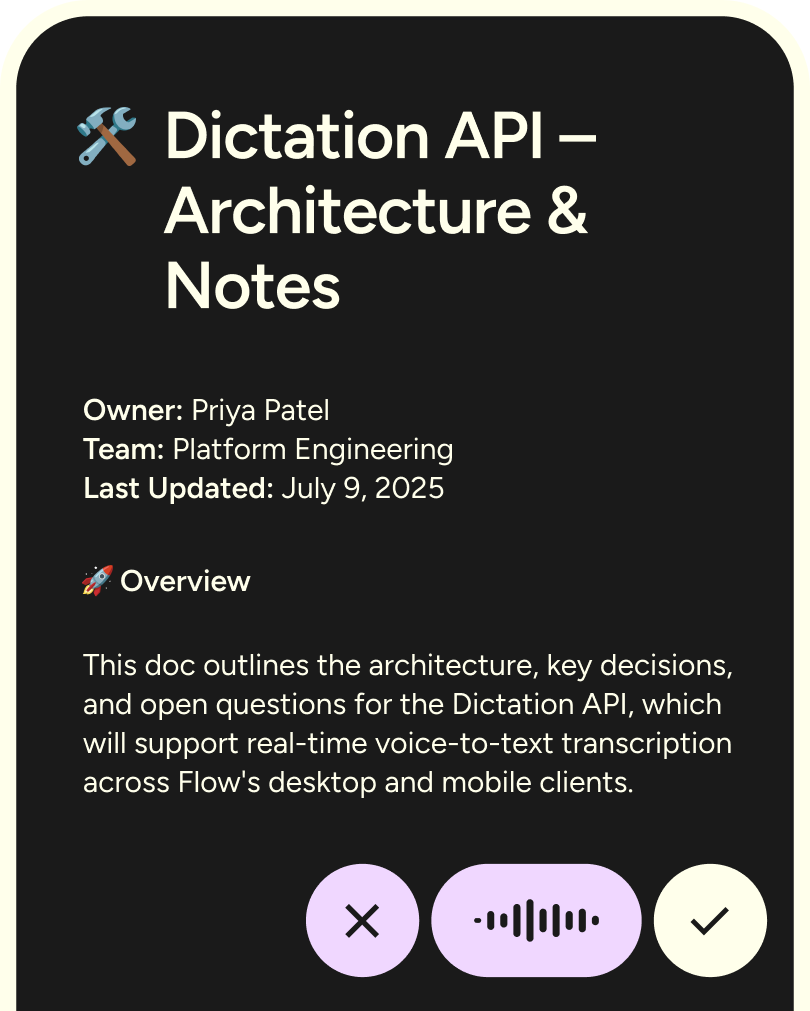
Image source: Wispr Flow
The free tier is not useless either. Flow Basic gives you 2,000 words per week on Mac or Windows, 1,000 words per week on iPhone, custom dictionary support, snippets, 100+ languages, and privacy mode, so you can tell pretty quickly whether voice dictation fits your day before paying.
The catch is that mobile is not identical across devices yet. Android is newer, and Wispr’s own help docs say some desktop features like dictionary tools, snippets, styles, and spell-names-right are still coming there, so the best version of the product is still the desktop experience.
That is still a better entry point than Dragon for most buyers. Dragon is powerful, but it is a Windows-first professional product with a heavier setup mindset, and that alone will push a lot of people toward trying Wispr first.
The good stuff
Wispr Flow gets more interesting once you stop thinking of it as plain speech-to-text. The real appeal is that it tries to turn messy speech into text you can actually send without a cleanup pass.
That payoff shows up in a few places. It cleans up filler words, handles punctuation more naturally, lets you dictate into regular text fields across desktop and mobile, and keeps your dictionary and settings synced across devices when you stay on the same account.
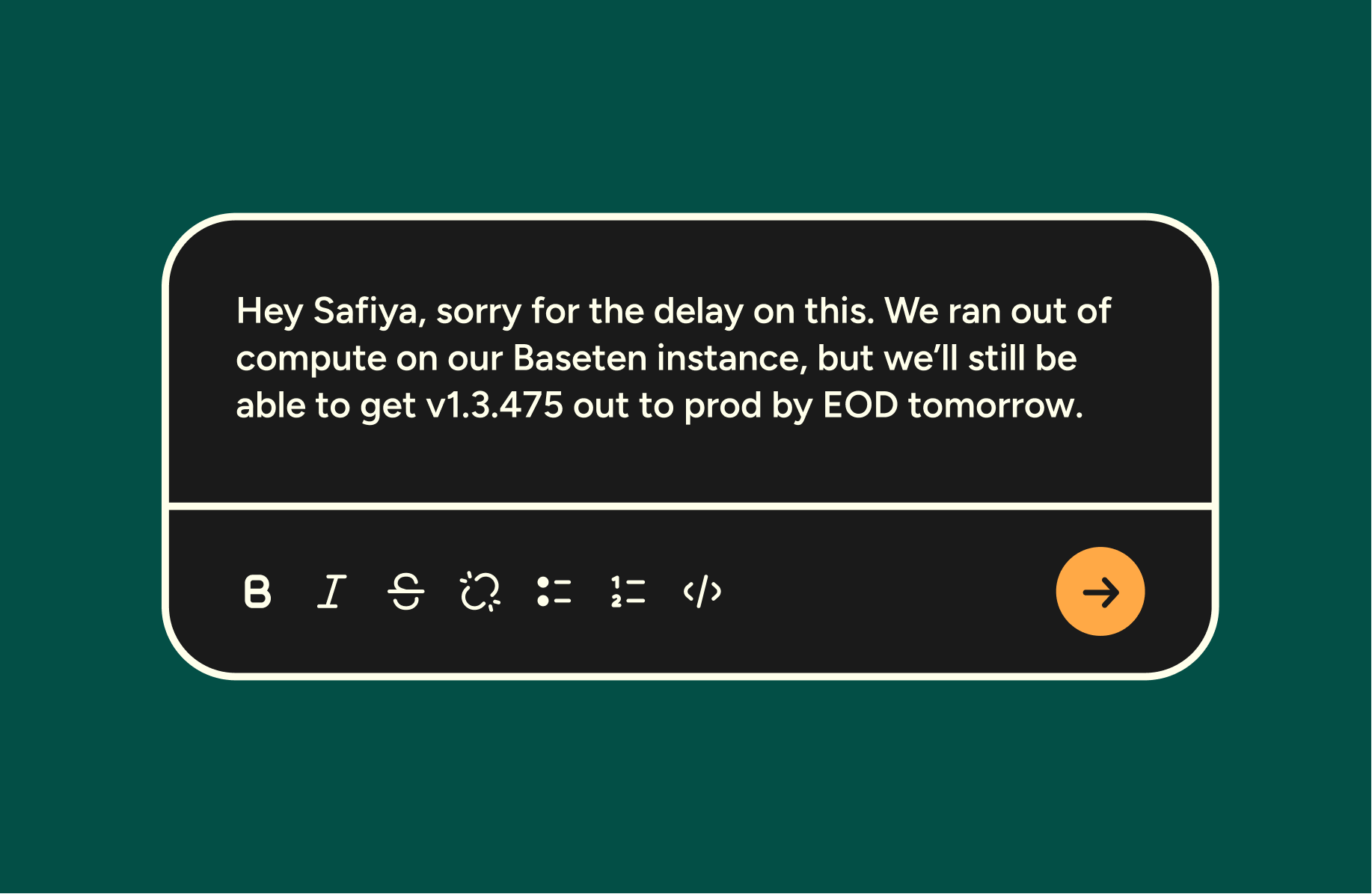
Image source: Wispr Flow
That is the biggest difference between Dragon NaturallySpeaking vs Wispr Flow for everyday buyers. Dragon still looks stronger for specialized voice workflows, batch transcription, and deep custom commands, but Wispr looks better if your goal is faster emails, docs, chats, notes, prompts, and quick updates across devices.
The dictionary and snippets features help more than they sound like they should. A lot of people quit dictation because the tool keeps mangling names, jargon, and repeated phrases, and Wispr is clearly trying to fix that problem instead of pretending it does not exist.
The multilingual angle is also a real selling point. Wispr supports 100+ languages, and its docs say it can auto-detect 99 languages, which makes it a much easier recommendation for mixed-language users than older dictation software built around a more fixed setup.
It is not perfect. Styles are limited to English on desktop, Android still trails desktop on a few important features, and buyers who need heavy Windows macros, deep enterprise speech workflows, or offline-style confidence will still find Dragon more aligned with that kind of job.
For regular knowledge work, though, Wispr Flow feels like the more modern product. It is built around reducing the annoying part of dictation, which is not talking, but fixing what the tool gave you afterward.
Pricing and value
Wispr Flow’s pricing is easy to understand, which already gives it an edge over products that make you dig around or talk to sales too early. Basic is free, Pro is $15 per user monthly or $12 per user monthly on annual billing, and Enterprise is $30 per user monthly or $24 per user monthly on annual billing.
The paid plan that matters for most people is Pro. That is the point where you get unlimited words across platforms, Command Mode, and a real chance to replace more of your keyboard time instead of treating the app like a toy.
Pro is where Wispr Flow starts earning its price. If you already write a lot in Slack, email, docs, CRM notes, AI prompts, or client follow-ups, paying for unlimited use is a lot easier to justify than paying for one more tool that only solves a tiny part of the job.
Basic is still enough for some people. If you only want to dictate a few messages or notes each week, you probably do not need to buy today, and that honesty is part of what makes the offer more credible.
Dragon comes at value from the opposite direction. It makes more sense for buyers who prefer a heavier professional tool and do not mind a bigger commitment up front, while Wispr Flow feels more like a low-friction test that can become a daily tool very quickly.
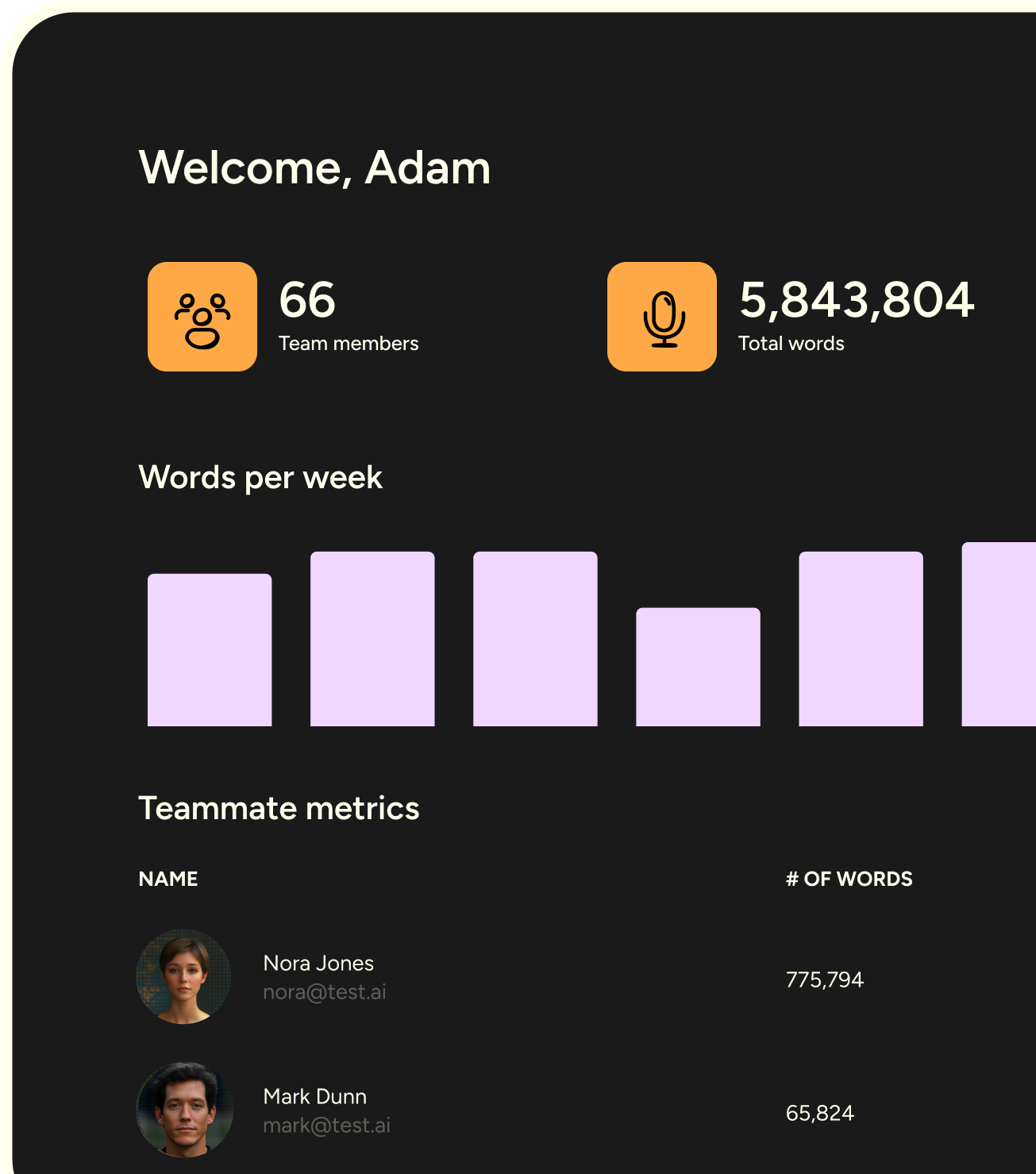
Image source: Wispr Flow
If you hate subscriptions, that is the cleanest objection to Wispr Flow. If you are happy with a one-time-purchase mindset and your workflow is heavily tied to Windows dictation, Dragon may still feel more comfortable.
If you care more about speed to adoption, cross-device use, and getting from talking to sendable text faster, Wispr Flow has the better value story. You can see current pricing and know within two weeks whether it earns a permanent place in your workflow.
Why you might switch to Wispr Flow
Wispr Flow is easiest to justify when your current setup wastes time after the dictation is done. If your built-in voice typing gives you rough text that still needs cleanup, or you keep postponing voice workflows because the old tools feel clunky, Wispr is solving the right problem.
That is why the switch makes sense for people who spend large chunks of the day writing instead of just occasionally dictating. Emails, meeting follow-ups, notes, quick drafts, founder updates, customer replies, and AI prompts are the kinds of tasks where faster input compounds fast.
You should probably wait if you are barely going to use it. You should probably skip it if your real need is specialist dictation with custom macros, transcription from prerecorded files, or a Windows-centered professional workflow where Dragon still has the deeper case.
Image source: Wispr Flow
For the right buyer, though, this is absolutely worth trying now. Waiting usually means you keep typing everything manually, keep fixing the same repetitive phrases, and keep pushing off a workflow that could already be saving you time.
My honest read is simple. In Dragon NaturallySpeaking vs Wispr Flow, Dragon still looks like the specialist pick, but Wispr Flow looks like the smarter buy for most people who want modern voice dictation that is easy to start, easy to understand, and much more likely to become part of everyday work.
Alternatives worth looking at
Wispr Flow is not the only good answer here. The best pick depends on whether you want the easiest daily writing tool, a heavy-duty Windows dictation setup, or a free option that is good enough for occasional use.
If you are comparing Dragon NaturallySpeaking vs Wispr Flow, most people are really deciding between convenience and specialization. Wispr Flow wins on ease and day-to-day use, while Dragon still wins when your workflow depends on deeper customization and a more traditional professional dictation setup.
Choose Wispr Flow if you want the easiest path to speaking naturally and getting clean text into the apps you already use. Choose a built-in free option if you only dictate once in a while, and choose Dragon if your job depends on heavier Windows dictation, custom commands, or more specialist control.
This is the real reason Wispr Flow wins for most people. You are not paying for “voice input” by itself so much as paying for a tool that is far more likely to become part of your actual workflow.
Image source: Wispr Flow
My honest final verdict
Wispr Flow is the one I would point most buyers to first. It is easier to start, easier to understand, and a lot more likely to save time fast if your real goal is writing quicker across email, docs, notes, chats, and prompts.
Dragon is still the better fit for a narrower kind of buyer. If you need advanced Windows-first dictation, custom vocabularies, command building, or more formal documentation workflows, Dragon still has a stronger case than the lighter AI-first tools.
Buy now if you already write enough every week that typing feels like drag and built-in dictation keeps disappointing you. Wait if you barely dictate at all, and skip Wispr Flow if your needs clearly lean toward specialist Dragon territory instead of everyday productivity.
Image source: Wispr Flow
The mobile angle makes this recommendation stronger. A dictation tool becomes much easier to justify when it follows you between desktop and phone instead of living in one device and one very specific setup.
That is why the Dragon NaturallySpeaking vs Wispr Flow decision feels less close than it first appears. Dragon looks better for specialists, but Wispr Flow looks better for almost everyone else who wants modern dictation without turning setup into its own side project.
FAQ
Is Wispr Flow better than Dragon for most people?
Yes, for most buyers it is. Wispr Flow is easier to try, easier to keep using, and a better fit for everyday writing across multiple devices, while Dragon still makes more sense for specialized Windows dictation work.
Is the free plan enough to tell whether it is worth paying for?
Usually, yes. The free plan plus the Pro trial gives you enough room to see whether speaking into real apps actually saves you time or whether voice dictation is going to stay an occasional habit for you.
Is Wispr Flow only for solo users?
No. Wispr Flow also has an Enterprise tier with admin and privacy controls, centralized billing, and usage visibility, so it is not limited to individual users who are just experimenting on their own.
Image source: Wispr Flow
Should you start with built-in dictation instead?
Start with built-in dictation if you only need free occasional voice input. Start with Wispr Flow if you already know you write a lot and want a better shot at getting polished text without the usual cleanup headache.
Should you start now?
Start now if you are already close to using voice seriously and want the fastest path to seeing whether it sticks. Waiting usually just means more manual typing, more repeated edits, and more time spent telling yourself you will test it later.
Wispr Flow is not the right tool for every buyer. It is a very strong fit for people who want modern dictation that feels light, flexible, and useful right away, which is exactly why it is the safer recommendation for most readers comparing Dragon NaturallySpeaking vs Wispr Flow.
 Filip Konecny Enterprises