
Alternatives worth comparing before you buy
Copper is not the default winner just because it fits Google Workspace well. The smarter move is comparing it against tools that solve a slightly different problem, because that is usually where the buying decision gets clearer.
Copper is strongest when you want a CRM that your team might actually use inside Gmail. If you care more about funnels, heavier automation, or the lowest possible entry price, one of the alternatives below can make more sense.
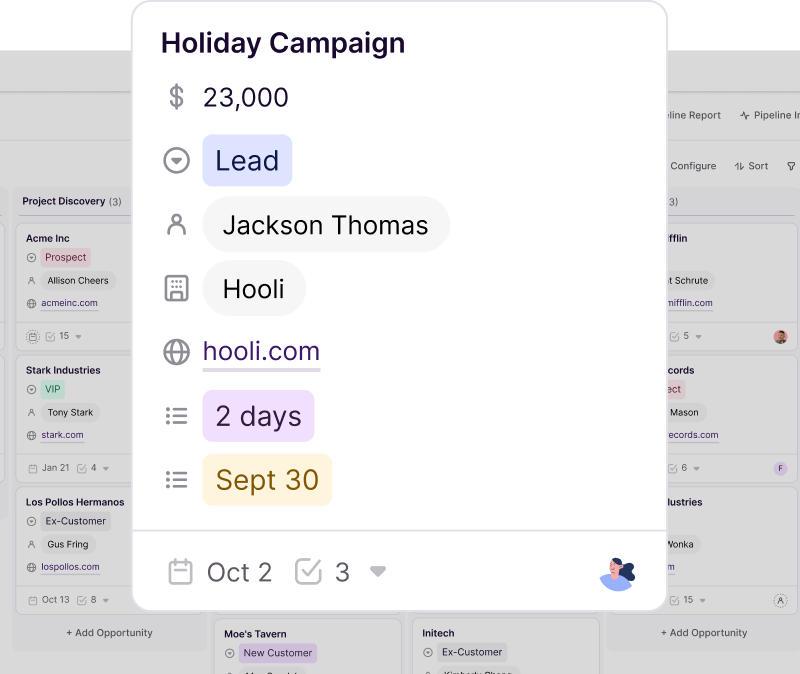
Image source: Copper
See current pricingChoose Copper if Gmail is where your team already works and you want a CRM that feels close to that workflow instead of fighting it. Choose Systeme.io if you want the cheapest way to get moving, GoHighLevel if you want a broader all-in-one, and ClickFunnels if the funnel itself matters more than the CRM.
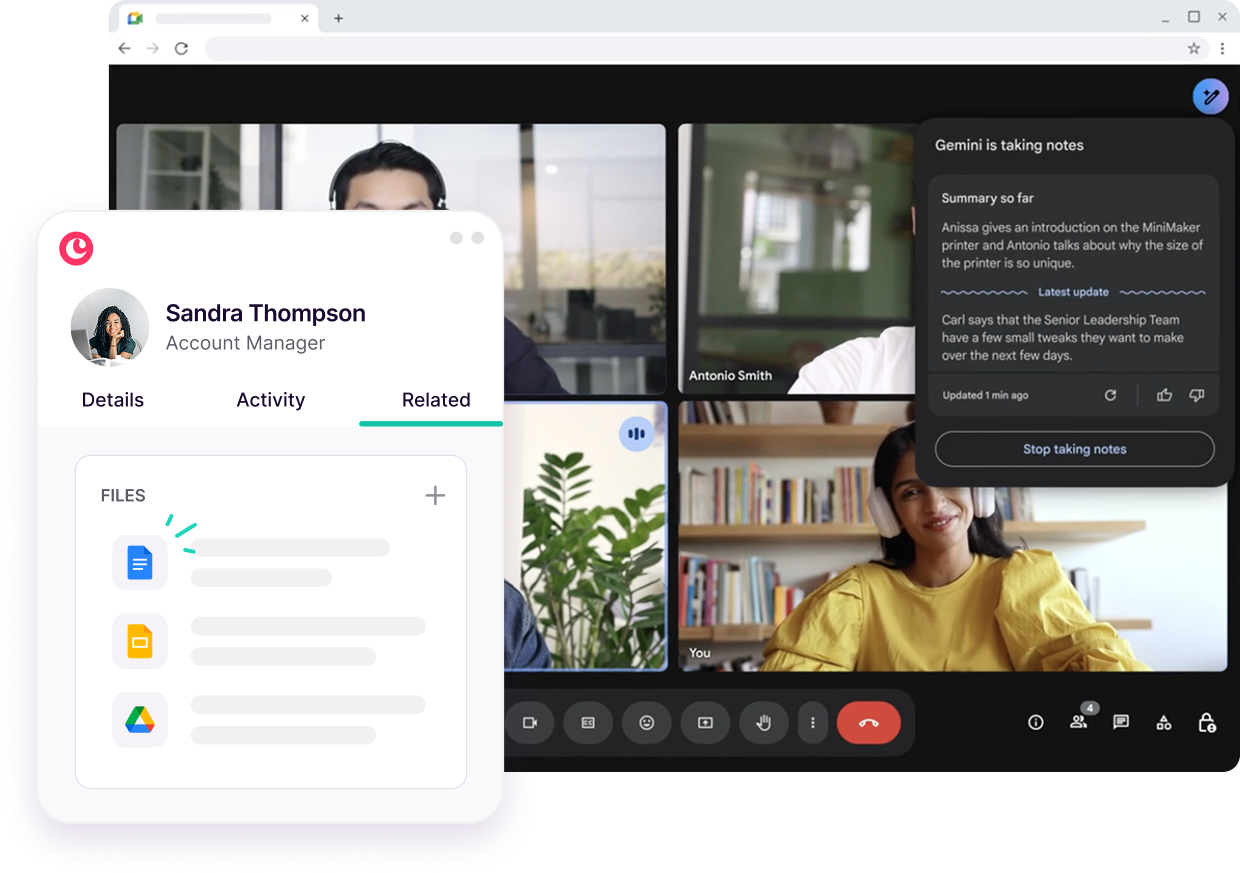
Image source: Copper
My honest take
The Copper price is fair for the right buyer and annoying for the wrong one. That sounds obvious, but here the difference is unusually sharp because Copper is not trying to win with the lowest price or the biggest feature list.
Copper earns its keep when your team already lives in Gmail and mostly needs better follow-up, cleaner pipelines, and less manual CRM admin. That kind of team can justify the cost faster because the product is built around work they already do instead of forcing a whole new operating system on them.
Copper gets harder to justify when you are still figuring out your sales process, barely use Google Workspace, or mainly want landing pages, heavy marketing automation, and funnel-building. In those cases, paying per seat for a CRM-first tool can feel like buying the wrong answer to the right problem.
Professional is usually the real starting line if you need actual sales tracking. Starter and Basic can help with organization, but they leave out leads and sales opportunities, so many buyers looking at Copper for revenue workflow will outgrow the cheaper plans faster than they expect.
That is the catch. Copper looks inexpensive at the bottom, but the useful sales version of Copper often costs more than the first number you notice on the pricing page.
I still think it is worth trying if your current setup feels messy and Gmail is the center of your sales process. Paying more for a tool people actually use can be smarter than paying less for a tool your team quietly ignores.
Image source: Copper
Should you buy now, wait, or skip it?
Buy now if you already have leads, already use Gmail heavily, and you are tired of pipeline updates happening in spreadsheets, inbox threads, and people’s heads. Copper is one of the cleaner upgrades for teams that want a CRM without turning setup into a second job.
Wait if you are still too early. If you do not have a repeatable sales process yet, or you only have a handful of contacts, the Copper price will probably feel like more software than you need.
Skip it if your real need is broader than CRM. GoHighLevel is better when you want a heavier all-in-one, and ClickFunnels makes more sense when sales pages and checkouts are the main game.
Image source: Copper
FAQ
Is Copper overpriced for small teams?
Only if the team does not really need it. Small teams that live in Gmail can get solid value from Copper, but very early-stage teams may be better off starting with Systeme.io or even a simpler manual setup until the sales process is more defined.
Which Copper plan usually makes the most sense?
Professional is usually the plan that makes Copper feel like a real sales CRM. Starter is fine for light relationship tracking, Basic adds pipelines and automation, but Professional is where leads, opportunities, workflow automation, reporting, and bulk email start making the price easier to justify.
Can Copper replace funnel builders or agency all-in-one tools?
Not really. Copper is a CRM-first buy, so if you need funnel pages, broader client automation, or a more aggressive all-in-one stack, ClickFunnels or GoHighLevel are stronger fits for that job.
Final verdict
Copper is worth it for Google Workspace teams that want a CRM people will actually use. It is not the cheapest route, and it is not the broadest route, but it is one of the cleaner answers for teams that want better sales follow-up without dragging everyone into a bloated system.
That means the best buyer for Copper is pretty specific. If that sounds like you, start the trial and judge it against your real workflow instead of trying to overthink it from a pricing page alone.
Check the official free trialWhat you actually get instead of a big Copper promo code
If you are searching for a Copper promo code, the first thing to know is simple: Copper does not sell like a coupon-heavy SaaS brand. The pricing page pushes a 14-day free trial and annual billing savings, not a flashy public coupon field that is always sitting there waiting for you.
That matters because waiting around for a huge code can waste time if your team already needs a CRM. Copper’s real savings usually come from starting the trial, choosing annual billing, and deciding fast whether the Google Workspace fit is strong enough to justify the spend.
Copper’s pricing page currently shows up to 26% off when you pay annually, and the free trial does not require a credit card. That is a much more reliable savings path than chasing random coupon sites that may or may not work when you hit checkout.
Image source: Copper
There is also a third-party G2 deal that has recently listed a 15% annual-plan code, G2SAVE15. I would treat that as a bonus if it is still live when you check, not as the main reason to buy, because partner deals can change faster than the official pricing page.
The good stuff
Copper is easier to justify when you already work inside Gmail all day. That is where the platform starts to feel less like another subscription and more like a tool that saves time because it keeps contact history, calendar activity, files, and pipeline work closer to the inbox your team already uses.
That ease-of-use angle matters more than a coupon. A cheaper tool is not really cheaper if your team avoids it, leaves fields blank, or goes back to spreadsheets after the first week.
Copper also keeps the entry point low enough that the trial feels realistic. You can connect Google Workspace, import a few real contacts, build a live pipeline, and see pretty quickly whether this will reduce manual admin or just become one more tab nobody wants open.
Image source: Copper
The catch is still the same. Copper becomes more compelling on the higher tiers, because that is where workflow automation, reporting, bulk email, integrations, and deeper revenue tracking start to show up in a way that helps a growing team.
If you only care about the cheapest possible CRM, Copper is not that. If you care about a cleaner Google-first workflow that can make adoption easier, the lack of a giant public Copper promo code matters less than people think.
Copper promo code vs cheaper ways to start
This is where the decision gets easier. Copper is not the strongest option for coupon hunters, but it can still be the better buy when the Gmail fit saves enough admin time to outweigh the smaller discount story.
Check the official free trialThat table is the real answer for most buyers. Copper is not the best deal if you only want the biggest discount, but it is often the smarter deal if your team already works in Google and would save time from a cleaner CRM workflow.
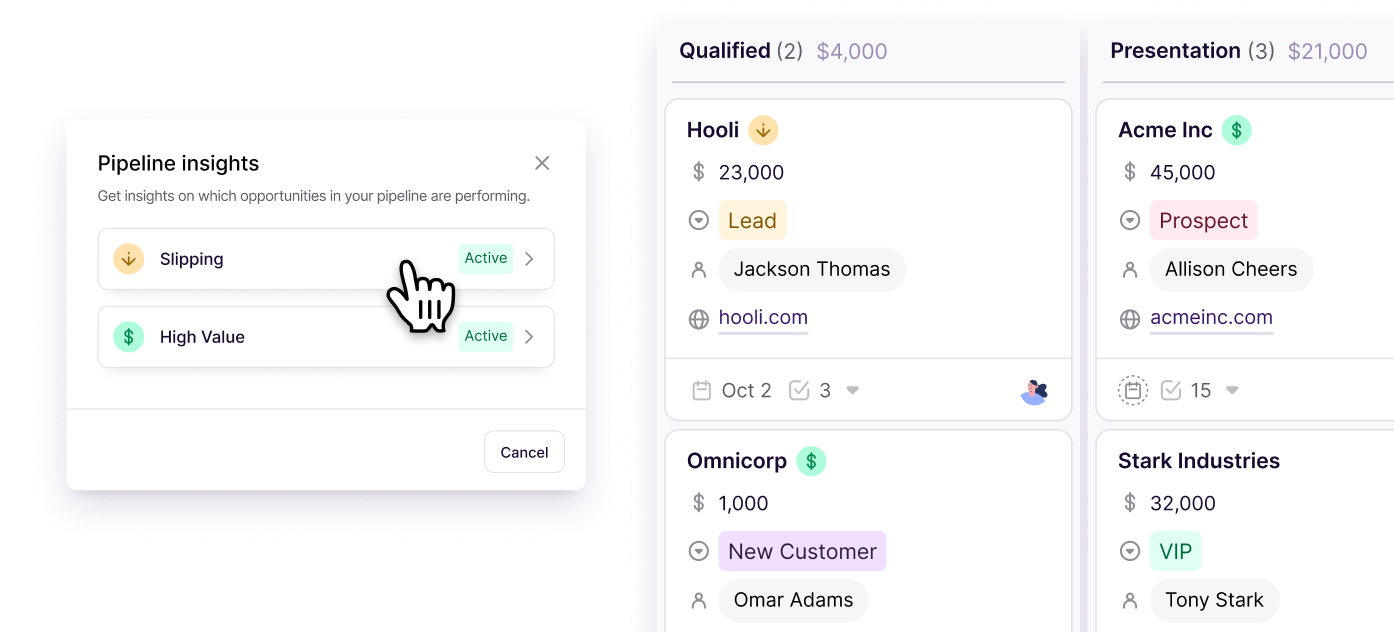
Image source: Copper
Why starting now can still make sense
If your sales process already lives in Gmail, waiting for the perfect Copper promo code usually saves less than people expect. The bigger cost is the admin drag you keep paying every week when follow-ups, files, and deal updates stay scattered across inboxes and spreadsheets.
Copper is a strong buy when you already have contacts, already have deals moving, and mostly need a CRM people will actually keep updated. That is the kind of buyer who gets more value from the free trial and the annual discount than from sitting on coupon sites hoping for a miracle code.
I would wait if you are very early, barely have any pipeline, or mainly want funnels and landing pages. In that case, Systeme.io is easier on the wallet, and ClickFunnels makes more sense when the funnel itself is the product you are really buying.
Image source: Copper
If you are the right buyer, the math is pretty straightforward. Use the trial, choose annual billing if the fit is obvious, and treat any third-party coupon like a nice extra instead of the whole strategy.
That is the honest answer on the Copper promo code question. The best deal is usually not a secret code at all; it is knowing whether Copper will save your team enough time to earn its price fast.
Alternatives worth looking at before you buy
Copper is not the only way to save money on CRM software, and it is definitely not the most coupon-heavy option. If your whole goal is chasing the biggest headline discount, you can find cheaper entry points elsewhere.
Copper still wins for a pretty specific buyer. It is strongest when your team already lives in Gmail and wants a CRM that feels close to that workflow instead of dragging everyone into a bigger system.
Image source: Copper
Check the official free trialChoose Copper if Gmail is already the center of your sales process and you want a CRM people will actually keep updated. Choose Systeme.io if you want the cheapest starting point, GoHighLevel if you want a broader all-in-one, and ClickFunnels if funnels matter more than CRM depth.
Image source: Copper
Does Copper have a promo code right now?
Sometimes, yes. A public G2 deal has recently shown the code G2SAVE15 for 15% off annual plans, but I would still treat the 14-day free trial and annual billing savings as the more reliable offer structure.
Is waiting for a Copper promo code worth it?
Usually not if your team already needs a CRM. Waiting for a slightly better discount often costs more in lost time than the code saves, especially when your process is already running through Gmail and spreadsheets.
What if Copper still feels too expensive?
That usually means one of two things. You either need a cheaper starting point like Systeme.io, or you need a broader platform like GoHighLevel that bundles more of your stack into one monthly price.
 Filip Konecny Enterprises