
Copper pricing looks simple at first. The harder question is whether this CRM saves you enough time inside Gmail and Google Workspace to justify moving past the cheap entry plan.
That is why this review is not just a list of plan prices. I am going to focus on who gets real value from Copper, where the cost starts to make sense, and where a cheaper or broader alternative may be the smarter move.
Copper makes the strongest case for teams already living in Gmail every day, and the fastest way to judge that fit is to check the official free trial and see whether managing contacts, deals, and follow-ups inside your Google workflow feels easier than your current setup.
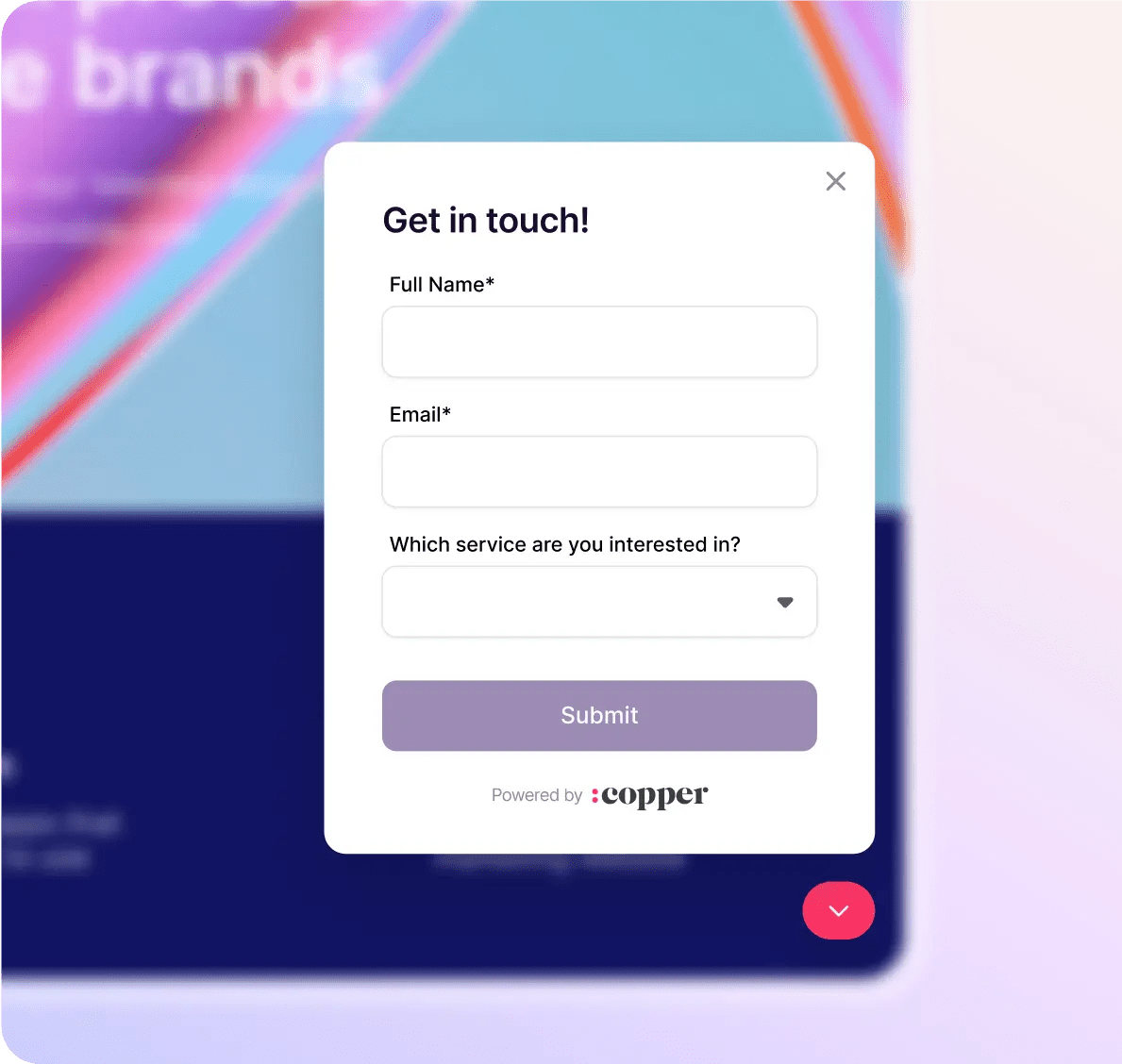
Image source: Copper homepage
Copper pricing at a glance
Copper starts cheap enough to get your attention, but most businesses considering it seriously will end up looking at Basic or Professional. Starter is more like a low-risk entry point for very small setups than the plan most sales or service teams will stay on for long.
The value question gets easier once you understand what you are paying for. Copper is not trying to win on being the lowest-cost CRM on the internet. It is trying to win by making Gmail, Calendar, Drive, pipelines, tasks, and customer history feel like one connected system instead of a mess of tabs and manual updates.
Here is the catch. Copper only makes full sense if your business already runs on Gmail and Google Workspace, because that tight integration is the main reason to pay for it in the first place.
See current Copper pricingStarter is fine if you mainly want contact management and basic Google Workspace syncing. Basic is where Copper starts to feel like a real operating system for client work, and Professional is where the price begins to look justified for teams that want reporting, automation, and less manual follow-up.
Buyers usually hesitate on Copper for one of two reasons. Either they are worried it is too limited compared with a broader all-in-one platform, or they are worried they will have to pay for upper tiers sooner than expected.
Both concerns are fair. Copper is not the best fit for every company, but if your current process lives in Gmail, spreadsheets, and scattered notes, delaying the switch can keep costing you more in missed follow-ups and admin work than the software itself.
Article outline
I split this review into three clean sections so you can jump straight to the part that helps you decide faster. Start with the sections below if you already know what is bothering you most about Copper pricing.
- Copper pricing at a glance — the quick take on where the value starts and where the pricing can feel steep.
- What you get in the free trial — whether the 14-day trial is enough time to judge the product properly.
- The good stuff — the features that make Copper more appealing than doing this manually in Gmail and spreadsheets.
- Plans and value — which tier is actually worth paying for, plus where the price jump becomes harder to ignore.
- Alternatives — who should choose Copper, who should go cheaper, and who may need a broader platform instead.
- Final verdict — the simple buy now, wait, or skip call.
- FAQ — quick answers to common questions about cost, fit, and switching.
The next section gets into the trial first because that is usually the lowest-risk way to answer the real question. Will Copper save enough time in your daily workflow to make the price feel reasonable, or will it feel like another tool you have to babysit?
That is the whole point of this review. Not to tell you Copper exists, but to help you decide whether it is worth paying for now, worth revisiting later, or worth skipping in favor of something simpler.
What you get in the free trial
Copper’s signup page says the trial lasts 14 days and does not require a credit card. It also makes one thing very clear fast: Copper is built around Gmail and Google Workspace, so this is a great trial for Google users and the wrong trial for everyone else.

Image source: Copper pricing page
Copper’s integrations page says trial accounts can test integrations while using the Business plan experience. That matters because you are not just poking around a hollow demo account with the best parts missing.
Is 14 days enough to judge it?
Fourteen days is enough if you already have real contacts, a real Gmail workflow, and a rough sales or delivery process to plug into it. You will know pretty quickly whether keeping contacts, email history, tasks, and files close to Gmail saves you time or just gives you another tab to babysit.
The trial feels short if you need a big migration, long internal approvals, or a full team rollout before anyone can judge it properly. Copper is easier to evaluate when one person can import a few live relationships, test the Chrome extension, and run a normal week of follow-ups.
The catch you should know before you start
Copper is not trying to be everything for everyone. Its Google Workspace page and Gmail integration page both lean hard into Gmail, Calendar, Drive, and inbox-first work, which is exactly why the right buyer loves it and the wrong buyer shrugs.
Copper’s reports FAQ says reports are available on Professional and Business only and not on trials. I would treat the trial as a strong test for daily workflow fit, then confirm any must-have reporting detail early instead of assuming it will all be there automatically.
The good stuff
Copper makes the most sense when Gmail already runs your day. Copper’s Gmail page says you can add leads, track conversations, surface files, and manage tasks without bouncing between tools, and that payoff is the main reason this pricing can make sense.
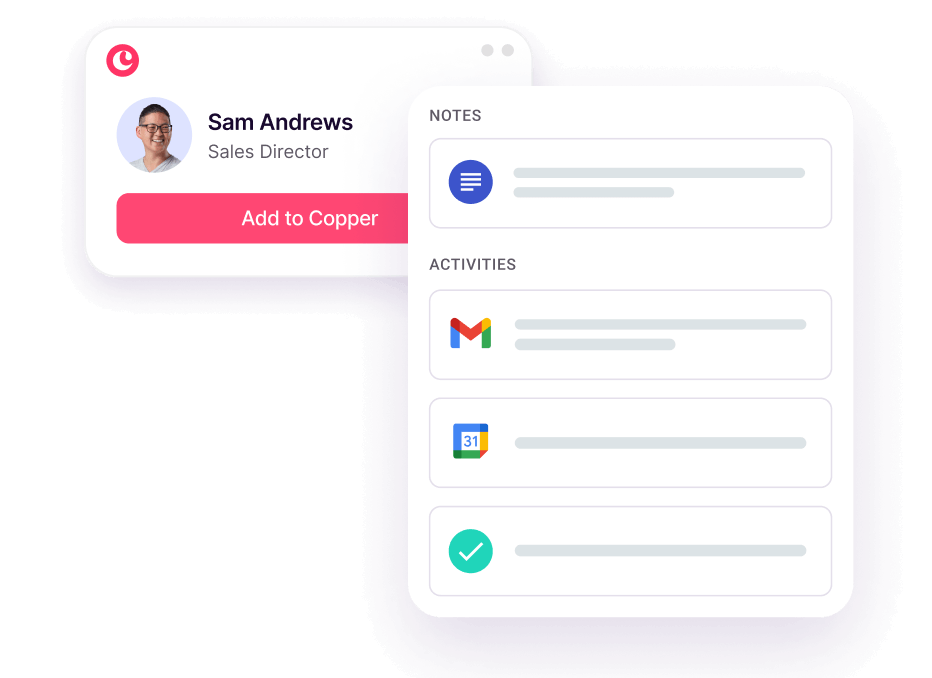
Image source: Copper contact management page
It feels most useful inside Gmail, not beside it
Copper’s Chrome extension help doc says the extension supports records like leads, people, companies, opportunities, projects, and tasks from inside Gmail. It also says email tracking is reserved for Professional and Business, which is a fair reminder that the cheaper plans are not the full story.
That split matters when you are deciding whether Starter looks cheap or just limited. If your work is mostly relationship tracking, reminders, and staying organized in Gmail, the lower tiers can still be useful, but they will not feel like a serious sales engine for long.
Professional is where Copper starts to justify the jump
Copper’s pricing page shows Starter gives you Google Workspace integration, tasks, forms, and Zapier. Basic adds task automation, pipelines, project management, and contact enrichment, while Professional adds workflow automation, bulk email, reporting, and broader integrations.
That is the point where Copper starts replacing more manual work instead of just organizing it a little better. If you already have clients, handoffs, repeat follow-ups, or a real need to see what is stuck in the pipeline, Professional is the plan that looks closest to a real operating system instead of a neat contact list.
Copper is also more limited on the cheap tiers than many buyers expect. The same pricing comparison shows Leads and Sales Opportunities sit on Professional and Business rather than Starter and Basic, so serious pipeline-heavy teams should not assume the low tiers will be enough.
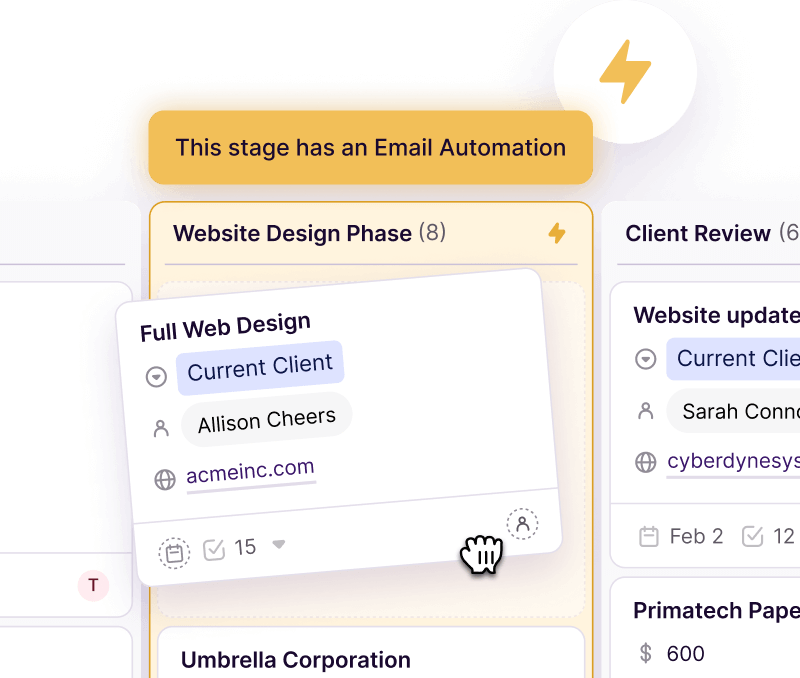
Image source: Copper project management page
This is also where Copper gets more appealing for service businesses. Copper’s project page positions pipelines, tasks, and stage-based automations as a way to move from deal won to delivery without juggling a separate project tool for every small handoff.
If your current setup is Gmail, spreadsheets, and memory, that is a real upgrade. If you already have a strong CRM plus a project stack you love, the value gets murkier.
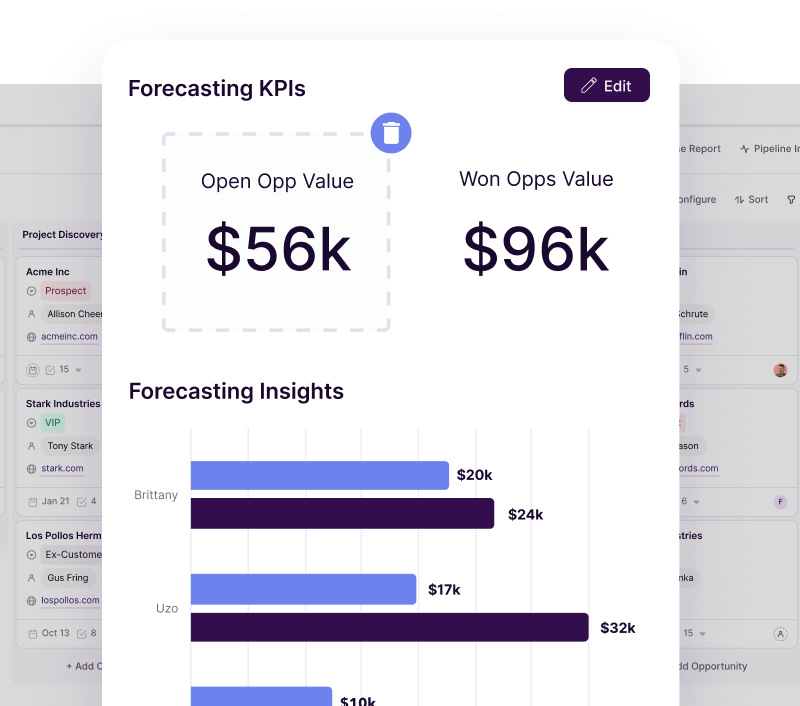
Image source: Copper reporting page
Plans and value
Copper pricing is easier to like when you look at the kind of business it is for. For a Gmail-first consultant, agency, broker, or service team, Starter and Basic are low-friction entry points, while Professional is the plan that begins to save enough admin time to defend the cost.
The downside is seat-based pricing. Copper can stay reasonable for a small team and then get expensive faster than you expect once more people need access, which is exactly where broader all-in-one tools start looking more attractive.
Check Copper pricing and plansCopper is the better buy when your business already lives in Gmail and your pain is messy follow-up, scattered contact history, or weak handoffs between sales and delivery. GoHighLevel makes more sense when you want a broader agency stack, while Systeme.io is the obvious budget pick if you mostly need funnels and email on the cheap.
Why buying sooner can make sense
If you already have paying clients or active deals, waiting usually means you keep paying the hidden tax of manual updates, missed reminders, and scattered relationship history. Copper earns its keep when it stops small follow-up mistakes from turning into lost revenue or sloppy delivery.
You should wait if you are still figuring out your offer, still using Outlook, or still too early to know what process you want to track. You should move now if your Google Workspace setup already runs the business and you are tired of keeping the important stuff in your head.
Alternatives worth looking at before you decide
Copper pricing is easiest to justify when Gmail is already where your team lives. If that is not true, you should compare it against tools that either cost less to get started or do a lot more for the money.
That does not make Copper weak. It just means it wins for a specific buyer, and you should know that before you pay for seats you do not really need.
Image source: Copper contact management page
Check the official Copper free trialChoose Copper if Gmail is the center of your workday and you want a CRM that feels like an extension of your inbox instead of a separate system. Choose Systeme.io if price matters most, and choose GoHighLevel if you want a broader agency stack with more moving parts.
My honest take
Copper pricing is worth it for the right buyer. That buyer is usually a small team, agency, consultant, or service business that already lives inside Google Workspace and is tired of tracking client history, tasks, and next steps in too many places.
Copper is not the cheapest path. It is the cleaner path if your current mess is Gmail, spreadsheets, reminders, and scattered notes, because the paid plans start to make more sense once the software prevents missed follow-ups and saves people from manual updates all week.
Starter is fine for testing the fit. Professional is where Copper starts to feel like a serious business tool, because that is where workflow automation, reporting, and the bigger contact limits make the price easier to defend.
Image source: Copper project management page
You should probably skip Copper for now if you do not use Google Workspace much, if you need a true all-in-one marketing stack, or if you are still so early that any CRM will feel like overhead. You should move sooner if your team already has clients, active deals, and too much important information stuck in people’s heads.
My bottom line is simple. Copper pricing feels fair when you need a Gmail-first CRM that also helps you keep projects and follow-up moving, but it feels expensive if you are trying to force it into a business that wants a cheaper funnel tool or a much bigger agency platform.
FAQ
Is Copper worth it for a small team?
Yes, if the team already runs on Gmail and Google Workspace. Copper becomes a weak buy when the team is tiny, the process is still loose, or nobody will actually use the CRM consistently.
Which Copper plan makes the most sense?
Starter makes sense for testing, and Basic can work for lighter workflows. Professional is the plan most serious buyers should pay attention to, because that is where Copper starts doing enough automation and reporting work to justify the jump.
Is Copper better than cheaper options?
It is better for Google Workspace users who care about contact history, task flow, and staying close to Gmail. It is not better just because it costs more, and a cheaper option can absolutely be the smarter move if you mainly want funnels or basic email tools.
Can Copper handle projects too, or is it only for sales?
Copper can handle project-style pipelines, tasks, and stage-based work, which is why it appeals to agencies and service businesses. It is still not a full replacement for every dedicated project tool, but it can reduce tool sprawl when your sales and delivery process are tightly connected.

Image source: Copper Help Center project pipeline guide
Should you start now?
Start now if your business already has deals, clients, and a Gmail-heavy workflow that feels more manual than it should. Wait if you are still figuring out the basics, because software does not fix a process you have not decided on yet.
Copper is a strong pick for the right buyer, and the easiest way to know is to put your real workflow inside the trial instead of thinking about it for another month. That usually tells you faster than any feature list ever will.
Get started with Copper Filip Konecny Enterprises