
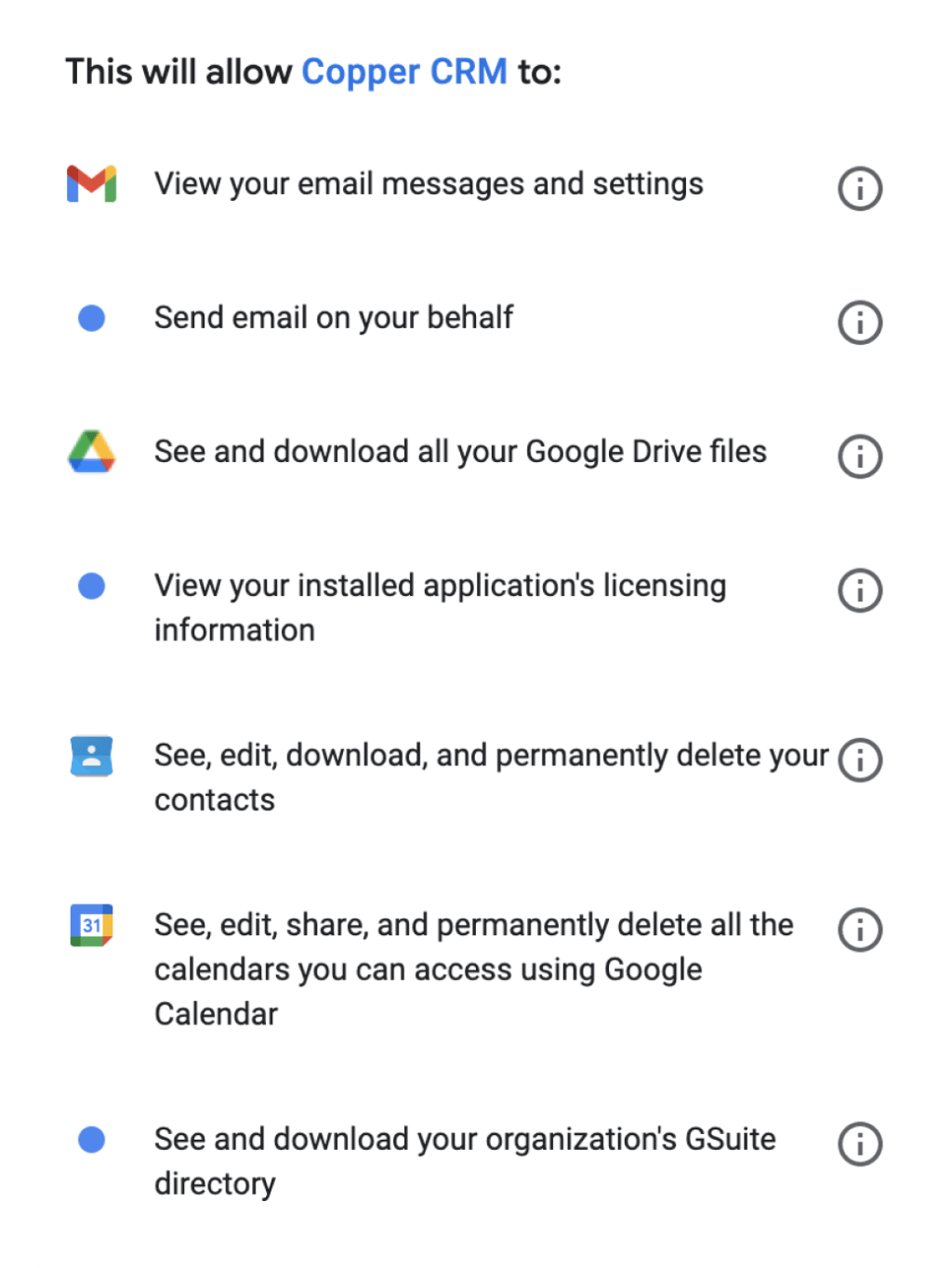
Copper makes the strongest case for itself if your business already lives inside Gmail and Google Workspace. It looks simple on the surface, but the real buying question is whether one of the cheaper Copper plans will be enough for you or whether you will end up needing Professional almost immediately.
That matters because the entry price looks friendly, while some of the features people usually want from a CRM, like leads, sales opportunities, workflow automation, reporting, and deeper integrations, do not fully open up until higher tiers. If you want to check the live plan ladder while you read, you can see current Copper pricing or start the official free trial.
This review is built to help you make a buying decision fast. You will see where each plan starts to make sense, where Copper gets expensive, who should probably skip it, and when paying more is smarter than trying to patch together a cheaper setup.
Copper plans at a glance
Copper currently has four plans, and the jump between them is not just about more contacts. The bigger story is feature gating, because Basic unlocks pipelines and task automation, while Professional is where leads, sales opportunities, workflow automation, reporting, bulk email, and most native integrations start to show up in a way that feels serious.
My first take is pretty simple: Starter is cheap, Basic is the first usable plan for teams that need pipelines, and Professional is where Copper starts to justify itself as more than a lightweight contact manager. If you already know you need reporting, proper automation, or broader integrations, waiting too long to test Professional usually just slows the decision down.
Article outline
I split this review into three parts so you can jump straight to the buying question you actually care about. Use the links below to move through the article once the full review is in place.
- Copper plans at a glance — the short version on pricing, feature gates, and why the cheaper tiers are not always the best value.
- What you get in the trial — whether the 14-day test is enough to make a real decision and what you should test first.
- The good stuff — where Copper genuinely stands out, especially for Google Workspace users who hate clunky CRMs.
- Pricing and value — where Copper earns its cost, where it starts to sting, and which tier gives the best shot at real ROI.
- Why you might want to buy now — who benefits most from moving now instead of waiting and staying stuck in spreadsheets or scattered tools.
- Alternatives — where Copper loses to cheaper tools or broader all-in-one platforms.
- Final verdict — the straight answer on whether Copper is worth it for your kind of business.
- FAQ — quick answers to the objections most buyers have before they start the trial.
The big thing I want you to keep in mind as you read the rest of this review is that Copper is not trying to win everyone. It is much more appealing if your team already works in Gmail every day and wants a CRM that feels close to your inbox instead of a separate system everyone forgets to update.
That also means Copper is not automatically the best deal just because the Starter price looks low. If your team needs lead management, sales opportunity tracking, workflow automation, or reporting, the cheaper plans can turn into a false economy because you will outgrow them fast.
That is why this review leans hard into plan fit instead of feature dumping. A solo operator or very small service team might do fine on Starter or Basic, but a sales-driven team will usually get the clearest answer by testing the higher tier from day one through the official Copper free trial.
What comes next in this review
Next, I am going straight into the trial, the standout features, and the pricing jumps that actually affect your decision. After that, I will compare Copper with a few realistic alternatives so you can decide whether to start now, wait until you are more ready, or choose something cheaper.
What you get in the free trial
Copper gives you a 14-day free trial and does not ask for a credit card upfront. More importantly, the trial runs on the Business tier, so you are not testing a watered-down version and guessing what the paid plans might feel like later.
That makes the trial more useful than most CRM trials. You can test integrations, bulk email behavior, reporting, and the Google Workspace fit before you spend anything, which is exactly how a review article should help you decide.
If you want to see whether Copper makes your current workflow easier instead of just giving you another login to ignore, check the official free trial.
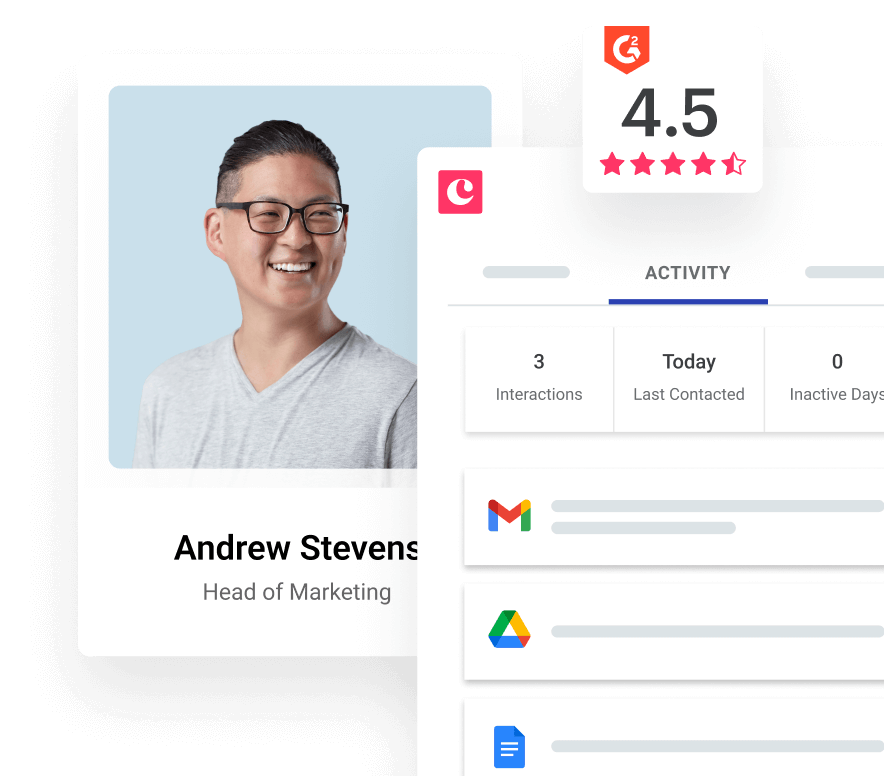
Image source: Copper pricing page
Copper also tells you pretty clearly who this is for. The signup flow is built around Gmail and Google Workspace, so if your team works in that ecosystem all day, the trial can feel immediately relevant. If your team does not, this is one of the easiest ways to realize Copper is probably not your best fit before you pay.
That is the catch with Copper plans in general. They are easiest to justify when the Google integration is not a nice bonus but the main reason you are considering the tool in the first place.
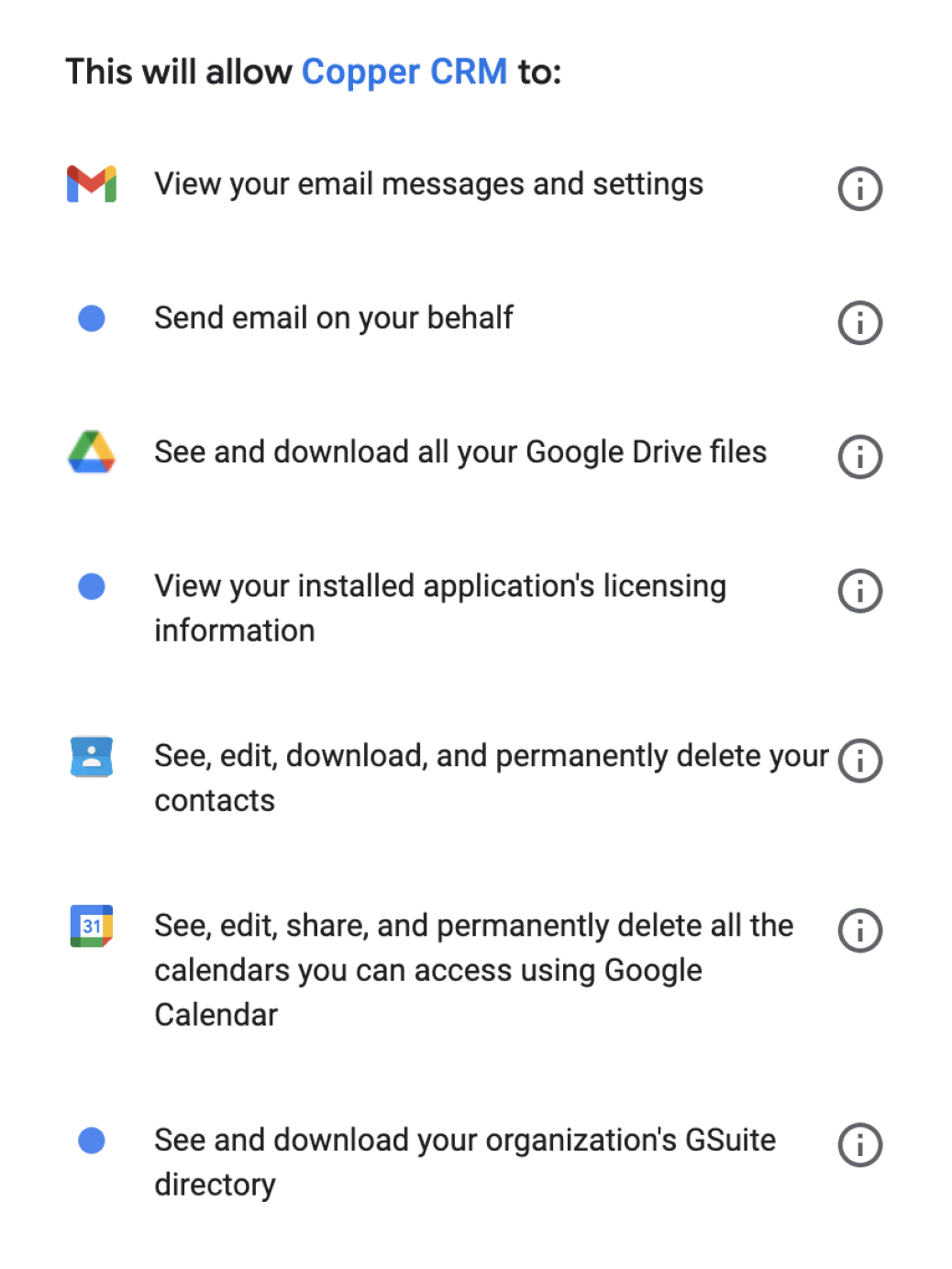
Image source: Copper signup page
The good stuff
Copper is easy to understand because the pitch is narrow. It works with Gmail, Google Calendar, Google Drive, and Gemini, and the whole point is to let you add leads, track conversations, find files, and manage follow-up without bouncing between five tabs.
That sounds small until you think about why so many CRMs fail inside real teams. People stop updating them when every update feels like extra admin work, and Copper is strongest when it cuts that friction inside the tools your team already opens first thing in the morning.
Basic is the first plan that feels operational because you get pipelines, project pipelines, and task automation. Professional is where Copper starts to feel like a real sales CRM because that is where leads, workflow automation, bulk email, reporting, and most native integrations show up.
That split matters more than the low entry price. Starter is fine for light relationship tracking, but it is easy to outgrow if you need real lead handling, team reporting, or broader automation.
Copper also does a good job on the email side for the right type of outreach. Bulk email from Gmail, email templates, and built-in automation make sense for warm follow-up, onboarding, and client nurturing, especially if you want replies threaded inside Gmail instead of hiding in another marketing tool.
The plan limits are where you need to stay honest with yourself. Starter and Basic do not include bulk email, Professional gives you 10 batches per day and single-email automations, and Business is the plan that unlocks longer email series and unlimited bulk batches. If email follow-up is a core part of your process, cheaper Copper plans can look good on paper and feel restrictive in practice.
The other big advantage is trust in the Google ecosystem. Copper positions itself as a Google Partner and a Recommended for Google Workspace app, which makes the product feel less like a bolted-on CRM and more like a natural extension of how Google-first teams already work.

Image source: Copper signup page
Copper is not great for everyone, though. If you want a huge all-in-one marketing machine, deep white-labeling, or a CRM that is less tied to Google, you can find better fits elsewhere. Copper wins when you want adoption and speed more than endless complexity.
Pricing and value
Copper starts cheap, but the value conversation changes fast once you know what your team actually needs. Starter begins at $9 per seat annually, Basic at $23, Professional at $59, and Business at $99, but the real decision is not the lowest price. It is whether you need the features that only start showing up in Professional and Business.
That is why I would not oversell Starter just because it looks affordable. If your team needs lead management, reporting, bulk email, workflow automation, or stronger integrations, Professional is usually the honest starting point even though the sticker price is higher.
See current Copper pricingCopper wins this comparison when your main headache is CRM adoption inside Google Workspace, not building a huge all-in-one machine. GoHighLevel is broader and better if you want a bigger marketing operating system. Systeme.io is cheaper and better if your main goal is getting funnels and emails live without spending much.
Why you might want to buy now
Buying now makes sense when your team is already feeling the cost of staying messy. If leads are buried in inboxes, follow-ups depend on memory, and pipeline updates live in random spreadsheets, Copper can help faster than a heavier CRM because the setup is shorter and the Google fit is obvious.
Waiting only makes sense if you are not ready to run a process yet. If you are still validating an offer, or if what you really need is a cheap funnel builder instead of a Gmail-first CRM, paying for Copper too early is unnecessary.
For the right buyer, though, the next step is pretty easy to justify. The trial is full-featured, there is no credit card barrier, and you can test the exact stuff that decides whether Copper plans are worth it for you: Gmail usage, pipeline flow, automations, reporting, and team adoption.
That is why I would not drag this decision out if your business already runs inside Google. At some point, staying manual costs more than the software does, and Copper looks best when you use it to replace scattered follow-up habits instead of treating it like another tool to “set up later.”
If that sounds like your situation, get started with Copper and use the trial to pressure-test Professional versus Business before you commit.
Alternatives
Copper is not the automatic winner just because the Google fit is strong. The smarter question is whether you want a Gmail-first CRM, a cheaper starter tool, or a broader all-in-one system that does a lot more than CRM.
That is where Copper plans become easier to judge. Copper is strongest when your team already works in Gmail every day and wants sales tracking, project handoffs, and follow-up history to feel native instead of bolted on.

Image source: Copper best CRM for Gmail article
If you want the cheapest path to funnels and lightweight CRM, Systeme.io is easier on the wallet. If you want a much broader operating system for marketing, automation, websites, calendars, and agency-style workflows, GoHighLevel makes more sense.
If you mainly want a recognizable CRM with a free starting point, HubSpot is still a reasonable option. The trade-off is that Copper usually feels lighter and more natural for teams that live inside Google Workspace and do not want to manage yet another heavy app.
Check the official free trialChoose Copper if your business lives in Gmail and you care more about adoption, speed, and clean relationship tracking than having the biggest feature list on the internet. Choose Systeme.io if price is your first filter, and choose GoHighLevel if you want a broader all-in-one machine and are willing to take on more setup.
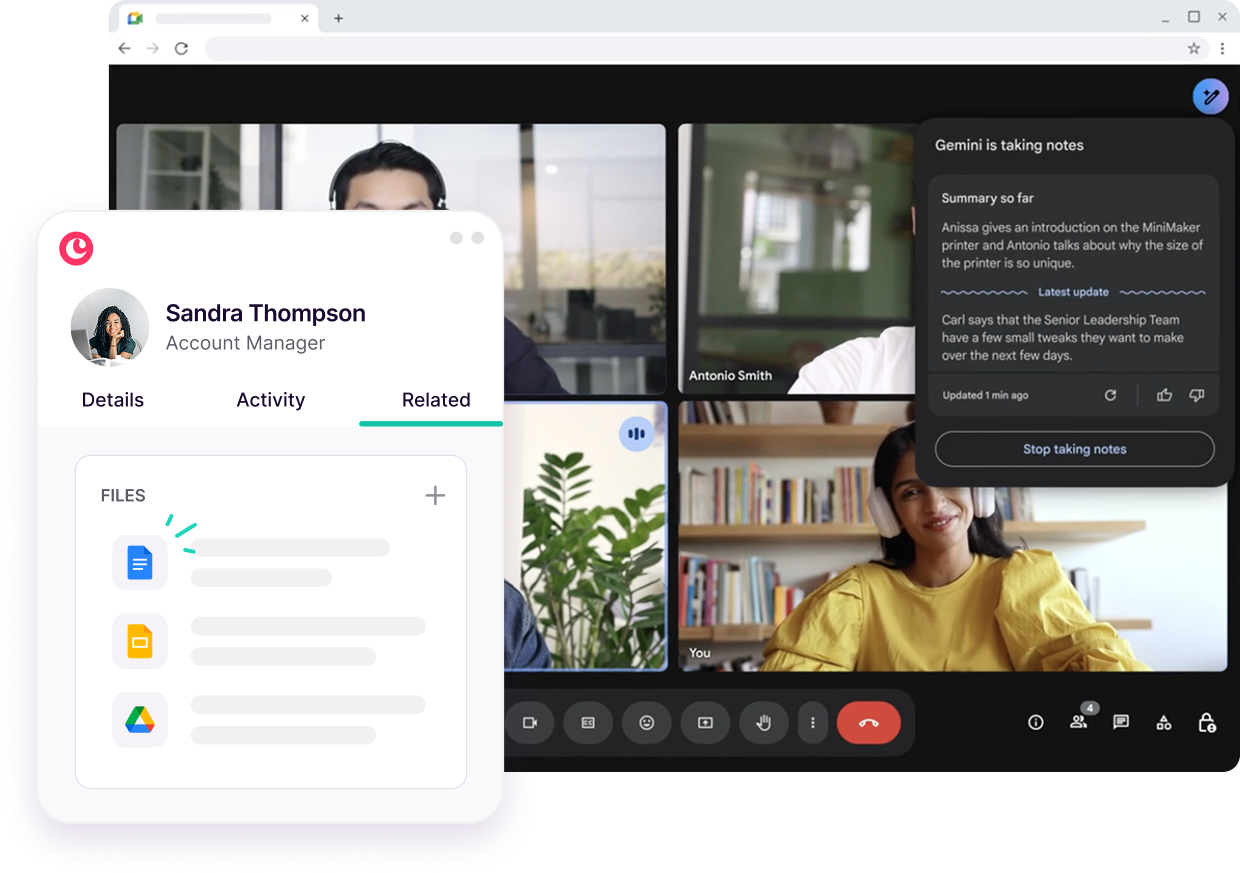
Image source: Copper Google Workspace CRM page
My honest take
Copper plans are worth it for the right buyer, but only if you judge them by fit instead of headline price. Copper is not the cheapest CRM and it is not the broadest one either, but it is one of the clearest choices for teams that already run on Gmail and want a CRM that feels easy to keep updated.
Starter is only compelling if you need light relationship management and want to keep spend low. Basic becomes more practical once you need pipelines, but Professional is where Copper usually starts to earn its price because that is where workflow automation, reporting, bulk email, and broader integrations stop being theoretical and start helping a real team move faster.
Business makes sense for teams that need unlimited contacts, email series, custom reports, and premium support. If you do not need those things, jumping straight to Business is overkill and paying more will not magically fix a messy process.
Copper also has a very clear weakness. If your business is not anchored in Google Workspace, or if you want a single platform to run websites, funnels, agency automation, and client accounts, you will probably get more value elsewhere.
That is why I like Copper most for service businesses, consultancies, agencies, and relationship-heavy teams that are tired of spreadsheets, forgotten follow-ups, and CRMs nobody wants to touch. Copper keeps leaning into its Google Workspace CRM identity, and that focus is still its biggest advantage.
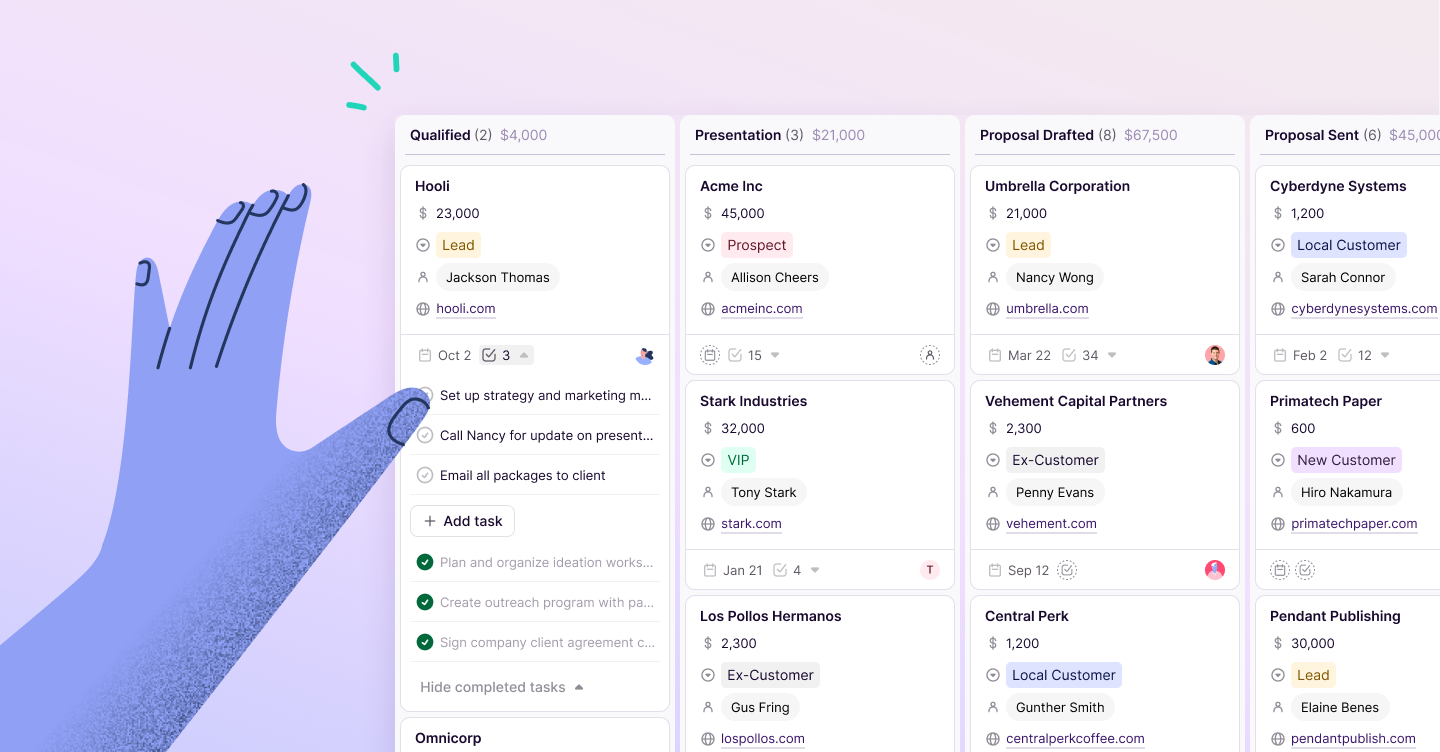
Image source: Copper pipelines workflow article
If your team already has an active pipeline and your current setup feels scattered, waiting too long usually just keeps the mess alive. If you are still validating your offer or you mostly need a cheap funnel builder, waiting is smarter than forcing Copper into a job it was not built for.
The short version is simple. Copper is a smart buy for Google-first teams that want less admin work and faster follow-up, and Professional is usually the tier most serious buyers should test first.
FAQ
Which Copper plan is the best value?
Professional looks like the real sweet spot for most businesses that are seriously evaluating Copper plans. Copper’s pricing page shows that this is where workflow automation, bulk email, reporting, and broader integrations show up, which is usually where the software starts saving enough time to justify the jump.
Is Copper too much for a very small business?
Sometimes, yes. If you only need basic contact storage, occasional follow-up, and you are very price-sensitive, a cheaper option like Systeme.io or even a free CRM might be the smarter move for now.
Copper starts to make more sense once you already have regular deal flow, team collaboration, or project handoffs to manage. That is when doing everything manually starts costing more than the software does.
Is Copper better than GoHighLevel?
Copper is better if your main goal is a CRM that fits Gmail naturally and gets used consistently. GoHighLevel is better if you want a broader platform for funnels, websites, automation, and agency-style operations, even if that means a heavier setup.
Should you start the trial now or wait?
Start now if your business already runs inside Google Workspace and you have a real pipeline, real contacts, and real follow-up to test. Wait if you are still too early, still choosing your offer, or mainly looking for the cheapest possible software instead of a CRM that fits how your team already works.
Image source: Copper pricing page
If you already know Gmail is your team’s home base, there is not much reason to keep guessing. Copper’s free trial is the fastest way to see whether Professional feels justified or whether a cheaper option is honestly enough.
Image source: Copper best CRM for Gmail article
For the right buyer, this is absolutely worth trying. If your current setup feels messy and you are serious about getting your sales process out of inbox chaos, view plans and features and then start with the trial instead of putting the decision off again.
Get started with Copper Filip Konecny Enterprises