
The Copper free trial is easy to say yes to on the surface. You get 14 days, no credit card is required, and signup is built around Google, so the real question is not whether it is cheap to test, but whether it is a smart fit for the way you already work.
Copper looks strongest when Gmail is where your day already happens. If your team lives in Google Workspace, hates copy-pasting contact details into a separate CRM, and wants leads, tasks, projects, and follow-ups to feel less scattered, this trial deserves a real look.
It is also not for everybody. If you work outside Google, want the absolute cheapest CRM possible, or need a highly customizable enterprise setup, Copper can feel more limiting than exciting, and that is exactly what this review is going to sort out before you waste time on a trial that was never meant for you.
Copper free trial at a glance
Copper makes a strong first impression because the barrier to entry is low. You can get in fast, see how it fits your inbox-driven workflow, and figure out pretty quickly whether the core promise feels real: less tab-switching, less manual data entry, and a cleaner view of client work.
That does not automatically make it a buy. The trial only becomes useful when you test it against real work, not when you poke around the dashboard for ten minutes and hope the answer magically appears.
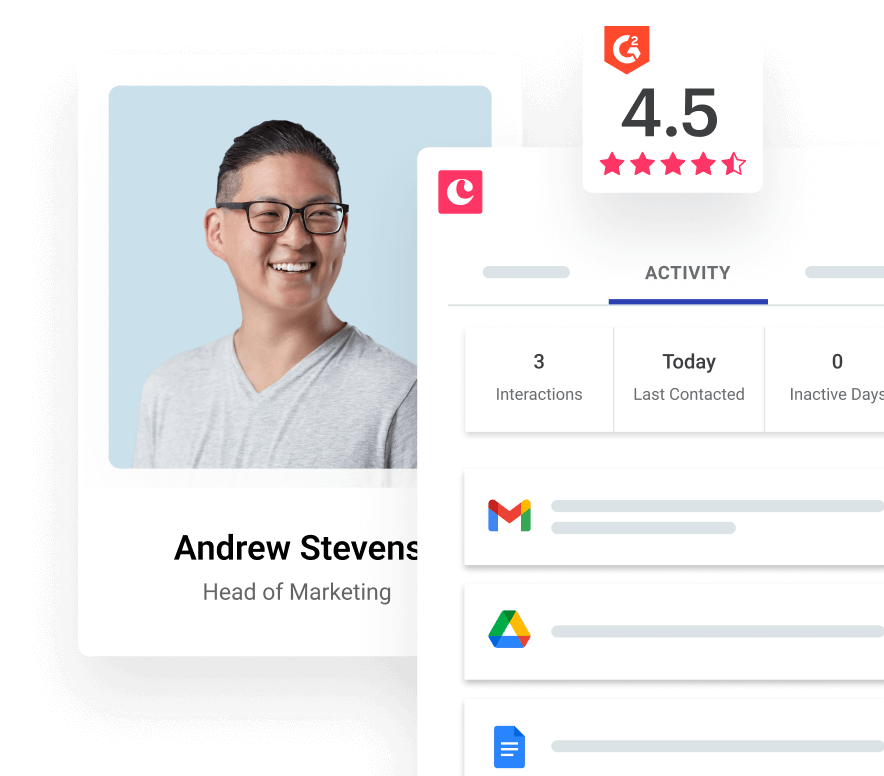
Image source: Copper signup page
Check the official free trialIs the Copper free trial worth your time?
For the right buyer, yes. Copper is easy to take seriously when your team already runs on Gmail, Calendar, and Google Drive, because that is where the product is clearly trying to remove busywork instead of forcing a whole new operating system on you.
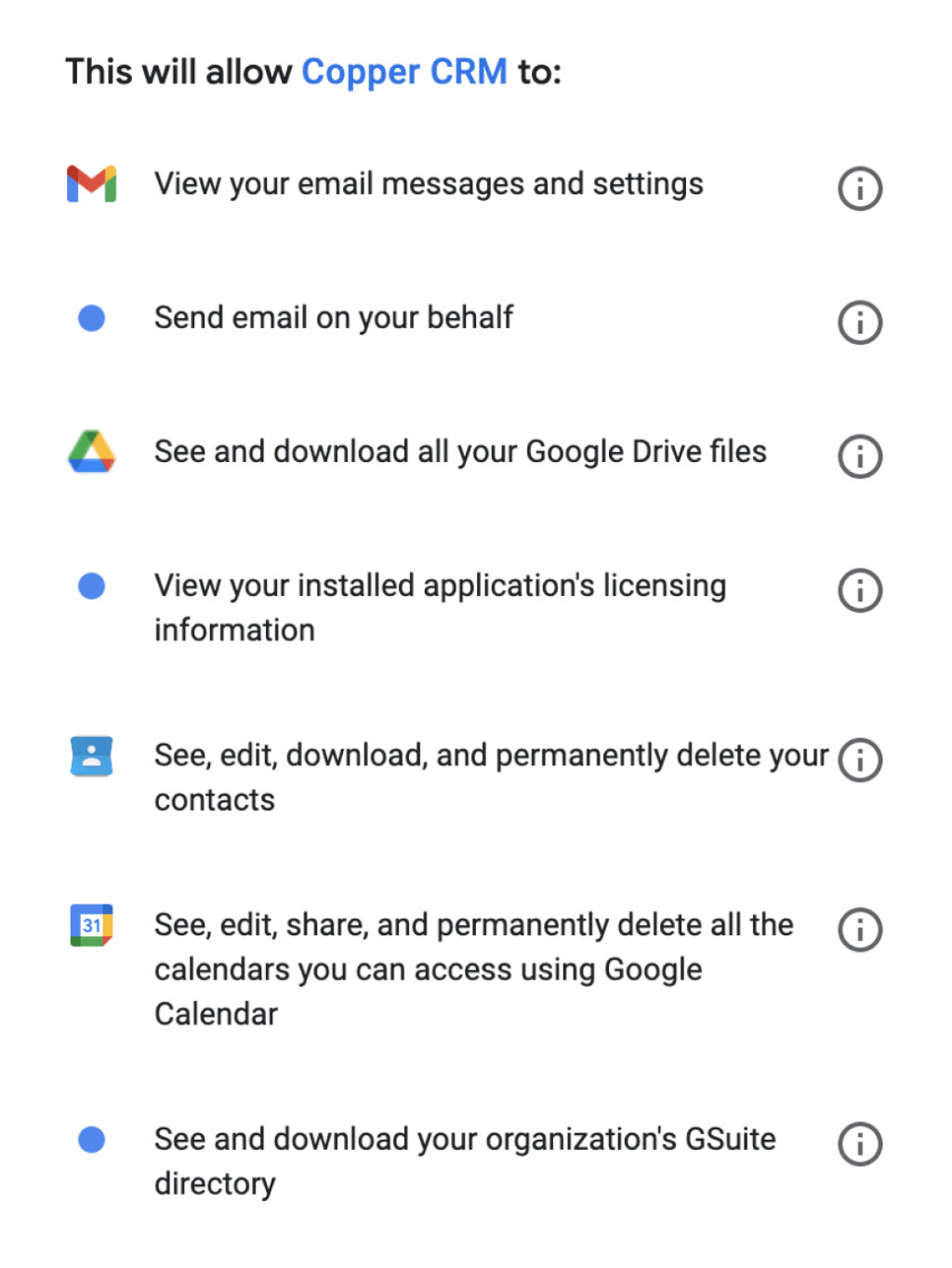
That fit matters more than the price headline. A lot of CRMs claim to connect with Google, but Copper is built around that environment so directly that even the signup flow pushes you through Google first and makes it clear that Gmail and Google Workspace are the natural home for the product.
The easy part is starting the trial. The harder part is judging it properly before the 14 days run out, and that is where a lot of people get the wrong answer.
If you enter the trial with real contacts, a real pipeline, and at least one follow-up process you want to clean up, Copper can show its value fast. If you enter with no clear workflow and no actual deal flow to test, the product can look nicer than your current mess without proving that it will save you money or time once the bill starts.
Copper also gets more attractive the more your work spills beyond simple contact storage. When you need tasks, pipelines, project visibility, and fewer manual updates between client conversations, the platform starts to feel like a serious time-saver instead of just another place to store names and notes.
There is a catch, though. The lowest-priced plan gets you in the door, but the stronger reasons to pay for Copper usually show up when your team needs more than bare-bones relationship tracking, so price-sensitive buyers should keep reading before assuming the entry plan tells the whole story.
My early take is simple. Start the trial now if you are already working inside Google and your current setup feels patched together; wait if you are still too early to test real usage; skip it if you want a CRM built around Outlook, deep enterprise customization, or the cheapest possible option above everything else.
Article outline
This review is built to answer one buying question at a time, not dump feature trivia on you. First, you need to know whether the trial gives you enough room to judge Copper properly, then whether the paid plans feel justified, and finally whether an alternative would fit your business better.
Use the page jumps below if you already know where your hesitation is. If price is your issue, jump to pricing; if fit is your issue, jump to alternatives; if you are close to clicking but want to know what you actually get during the trial, start there.
- Copper free trial at a glance
- Is the Copper free trial worth your time?
- What you get in the free trial
- The good stuff
- Pricing and value
- Why starting the trial now can make sense
- Alternatives
- Final verdict
- FAQ
The next section is where the real decision starts. A free trial only helps if it lets you test the parts that would actually make you pay, so the next step is to look at what Copper puts in front of you during those 14 days and whether that is enough to make a confident yes, a smart no, or a not yet.
What you get in the free trial
Copper keeps the trial simple. You get 14 days, no credit card is required, and signup pushes you through Google first, which tells you right away who this tool is really built for.
That matters because Copper is not trying to be everything for everybody. It is trying to be the CRM that feels natural inside Gmail, Calendar, Drive, and the rest of Google Workspace, and the trial is long enough to see whether that promise holds up with your real contacts and real follow-ups.
The smartest way to use the trial is to test three things fast. First, see whether your team actually updates the CRM more often when it feels closer to Gmail; second, check whether pipelines and tasks clean up your daily mess; third, decide whether you need just a lightweight CRM or a more advanced setup with automation and reporting.
- Starter is the cheap entry point with Google Workspace integration, tasks, forms, an activity feed, and Zapier.
- Basic is where Copper starts to feel like a real operational CRM because pipelines, project management, task automation, and contact enrichment show up.
- Professional and Business are where reporting, bulk email, workflow automation, email series, and deeper growth features start to justify the bigger monthly bill.
You do not need the whole 14 days to see the core fit. If your inbox, calendar, and contact tracking already live in Google, Copper usually makes sense fast; if they do not, the trial will expose that pretty quickly too.
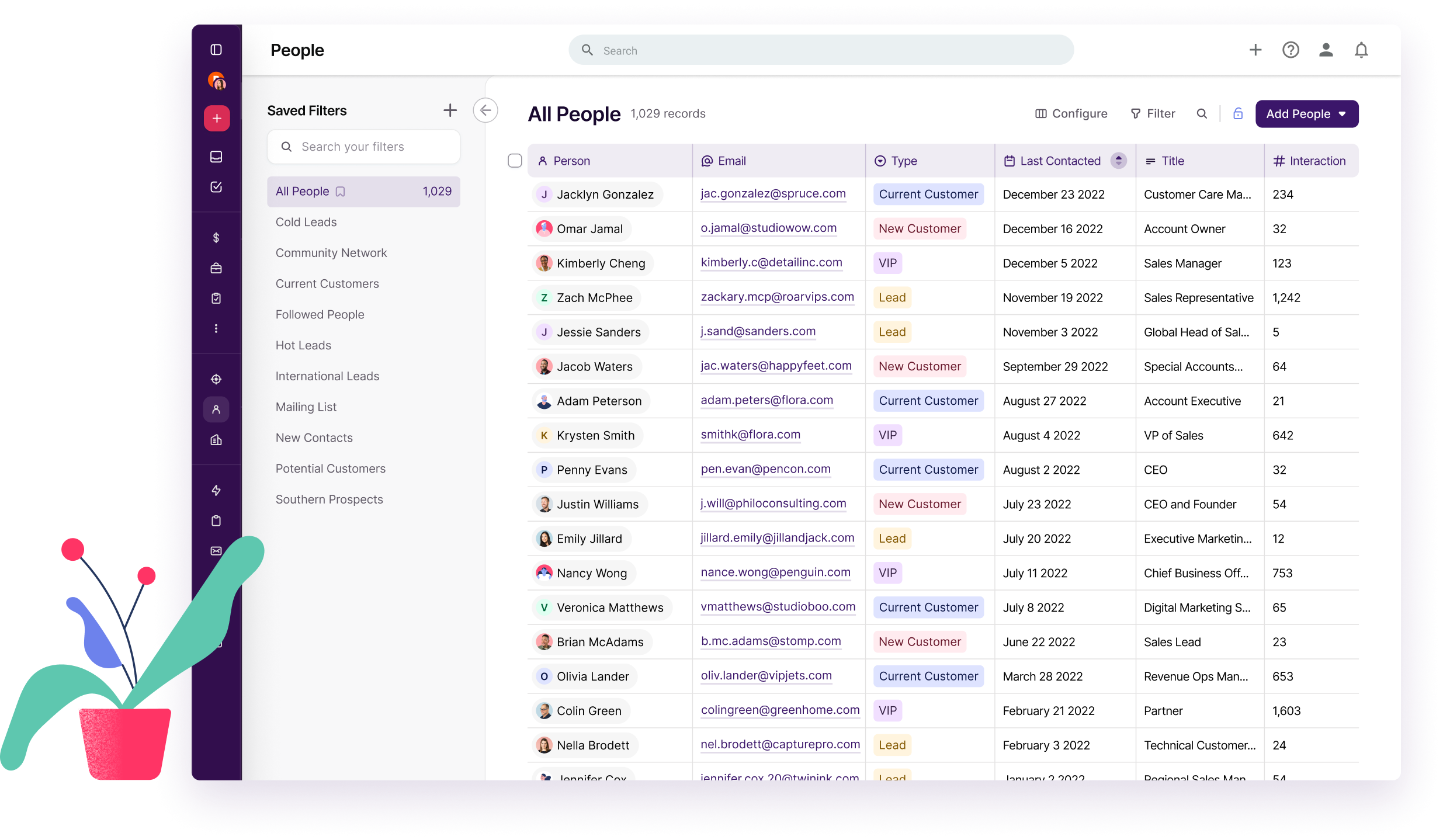
Image source: Copper manage contacts page
The good stuff
Copper’s best selling point is not a giant feature list. It is how quickly the product makes sense when your team already works inside Google all day.
That is why so many of Copper’s strongest official feature pages keep coming back to the same idea: you can add leads, track conversations, manage tasks, find files, and keep deals moving without constantly bouncing between tools. For a small team, that is not a tiny convenience; it is the difference between “we should update the CRM later” and “it already happened while I was working.”
The visual pipeline view is another real strength. Copper feels easier to grasp than heavier CRMs because deals and projects are laid out in a way that makes bottlenecks obvious instead of buried under menus.
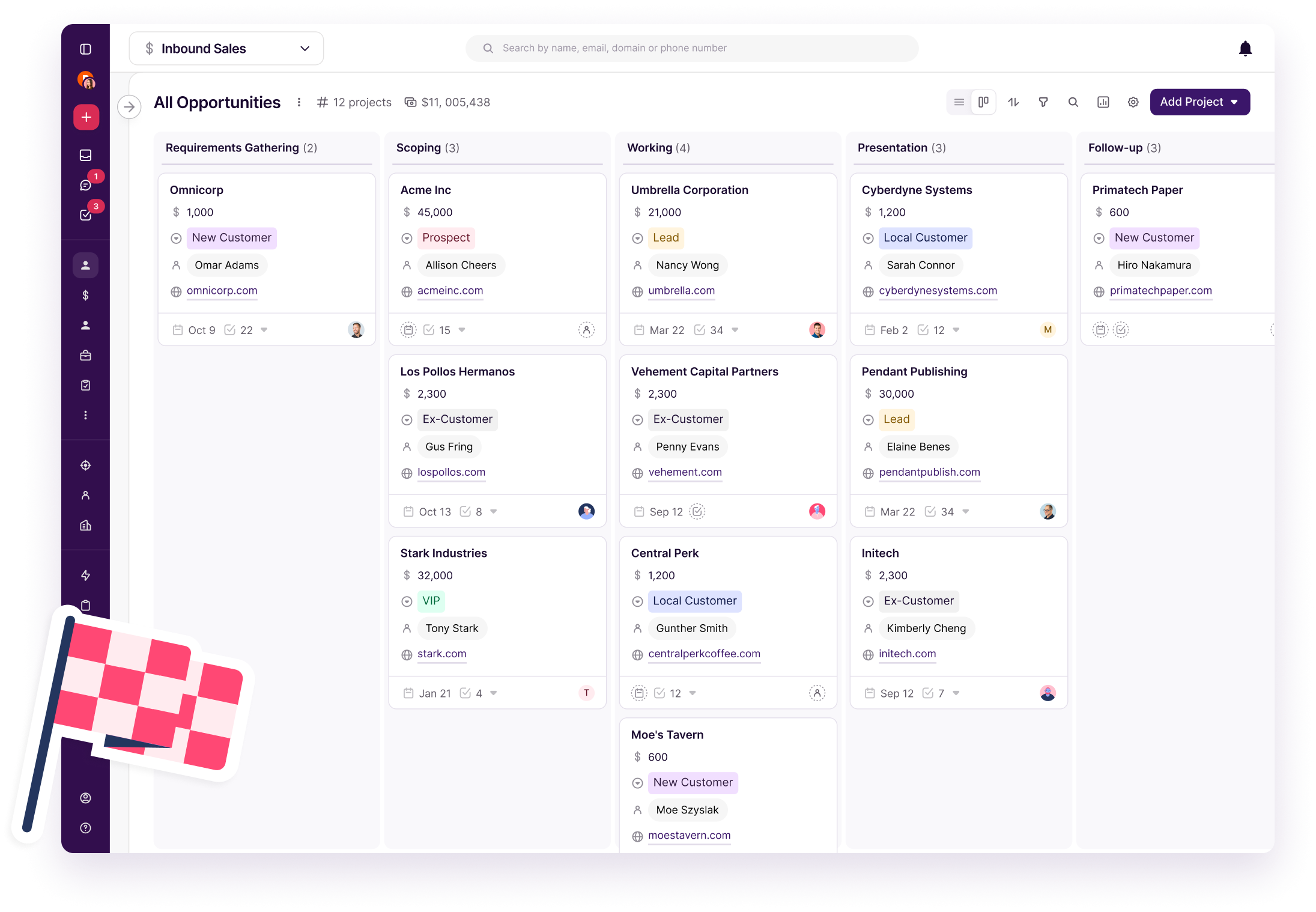
Image source: Copper track leads page
Basic is the first plan that feels like a serious buy for many teams. Starter is cheap, but Basic is where pipelines, project management, and task automation show up, and that is the point where Copper starts replacing messy manual tracking instead of just storing contact records.
Project handoff is another part Copper does well. If you sell services, client work, onboarding, or recurring delivery, moving from won deal to actual project work inside one system is a lot more attractive than juggling spreadsheets, inbox notes, and a second project tool.
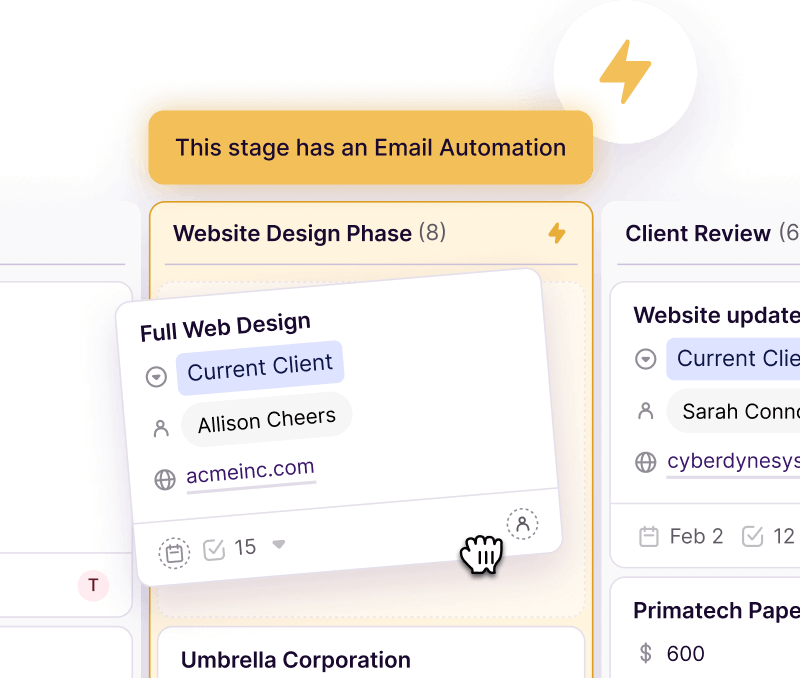
Image source: Copper manage projects page
Copper also deserves credit for not feeling bloated. That helps beginners, but it also helps busy teams who do not want to spend weeks learning an oversized CRM just to keep customer records clean and follow-ups on time.
Here is the catch. Some of the most compelling features sit above the cheapest tier, and that is where people need to be honest with themselves.
If you only want a simple place to store contacts and tasks, Copper may still be fine, but the value really starts to show when you need automation, pipelines, reporting, and better visibility into what your team is doing. That is also why review sentiment tends to praise ease of use and Gmail integration, while the complaints usually hit pricing, customization limits, or the fact that advanced features sit higher up the ladder.
Pricing and value
Copper starts cheaper than a lot of CRM software, but the lowest number does not tell the whole story. Starter begins at $9 per seat monthly on annual billing or $12 month to month, Basic is $23 or $29, Professional is $59 or $69, and Business is $99 or $134.
Starter is fine if you want a lightweight Google-first CRM and nothing too fancy. Basic is where most small service businesses will start seeing clearer payoff, because pipelines, project management, and automation reduce enough manual work to make the extra spend easier to justify.
Professional is the line where Copper starts earning a stronger recommendation for growing teams. Bulk email, workflow automation, reporting, and broader integrations make it much easier to run real processes instead of hoping people remember what to do next.
Business is not the obvious choice for everyone. It makes sense when unlimited contacts, email series, multi-currency, premium support, and custom reports solve real problems for you, not when you are still trying to prove basic CRM adoption.
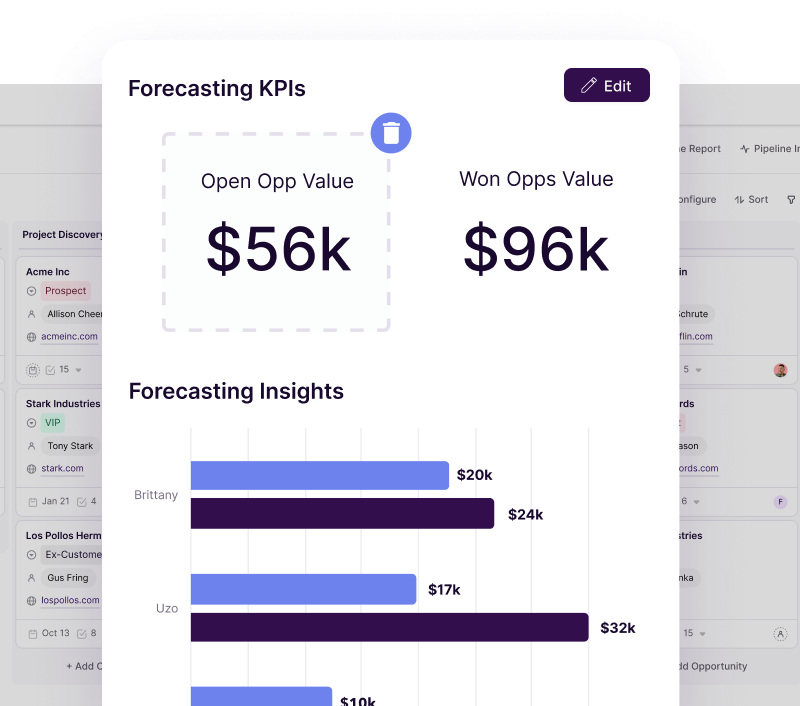
Image source: Copper sales reporting page
This is also where comparison matters. Copper is not the cheapest tool you can start with, and it is not the broadest all-in-one stack either, so the right question is whether its Gmail-first CRM experience is worth more to you than a cheaper general platform or a much broader marketing system.
See current pricingCopper wins this comparison when CRM is the priority and Google is already your home base. GoHighLevel makes more sense when you want a much bigger marketing and client-management machine, while Systeme.io makes more sense when price matters more than a polished Gmail-first CRM experience.
Why starting the trial now can make sense
Copper is worth trying now if you already have leads, clients, or active conversations that need a better system. The sooner you test it with real work, the faster you will know whether it cuts enough manual follow-up, note hunting, and inbox clutter to justify paying for it.
Waiting is reasonable if you are still too early and have almost nothing to organize yet. A trial is not that helpful when you have no real pipeline, no repeat follow-up work, and no team process to clean up.
Skipping it is also fair if you know you want an ultra-cheap tool, a non-Google setup, or something much broader than CRM. But if your current workflow already lives in Gmail and feels patched together, the official free trial is one of the cleaner, lower-friction tests you can run before spending real money.
Alternatives worth looking at before you decide
Copper is not the automatic winner just because the trial is easy to start. It wins when your team already lives in Gmail and Google Workspace, wants a clean CRM that people will actually use, and does not want to duct-tape contacts, projects, follow-ups, and reporting across too many tools.
That also means there are legit cases where another tool is the smarter buy. If your budget is tight, your workflow is more marketing-heavy than relationship-heavy, or you want a giant all-in-one setup with funnels and client accounts, Copper stops being the obvious answer.
Image source: Copper contacts page
Check the official free trialChoose Copper if your business already lives in Google and your real problem is keeping relationships, deals, and follow-ups organized without creating a giant software project. Choose Systeme.io if price is the main objection and you can trade CRM depth for a cheaper setup, and choose GoHighLevel if you want a broader all-in-one machine and do not mind a heavier tool.
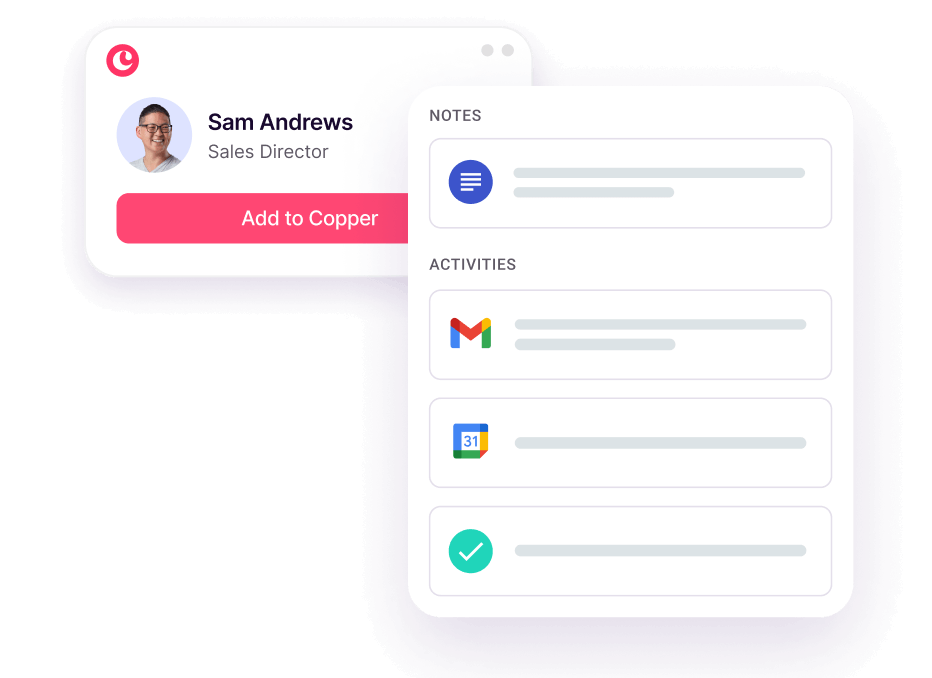
Image source: Copper contact management page
My honest take
Copper is worth trying for the right buyer. That buyer is not “every business,” and pretending otherwise would make this review less useful.
The strongest reason to try Copper is simple: it makes the most sense when Gmail is already where work happens. That sounds obvious, but it matters because software adoption usually dies when the team has to keep leaving the place they already use all day.
Copper reduces that problem better than a lot of CRM tools aimed at small and midsize businesses. Contacts, deal tracking, tasks, project handoff, and reporting feel closer to your real workflow, which makes the product easier to justify than a CRM that looks powerful but gets ignored after week two.
The weak spot is also clear. Copper gets more compelling as you move into Basic, Professional, and Business, which means the cheapest plan is not always where the real payoff shows up.
That is not a dealbreaker if your team is already active and losing time to manual tracking. It is a reason to be honest about whether you need a serious system now or whether a cheaper tool would be enough for the stage you are in.
Start the Copper free trial now if you already have live leads, active clients, or repeat follow-up work and you want a CRM that fits Google better than a generic alternative. Wait if you are still so early that you cannot test it with real work, and skip it if Outlook is your world or you want a huge marketing stack more than a clean CRM.
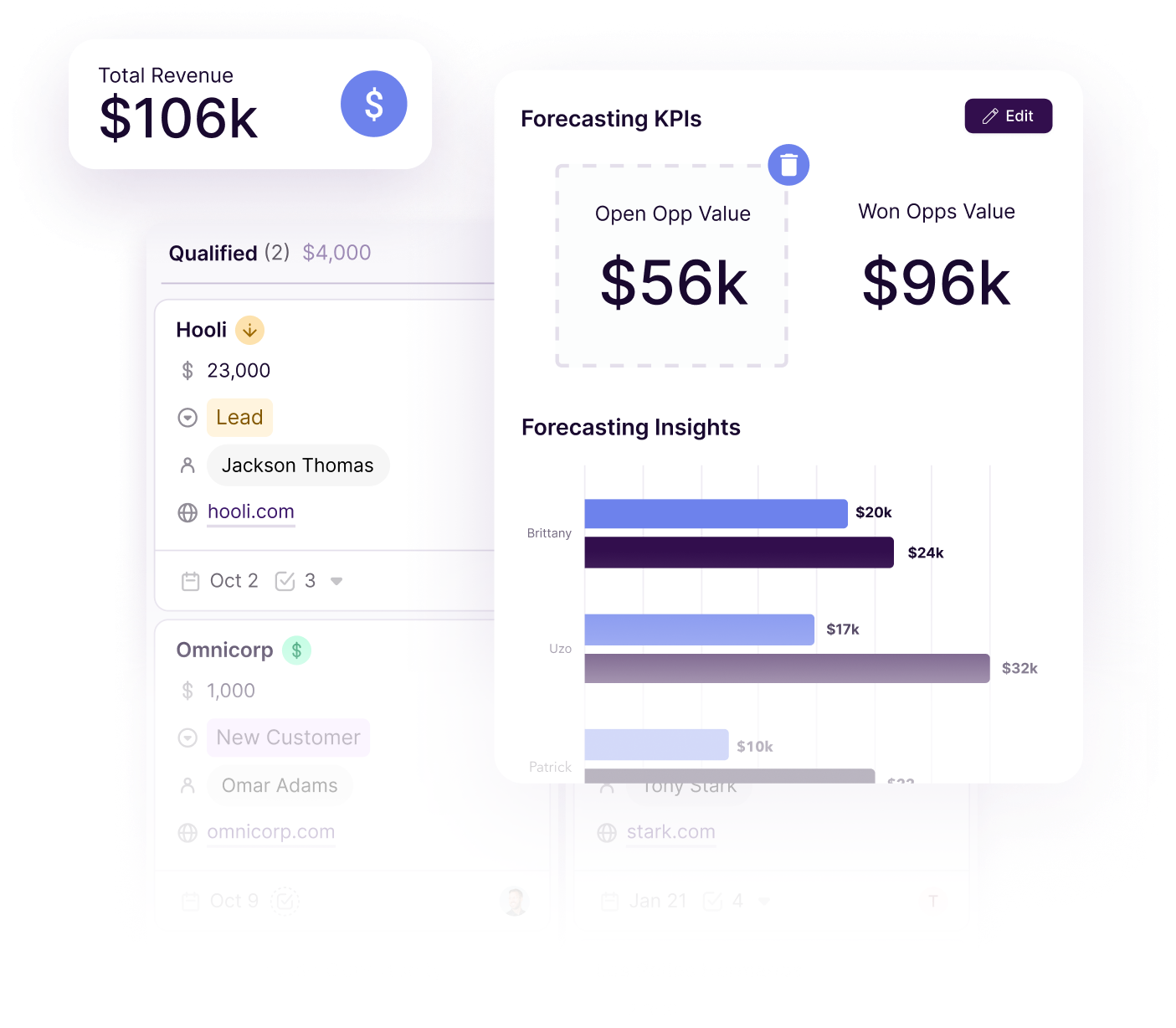
Image source: Copper reporting page
If your current setup feels messy, Copper is one of the easier upgrades to justify because the trial is low-friction and the fit shows up fast. If you are serious about getting your pipeline and client work under control, starting the trial is a smart next step.
FAQ
Is Copper only for Google Workspace?
Mostly, yes. Copper says on the signup flow that it only works with Gmail and Google Workspace, so this is not the CRM to pick if your business runs on Outlook and Microsoft tools.
Do you need a credit card to start the trial?
No. Copper’s signup flow says the free trial is 14 days and does not require a credit card, which removes a lot of the hesitation people usually have with software trials.
Is 14 days enough to judge Copper properly?
Yes, if you test it with real contacts, an actual pipeline, and real follow-up work. No, if you spend the whole trial browsing menus without importing the work you actually need help with.
Should beginners start with Copper or something cheaper?
Copper is beginner-friendly in the sense that it is easier to understand than many larger CRMs. A cheaper option like Systeme.io can still be the smarter choice if budget matters more than a polished Google-first CRM workflow.
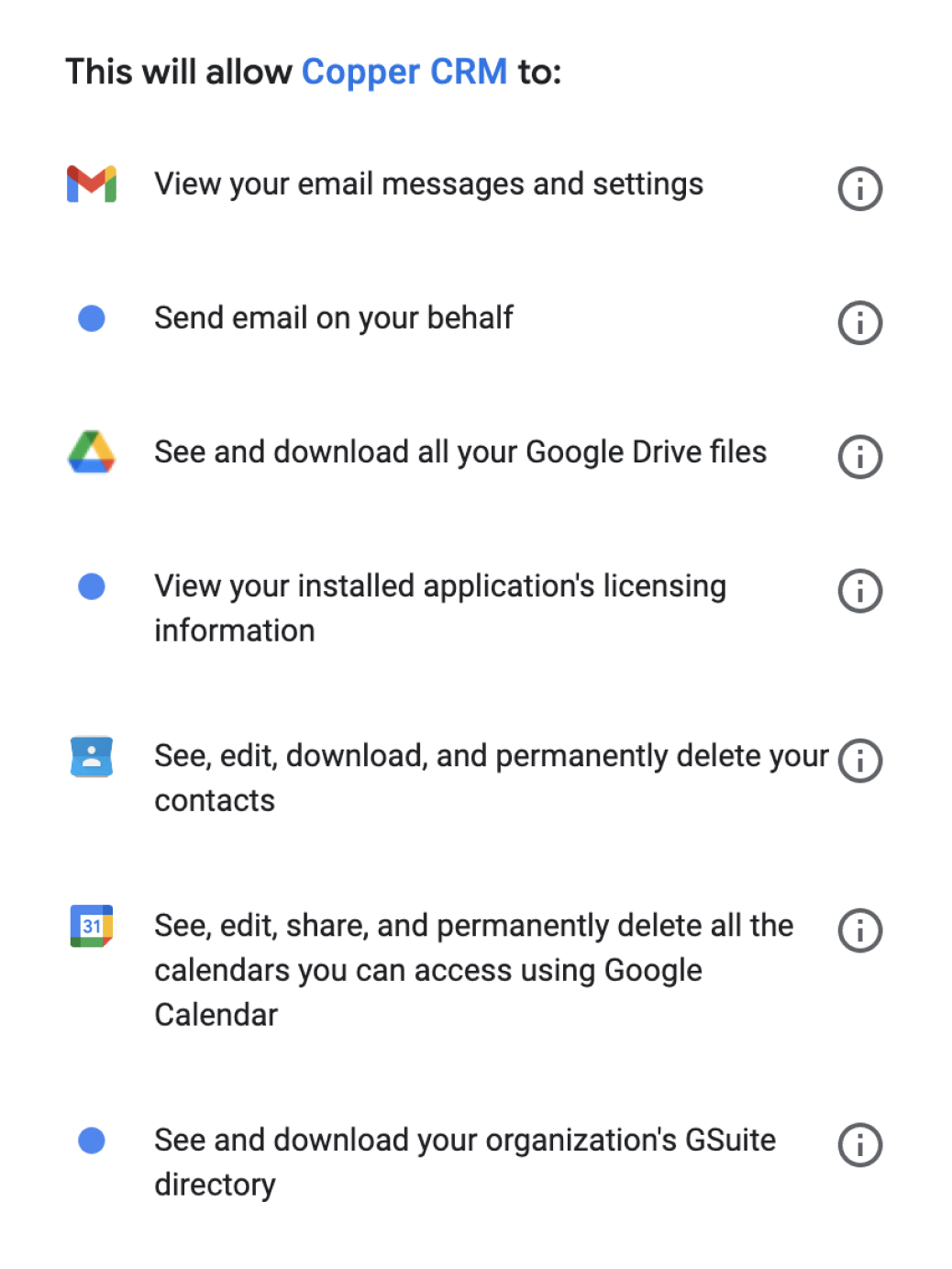
Image source: Copper signup page
Copper is not the cheapest CRM and it is not the broadest all-in-one tool. It is one of the cleaner choices for Google-first teams that want a CRM people will actually keep using after the trial ends.
Get started with Copper Filip Konecny Enterprises