
If you are searching for a Copper discount, you are probably not looking for a random coupon code. You are trying to figure out whether Copper’s current pricing makes sense for your business, whether the annual rate is the smartest way to save, and whether the tool is good enough to justify paying for it at all.
That is the right question. Copper is not the cheapest CRM in the market, but it also is not trying to be a stripped-down contact list with a few pipeline stages bolted on. It is built for teams that live in Google Workspace and want sales, follow-up, and client delivery to happen in one place instead of across five disconnected tools.
The short version is simple: Copper looks most attractive when you already use Gmail all day, hate manual CRM upkeep, and want the annual plan discount plus the free trial to test whether it can replace enough admin work to earn its price. If you are outside the Google ecosystem or you only need a very basic pipeline, you should slow down before buying.
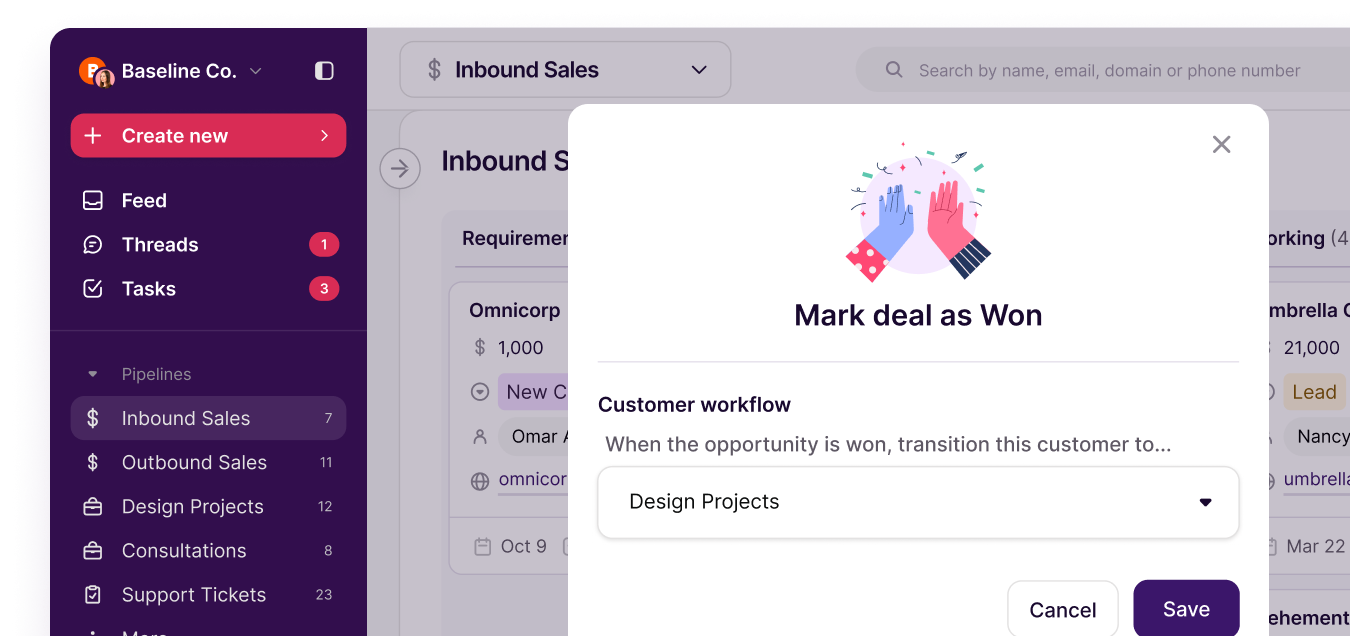
Image source: Copper project management page
My quick take
Copper becomes interesting the moment you stop judging it like a generic CRM. Its real pitch is that your team can stay inside Gmail, Google Calendar, and the rest of Workspace while still tracking leads, managing deals, assigning follow-ups, and moving closed work into delivery.
That matters because a lot of CRM frustration comes from one boring problem: people do not keep the system updated. Copper leans hard into solving that with its Google Workspace setup, contact syncing, task handling, and workflow tools shown across its Google Workspace CRM pages and feature docs.
The catch is price creep. Copper’s entry pricing is reasonable, but the stronger stuff that makes the platform feel like a serious business tool lives higher up the stack, especially once you care about pipelines, workflow automation, reporting, integrations, and unlimited usage on the top plan.
That does not make Copper overpriced. It just means the best buyer is not someone who wants the cheapest CRM on earth, but someone who wants less tool sprawl and less manual work and is willing to pay for that convenience.
So if you are hunting a Copper discount, the smarter move is usually not waiting forever for some mysterious promo. The smarter move is checking whether the annual savings, the up to 26% annual discount, and the 14-day free trial with no credit card give you enough room to test the product properly before you commit.
Copper also looks stronger when you understand what it is not. It is not the best fit for teams built around Microsoft tools, and it is not the obvious choice for someone who only needs a lightweight solo CRM and does not care about projects, automations, or tighter Gmail workflows.
Copper prices, without the fluff
Copper currently has four plans, and the savings angle is pretty straightforward: monthly billing is the expensive route, while annual billing is where the real discount lives. The table below gives you the cleanest snapshot of what you are actually paying for and who each plan makes sense for.
See current Copper pricingStarter is cheap enough to make the trial easy to justify, but Basic is where Copper starts feeling like a workflow tool instead of just a contact tracker. Professional is where many real buyers will stop comparing Copper to bargain CRMs and start comparing it to the cost of patching together extra tools.
Article outline
Start here
Then get into the buying details
- What you get in the free trial
- The good stuff
- Pricing and value
- Why buying now may make more sense than waiting
Finish with the real decision
The next section gets into the free trial and whether it gives you enough room to test Copper properly. After that, the review moves into the strongest selling points, where the price starts to make sense, and where a cheaper tool may still be the better call.
What you get in the free trial
Copper does something smart with the trial. You get a 14-day free trial with no credit card required, and Copper’s own integration docs say trial users get access to the Business plan experience so you can see the full product before you pay.
That makes the Copper discount question easier to answer. You do not need to gamble first and figure it out later, because the trial is long enough to test the core workflow, import real contacts, build a pipeline, and see whether the Gmail-first setup actually saves your team time.
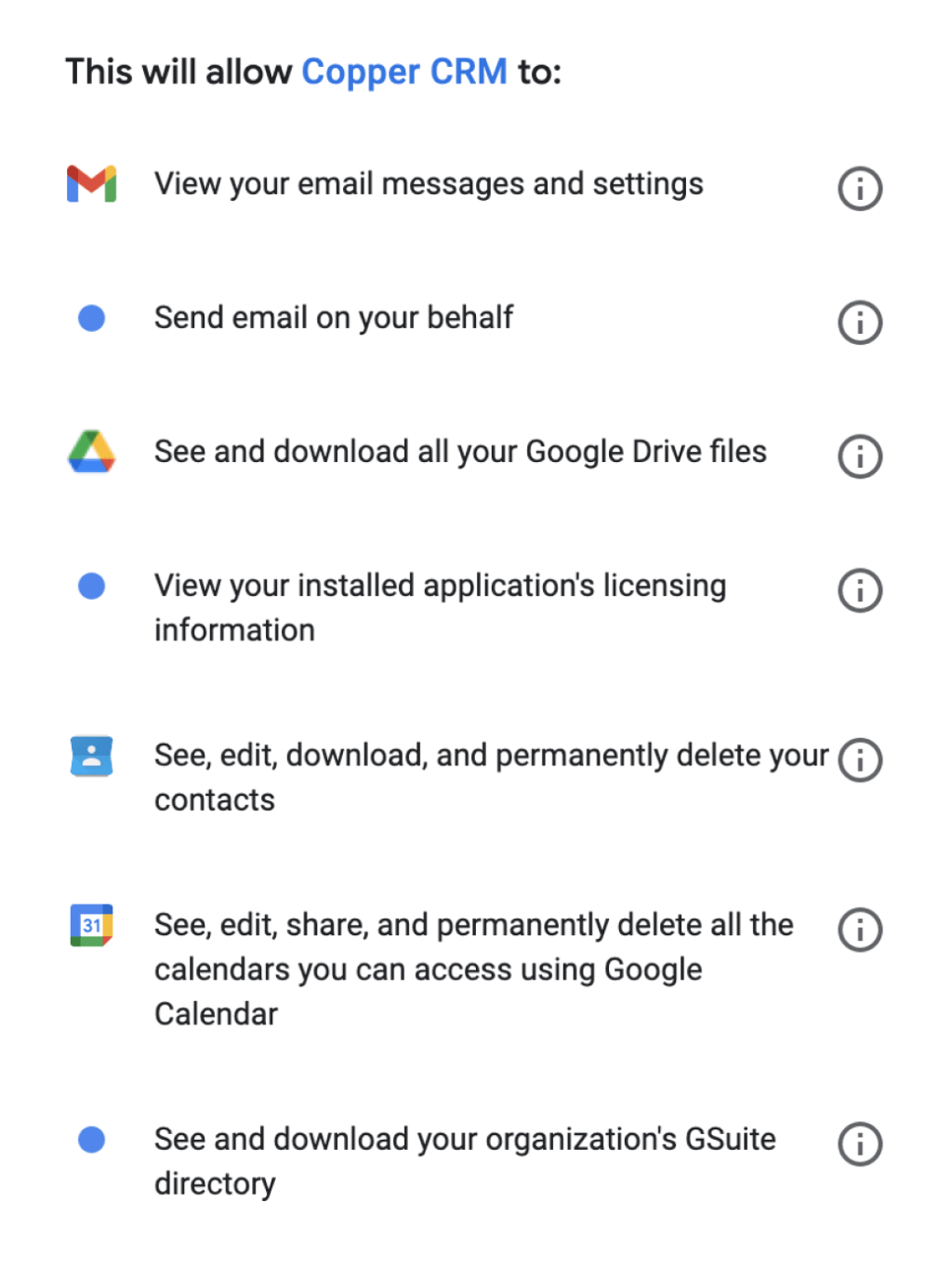
Copper is also very clear about who it is built for. The signup flow pushes Google login first, and the product is designed around Gmail and Google Workspace, so the trial is most valuable if that is already how you work.
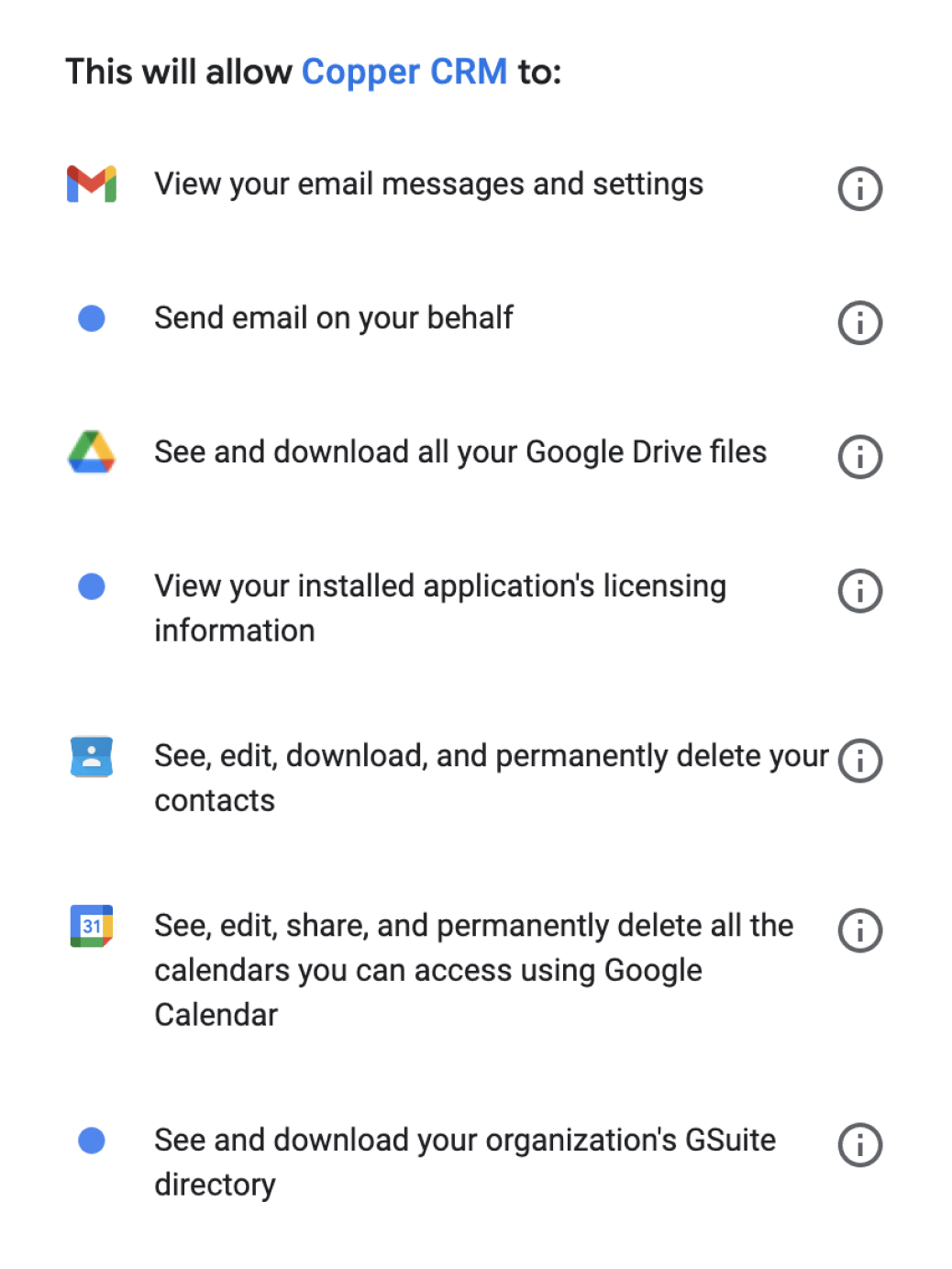
Image source: Copper official site
That Gmail focus is a real strength, but it is also the first limitation you need to think about. If your business runs on Microsoft 365 or you want a CRM that feels equally native everywhere, Copper loses a big part of what makes it special.
The free trial is enough for a serious evaluation, not a full company transformation. Small teams can probably make a clean yes-or-no decision inside two weeks, while larger teams with messy data and complicated handoffs may need the trial mainly to validate the fit before a slower rollout.
I would not overcomplicate the test. Add a few real deals, connect the Google account you actually use, create a follow-up workflow, and see if the admin work drops fast enough to justify the price.
The good stuff
Copper is strongest when you stop treating it like a plain CRM. The part that makes it appealing is the way it connects contacts, deals, tasks, projects, files, and follow-up inside one Google-friendly setup instead of forcing your team to bounce between tabs all day.
The pipeline view is a big part of that. Copper gives you visual pipelines on Basic and up, and the project side lets you turn closed work into delivery workflows instead of ending the process the second a deal is marked won.
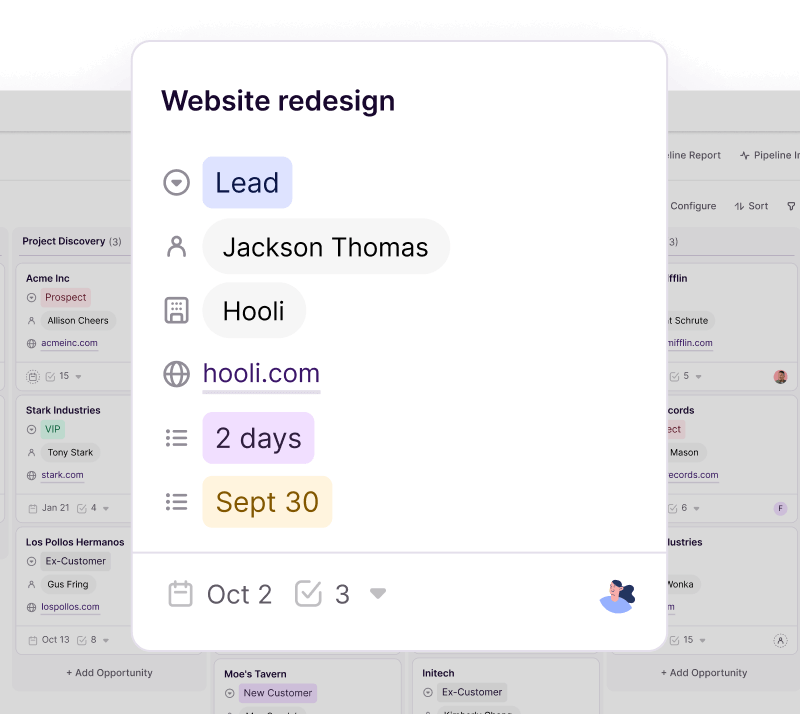
Image source: Copper official site
That matters more than it sounds. A lot of CRMs are decent at lead tracking and then leave you to manage delivery somewhere else, which is where teams start duplicating notes, losing files, and forgetting who owns the next step.
Copper is also better than cheap CRMs at keeping process work moving. Basic includes task automation, Professional adds workflow automation, and Copper’s recent product updates added stronger project management features like subtasks inside workflow automations.
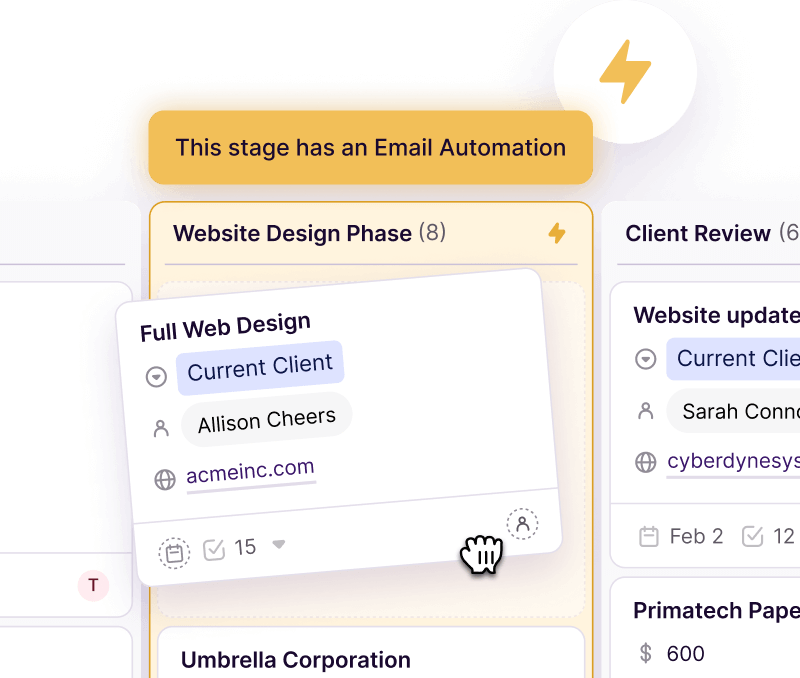
Image source: Copper official site
This is where Copper starts earning its price. If your current process depends on people remembering to create tasks, send reminders, move records, and chase files manually, the software can pay for itself just by making those handoffs less fragile.
The Google Workspace side is still the biggest reason to buy it. Copper’s official integration pages make it clear that Gmail, Google Calendar, Google Contacts, and Google Drive are included across all plans, which is a big deal if your team already lives inside those tools.
That same plan structure also shows the catch. A lot of third-party integrations sit on Professional and Business, so Copper can feel affordable at the low end and then noticeably more expensive once you want heavier automation, broader integrations, better reporting, and room to scale.
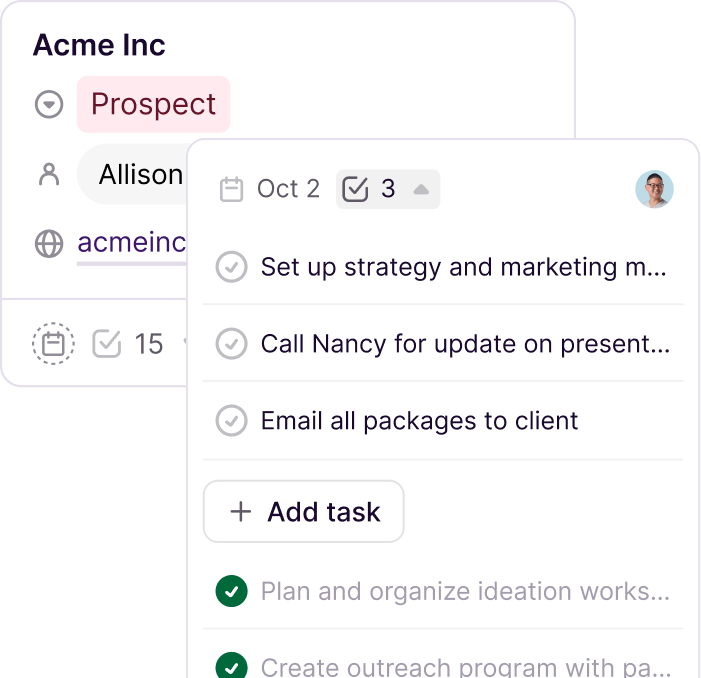
Image source: Copper official site
Beginners can still use Copper, but the best beginner for this tool is a Google-centric service business, not a random side hustler. If you only need a simple list of contacts and occasional follow-ups, Starter may be enough, but you may also discover you do not need a paid CRM yet.
For the right buyer, though, Copper feels easier to justify fast. If you already have leads coming in, client work to deliver, and a team that keeps dropping balls between sales and fulfillment, this setup looks a lot better than another month of patching spreadsheets and inboxes together.
Image source: Copper official site
Pricing and value
Copper looks cheap at the front door and more serious once you move up the plans. Starter begins at $9 per seat annually or $12 monthly, Basic is $23 or $29, Professional is $59 or $69, and Business is $99 or $134, with Copper advertising up to 26% off on annual billing.
That annual discount is the main real Copper discount most buyers should care about. Hunting for a random coupon is less important than deciding whether Copper replaces enough busywork, manual follow-up, and extra tools to make the yearly rate the smarter deal.
The table below gives you the fast decision version. It compares Copper with two affiliate-mapped alternatives that make sense for different buyers, not because they are identical, but because they answer the same budgeting question in different ways.
Check the official Copper free trialCopper is the better value when your business already runs on Google and your real pain is messy follow-up, not missing marketing bells and whistles. Systeme.io is the better value when you mostly want the cheapest way to build funnels and email flows, while GoHighLevel makes more sense when you want a much broader agency operating system and can handle the extra cost and complexity.
Why buying now may make more sense than waiting
Waiting only makes sense if you are not ready to use it. If you already have leads, clients, or active projects slipping between inboxes, docs, and task lists, delaying the decision usually means you keep paying in missed follow-ups and admin time anyway.
Copper is not worth rushing into just because you found the phrase Copper discount. It is worth moving on now if your team already lives in Gmail, your current setup feels scattered, and you want to test a tool that can handle the relationship side and the delivery side without turning into a giant enterprise project.
I would skip buying today if you are still at the spreadsheet stage and barely have any pipeline to manage. I would also wait if you need a CRM that is less tied to Google, or if you really want a broader marketing machine and would be better served by GoHighLevel or a cheaper entry point like Systeme.io.
For the right buyer, though, Copper is absolutely worth a real look now. The annual pricing saves money, the trial removes most of the risk, and the payoff is easy to understand: less manual CRM upkeep, cleaner handoffs, and a setup your Google-first team is far more likely to actually use.
Get started with CopperCopper vs cheaper and broader options
Copper is not trying to win the race to the bottom on price. It wins when you want a CRM that feels natural inside Google Workspace and can carry work from first contact to delivery without turning your team into full-time CRM admins.
That also means some people should not buy it. If your main goal is spending as little as possible, or you want a heavier all-in-one agency machine, there are better fits than Copper.

Image source: Copper official site
This table gives you the fast answer. It is built around the real buying question, which is not “Which tool has the longest feature list?” but “Which one makes the most sense for the way I actually work?”
Check the official Copper free trialChoose Copper if your business already runs in Gmail and your bigger problem is messy follow-up, not missing funnel features. Choose Systeme.io if price matters more than deep Google-native workflow, and choose GoHighLevel if you want a much broader agency operating system and can handle the extra complexity.
Image source: Copper official site
My honest verdict
Copper is worth trying for the right buyer. I would put that buyer in one very specific bucket: a service business or small team that already lives in Google Workspace and wants the CRM to feel like part of the workday instead of another system people avoid.
That is why the Copper discount angle can be a little misleading. The real savings are not some mystery coupon code, but the annual billing discount, the free trial, and the chance to replace scattered follow-up, sloppy handoffs, and too much manual data entry with one cleaner setup.
Copper is not the best fit for everybody. If you want the absolute cheapest option, Systeme.io is easier to justify, and if you want a bigger all-in-one stack for client accounts, SaaS reselling, and agency ops, GoHighLevel has more room to grow.
Copper starts to look very smart when your team is already selling and delivering real work. If deals are moving, tasks are slipping, and client details keep getting buried in inboxes and docs, this is the kind of tool that can save time fast because it pushes your process into one place people will actually use.
The Google angle is still the biggest reason to buy it. Copper presents itself as a Google Workspace-focused CRM, and that focus matters because it makes setup, day-to-day adoption, and contact management feel easier than many broader tools.
I would not tell every small business owner to buy it today. I would tell a Gmail-heavy business with active leads, repeatable delivery work, and too many manual handoffs to stop waiting for the perfect Copper discount and use the trial to see if the workflow cleanup alone justifies the price.
Image source: Copper official site
That is my final call. For the right buyer, yes, Copper is worth a real look now, not later.
Questions people ask before they buy
Is there an official Copper discount code?
The more obvious savings come from annual billing and the free trial, not from chasing random coupon sites. If you are serious about testing the product, that is the discount path that actually matters.
Is Copper good for small teams?
Yes, especially if the team already uses Gmail all day and wants a CRM that people will keep updated. Small teams that only need a bare-bones contact list may still find it more than they need.
Should I choose Copper or Systeme.io?
Choose Copper if you care more about Google Workspace workflow, client tracking, and handoff management. Choose Systeme.io if your first priority is spending less and building simple funnels and email sequences.
Should I choose Copper or GoHighLevel?
Choose Copper if you want a cleaner Google-first CRM that feels easier to adopt. Choose GoHighLevel if you need a much broader agency platform and you are comfortable with a heavier setup.
Is Copper hard to switch to?
Copper looks easier to adopt than many bigger CRMs when your team already works in Google Workspace. That advantage matters most for teams that hate long setups and want people using the CRM quickly instead of needing a long internal rollout.
Image source: Copper official site
If you are still on the fence, the next move is simple. Use the free trial, test the Gmail workflow with real deals and tasks, and see whether the cleaner process is worth more to you than the monthly price.
Get started with Copper Filip Konecny Enterprises