
If you searched for a Copper demo, you probably are not looking for a generic CRM explainer. You want to know whether Copper is actually worth your time, whether a live walkthrough helps, and whether this is the kind of tool you should try now, later, or not at all.
Copper gets appealing fast when your business already runs inside Gmail, Google Calendar, and Google Drive. That is the real pitch here: less tab switching, less manual logging, and a CRM that feels closer to your inbox than a system your team has to force itself to use.
The catch is just as real. Copper looks affordable at the front door, but the deeper sales features, bigger contact limits, and stronger automation sit on higher plans, so the wrong buyer can fall for the convenience before noticing where the price starts to climb.
Article outline
- Should you book the Copper demo? — quick verdict, best fit, and the main drawback before you spend more time on it.
- What you get before you pay — the free trial, the strongest features, pricing, and the point where Copper starts to earn its cost.
- Copper vs the alternatives — cheaper options, broader all-in-ones, the final verdict, and the best next step if you are close to buying.
Should you book the Copper demo?
Yes, if your team already lives in Google Workspace and you want to see how Copper handles contacts, calendars, tasks, and follow-up without bouncing between tools. In that case, a Copper demo is a smart shortcut because the product makes the most sense when you see the Gmail-first workflow in context.
If you are a solo operator or a very small team, the official free trial is usually the faster move. Copper gives you 14 days with no credit card required, and that is often enough to tell whether the inbox integration feels genuinely useful or just sounds good in theory.
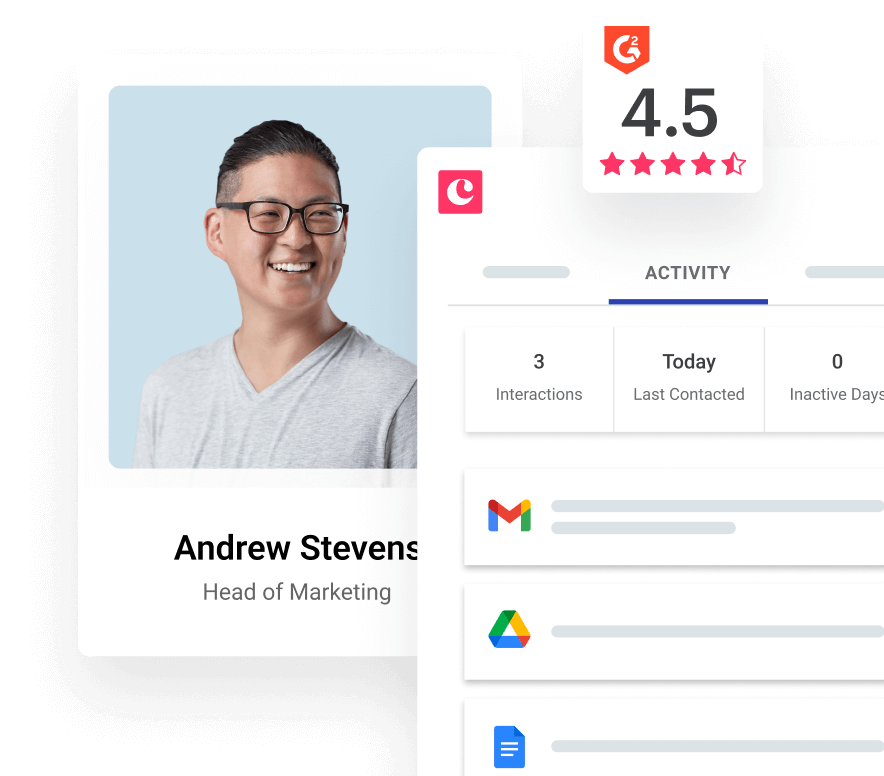
Image source: Copper pricing page
Check the official demoCopper is not the kind of CRM that wins by throwing the biggest feature list at you. It wins when your current setup is a mix of spreadsheets, inbox flags, calendar reminders, and half-finished notes, and you want one place that feels easier to keep updated because it sits closer to the tools you already use.
That is why waiting too long can cost more than the software for the right buyer. The benefit does not show up from reading feature bullets; it shows up when your actual follow-up, meetings, files, and customer history stop living in five different places.
Who this looks best for
Copper looks strongest for agencies, consultants, service businesses, and small teams that care more about fast adoption than endless customization. The Google Workspace angle is not a side feature here; it is the product’s whole personality, and that is exactly why the right buyer tends to understand the appeal quickly.
It is a weaker fit if your team is not centered on Google, if you want deep automation without paying more, or if you mainly want the cheapest possible CRM and can live with more manual work. Starter gets you in the door, but the more serious pipeline, reporting, and automation value lives further up the plan stack.
The next section is where the decision gets easier. I’ll break down what the trial actually lets you test, what stands out once you are inside Copper, and whether the price feels fair enough to start now instead of putting the decision off again.
What you get in the free trial
Copper’s trial is better than it looks at first glance. The company says the trial runs on the Business plan, so you are not stuck testing a stripped-down starter version for 14 days.
That matters because you can judge the expensive stuff before paying for it. Copper also keeps the entry friction low with a 14-day trial, instant activation, and no credit card required, which makes the decision a lot easier if you want to see the product instead of sitting through another sales pitch.
You can use that window to answer the only questions that matter:
- Does the Gmail and Google Workspace workflow actually save you time?
- Do the automations feel useful enough to replace manual follow-up?
- Can your team see customer history, tasks, files, and next steps without chasing each other in email?
Copper also says you can set up integrations during the free trial. That makes the trial more than a pretty sandbox, because you can test whether your real workflow holds up once other tools are connected.
If you want to skip the back-and-forth and see the product for yourself, check the official free trial. If you need a guided walkthrough for a team decision, the Copper demo still makes sense.
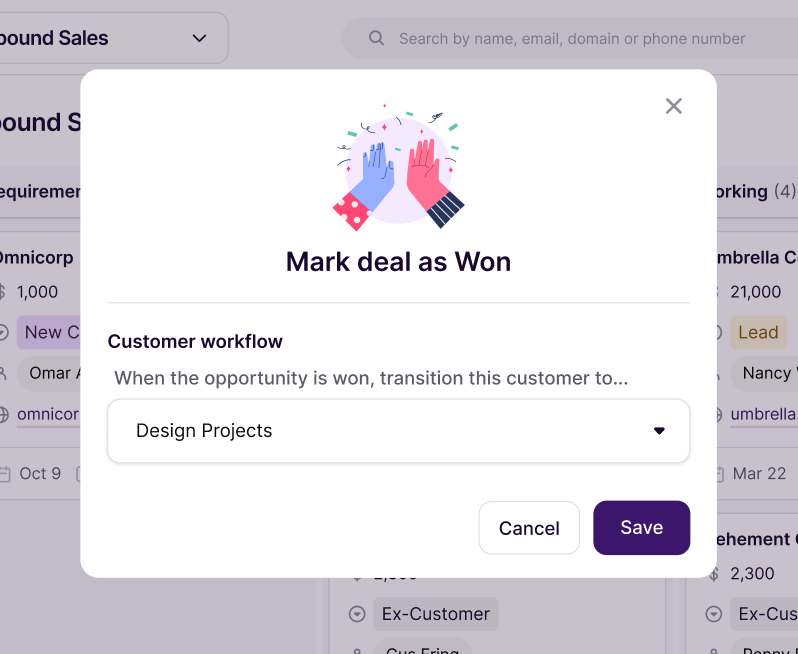
Image source: Copper automation page
The practical upside is simple. You can test the handoff from “deal won” to “real work starts” instead of guessing whether Copper will stay useful after the sale closes.
The good stuff
Copper’s biggest win is still the Google Workspace fit. Gmail, Google Calendar, Google Contacts, and Google Drive are included across all plans, so the core experience feels like an extension of the tools you already use instead of another tab your team ignores.
That alone can make Copper worth trying for the right buyer. If your team already lives in Gmail all day, a CRM that sits closer to the inbox usually gets adopted faster than a bigger system with more power and more resistance.
Starter is cheap, but it is not the plan most buyers picture when they think “CRM.” You get contact management, tasks, forms, activity feed, Google Workspace integration, and Zapier, but you do not get pipelines, leads, or sales opportunities there.
Basic is the first plan that feels like a real working CRM for sales or delivery. That is where pipelines, project management, contact enrichment, and task automation show up, which is why I would look there first if you need more than organized contacts.
Professional is where Copper starts to justify a real software budget. That plan adds workflow automation, bulk email, reporting, integrations, leads, sales opportunities, Google Sheets and Looker Studio support, plus AI email tools that make the platform feel more like a growth system than a tidy contact database.
Business goes further with unlimited contacts, email series, custom reports, multi-currency, and premium support. Most smaller teams will not need that on day one, but it is useful that the free trial lets you see the top end before choosing a lower tier.
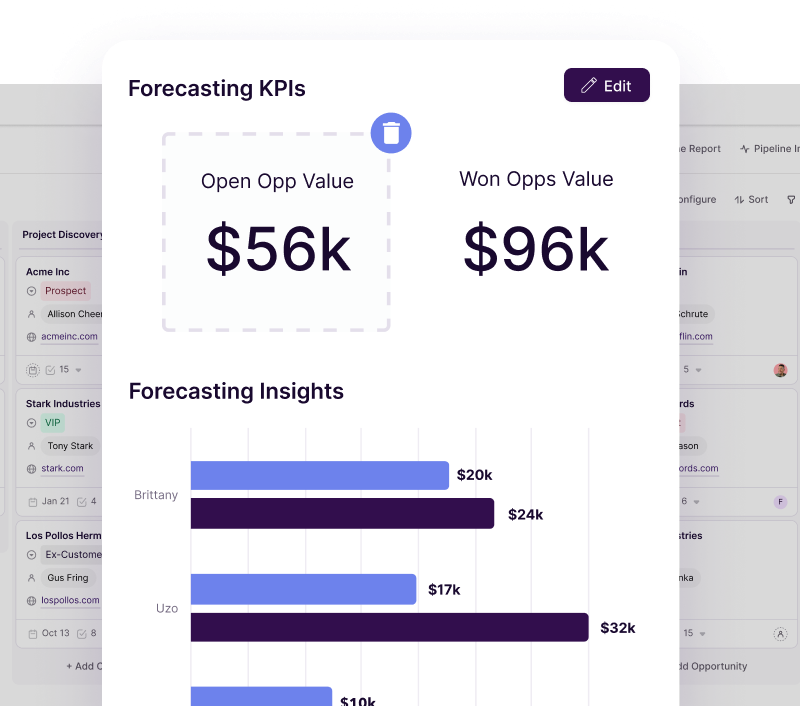
Image source: Copper sales reporting page
Here is the catch. Copper looks inexpensive if you only stare at the entry price, but the more serious selling and automation features live further up the ladder, so you need to know whether you are buying a lightweight Google-friendly CRM or a more complete sales and delivery system.
That is also why Copper is great for some people and overkill for others. If you only need a place to store contacts and basic reminders, you probably do not need to rush into the higher plans yet.
Copper pricing, and how it stacks up
Copper starts at $9 per seat monthly on annual billing, or $12 monthly if you pay month to month. Basic moves to $23/$29, Professional to $59/$69, and Business to $99/$134.
That pricing is fair if your business actually benefits from the Google-native setup. It gets harder to justify if you want broad agency automation, unlimited users, or a bargain-basement all-in-one that does a lot for less money.
See current pricingHere is my honest read. Copper is the strongest buy when you want a CRM that feels close to Gmail and you care more about clean adoption than about having every marketing feature under the sun.
If you want the biggest all-in-one, GoHighLevel is broader. If you want to spend as little as possible and mainly need simple business tools, Systeme.io is the cheaper path.
Why starting now can make sense
Waiting usually does not save money here. Waiting usually means your follow-up still lives in Gmail, your notes live somewhere else, and your next steps stay stuck in people’s heads until something gets missed.
Copper gets more attractive when your current process is already costing you time. That is when a Gmail-first CRM stops feeling like “another tool” and starts feeling like the missing layer that keeps leads, deals, projects, files, and tasks connected.
The handoff piece is especially important. Copper is one of the cleaner options if you want sales work and delivery work to live closer together instead of winning the client in one tool and managing the actual work in another.
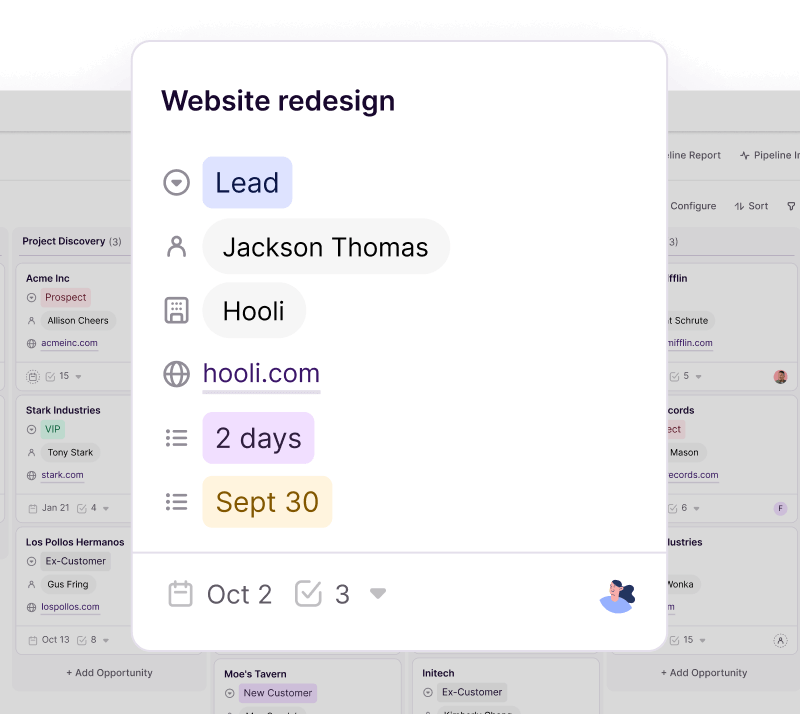
Image source: Copper project management page
That does not mean everyone should buy today. If you are barely using Google Workspace, if you only need a free contact list, or if you want a giant marketing operating system, Copper is probably not your best next step.
But if your business already runs in Gmail and you are serious about tightening follow-up, keeping better records, and moving faster without bolting five tools together, Copper is absolutely worth a real look before you put the decision off again.
Better alternatives if Copper is not quite right
Copper is not the automatic winner for everyone. A Copper demo makes the most sense when you already like the Google-first angle and you just need to confirm that the workflow feels better than the messy mix of Gmail, notes, spreadsheets, and half-used tools you have now.
If that is not your setup, a different tool may fit better. Some buyers need a broader all-in-one, some need a free place to start, and some just want the cheapest path until revenue catches up.
Explore CopperChoose Copper if your team already runs on Gmail and the bigger problem is adoption, not feature count. Choose Systeme.io if budget matters more than CRM depth, and choose GoHighLevel if you want a broader agency operating system instead of a cleaner Google-native CRM.
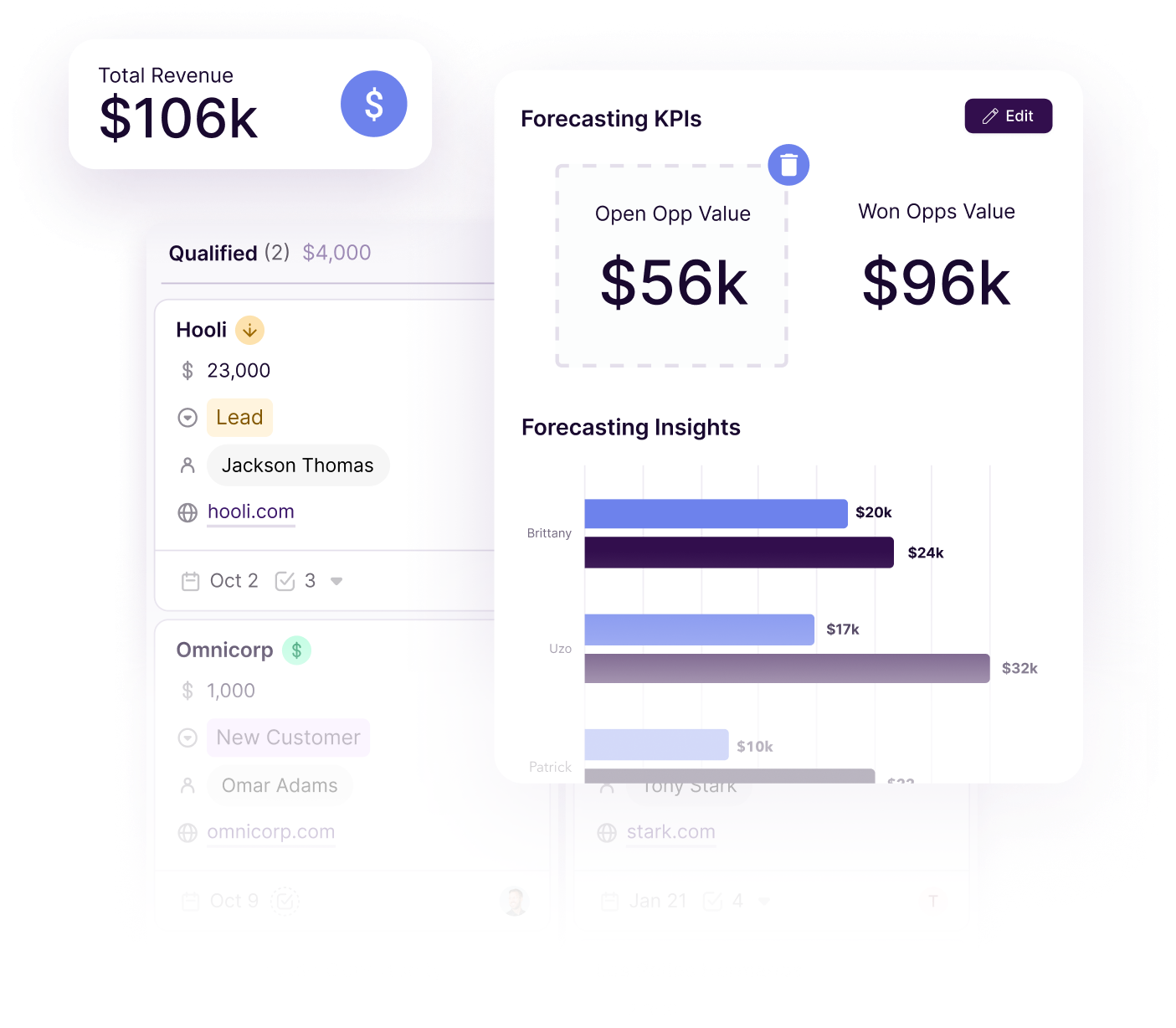
Image source: Copper sales reporting page
My honest take
Copper is easiest to recommend when your business already works inside Google Workspace and your current process feels more manual than it should. That is the buyer who will feel the payoff fast, because Copper removes the annoying gap between inbox activity and CRM updates without asking the team to change everything else first.
Copper is harder to recommend if you are buying mostly for advanced automation, heavy marketing, or the lowest possible cost. In those cases, you either want something broader like GoHighLevel or something cheaper like Systeme.io.
I would not treat Copper like a budget CRM just because the entry plan starts low. The real value sits in the plans where pipelines, opportunities, leads, reporting, email tools, and automation start to work together in a way that actually saves time.
That is also why waiting can be expensive in a quiet way. If your sales follow-up still lives in Gmail, your client details live somewhere else, and your team keeps missing context after a handoff, you are already paying for the mess with time and lost momentum.
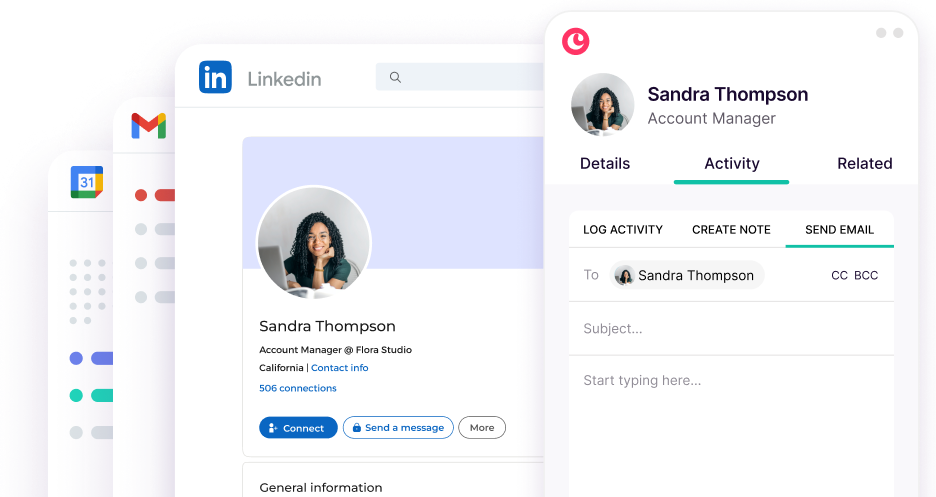
Image source: Copper email automation page
FAQ
Should you book the Copper demo or just start the trial?
Book the Copper demo if more than one person needs to approve the tool or if you want someone to walk your team through the Google Workspace setup. Start the trial first if you are a solo user or small team, because Copper offers a 14-day free trial with no credit card and that is usually enough to see whether the workflow clicks.
Is Copper too small compared with HubSpot or GoHighLevel?
Not if your main goal is a CRM that feels light, usable, and close to Gmail. Copper is smaller in scope than HubSpot and GoHighLevel, but that is part of the appeal for teams that want less setup and fewer moving parts.
Can Copper handle follow-up well enough to replace extra tools?
Sometimes yes, especially on the higher plans where workflow automation, bulk email, templates, and reporting start to matter. If your current stack has separate tools just to send follow-ups, track simple outreach, and keep deals moving, Copper can replace more of that than the low monthly price suggests.
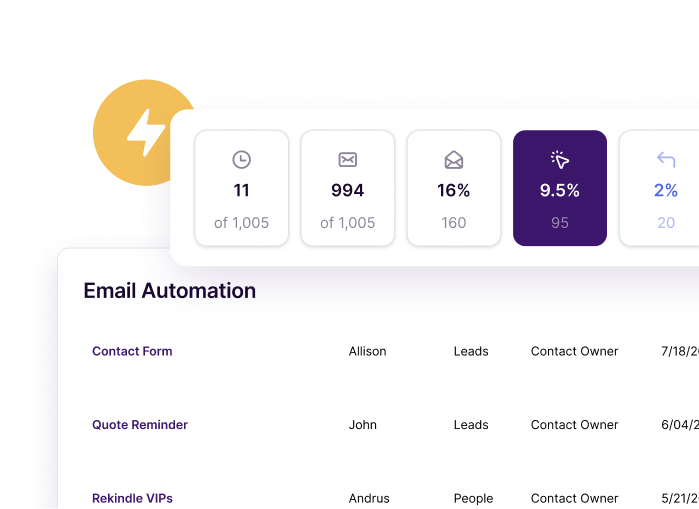
Image source: Copper email automation page
Is Copper worth paying for over a free CRM?
Yes for the right buyer, and no for the wrong one. If you only need a free database, start with a free option, but if you already have leads, customers, and real follow-up happening in Gmail every week, Copper can earn its price by keeping your records, tasks, files, and next steps connected.
Should you start with Copper now?
Start now if your business already runs in Gmail and your current setup feels patched together. That is the cleanest use case for Copper, and it is where the product feels less like software spend and more like a faster way to keep deals, tasks, files, and customer history in sync.
Wait if you are still too early, barely use Google Workspace, or mostly want the cheapest tool possible. Skip it and go broader with GoHighLevel if you want an agency-heavy all-in-one, or go cheaper with Systeme.io if low cost matters more than CRM depth.
For a Google-first team that is tired of manual follow-up and scattered customer context, Copper is absolutely worth a real look. If that sounds like you, the next step is simple: check the trial or book the demo and see whether the workflow feels easier within the first few days.
Check the official free trial Filip Konecny Enterprises