
What you get in the free trial
Most Wispr Flow limitations become obvious once you stop testing it like a toy and start using it for real work. That is why the 14-day Flow Pro trial matters more than the forever-free plan.
The trial gives you Pro access without a card, so you can test the version that actually removes friction. That means unlimited words across Mac, Windows, iPhone, and Android, plus Command Mode for voice editing, prioritized support, and early-access features.
That is a much better setup than a fake demo because it lets you answer the only question that matters: does this save enough time to justify paying for it? For daily writers, that answer usually shows up fast.
Where the limits show up first
The free tier is usable, but it is clearly designed to make you feel the ceiling. On desktop you get 2,000 words per week, on iPhone you get 1,000 words per week, and Android is unlimited during launch only, which is great for now but not something I would treat as permanent.
Some limits still matter even after you upgrade. Desktop recordings stop at 20 minutes, Android dictation sessions stop at 5 minutes, Android still does not have desktop features like snippets, styles, and automatic name/context help, and Privacy Mode is not available on Android right now.
Those are real Wispr Flow limitations, not nitpicks. They will bother some buyers more than others, especially if you want one perfectly identical experience across every device.
The good stuff
Wispr starts to earn its price when you stop thinking of it as basic dictation. It is trying to turn rough speech into sendable writing, which is a lot more useful than getting a raw transcript and cleaning it up yourself.
That difference matters most if you write emails, client replies, prompts, notes, or drafts all day. Built-in voice typing can be fine for quick capture, but Wispr is better when you want cleaner text without a second editing pass.
Snippets are one of the strongest reasons to care about Pro on desktop. If you repeat scheduling links, intros, FAQs, offers, or short scripts, this is the kind of feature that quietly saves time every single day.
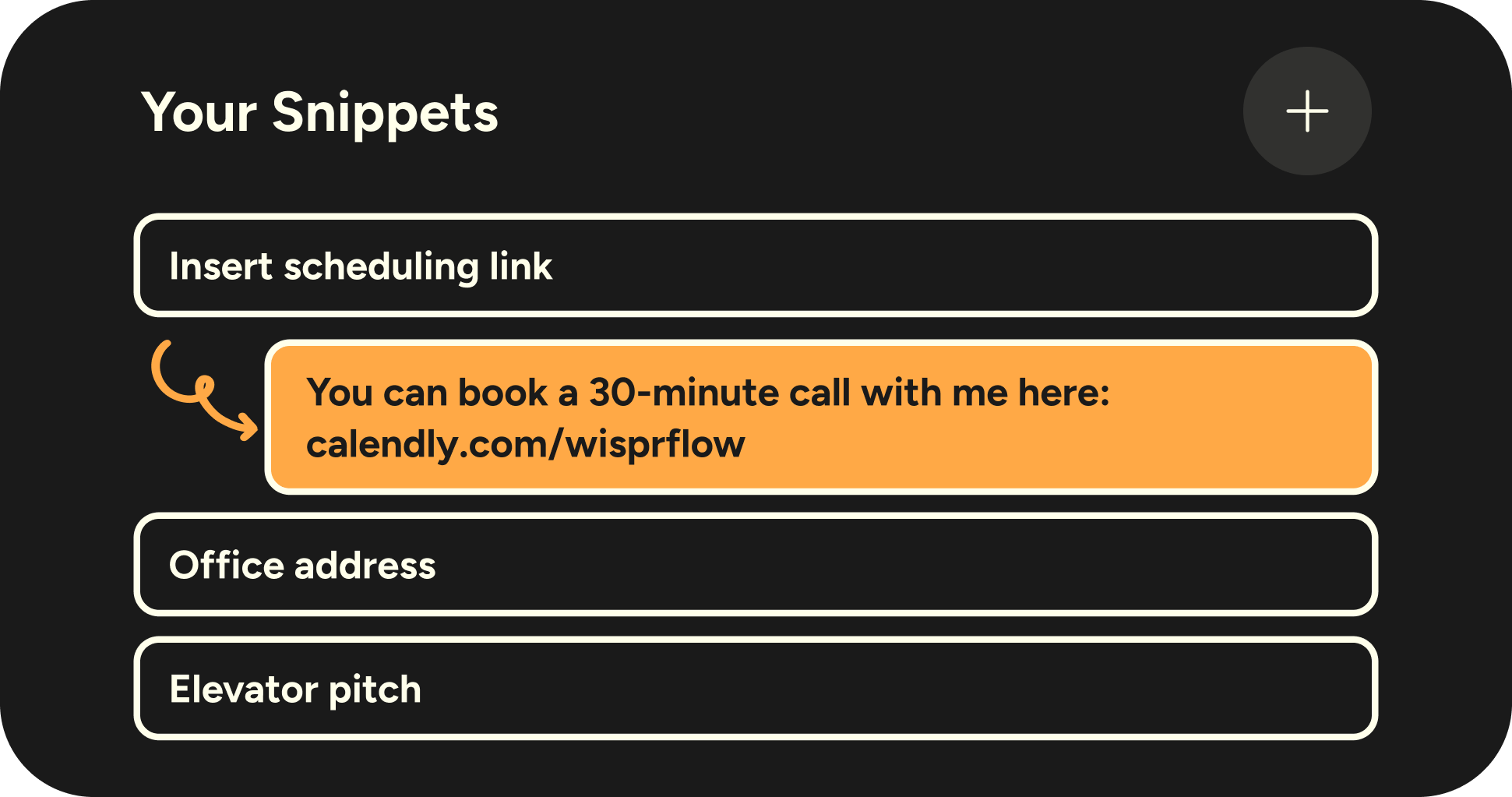
Image source: Wispr Flow snippets post
Style personalization is another feature that makes the app feel more polished than most voice tools. It lets Flow handle punctuation and capitalization differently depending on where you are writing, so a casual message does not come out sounding like a formal email.
That sounds small until you use voice typing across Slack, messages, docs, and email in the same day. Small formatting mismatches are annoying, and Wispr is clearly trying to remove that annoyance instead of making you fix it manually.

Image source: Wispr Flow personalized style post
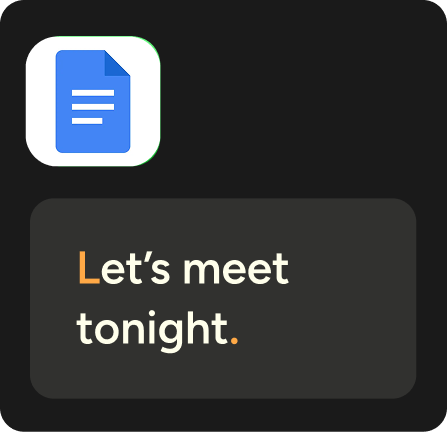
Image source: Wispr Flow personalized style post
The other thing I like is that even the product’s limits tell you what it is built for. This is not a one-time transcription app for long recordings or offline capture, because it still needs internet access and it still has session caps depending on platform.
It is a daily writing tool. If your job already involves a lot of thinking, responding, drafting, and rewriting, Wispr makes more sense than if you only want speech-to-text once in a while.
Pricing and value
Wispr is easy to like and a little harder to justify until you know how often you will use it. The current pricing makes the decision pretty simple once you look at your writing volume.
See current pricingPro is the real decision point. Free is good enough to learn the app, but if you hit the word limit in a few days, that is usually your answer right there.
The annual Pro price looks much better than the monthly price, and the student offer is genuinely strong if you qualify. If you are still unsure, use the free trial first and treat the weekly caps as a signal, not a punishment.
Why getting it now can make sense
Waiting usually means you keep typing around a problem you already know is slowing you down. If you write a lot every day, the cost of delay is not just the subscription you avoided, it is the time you keep burning on drafting and cleanup.
Wispr is not for everyone. If you only dictate a few short notes each week, stay on Basic or skip it for now.
If you already live in email, docs, prompts, tickets, or client replies, this is the kind of software that can feel expensive for one minute and obvious the next. That is exactly why the smartest move for the right buyer is still to check the official free trial and see whether the paid version removes enough friction to justify the switch.
Alternatives worth looking at
Wispr Flow limitations matter most when you compare it to tools you could use instead. That is where the value gets clearer, because some alternatives are cheaper, some are more private, and some are simply easier to ignore because they are already built into your device.
Wispr wins when you want polished text in real apps across Mac, Windows, iPhone, and Android. It loses some ground when your top priority is fully offline dictation, a one-time payment, or sticking with a free built-in option.

Image source: Wispr Flow personalized style page
Check the official free trialChoose Wispr if you want the best balance between smart cleanup, cross-platform coverage, and everyday ease. Choose Apple Dictation or Windows Voice Typing if free matters more than polish, choose Aqua if you want a cheaper desktop subscription, and choose Superwhisper if you want a broader power-user setup with offline options.
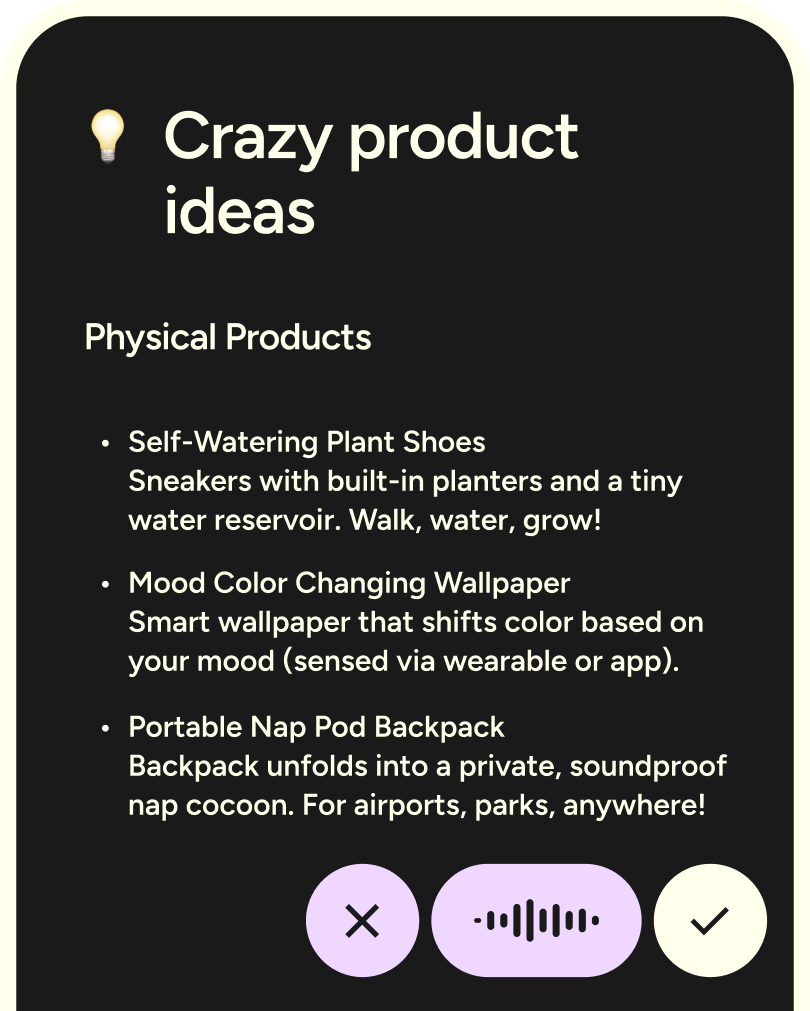
Image source: Wispr Flow Android page
My honest take
Wispr is worth paying for when voice is already part of how you work. If you write emails, prompts, support replies, docs, and messages every day, it gives you back time in a way free dictation usually does not.
The biggest Wispr Flow limitations are easy to name. The free plan is capped, Command Mode is paid or trial-only, Android sessions stop at five minutes, desktop sessions stop at twenty minutes, and Android still does not have dictionary, snippets, or style support.
Those limits do not kill the product, but they do narrow who should buy right now. Heavy mobile-first Android users should know they are buying into a platform that is moving fast but is still less complete there than on desktop.
The other real catch is price creep versus free tools. Paying monthly for dictation sounds unnecessary until you notice how much time basic voice typing wastes on cleanup, punctuation, rephrasing, and fixing names or formatting afterward.
Wispr makes the most sense for people who care about final text quality, not just getting words onto the page. That is why it feels closer to a writing tool than a plain transcription button.
I would skip it for now if you only dictate short notes once in a while. I would also skip it if full offline use is non-negotiable, because Superwhisper is better aligned with that priority.
I would not skip it just because built-in dictation exists. Built-in tools are fine for occasional use, but the manual cleanup tax shows up fast when you rely on voice every day.
Image source: Wispr Flow Android page
FAQ
Is Wispr Flow still worth it if Apple Dictation or Windows Voice Typing is free?
Yes, but only if you use dictation often enough for cleanup time to become annoying. Free options help you enter text, while Wispr is better when you want text that already feels close to send-ready.
Who should wait instead of paying now?
Light users should wait. If you only dictate a few notes each week, the free tier or your built-in device dictation is probably enough for now.
Is Android ready yet?
Android is useful now, but it is not the most complete version of the product. The five-minute session limit, internet requirement, and missing dictionary, snippets, and style tools are the main reasons some buyers should wait for a more mature Android experience.
Should you start with the free plan or the Pro trial?
Start with the Pro trial if you are already close to buying. It answers the real question faster because you can test unlimited usage and Command Mode instead of guessing from a capped experience.
Should you start now?
Start now if typing is already slowing down work you do every day. Wait if voice input is still a nice-to-have, not a real part of your workflow.
For the right buyer, this is absolutely worth trying. Wispr Flow limitations are real, but they do not outweigh the payoff when you want faster writing, better formatting, and fewer passes cleaning up your own dictation.
The simplest next step is to look at the paid plan and test the version that actually shows what the product can do. That gives you a clean yes, a clean no, or a clear signal to wait.
See current pricing Filip Konecny Enterprises