
Agencies waste a stupid amount of time on typing. Client emails, Slack replies, briefs, call follow-ups, CRM notes, internal docs, and prompt-heavy AI work all pile up fast, so a tool like Wispr Flow is only worth paying for if it actually makes that daily writing load easier.
From what is publicly available right now, Wispr Flow looks strong for agencies that live in text all day and want voice dictation that works across apps instead of inside one isolated editor. The pitch is simple: speak naturally, let the software clean it up, and keep moving without breaking your workflow every time you need to reply, document, or draft.
That does not make it an automatic buy. The free plan is clearly a test drive, the serious team value starts on Pro and above, and public feedback is positive overall but not spotless, especially around performance complaints on some setups and the usual privacy questions that come with cloud-based AI dictation.
My quick take
If your agency already spends hours every week writing client-facing messages, internal SOPs, proposals, notes, and AI prompts, Wispr Flow is worth a serious look. The biggest reason is not just speed, but the fact that it works across Mac, Windows, iPhone, and Android while also giving teams shared snippets, shared dictionary terms, and centralized billing on paid plans.
That makes it more interesting than a basic dictation add-on. You are not just paying to talk instead of type; you are paying to reduce repetitive writing, keep brand and client terminology cleaner, and make it easier for the whole team to move faster without constantly fixing rough transcripts afterward.
The strongest signal for agencies is that Wispr is clearly pushing team workflows, not just solo productivity. Its official Clay case study highlights faster GTM execution, which does not guarantee the same result for every agency, but it does show where the product is trying to win: fast-moving teams with a lot of communication overhead.
Check the official free trialThe image below matters if you run an agency with multiple writers, account managers, or operators. Wispr is not only selling solo dictation speed anymore; it is also selling team visibility, which is a much better fit for agencies that need adoption across several people instead of one founder trying a shiny new app alone.
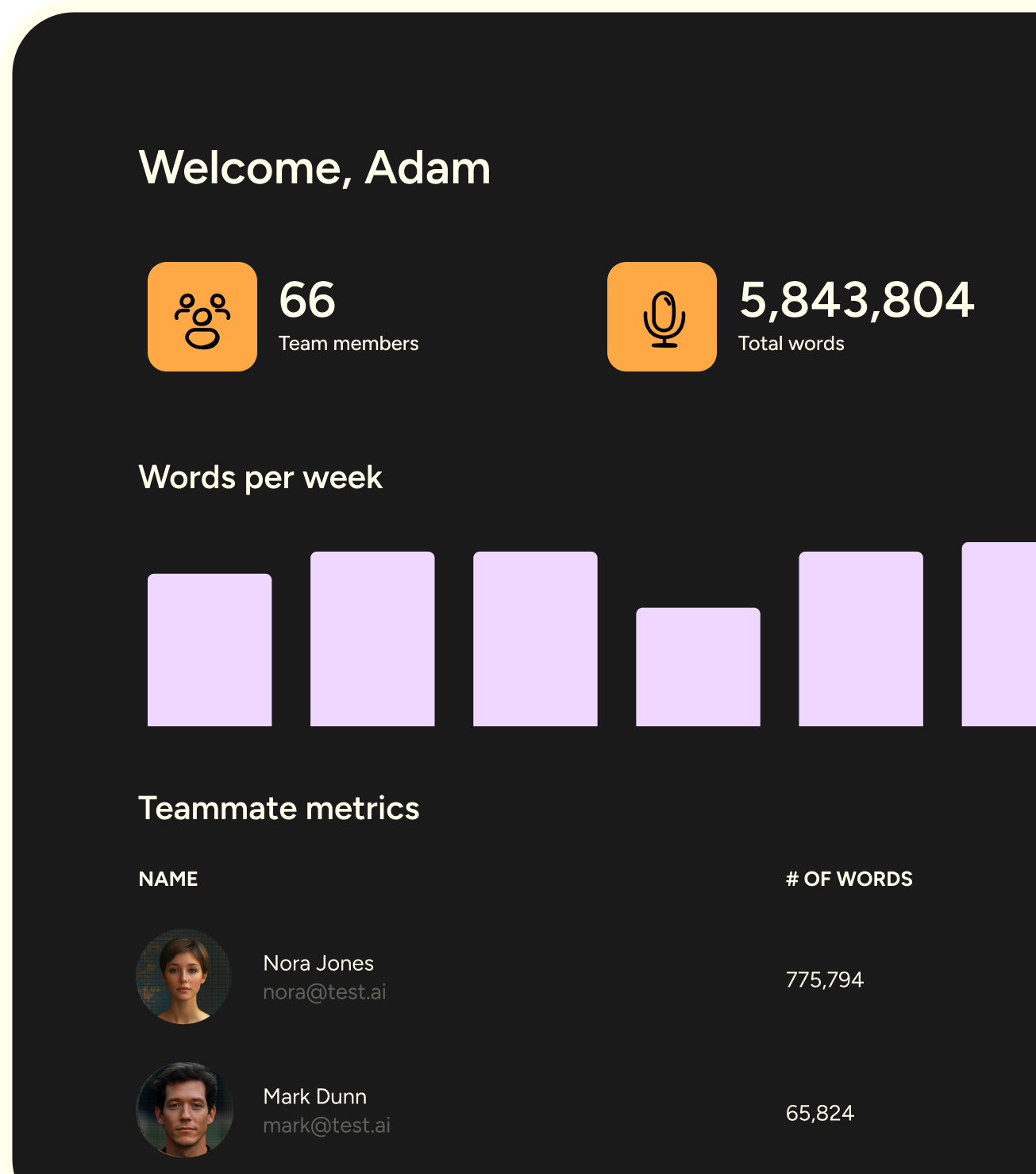
Image source: Wispr Flow business page
Who this looks best for
Wispr Flow looks best for agencies that already have real communication volume. If your team is constantly writing client updates, revising copy, logging call notes, answering support requests, building prompts, and jumping between apps all day, the time savings can become easier to justify pretty quickly.
It looks weaker for tiny agencies that barely collaborate, freelancers who mostly work alone, or teams that want a one-time-purchase dictation app with no ongoing subscription. It also looks like the wrong fit for anyone who is extremely sensitive about cloud AI tools and wants the simplest, cheapest setup possible.
My early read is simple: this is probably not overkill for an agency that is already busy, but it may be too much for people who are still experimenting with basic workflow habits. If you already know typing is slowing your team down, the trial is easier to justify now than six months from now when the same bottleneck is still sitting there.
Article outline
This review is structured to answer one thing: should an agency actually pay for Wispr Flow, wait, or skip it. I am breaking it into three clean parts so you can jump straight to the section that matches how close you are to buying.
- My quick take gives you the fast answer on whether Wispr Flow even deserves your attention.
- What you get, the good stuff, pricing and value, and why agencies buy it will cover the core decision points.
- Alternatives, final verdict, and FAQ will help you decide whether to start the trial now, wait until your team is more ready, or choose something cheaper.
The next section gets into what you actually get once you install it, because that is where Wispr Flow either starts to feel like a smart agency buy or just another tool your team forgets about after a week.
What you get in the trial
Wispr Flow starts the right way. You get a 14-day Pro trial with no card required, which is long enough for an agency to test it in the places that actually matter: client email, Slack, proposal writing, meeting notes, CRM updates, and AI prompting.
That matters because a lot of productivity tools look good for ten minutes and then fall apart once real work starts. Wispr gives you the paid experience first, so you can see whether the speed bump is real before you spend anything.
The trial is also easier to justify for a team than a solo founder test. Wispr’s current team setup lets invited teammates start their own trial too, so you can figure out pretty quickly whether this becomes a shared habit or just another app one person likes and everyone else ignores.

Image source: Wispr Flow
The part most agencies will care about is what happens after the trial ends. The free plan is usable for light testing, but it is not enough for a team that writes all day, because the official limits are 2,000 desktop words per week and 1,000 iPhone words per week before you need to move up.
Check the official free trialThe good stuff
The biggest win is simple. Wispr Flow is not asking your team to move into one new editor or one weird workspace; it sits on top of the tools you already use and speeds up the writing layer inside them.
That is a better fit for agencies than a locked-in writing app. Your team already lives in Gmail, Slack, docs, Notion, project tools, CRMs, and AI tabs, so a voice tool that follows you there is much easier to keep using after the novelty wears off.

Image source: Wispr Flow
The second win is that Pro is not just “more words.” It adds the team pieces that make agency use believable, especially shared dictionary terms and shared snippets for things your team repeats constantly, like calendar links, intros, disclaimers, and client FAQs.
That saves more time than people expect. If your team repeats the same polished chunks of text all day, speaking a cue instead of retyping or copy-pasting it over and over is exactly the kind of small workflow gain that adds up fast across multiple accounts.
Command Mode also makes the paid tier feel more complete. Basic dictation is helpful on its own, but paid editing commands are where the product starts to feel less like speech-to-text and more like a real writing shortcut.

Image source: Wispr Flow
The team dashboard is another real agency feature, not fluff. Admins can see adoption and usage without exposing private dictation content, which matters if you are rolling this out across account managers, sales reps, or support staff and want to know whether people are actually using it.
Image source: Wispr Flow
The main catch is that mobile feature parity is not perfect yet. Android currently gets the core dictation experience, but some desktop features like Dictionary, Snippets, Styles, and spell-name support are still rolling out there, so agencies that work heavily from phones should test that part carefully during the trial.
Pricing and value
Pro is the plan most agencies should judge this on. At $12 per user on annual billing or $15 month to month, Wispr Flow is not cheap compared with a bare-bones dictation app, but it is also doing more than basic transcription.
The value gets easier to see when the team is already busy. If one person uses it to save a few minutes here and there, the price can feel optional, but if several people are using it for email, notes, prompts, internal updates, and repeat client text, the subscription starts looking a lot smaller than the typing time it replaces.
This is also not trying to replace your whole agency stack. If you want an all-in-one system for CRM, pipelines, automations, forms, calendars, and white-label agency workflows, GoHighLevel is the broader buy, but it is a much heavier commitment and a different category of tool.
If your need is narrower, like scheduling and publishing social content, Buffer is simpler and cheaper for that job. Buffer will not help your team dictate polished client emails, rewrite Slack replies on the fly, or turn spoken thoughts into usable text across all the random places agency work happens.
That is why Wispr Flow lands in an interesting middle spot. It does not replace your CRM, and it is not the cheapest writing tool, but it can remove a daily bottleneck that almost every agency has and almost nobody tracks properly: the amount of time lost to typing, rewriting, and repeating the same things all day.
Why agencies end up buying this
Agencies buy Wispr Flow when they realize speed is not the only benefit. Cleaner communication, faster handoffs, quicker AI prompting, and less friction around repetitive writing all help the team move faster without changing the whole tech stack.
That is why waiting too long can be its own cost. If your team already knows typing is slowing down client response times, proposal turnaround, or internal follow-up, doing nothing usually means the same drag keeps eating hours every week while everyone pretends it is normal.
For the right agency, this is absolutely worth trying now. If your team is already writing at high volume, the trial gives you a clean way to prove whether Wispr Flow becomes a real habit, and if it does, Pro is the plan where the product starts earning its price.
Alternatives that make sense
Wispr Flow for agencies is a smart buy when typing is the bottleneck. If your real problem is something else, like social scheduling, funnels, or client CRM, a different tool will solve more of the mess for the money.
That is why the comparison matters. You do not need the “best software” in general; you need the one that fixes the bottleneck that is slowing your agency down right now.
Check the official free trialChoose Wispr Flow if writing volume is what is dragging your team down. Choose a cheaper option like Buffer or Systeme.io when your real need is publishing or simple funnel infrastructure, and choose GoHighLevel when you want a broader agency machine instead of a writing-speed tool.
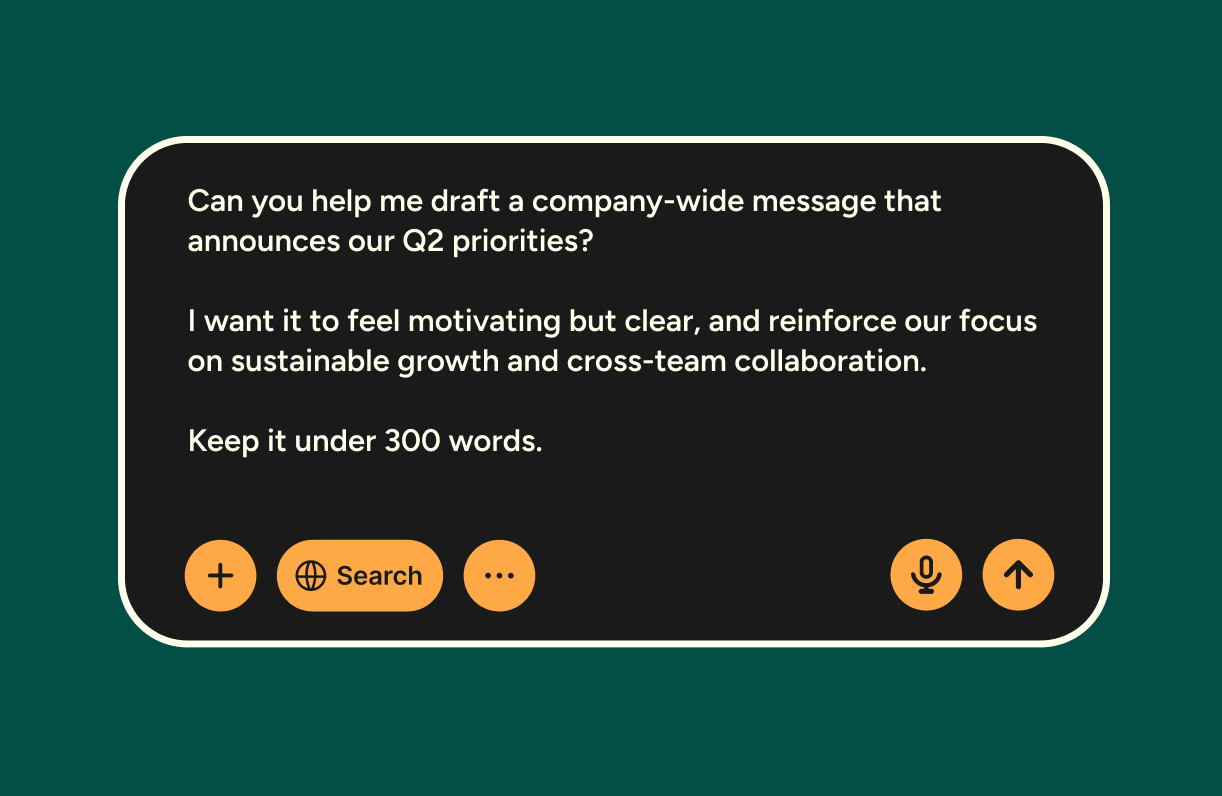
Image source: Wispr Flow
That image shows why Wispr can beat broader tools for the right agency. If your team keeps jumping into AI tools, docs, and client communication all day, the win is not another dashboard; the win is being able to speak your thoughts cleanly anywhere you already work.
My honest take
Wispr Flow for agencies is worth trying now if your team already writes at a high volume. That is the key filter, because the product earns its price through repeated daily use, not through one big “wow” feature you touch once a week.
Agencies that will get the most value are the ones buried in client replies, Slack threads, meeting notes, briefs, internal handoffs, and AI-assisted writing. Those teams usually do not need another giant platform first; they need to stop losing time to typing the same ideas over and over.
Here is the catch. If your agency is tiny, your communication load is light, or your real pain is client CRM and automation, Wispr may feel like a nice extra instead of an obvious buy.
For the right buyer, though, this is a strong recommendation. A 14-day Pro trial with no card required is enough to see whether your team actually sticks with it, and if they do, paying for Pro is a pretty easy next step.
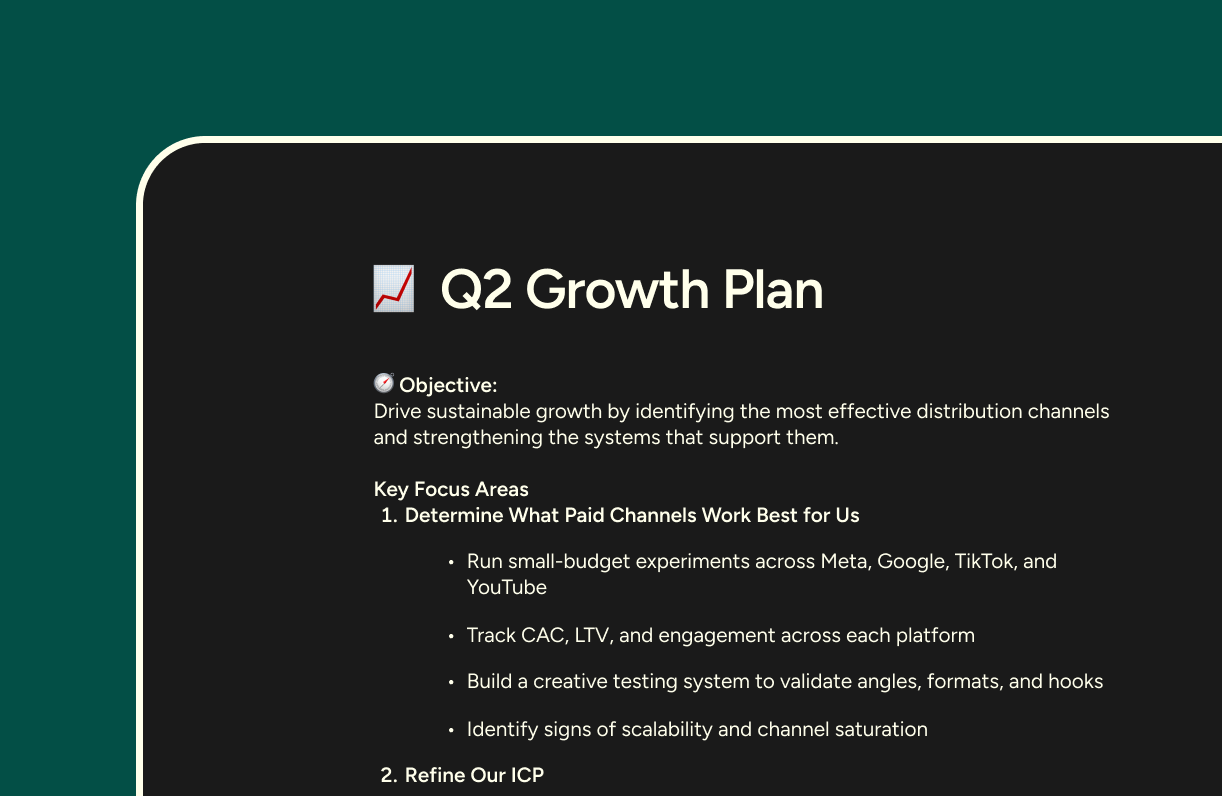
Image source: Wispr Flow
That is the kind of use case where the tool starts to make real sense. If your team turns spoken ideas into plans, briefs, proposals, recaps, and internal docs all week, delaying the purchase usually just means you keep paying the hidden tax of slow writing.
FAQ
Is this too much for a small agency?
Sometimes, yes. If you are solo or have a tiny team and you are not writing that much each day, the free plan may be enough for a while or a cheaper tool like Systeme.io might be the better next buy if infrastructure matters more than voice speed.
Does Wispr Flow replace other agency tools?
No, and that is important to understand before buying. It replaces a lot of manual typing, cleanup, and repeated text work, but it does not replace a CRM, social scheduler, funnel builder, or client portal.
Can my team actually use it on mobile?
Yes, but you should test the mobile side during the trial instead of assuming it will match desktop perfectly. Android is especially useful because the floating bubble works across apps, but some advanced desktop features are still catching up there.
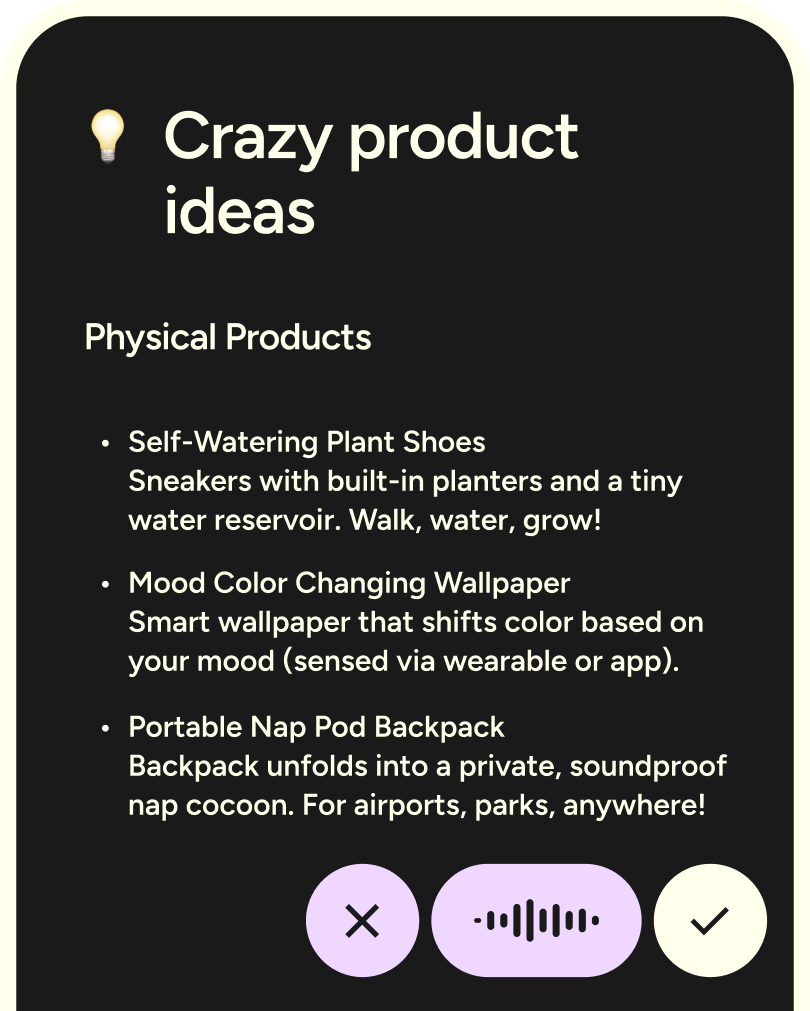
Image source: Wispr Flow
That is why the safest move is simple. Run the free trial, test it in the exact places your team writes the most, and make the decision off real workflow fit instead of guessing.
Should you start now?
Start now if your agency already has the work volume to justify it. Wait if you are still at the stage where you barely have repeatable processes and your team is not yet spending enough time writing for the savings to matter.
Most agencies do not need more time to think about the problem. They need to see whether speaking instead of typing makes the day easier, and Wispr Flow’s current trial makes that a low-risk test.
Get started with Wispr Flow Filip Konecny Enterprises