
If you’re looking into Wispr Flow AI editing, you probably do not need another generic speech-to-text explainer. You want to know whether this tool actually saves time, whether the editing is good enough to trust, and whether paying for it makes more sense than sticking with free dictation inside the apps you already use.
Wispr Flow is trying to be more than a basic voice keyboard. The pitch is that you speak naturally, it cleans up filler words, formats your writing, adapts to different apps, and on Pro gives you Command Mode so you can edit with your voice instead of stopping to fix everything by hand.
That sounds great on paper, but it is not automatically a smart buy for everyone. If you write a lot across email, docs, chat, prompts, and mobile, this can look genuinely useful fast; if you only need occasional free dictation in one app, Wispr Flow may feel like paying for polish you will barely use.
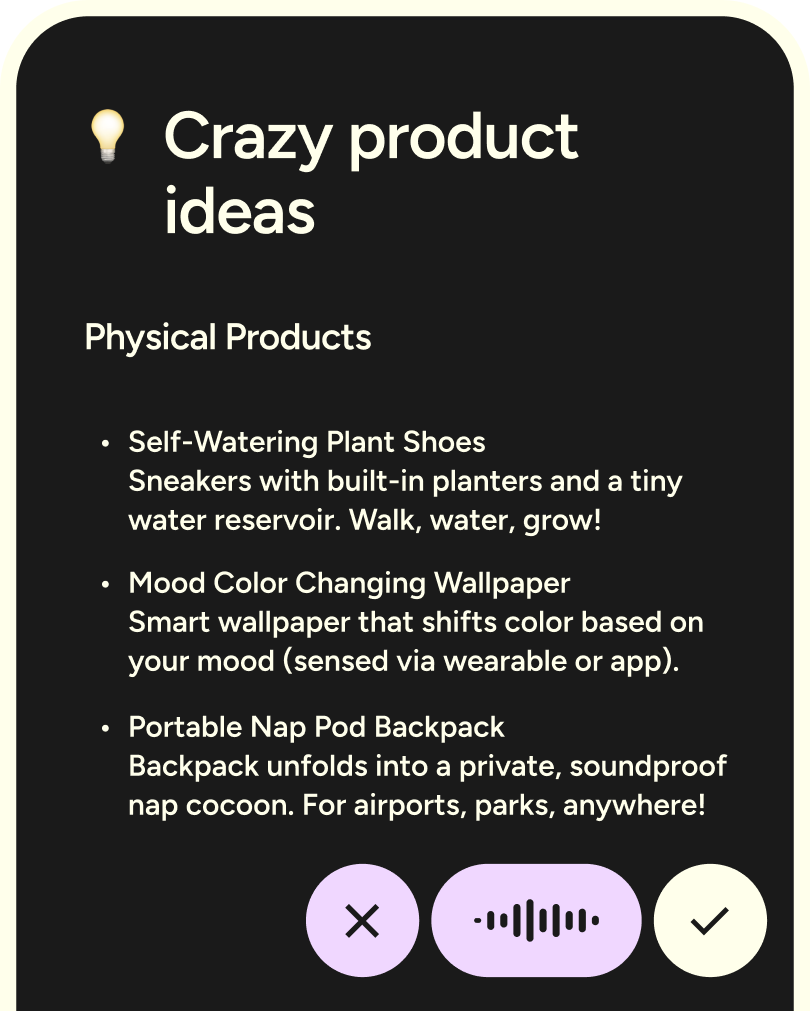
Image source: Wispr Flow homepage
Wispr Flow at a glance
You do not need the full review to get the basic decision. Wispr Flow looks strongest for people who want cross-app dictation with built-in cleanup, and it looks weakest for people who only need a free occasional voice tool.
The free trial matters here because the whole promise lives or dies on feel. If Wispr Flow makes your messages, notes, prompts, and drafts noticeably easier within a couple of real workdays, the price becomes easier to justify; if it still feels like you are babysitting the output, you will know quickly.
Check the official free trialArticle outline
This review is built to help you make a buying decision, not just admire a feature list. Start where your biggest hesitation is strongest, then jump straight to the section that answers it.
Start with the product itself
- What you get in the free trial so you can tell whether Wispr gives you enough room to test real work instead of five minutes of novelty.
- The good stuff to see where the AI editing actually helps, where it saves manual cleanup, and why some people end up using voice far more once the friction drops.
Then check the cost
- Pricing and value so you can judge whether Pro earns its price or whether a cheaper tool you are already considering makes more sense.
- Why you might want to start now if your current writing setup already feels slow, messy, or too manual to keep tolerating.
Finish with the final call
- Alternatives to Wispr Flow so you can see when another option is cheaper, broader, or simply a better fit for the way you work.
- My final take for the simple answer on whether Wispr Flow is worth trying now, worth waiting on, or easy to skip.
- FAQ for the leftover objections that usually stop people right before they decide.
Jump to pricing and alternatives first if cost is your main issue. Start with the free trial and the good stuff first if you already like the idea of voice dictation and mainly want to know whether Wispr Flow’s editing is good enough to replace more of your typing.
What you get in the free trial
Wispr Flow makes a smart first impression because the official pricing page gives every new account 14 days of Flow Pro with no credit card required. That matters because this is the kind of tool you need to test in your real workflow, not in a fake five-minute demo.
The trial is generous enough to answer the only question that matters: do you actually write more, faster, and with less cleanup once voice becomes the default? If the answer is yes after a few workdays, the paid plan starts feeling a lot less like a random software bill.
- You start on Pro, not a watered-down free teaser.
- The paid plan includes unlimited words across Mac, Windows, iPhone, and Android.
- It also includes Command Mode, which lets you edit selected text with your voice instead of fixing everything manually.
- If you do nothing after the trial, the free plan still gives you 2,000 words per week on Mac or Windows, 1,000 words per week on iPhone, and unlimited Android dictation during launch.
That last part is important. Wispr is not forcing you to pay before you know whether the editing and dictation feel better than the voice tools already built into your phone or computer.
Image source: Wispr Flow homepage
The free plan is enough to keep testing casually, but the real point of the trial is to see whether Pro changes your behavior. If you start reaching for voice in email, docs, notes, and prompts without thinking about it, that is usually the signal that the tool is doing its job.
The good stuff
Wispr Flow gets interesting when you stop thinking of it as plain speech-to-text. The product is stronger than built-in dictation because the features page and Android page both lean into cleanup, formatting, self-corrections, and filler-word removal while you speak.
That is the payoff. You are not just replacing typing with talking; you are also replacing a chunk of the annoying edit pass that usually comes right after.
The editing is the real upgrade
Most free dictation tools are fine when you need rough text fast. Wispr Flow AI editing is more appealing because it is trying to give you text that already sounds usable, which is exactly what makes voice more practical for messages, emails, notes, and prompts.
That is where the product starts to earn attention. The tool can handle punctuation, numbered lists, filler removal, and self-corrections while you are still talking, so you spend less time cleaning up the mess you just created.
Image source: Wispr Flow Android page
Command Mode pushes that even further. The official Command Mode guide positions it as a paid feature for Mac and Windows, letting you highlight text and tell Flow to rewrite, shorten, translate, or transform it without opening another tool.
That is a meaningful difference from ordinary dictation. If you already bounce between writing and editing all day, voice editing makes the paid plan far easier to justify than voice transcription alone.
It works best when you write in lots of places
Wispr looks strongest for people whose day is scattered across apps. The feature set is built around writing anywhere there is a text field, and that cross-app pitch matters more than it sounds at first.
If your work lives in Gmail, docs, notes, chat, AI tools, and mobile messages, you do not want to keep switching between separate dictation apps. A tool that stays usable across all of those places has a much better shot at becoming part of your daily workflow instead of something you forget you installed.
Image source: Wispr Flow Android page
There is a catch. Some of the more advanced desktop extras are not fully on Android yet, and the Android page says features like Dictionary, Snippets, Styles, and Spell Names Right are still desktop-first right now.
That does not kill the value, but it does matter. If mobile is your entire use case, Wispr is promising more of a growing system than a fully identical desktop replacement.
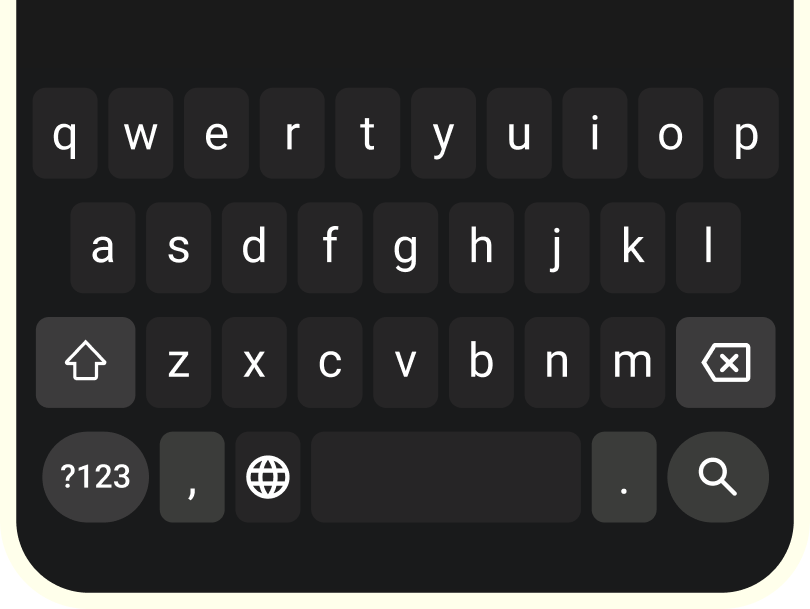
Image source: Wispr Flow homepage
Pricing and value
Wispr Flow is not expensive for the right user, but it is absolutely expensive for the wrong one. The current pricing puts Pro at $15 per month or $12 per month billed annually, while the student plan gives eligible users 3 months free, then $6 per month billed annually.
That makes the value conversation pretty simple. If you only dictate once in a while, stick with free tools; if you are writing constantly and hate cleaning up rough dictation, Pro starts making sense fast.
See current pricingHere is the blunt version. Free built-in dictation is cheaper because it costs nothing, but it also leaves more cleanup on your plate; Wispr becomes worth paying for when the cleanup is the part you are sick of doing yourself.
The student offer is the easiest yes in the whole lineup. The full-price Pro plan needs more conviction, but if you already write all day, it is still a reasonable buy instead of an impulse purchase you regret later.
Why you might want to start now
Waiting makes sense if you are curious but not ready to use voice as a real habit. Waiting does not make much sense if you already know your workday is full of messages, drafts, notes, follow-ups, and prompts that keep getting slowed down by typing and cleanup.
That is where Wispr Flow AI editing has the clearest payoff. The longer you keep doing all of that manually, the longer you keep spending time on work that software can already shrink for you.
Start the trial now if you write a lot, bounce across apps, and want polished text instead of raw transcription. Wait if you are still unsure you will use voice consistently, and skip it for now if basic free dictation already covers almost everything you do.
For the right buyer, this is absolutely worth trying. The free trial removes most of the risk, and the product does enough beyond plain dictation to justify a serious look.
Check the official free trialAlternatives to Wispr Flow
Wispr Flow is not the only way to do AI voice dictation, and that is good news for you. A review is more useful when it tells you where this tool wins, where a cheaper option is enough, and where a different product is the smarter buy.
Wispr Flow AI editing looks best when you want voice dictation plus cleanup, formatting, and voice-based editing across multiple devices. If you mainly want free dictation, stronger local privacy, or a built-in option that costs nothing, there are real alternatives worth considering.
Image source: Wispr Flow
Check the official free trialChoose Wispr Flow if you want the most balanced mix of cleanup, editing, mobile access, and cross-app convenience. Choose Apple Dictation or Windows Voice Typing if price is your whole decision, and choose Superwhisper if local processing is the non-negotiable feature that matters most to you.
Image source: Wispr Flow
My final take
Wispr Flow is a strong buy for the right person, and the right person is not hard to spot. If you write a lot, switch between phone and desktop, and want your dictation to come out cleaner than basic voice typing, this is absolutely worth trying.
The paid plan makes less sense for light users. If you only dictate a few notes here and there, free built-in tools will probably cover enough of your needs that Pro starts looking unnecessary.
The real reason to pay is not transcription alone. Wispr Flow AI editing is more useful because it helps with the annoying second step too, which is fixing phrasing, punctuation, filler words, and rough drafts after you speak.
That is why the trial matters. You will know pretty quickly whether the product saves you real time or whether you are still doing too much manual cleanup for the price to make sense.
Start the trial now if you already have a writing-heavy day and want to move faster. Wait if voice is still an occasional novelty for you, and skip it for now if free dictation already feels good enough.
Image source: Wispr Flow
FAQ
Is Wispr Flow better than built-in dictation?
It can be, but only if you care about more than getting raw words onto the screen. Built-in dictation is cheaper and simpler, while Wispr Flow is better when you want cleanup, formatting, editing, and a smoother cross-device experience.
Is Wispr Flow worth paying for?
It is worth paying for when voice is becoming part of your everyday writing instead of a once-in-a-while shortcut. If you write emails, docs, notes, prompts, and replies every day, Pro has a much easier time earning its price.
Does Wispr Flow work on phone and desktop?
Yes, and that is one of the main reasons it stands out. The product supports Mac, Windows, iPhone, and Android, which gives it a wider everyday use case than tools that feel great on one device and awkward everywhere else.
Image source: Wispr Flow
Is Privacy Mode enough for sensitive writing?
Wispr gives you a much better answer here than many casual AI tools because Privacy Mode is designed for zero data retention. Privacy-first buyers who want everything processed locally may still lean toward Superwhisper, but Wispr is not weak on privacy by normal SaaS standards.
Should beginners try it now or wait?
Beginners should try it now if they already know they hate typing and want to speak through a big chunk of their work. Beginners who are only curious should use the free tier or stick with built-in dictation first, then pay later if the habit actually sticks.
For the right buyer, this is a smart next step instead of another random app download. The trial is long enough to make a real decision, and that makes Wispr Flow much easier to recommend than tools that ask you to pay before you know whether the habit will last.
Get started with Wispr Flow Filip Konecny Enterprises