

If you searched for a Buffer discount, you are probably already half interested in the tool. The real question is not whether you can shave a few dollars off, but whether Buffer gives you enough value to justify paying at all.
That matters because Buffer is not the cheapest social media tool once you start adding channels. It is, however, one of the cleaner and easier options if you want to schedule content, keep up with comments, and stop managing your social posts like a messy side project.
My take after digging through Buffer’s current pricing, feature pages, and help docs is simple: Buffer is a smart buy for solo creators, small businesses, and lean teams that want something straightforward. If you need a giant enterprise stack or the absolute lowest cost per profile, you should keep reading before you click anything.
Article outline
- Quick verdict
- What you get in the free trial
- The good stuff
- Pricing and value
- Why you may want to buy now
- Alternatives worth looking at
- Final verdict
- FAQ
Quick verdict
Buffer discount hunting makes the most sense when you already know what kind of buyer you are. If you want an easy tool that helps you publish consistently without dragging you into a bloated dashboard, Buffer is one of the better options on the market right now.
The main discount most people will care about is annual billing, since Buffer currently prices Essentials at $5 per channel per month when billed yearly and Team at $10 per channel per month when billed yearly, with both annual options shown as saving two months compared with monthly billing. Nonprofits also get a much deeper deal, with Buffer promoting a 50% discount across products and plans for qualifying organizations.
That sounds good, but the real selling point is not the discount itself. Buffer earns attention because the platform is easy to understand, includes a free plan, gives you a 14-day trial of the paid toolkit, and covers the basic workflow most smaller teams actually need: create, schedule, publish, reply, and review performance.

Image source: Buffer homepage
See current pricingBuffer is not trying to be everything. That is part of the appeal. Plenty of social media tools pile on more dashboards, more enterprise language, and more complexity than smaller teams will ever use, while Buffer stays focused on publishing, engagement, analytics, collaboration, and a few helpful extras like Start Page and AI assistance.
That focus makes the product easier to judge. If your goal is to stay consistent, manage several channels from one place, and avoid patching together separate scheduling and reporting tools, Buffer has a strong case.
It is also a more believable buy when you look at the entry path. You can start on the free plan, test the paid setup with the trial, and then decide whether annual billing gives you enough savings to commit.
You probably should not buy Buffer just because there is a discount. You should buy it if the platform saves you enough time, reduces enough chaos, and replaces enough manual posting that the yearly savings become a bonus rather than the whole reason.
The next part is where the decision gets easier. I’ll break down what you actually get in the trial, which features make Buffer worth paying for, and where the pricing starts to feel fair or a little too expensive depending on how many channels you manage.
What you get in the free trial
Buffer’s one-time 14-day trial is enough to answer the only question that matters: will the paid features save you enough time to justify paying? You can start the trial from the pricing page, and Buffer says that if you do not add payment details, the account can roll back to the Free plan when the trial ends.
That matters because the free version is not useless filler. Buffer’s Free plan already gives you up to 3 channels, 10 scheduled posts per channel, 100 ideas, 1 user account, AI Assistant, basic analytics, and a community inbox, so the trial is really about testing the extras that make the paid plans feel more serious.
Paid access is where you get the stronger value signals: more advanced analytics, first comment scheduling, hashtag management, and better collaboration depending on plan. If you want to see whether those upgrades are worth real money for your workflow, check the official free trial instead of guessing.
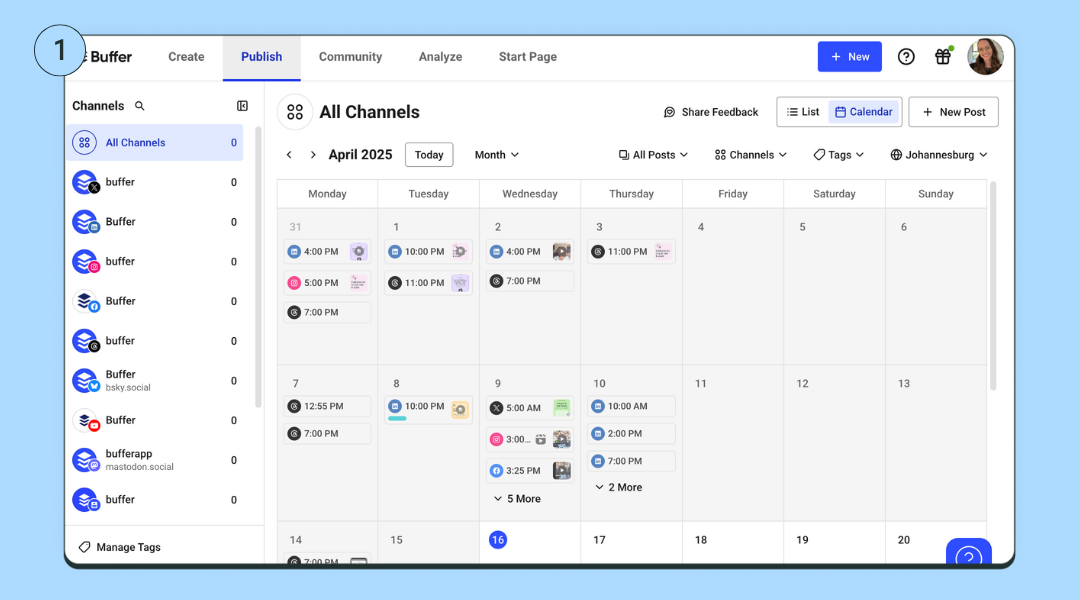
Image source: Buffer guide to scheduling Facebook posts
The trial also makes Buffer easy to judge quickly because the setup is not complicated. Connect a few channels, add a week or two of posts, look at the calendar, test the inbox, and you will know pretty fast whether the product feels light and helpful or just like another tab you will ignore.
Beginners usually do not need to rush into a paid plan on day one. If you only manage a few profiles and the 10-post queue limit does not bother you yet, the free plan can hold up longer than most people expect.
The good stuff
Buffer is easiest to like when your current social workflow feels messy. It gives you one place to plan content, queue posts, tweak them for each network, reply to comments, and check performance without bouncing between a bunch of tools.
That is the real payoff. You are not just paying for scheduling, you are paying to stop doing social media in a scattered, annoying way.
- It is easy to learn. Buffer feels lighter than a lot of social suites, which is a big deal if you do not want to spend a week learning menus.
- It covers the basics well. Publishing, a visual calendar, basic engagement, analytics, ideas, and AI support are all built into the same workflow.
- It supports a wide spread of channels. Buffer currently supports 11 social platforms, which is plenty for most creators and small teams.
- It does enough without pretending to be everything. That makes it easier to recommend to normal businesses that mainly want to stay consistent and organized.
The composer is one of the better examples of why Buffer works. You can build a post once, customize it for each network, preview it, and schedule it without turning a simple task into a project.
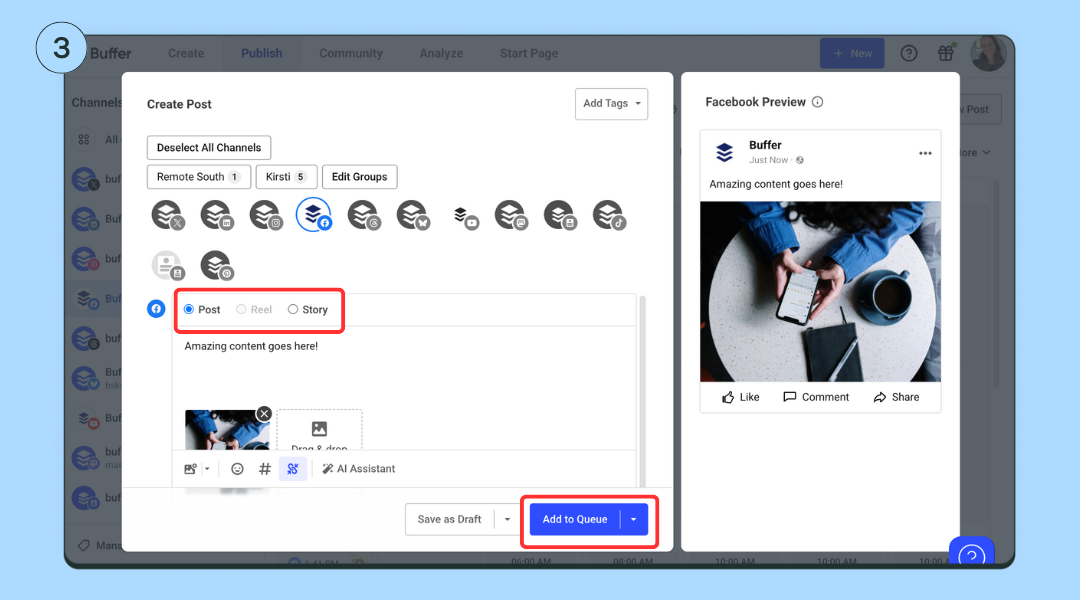
Image source: Buffer guide to scheduling Facebook posts
Buffer also deserves credit for not making paid plans feel confusing. Essentials is the solo-user plan with the features most active creators and small brands actually want, while Team adds unlimited team members, access levels, and approval workflows for businesses that need a real approval process.
Here is the catch. Buffer will not replace a CRM, deep social listening software, serious ad management, or a full customer support platform, so if that is what you need, Buffer will feel too narrow.
That narrowness is a strength for the right buyer and a limit for the wrong one. If you want a clean social media workspace, Buffer looks smart; if you want a giant all-in-one operating system, you will hit the edges.
Pricing and value
The best Buffer discount for most buyers is annual billing. Buffer says annual plans are 20% cheaper, and the pricing page currently shows Essentials at $5 per channel per month billed yearly and Team at $10 per channel per month billed yearly, with both plans saving two months versus monthly billing.
That is a solid discount, but it is not a magic bargain. Buffer charges by channel, so the price stays friendly for a small setup and gets more noticeable as you stack more accounts.
See current pricingEssentials is the sweet spot for most people who are searching for a Buffer discount. It is cheap enough to feel reasonable, but strong enough to solve the limits that usually make the free plan start feeling cramped.
Buffer also compares well against a couple of affiliate-friendly options, which helps clarify who should buy. Flick Social can be cheaper if you mainly care about creator-friendly planning, caption help, and lighter scheduling, while GoHighLevel starts far higher and makes more sense when you also need CRM, funnels, booking, email, SMS, and heavier automations.
That makes Buffer easy to position. It is not the cheapest lightweight option and it is nowhere near the broadest business platform, but it is one of the cleanest middle-ground buys if your main pain is social media management itself.
Why you may want to buy now
Buffer becomes worth paying for once manual posting starts slowing you down. If you are juggling native apps, reminders, drafts in random docs, and a separate link-in-bio page, Buffer can replace enough clutter that the price starts to feel fair fast.
That does not mean you should force the upgrade too early. If you are barely posting and still figuring out what content even works, stay on the free plan until the limits annoy you or until you need better reporting.
Buying earlier makes more sense when you already have content to publish and a system you want to tighten up. Waiting too long usually means you keep doing social the slow way even after you already know the slow way is the problem.
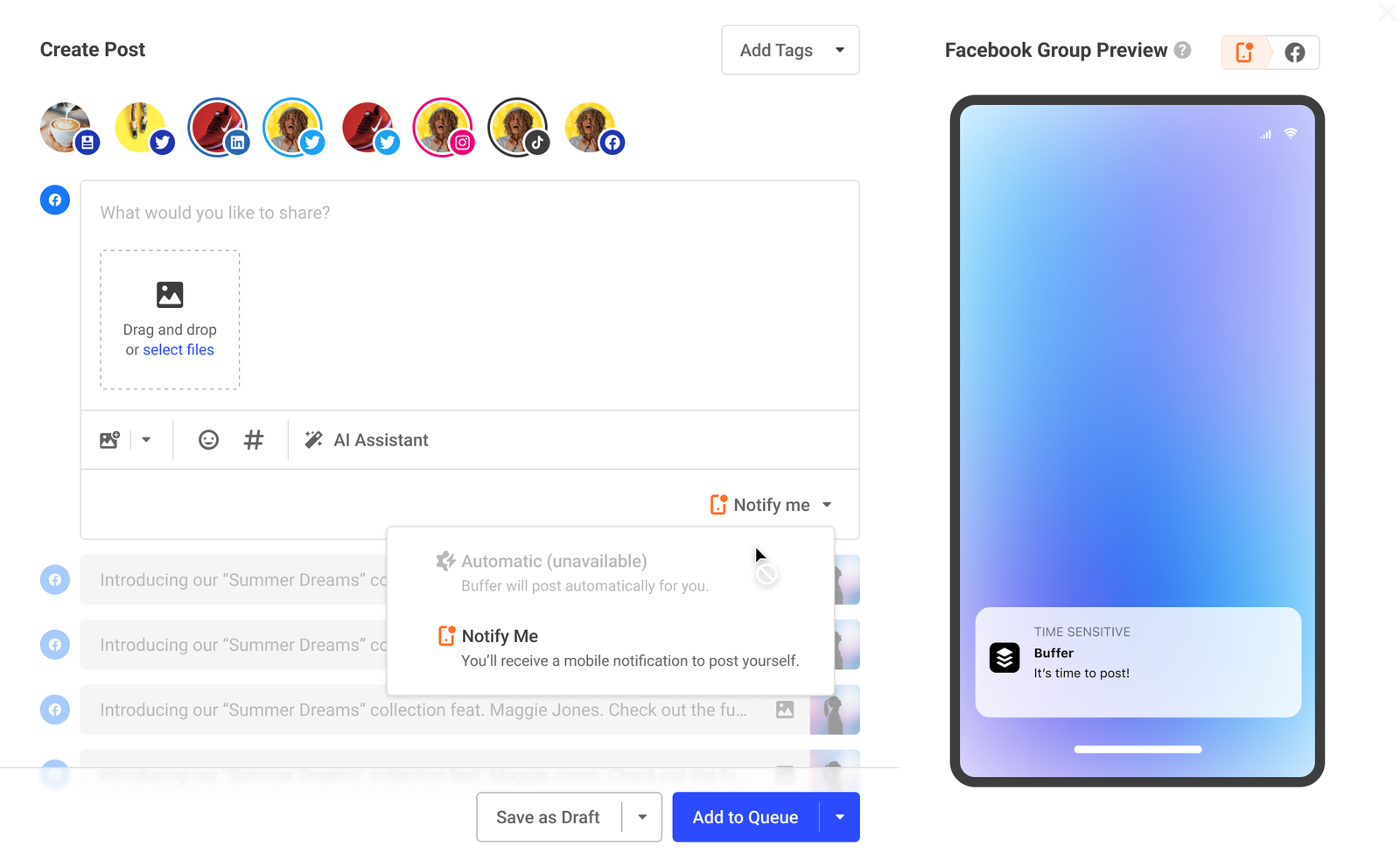
Image source: Buffer guide to Facebook Group scheduling
This screenshot also shows something useful about Buffer’s value. When a platform does not allow perfect auto-publishing, Buffer still gives you a clean notification-based fallback, which is a lot better than discovering platform limits after you have already built your whole workflow around them.
My honest take is simple. For the right buyer, the Buffer discount is nice, but the real reason to pay is that Buffer makes staying consistent feel much easier than doing it manually.
If you already post often enough to care about queue limits, reporting, first-comment workflows, or approvals, Buffer is very close to the point where it stops feeling optional. At that stage, checking the paid plans is the smart next step.
Alternatives worth looking at
Buffer is a strong fit when you want social media management without dragging in a giant system you may never fully use. It gets shakier when you want a cheaper creator-first option or a much broader tool that also handles leads, funnels, and follow-up.
That is why the most useful comparison is not Buffer vs every social tool on earth. It is Buffer vs one lighter option and one broader all-in-one option, because that is where most real buyers get stuck.
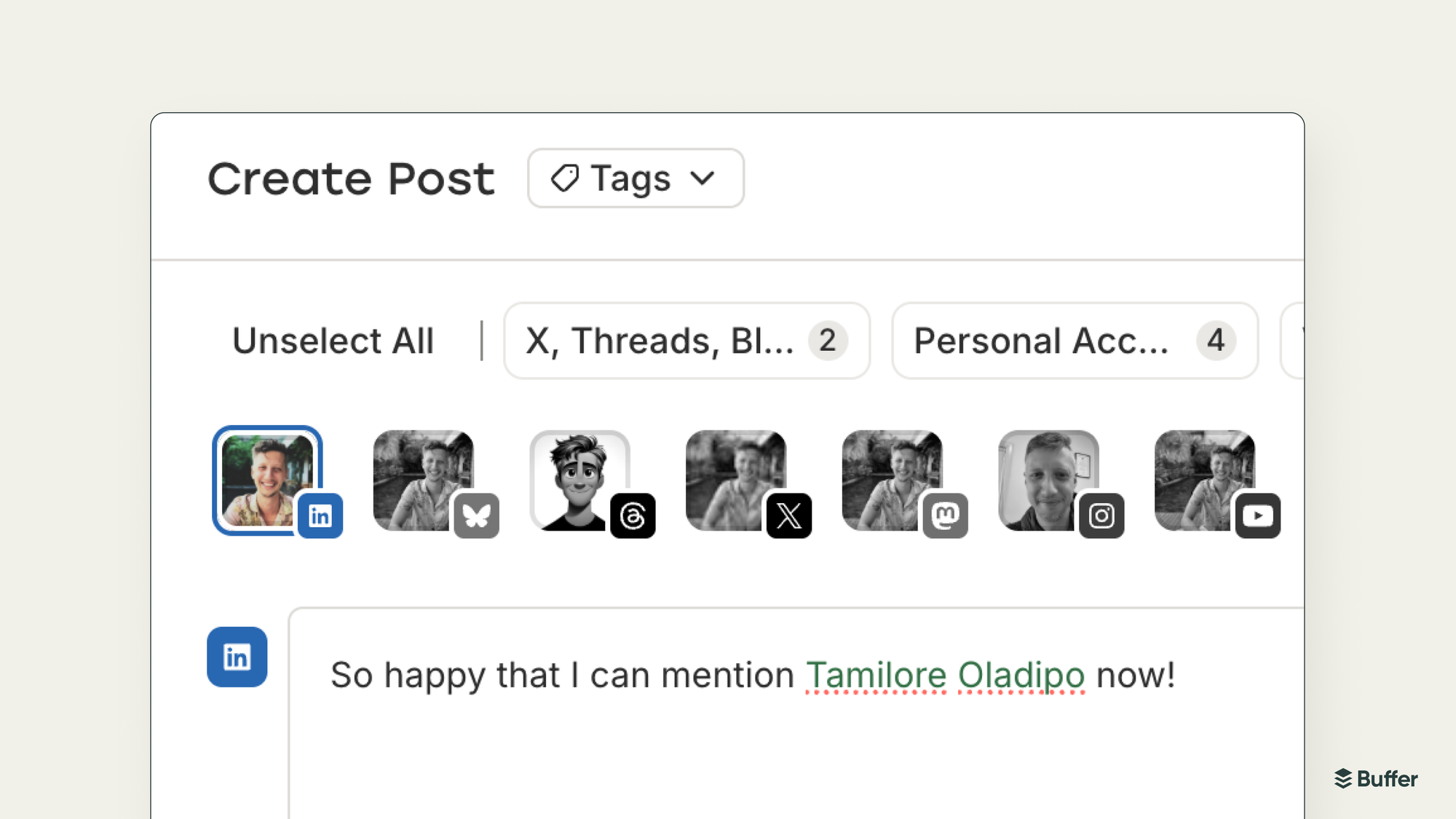
Image source: Buffer product update
This is the part Buffer gets right. You can write once, tailor the post for different channels, and keep moving instead of turning simple publishing into a mini production process.
Here is the honest version. Buffer is not the cheapest option for every setup, and it is not the broadest business system either, but it lands in a very useful middle ground for people who mainly want to publish, reply, and review results in one clean place.
Check the official free trialChoose Buffer if you want the cleanest balance of ease, useful features, and sane pricing for social media itself. Choose Flick Social if you want a cheaper creator-first option, and choose GoHighLevel if you want a broader all-in-one stack and are willing to pay for it.
That is also where the Buffer discount question becomes easier to answer. The annual savings help, but Buffer wins mostly because it is easier to live with day after day than heavier tools and more complete than bare-bones schedulers.
Final verdict
Buffer is worth paying for if you already know social media is part of your weekly workload and you are tired of doing it the slow way. It saves the most value-minded buyers from two bad outcomes: overpaying for enterprise-style complexity or staying stuck with manual posting for too long.
That does not mean everyone should upgrade right now. If you are barely posting, still testing whether social matters for your business, or only need a simple queue for a couple of profiles, the free plan is good enough for now.
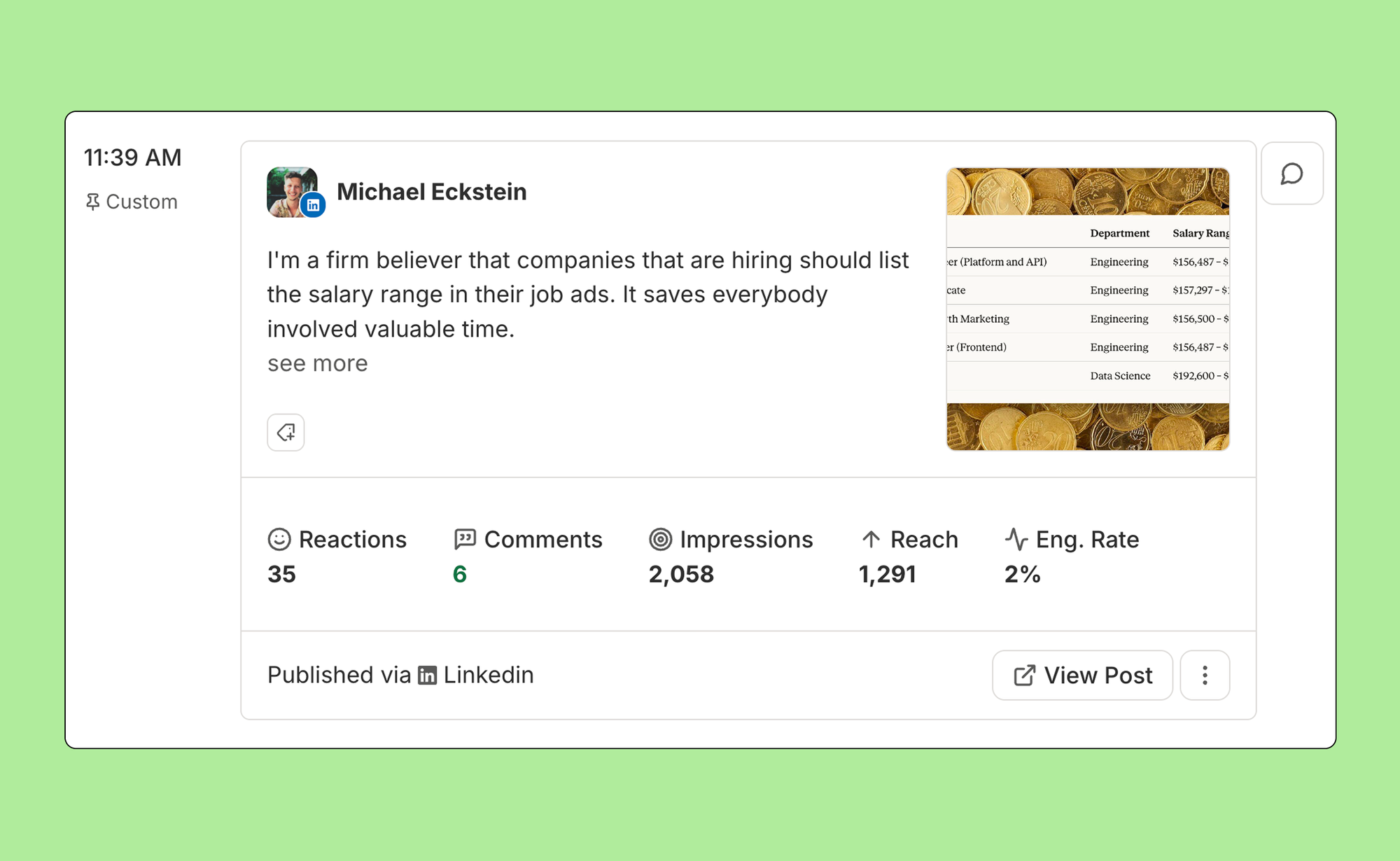
Image source: Buffer features guide
This is where Buffer starts to earn its price. Once reporting, comment management, and multi-channel publishing matter to you, the platform stops feeling like a nice extra and starts feeling like time you were wasting before.
The people who should buy now are pretty easy to spot. You already publish often, you manage enough channels that native apps are annoying, and you want something simpler than a giant marketing suite but stronger than a free toy.
The people who should wait are just as easy to spot. You are new, inconsistent, or not yet bothered by the free plan limits, so paying now would probably feel heavier than helpful.
The people who should skip Buffer are the ones who need deep CRM, funnels, automations, or white-label client systems more than they need social media management. Those buyers are better off looking at GoHighLevel instead of trying to force Buffer into a job it was never built to do.
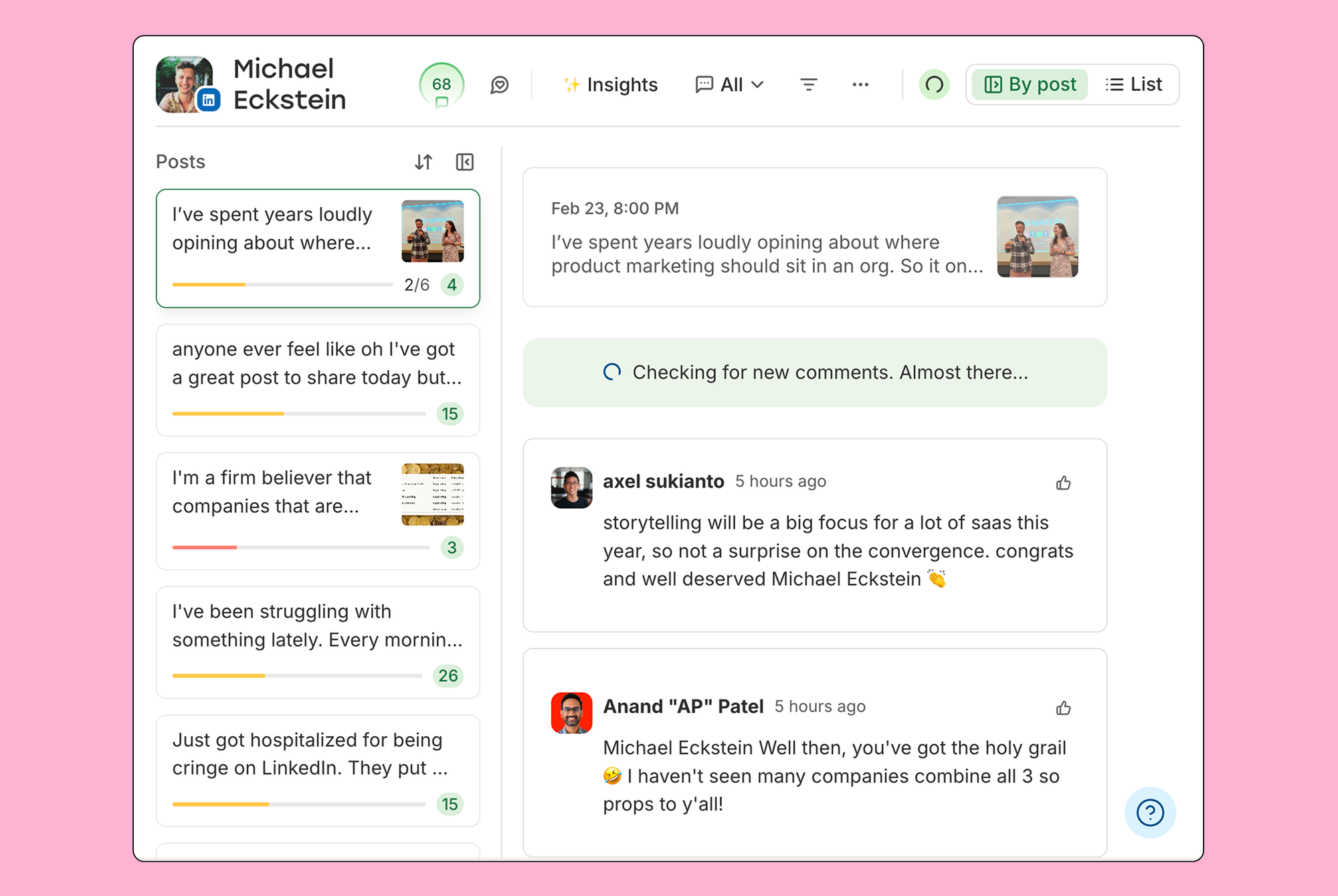
Image source: Buffer features guide
My honest take is simple. The Buffer discount is useful, but the bigger reason to buy is that Buffer makes social media feel much easier to run without jumping all the way up to expensive, enterprise-style software.
For the right buyer, this is absolutely worth trying now. If you already have content to publish and a business that benefits from staying visible, waiting usually just means you keep dragging manual work around longer than you need to.
Buffer discount FAQ
Does Buffer have a real discount?
Yes. The reliable public discount is annual billing, which cuts the cost versus paying monthly, and Buffer also offers a 50% nonprofit discount for eligible organizations.
Is the Buffer free plan enough before I pay?
For a lot of new users, yes. If 3 channels and 10 scheduled posts per channel cover what you are doing right now, stay free until the limits slow you down.
Is Buffer actually better than doing this manually?
Yes, once you are posting regularly. Writing, scheduling, tracking comments, and checking performance in one place is much faster than bouncing between native apps, notes, and spreadsheets.
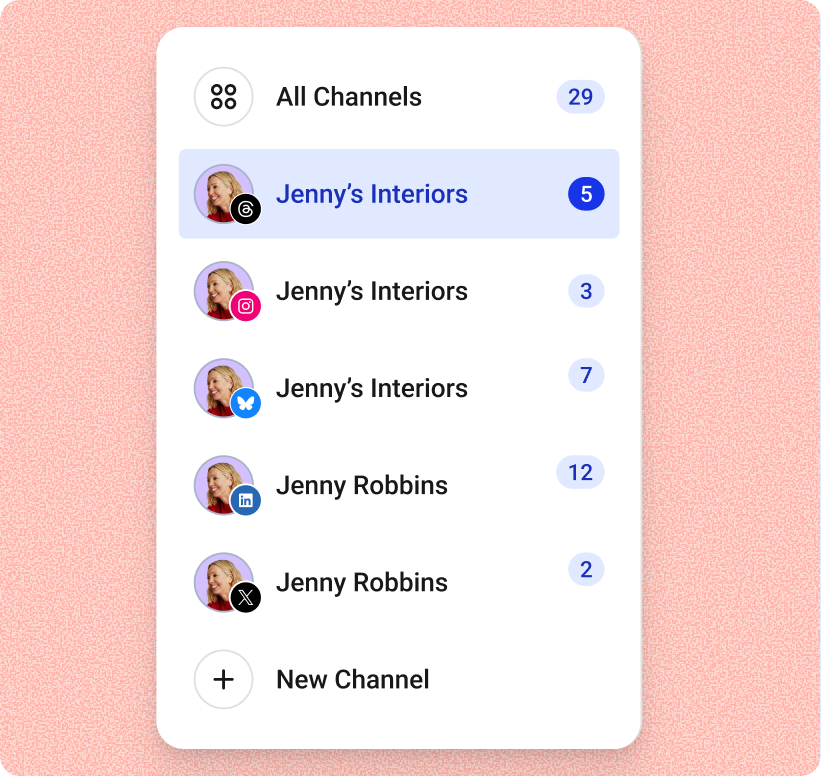
Image source: Buffer Community announcement
Who should not buy Buffer?
Skip it if you need CRM, funnels, email automation, SMS, and appointment workflows more than you need social scheduling and engagement. Buffer is great for some people and too narrow for others.
Should you start now, later, or not at all?
Start now if you already post often and want a cleaner system. Wait if you are still too early to feel the free plan limits, and skip it if your real need is a broader platform like GoHighLevel or a cheaper creator-first option like Flick Social.
Get started with Buffer Filip Konecny Enterprises