

If you came here looking for a Buffer coupon code, here’s the blunt answer: the real savings angle is usually not a public coupon at all. Buffer is currently pushing a free plan, a 14-day trial for paid plans, and a 20% discount when you switch to annual billing, which matters more than chasing random coupon pages that often send you in circles.
That makes this a simple buying decision. You are really deciding whether Buffer is cheap enough, easy enough, and useful enough to start now, or whether you should stick with a lighter free setup or choose a different tool entirely.
For the right buyer, Buffer is attractive because it stays focused. You can schedule content, manage a few channels without chaos, and get useful analytics without paying for a giant enterprise-style platform you may never fully use.
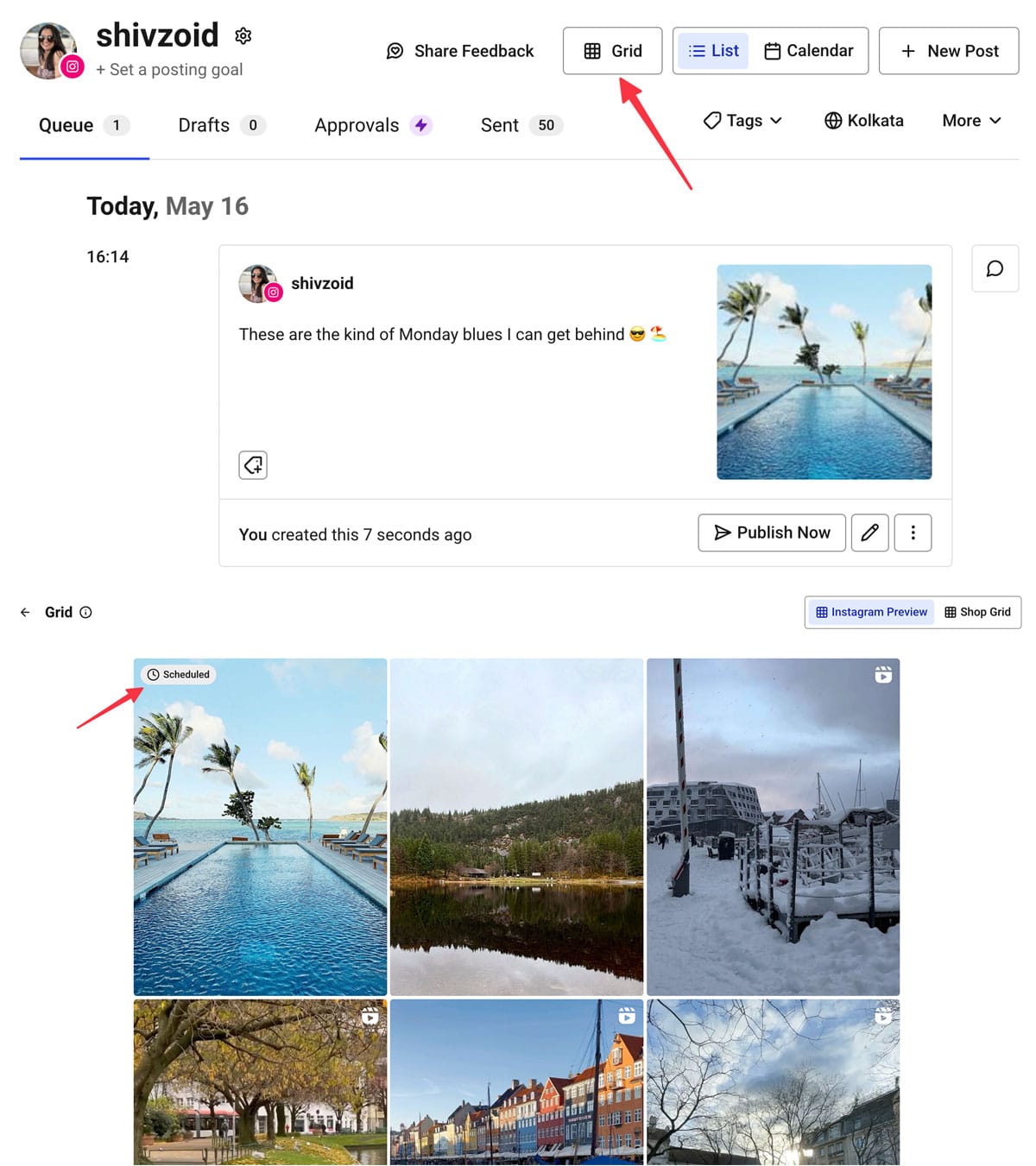
Image source: Buffer resource page
Should you even bother looking for a Buffer coupon?
Usually, no. The better move is to judge the actual offer in front of you: Buffer’s free plan, the one-time 14-day trial, and the yearly discount on paid plans are the deal structure that matters most for a real buyer.
That matters because Buffer is not one of those tools where a hidden coupon suddenly makes an expensive platform cheap. Its pricing is already built around a lower-entry model, with free access for basic use and paid plans that scale by channel, so the real question is whether the upgrade saves you enough time to justify the monthly cost.
If you only need occasional posting for one or two accounts, you probably do not need to overthink this. If you are posting consistently, juggling multiple profiles, or tired of manual scheduling, Buffer starts making more sense fast.
Check the official free trialArticle outline
Use these page jumps if you want to skip straight to the part that helps you decide.
- Should you even bother looking for a Buffer coupon?
- What you get in the trial
- The good stuff
- Pricing and value
- Alternatives worth looking at
- Final verdict
- FAQ
Who this review is for
This review is for someone who is close to taking action. You already know you need help posting consistently, and now you want to know whether Buffer is the smart low-friction option or just another subscription you will forget about in two weeks.
Buffer looks strongest when your current setup feels messy but your needs are still pretty focused. You want scheduling, a cleaner workflow, and enough reporting to see what is working, but you do not necessarily want to buy a heavier platform like GoHighLevel or build a broader marketing stack around funnels and sales pages with ClickFunnels.
It is less compelling if your main goal is advanced automation, CRM depth, or replacing half your business software in one move. Buffer is better when your problem is social media management, not your entire business operating system.
What this means before you buy
If you are hoping for some giant Buffer coupon that turns the product into a crazy bargain, that is probably the wrong mindset. Buffer wins more on simplicity and low commitment than on dramatic discounting.
That is actually good news for the right buyer. You can make a clean decision quickly: try the platform, see whether it saves you time, and then either stay on free, move to paid, or leave without getting trapped in a bloated setup.
The next section gets into the part that matters most before you spend anything: what you actually get in the trial, what you can test in real use, and whether the upgrade feels justified once you are inside.
What you get in the trial
Buffer makes the “coupon” question less important because the official pricing page already gives you the real offer: a free plan, a paid-plan trial, and cheaper annual billing. You are not dealing with a tool that hides the value behind some mystery code.
The free trial is a one-time 14-day test of the full toolkit. Buffer’s own plan guide says the trial puts you on Team, so you can see the paid features without guessing whether the upgrade is worth it.
That matters because Team is where Buffer stops being just a basic scheduler. You get unlimited scheduled posts, advanced analytics, approval workflows, access levels, and the option to invite additional users during the trial.
- Free plan: up to 3 channels, 10 scheduled posts per channel, 100 ideas, 1 user, AI Assistant, basic analytics, and community inbox.
- Essentials: starts at $5 per channel monthly and adds unlimited scheduled posts, advanced analytics, hashtag manager, and first-comment scheduling.
- Team: starts at $10 per channel monthly and adds unlimited team members, permissions, and content approvals.
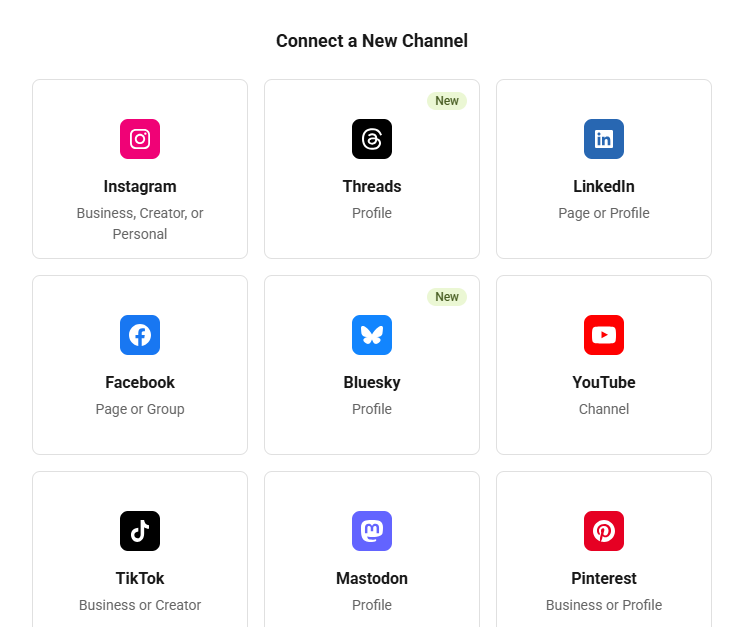
Image source: Buffer LinkedIn scheduling guide
You can learn a lot in 14 days because Buffer is easy to set up. Connect your channels, schedule real content, and you will know pretty quickly whether the platform saves you enough time to justify paying for it.
The good stuff
Buffer looks strongest when you want social scheduling without a pile of extra moving parts. The publish feature page shows the core appeal clearly: one place to plan, queue, schedule, and publish across Instagram, TikTok, Facebook, X, Pinterest, LinkedIn, YouTube Shorts, Google Business Profile, and Start Page.
That is the real payoff. You stop bouncing between native apps and start working from one calendar and one composer, which is a big deal if posting consistently has been the thing you keep putting off.
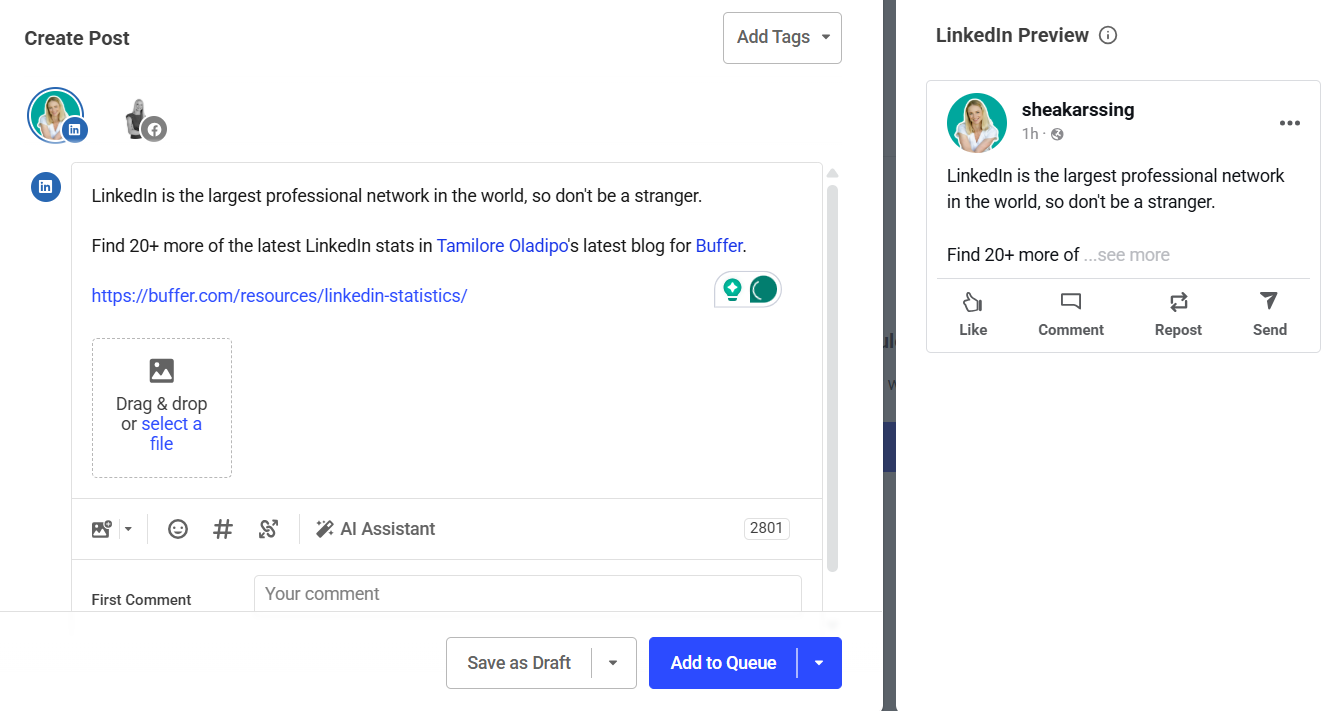
Image source: Buffer LinkedIn scheduling guide
Paid plans also remove a common annoyance fast. Buffer’s official scheduling page says Essentials and Team let you keep up to 2,000 posts scheduled at once, while the free plan stays at 10 posts per channel.
That means the free plan is good for light testing, but not for serious batching. If you like planning a week or a month ahead, the paid plans feel more realistic very quickly.
Buffer also has a cleaner planning workflow than a lot of people expect. The platform’s newer Create space and ideas views make it easier to keep rough ideas, drafts, and scheduled posts close together instead of scattering them across notes apps, docs, and spreadsheets.
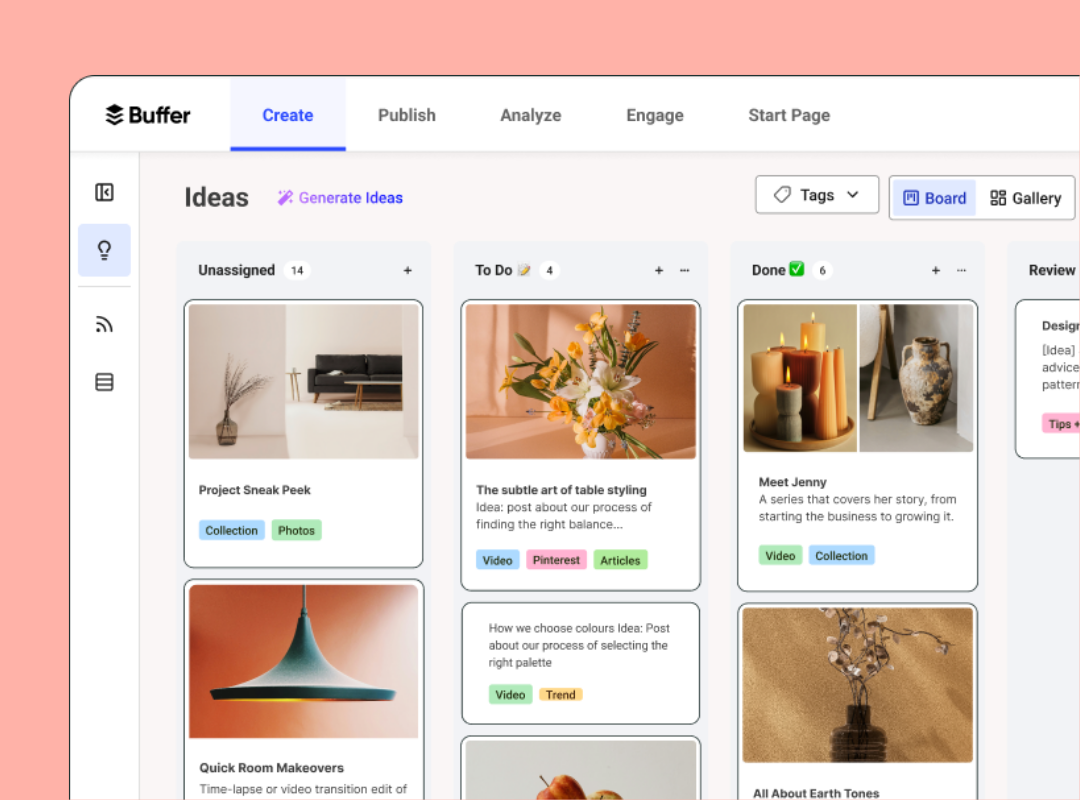
Image source: Buffer scheduling tools guide
That planning layer is easy to underestimate until your posting routine gets messy. If you are constantly thinking, “I know I should post more, but I never have everything ready,” this is one of the parts of Buffer that starts earning its keep.
The catch is that Buffer stays pretty focused. It is not trying to be your CRM, funnel builder, email platform, or full client-management stack, which is great for simplicity and less great if you hoped one subscription would replace half your business software.
Pricing and value
Buffer is not expensive by software standards. The official pricing starts free, then moves to $5 per channel on Essentials and $10 per channel on Team, with annual billing saving you two months on the paid tiers.
That is why hunting for a Buffer coupon is usually the wrong move. The better question is whether paying a few dollars per channel saves you more time than manual posting and app-hopping are already costing you.
See current pricingBuffer wins this group if your real need is social media consistency. It loses if you are secretly shopping for a broader business stack and expecting a scheduler to solve CRM, email, automation, and sales problems too.
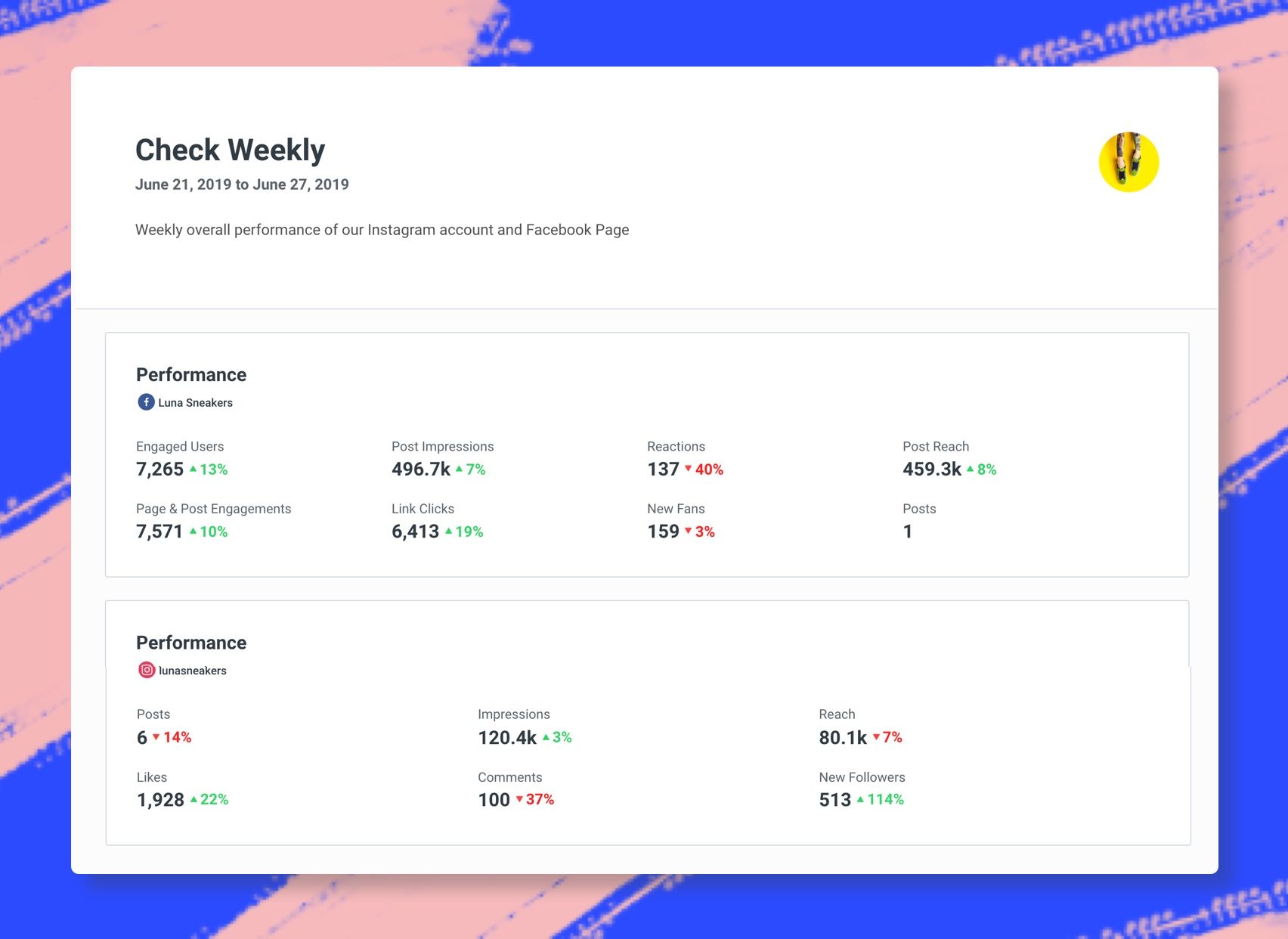
Image source: Buffer social media analytics guide
Why paying for it can make sense before you find a coupon
If you are already posting every week, waiting for a Buffer coupon usually just means you keep doing low-value manual work longer than necessary. The paid plans remove the queue limit, add better analytics, and make planning less annoying, which is where the upgrade starts to justify itself.
If you are barely posting, stay on free for now. If you already have content going out across a few channels and you want a cleaner routine, Buffer is cheap enough that the trial is the better next step than continuing to search for a discount code that may not change the decision much anyway.
For the right buyer, this is absolutely worth trying now. Buffer is not trying to be everything, and that is exactly why it can be such an easy yes when your problem is simple: you need to publish more consistently without turning social media into a full-time admin job.
Alternatives worth looking at
Buffer is not the only option here, and that is a good thing. A review like this should help you decide whether Buffer is the smart buy for your setup or whether another tool fits better.
Buffer wins when you want a clean social media workflow and do not want to pay for a giant all-in-one stack. It gets weaker when your real problem is sales funnels, CRM, or agency automation rather than social scheduling itself.
Image source: Buffer Instagram planning guide
That is why the alternatives matter. If you are comparing Buffer against creator-focused tools, funnel builders, and broader marketing platforms, the right choice depends on what job you need the software to do every week.
Check the official free trialChoose Buffer if you want to post more consistently without buying a bulky system. Choose Flick Social if creator tools and hashtag workflow matter more, choose Systeme.io if you need funnels and email, and choose GoHighLevel if you need a much broader all-in-one stack for sales and client operations.
That is the honest split. Buffer is not trying to win every category, but it does a very good job in the one that matters most for a lot of people: making social content easier to plan, publish, and keep moving.
Final verdict
If you are still searching for a Buffer coupon, you are probably overthinking the wrong part of the decision. The free plan, the 14-day trial, and the annual discount already tell you almost everything you need to know about the value.
Buffer is worth trying now if you already post on multiple channels and your current process feels sloppy. It is easy to understand, low-risk to test, and cheap enough that the upgrade can pay for itself quickly in saved time and fewer missed posts.
Buffer is worth waiting on if you barely post and still have no real publishing habit. In that case, the free plan is enough for now, and paying early will not magically fix a consistency problem by itself.
Buffer is worth skipping if you actually need a CRM, sales funnels, automations, or heavy agency features. A broader tool like GoHighLevel or a budget-friendly online business stack like Systeme.io will make more sense in that situation.
Image source: Buffer content planning guide
My honest take is simple. Buffer makes the most sense when your main goal is to get organized, publish more often, and stop doing social media in a messy last-minute way.
That is why the lack of some flashy Buffer coupon code does not bother me much here. For the right buyer, the trial is already enough to prove whether the platform saves you time, and waiting too long usually just means you keep postponing the system you already know you need.
FAQ
Does Buffer usually have a real coupon code?
Not in the way people usually hope for. The real deal is normally the free plan, 14-day trial, and annual discount, not some giant public coupon that changes the math dramatically.
Is Buffer worth paying for if the free plan already exists?
Yes, if you post regularly. The paid plans remove the tight queue limit, add stronger analytics, and make planning more realistic for anyone managing more than a tiny content schedule.
Image source: Buffer analytics guide
Can beginners handle Buffer?
Yes. Buffer is one of the easier tools in this category to understand, which is a big reason it is attractive for solo creators and small businesses that do not want a steep learning curve.
Should you switch from another social media tool?
Switch if your current tool feels bloated, expensive, or harder than it needs to be. Stay put if your existing setup already gives you smooth scheduling, approvals, and reporting at a price you are happy with.
Is Buffer too basic for teams?
Small teams can do well on Team because it adds unlimited team members, access levels, and approval workflows. Larger teams with heavier client management or deeper cross-channel operations may outgrow it and want something broader.
If your goal is simple social execution, Buffer is still one of the easier buys in this category. You can test it quickly, understand it fast, and make a clean decision without committing to a complicated stack.
Get started with Buffer Filip Konecny Enterprises